

Comcast proxy for US account access and website testing
Choose a Comcast residential proxy with unlimited traffic and a dedicated US IP for repeat logins, price monitoring, and website testing. A static ISP connection keeps your address consistent across sessions, so you can return to accounts and check how websites respond to traffic from the Comcast network.
Choose fixed or rotating Comcast proxy connections
Get unlimited traffic and a dedicated IP with static Comcast ISP proxies for repeat account logins, store management, and daily price checks. For research that needs changing addresses, rotating residential plans offer Comcast ISP targeting where available, traffic-based billing, and unused traffic rollover.

Use a US Comcast IP from wherever you work
Check US storefronts, regional offers, and ad landing pages through a Comcast residential proxy, even when your team works abroad. Compare results with other locations using the wider residential network of 100M IPs across 195+ countries to identify differences in displayed prices, redirects, and page availability.
Run automated tests through a Comcast proxy
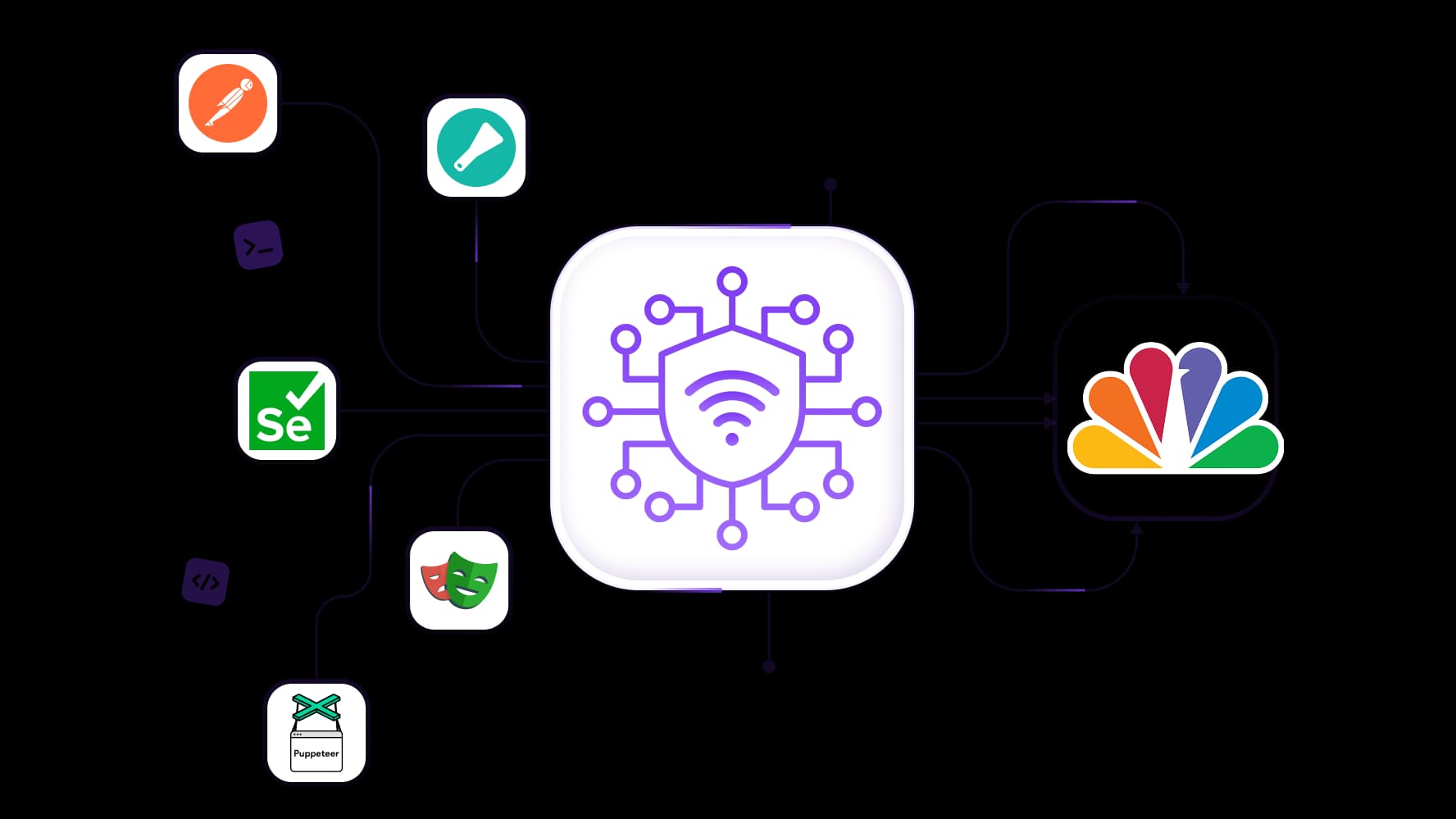
Connect your Comcast proxy server to Scrapy, Postman, Selenium, Playwright, or Puppeteer. Test checkout pages, collect public listings, and investigate website access issues reported by Comcast users. Full API access for proxy management and integration support help you build these checks into existing scripts.
Control your Comcast proxy sessions and IP rotation
Keep sign-ins, account updates, and checkout tests on one IP with sticky sessions up to 24 hours on supported residential plans. Configure rotation between completed tests or independent research requests, so you can compare results across Comcast IPs while keeping each multistep test on a consistent address.
Give each client account its own Comcast proxy
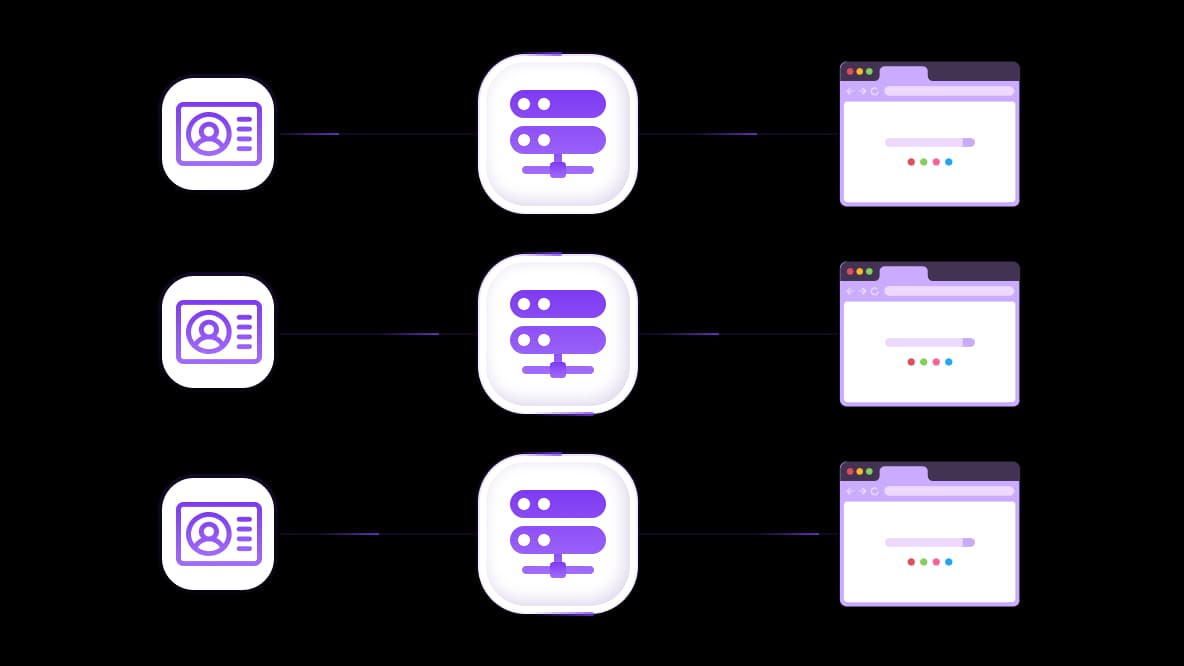
Assign dedicated Comcast proxies to separate browser profiles for client stores, ad accounts, and support dashboards. HTTP and SOCKS5 support let you connect compatible browsers and cloud phones. Give each account a consistent IP for daily access, while keeping public-data collection and testing on separate connections. The SEO section should lead with Comcast IP selection, unlimited-traffic options, and practical business uses, then cover setup and troubleshooting. Keep the email, privacy, and shareholder-related keywords in focused sections so the page maintains its purchase intent.
Specially for you
Best proxies by countries

Comcast - dedicated mobile unlimited
- Dedicated 5G Router
- Socks5/VPN with dedicated DNS
- Manual IP Changing
- Change p0f fingerprint (Windows, MacOS, Android)
- High Trust Rate
- Very High Speed + Low Ping
- All network params 1:1 as provider's
Comcast - shared mobile
- Shared 5G Router
- Supports SOCKS5 with UDP
- Up to 5 users per port
- Socks5/HTTP
- IP Rotation: every 30 min
- Windows p0f fingerprint
- High Trust Rate
- Very High Speed + Low Ping
- All network params 1:1 as provider's
Comcast - rotating residential
- 24 hours Availability
- Real ISP
- Speed up to 10 mbps
- Full API Access
- HTTP Protocol
- 100M+ IPs in 100+ Countries
- Mass Credentials Generator
- Long session up to 6 hours
Comcast - private residential
- Unlimited Bandwith
- Real ISP
- Speed up to 150 mbps
- Low Ping
- Supports SOCKS5 with UDP
- 24 hours Availability
- 1 Dedicated IP
Comcast - dedicated datacenter
- Unlimited bandwidth
- Exclusive IP ownership
- High-speed connectivity
- 99.9 % uptime
- HTTP
Comcast - shared datacenter
- Lightning-fast speeds
- Global IP coverage
- 99.9 % uptime
- Cost-efficient plans
- 1 GB bandwidth
- HTTP
Why do they buy from us?
Advantages
Private card payment
It doesn't matter how you topped up your balance, linking the payment to the rental of a specific proxy is impossible.
We do not store data on servers
As a rule, services that rent out proxies retain all data about the traffic passing through their servers.
Dedicated device
We do NOT disguise Shared proxies as individual ones. A modem or router is transferred to ONLY one person.
Online technical support
We are always ready to solve your problems and questions. Even late at night and early in the morning.
Money-back guarantee
We have both returns and exchanges. The priority is quality service and satisfied customers.
API for Business
For business clients, our service is ready to provide a convenient API that allows you to purchase proxies, change IP addresses, and much more.
What is a Comcast proxy
A Comcast proxy routes traffic from a configured browser or application through an exit IP associated with Comcast’s network. The destination website sees that IP as the source of the connection. This lets you check US storefronts, investigate website behavior, and manage accounts through a Comcast address.
For unlimited traffic and a fixed IP throughout the rental period, static ISP proxies suit repeat logins and ongoing account management. A rotating Comcast residential proxy suits independent research requests, with Comcast ISP selection where available and session settings that control when the address changes.
Choose a Comcast residential proxy for accounts or research
Choose a Comcast residential proxy around how long you need the same IP and how much traffic you expect to use. Repeat account access benefits from a fixed address and predictable costs, while independent research requests may call for changing IPs.
Static Comcast ISP proxies for repeat account access
Unlimited traffic and a dedicated address make US ISP proxies suitable for managing client stores, advertising accounts, and recurring dashboard access. The IP stays assigned throughout the rental period, so each configured browser profile can return through the same address. Billing by IP and rental period also makes frequent browsing easier to budget.
Rotating residential connections for separate research requests
For public listings, price comparisons, and independent website tests, use Comcast ISP targeting where available in the rotating residential pool. Confirm that Comcast is available for the location you need before starting the task.
Rotating residential proxies use traffic-based billing, with unused traffic rolling over into the next month. Configure rotation for separate requests or use supported sticky sessions to keep a multistep test on one IP.
Proxy option | Suitable tasks | IP behavior | Traffic billing | Comcast availability |
Static ISP | Client stores, ad accounts, dashboard access | Dedicated IP throughout the rental period | IP rental with unlimited traffic | US Comcast |
Rotating residential | Public-data collection, price comparisons, website tests | Rotation for every request or supported sticky sessions | Traffic-based billing with unused traffic rollover | ISP targeting where available; confirm current inventory |
The static listing’s availability can be checked in the catalog before ordering.
The wider residential network covers 100M IPs across 195+ countries. Those figures describe the global pool; the available Comcast proxies form a separate, ISP-specific selection within it.
What can you do with Comcast proxies?
Comcast proxies add ISP selection to your location and session requirements. That gives you a specific US network connection for investigating access problems, checking storefronts, and returning to client accounts through a consistent IP.
Investigate website issues reported by Comcast users
If a Comcast user reports a redirect loop or a page that fails to load, test the same URL through a Comcast residential proxy. Compare redirects, HTTP responses, and page loading with another connection while keeping the browser and test steps consistent. This helps investigate differences associated with the exit network, although the customer’s device, router, and home connection remain separate factors.
Check US storefronts and advertising destinations
Review product availability, displayed prices, and promotional offers through a Comcast IP. Follow campaign links to check whether visitors reach the intended landing page and whether its offer matches the advertisement. Keep browser language, cookies, login state, and location permissions consistent when comparing connections so those settings do not obscure the results.
Give client accounts consistent connections
Assign a dedicated Comcast proxy to each client account’s browser profile for updating store listings, reviewing advertising campaigns, and handling support requests. Reuse that assignment across visits to maintain a consistent IP. Separate browser profiles keep account cookies and logins organized, while separate proxy assignments give each profile its own connection.
Automate public-data collection and browser tests
Use Scrapy to collect public listings, Postman to test API responses, and Selenium, Playwright, or Puppeteer to check navigation and checkout sequences through a Comcast IP. Schedule these checks to track changes over time and save results for comparison.
Proxy-management API access lets scripts retrieve connection details and monitor residential traffic usage. Your scheduled jobs can check the selected proxy configuration and available traffic before starting a collection or testing run.
Comcast proxy server settings: how to connect
Get your Comcast proxy server settings from the proxy provider’s dashboard. Open the selected service to find the connection details for your browser profile or application.
Choose an available Comcast connection and billing plan.
Confirm Comcast availability, then choose a fixed-IP rental for recurring account access or a traffic-based residential package for research.Select supported location and session settings.
For rotating residential connections, select the United States and Comcast ISP targeting where available. Choose rotation for independent requests or a supported sticky session for connected steps. Static ISP plans retain their assigned address throughout the rental period.Copy the connection details.
Collect the endpoint or hostname, port, supported protocol, and authentication details. Use the proxy username and password supplied for that connection.Configure the intended browser profile or application.
Enter the details in its proxy settings and select a protocol supported by both the application and the proxy.
Follow the guide for setting up your proxy.
How to verify your Comcast residential proxy
Before using a Comcast residential proxy for recurring account access or scheduled research, test it in the browser profile or application you intend to use. Check the exit IP, location, website response, and session behavior together.
Confirm the application uses the proxy.
Request your public IP from inside the configured browser, script, or testing tool. Record the returned address. A successful check in your browser does not confirm that a separate application follows the same route.Check the exit IP’s ISP and ASN.
Look up the returned address’s ISP, organization, and autonomous system number (ASN). For example, AS7922 is registered to Comcast Cable Communications, LLC. Check the actual exit IP against network records, rather than relying solely on the plan’s Comcast label.Verify the country and any required city.
Confirm that the address is identified as US-based. If a particular city matters, check that separately and test the destination website’s location-dependent behavior. Geolocation databases can disagree, and city estimates have varying accuracy.Review reputation alongside a representative test.
Use an IP Fraud Score check to review reported risk indicators and blacklist information. Then test the dashboard, public listing, or API request you actually need. Assess the reputation report alongside response times, page loading, and any additional verification requests.Check persistence or rotation.
Record the IP across several requests and after reconnecting. Static Comcast ISP proxies should retain their assigned address during the rental period. For sticky sessions, check continuity within the configured duration; for rotation, test across the configured request or session boundaries.
Comcast network identification alone does not establish whether a proxy runs on a household connection, business line, or hosted infrastructure. A Comcast proxy also does not reproduce a particular subscriber’s device, router, or home network.
Troubleshoot Comcast proxy connections and 502 errors
Start by identifying whether the failure occurs in the configured application, the proxy service, or the destination website. Check one variable at a time before changing your Comcast proxy server settings.
Symptom | What to check | Next action |
Proxy authentication fails | Username, password, authentication method, and any IP allowlist | Recopy the assigned credentials, enable proxy authentication, and confirm that the subscription is active. |
The exit IP is unexpected | Application routing, bypass rules, ISP selection, and session settings | Run an IP check from the affected application and verify the exit address’s network information. |
Requests time out | Endpoint, port, protocol, and whether other websites respond | Test another destination through the same proxy. If all requests fail, check service status and contact proxy support with the error and timestamp. |
Only one website fails | The same URL through direct and proxied connections | Compare responses and check the website’s status. Record the error details before changing the connection. |
What does a 502 proxy error mean?
A 502 means a gateway or proxy received an invalid response from an upstream server while handling the request. The failing intermediary may belong to the proxy service or the destination website’s infrastructure.
When investigating a “502 proxy error Comcast” report, compare the same URL through direct and proxied connections. Check the endpoint, port, protocol, and authentication, then inspect the response body, headers, and available logs for clues about which service returned the error. A 502 alone does not establish that the rented proxy caused the failure.
What if the error appears when opening Comcast email?
If you searched for “502 proxy error Comcast email,” first check whether your mailbox still uses Xfinity’s interface or has transitioned to Yahoo Mail. Comcast’s email transition guidance describes invitations rolling out through 2026; migrated mailboxes use Yahoo Mail for access and support.
Use the appropriate sign-in page and compare access with the proxy temporarily disabled. If the error persists across connections, check the email provider’s service notices and troubleshooting guidance. Purchasing another proxy will not resolve an outage within the mail service.
Choose a Comcast proxy plan for daily business tasks
Choose a Comcast residential proxy based on the IP consistency, traffic costs, and software your daily tasks require. Before ordering, check:
Comcast availability and US location: Confirm current inventory and any specific city requirements.
Dedicated or rotating IPs: Choose a dedicated static address for recurring account access or rotating connections for independent research requests.
Session duration: Check how long a supported sticky session can retain its IP. Choose a static address when consistency must extend across separate days.
Traffic billing: Unlimited traffic on static ISP plans keeps bandwidth costs predictable. For rotating residential packages, estimate usage and review rollover terms.
Software compatibility: Confirm that the protocol and authentication method work with your browser profiles, cloud phones, or automation tools. Find more about CyberYozh App's integrations for your browser management.
Test results: Verify the exit IP, Comcast network association, location, and session behavior while completing a representative account or research task.
Explore the proxy catalog to check Comcast proxy availability and choose a fixed-IP connection for daily account access or a rotating residential package for research.
Choose a Comcast proxy plan for daily business tasks
Choose a Comcast residential proxy based on the IP consistency, traffic costs, and software your daily tasks require. Before ordering, check:
Comcast availability and US location: Confirm current inventory and any specific city requirements.
Dedicated or rotating IPs: Choose a dedicated static address for recurring account access or rotating connections for independent research requests.
Session duration: Check how long a supported sticky session can retain its IP. Choose a static address when consistency must extend across separate days.
Traffic billing: Unlimited traffic on static ISP plans keeps bandwidth costs predictable. For metered residential packages, estimate usage and review rollover terms.
Software compatibility: Confirm that the protocol and authentication method work with your browser profiles, cloud phones, or automation tools.
Test results: Verify the exit IP, Comcast network association, location, and session behavior while completing a representative account or research task.
Top up your balance in any convenient way!
Bank cards


Cryptocurrency


