

Proxy para Fortnite
Use proxies do Fortnite para reduzir o ping e garantir uma conexão estável com os servidores da Epic Games. Garanta que suas partidas sejam vencidas com maior probabilidade, participe de eventos locais ou colete dados da Epic Games sem interrupções ou problemas.
Obtenha os melhores proxies para Fortnite, otimizados para jogos
Compre proxies residenciais ou móveis com suporte completo a UDP para reduzir o ping, estabilizar sua conexão com os servidores da Epic Games e desbloquear conteúdo regional do Fortnite.
Jogue Fortnite de qualquer local com ping mínimo
Atribua IPs com precisão em nível de cidade de mais de 100 países para direcionar seu tráfego pelo caminho mais curto até os servidores da Epic Games. Acesse eventos e promoções exclusivos locais de qualquer lugar.
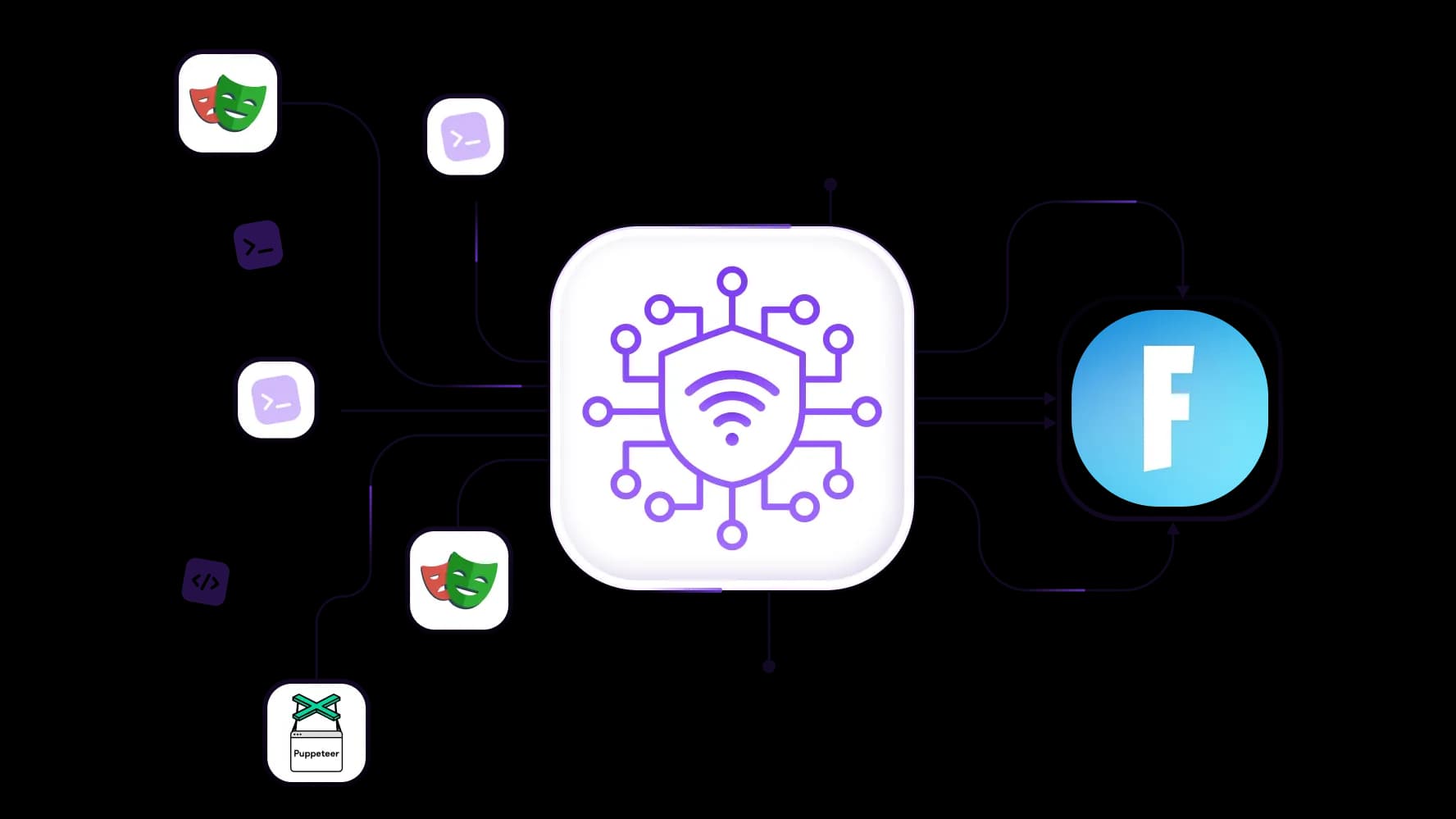
Extraia dados do Fortnite quando precisar, sem interrupções
Implemente um pool rotativo de mais de 50 milhões de IPs residenciais para coletar dados dos servidores da Epic Games. Integre via API com ferramentas como Puppeteer ou Playwright e extraia dados sem limites de taxa ou bloqueios de IP.
Execute várias sessões do Fortnite com proxies limpos
Atribua um IP residencial dedicado a cada sessão e mantenha cada conta totalmente isolada com sessões persistentes, apoiadas por uma taxa de sucesso de 99,95% para que suas conexões permaneçam livres de gatilhos anti-trapaça.
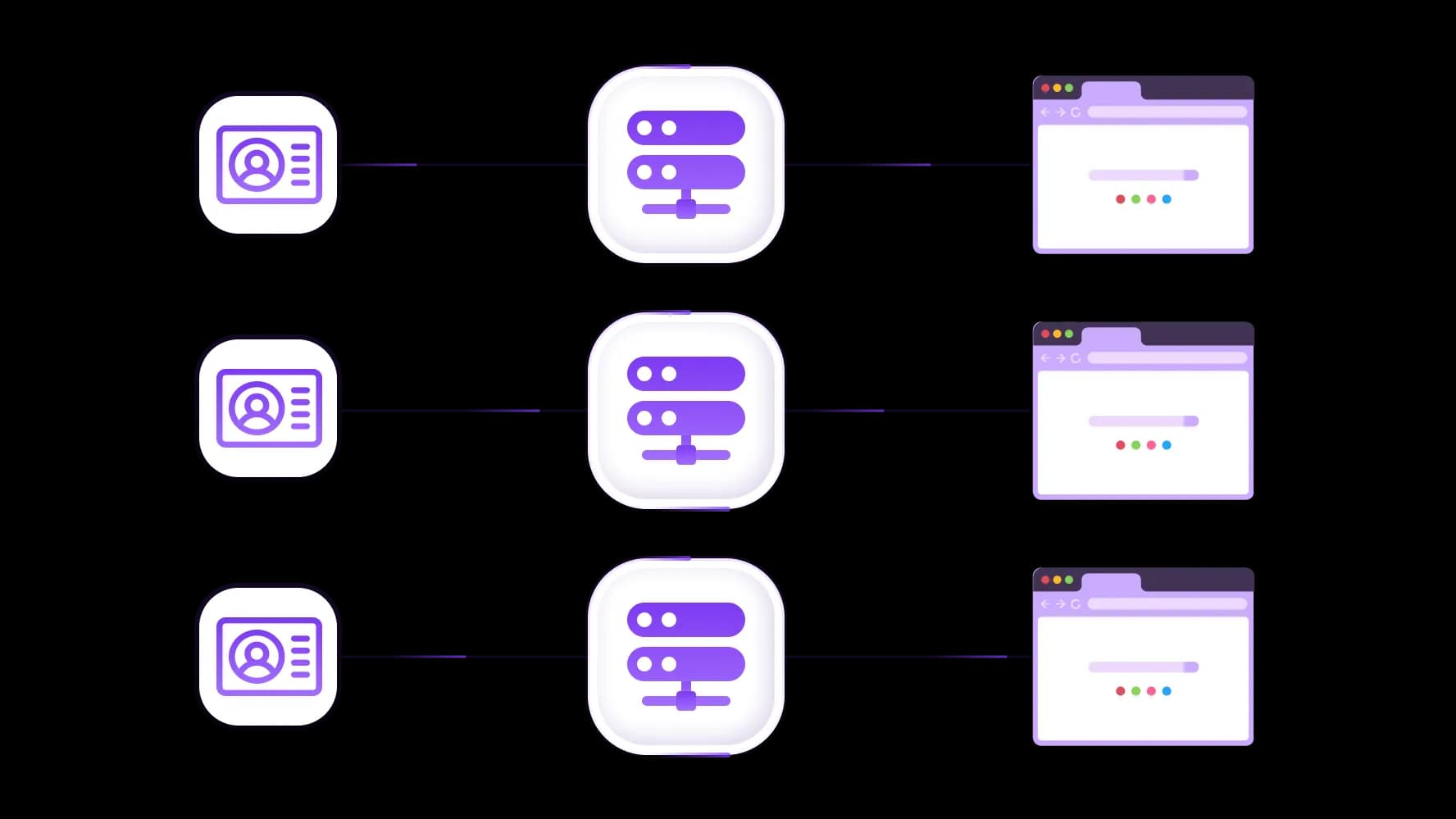
Combine proxies do Fortnite e ambientes antidetecção
Integre os proxies do CyberYozh em navegadores antidetecção ou telefones na nuvem para que cada perfil do Fortnite opere como um usuário completamente independente. Use a personalização de impressão digital de rede para melhor segurança.
Especialmente para você
Melhores proxies por países

Fortnite - móvel dedicado ilimitado
-
Roteador 5G dedicado
-
Socks5/VPN com DNS dedicado
-
Troca manual de IP
-
Alteração da impressão digital p0f (Windows, macOS, Android)
-
Alto nível de confiança
-
Velocidade muito alta + baixa latência
-
Todos os parâmetros de rede 1:1 como os do provedor
Fortnite - móvel compartilhado
-
Roteador 5G compartilhado
-
Suporte a SOCKS5 com UDP
-
Até 5 usuários por porta
-
Socks5 / HTTP
-
Rotação de IP: a cada 30 minutos
-
Impressão digital p0f do Windows
-
Alto nível de confiança
-
Velocidade muito alta + baixa latência
-
Todos os parâmetros de rede 1:1 como os do provedor
Fortnite - residenciais rotativos
-
Disponibilidade 24 horas
-
ISP real
-
Velocidade de até 10 Mbps
-
Acesso completo à API
-
Protocolo HTTP
-
Mais de 100M de IPs em mais de 100 países
-
Gerador massivo de credenciais
-
Sessão longa de até 6 horas
Fortnite - residenciais privados
-
Largura de banda ilimitada
-
ISP real
-
Velocidade de até 150 Mbps
-
Baixa latência
-
Suporte a SOCKS5 com UDP
-
Disponibilidade 24 horas
-
1 IP dedicado
Fortnite - datacenter dedicados
-
Largura de banda ilimitada
-
Propriedade exclusiva de IP
-
Conectividade de alta velocidade
-
Uptime de 99.9 %
-
HTTP
Fortnite - datacenter compartilhados
-
Velocidades ultrarrápidas
-
Cobertura global de IP
-
Uptime de 99.9 %
-
Planos econômicos
-
1 GB de largura de banda
-
HTTP
Por que eles compram de nós?
Vantagens
Pagamento com cartão privado
Não importa como você recarregou seu saldo, vincular o pagamento ao aluguel de um proxy específico é impossível.
Não armazenamos dados em servidores.
Como regra, os serviços que alugam proxies retêm todos os dados sobre o tráfego que passa por seus servidores.
Dispositivo dedicado
Nós NÃO disfarçamos proxies compartilhados como individuais. Um modem ou roteador é transferido para APENAS uma pessoa.
Suporte técnico online
Estamos sempre prontos para resolver seus problemas e dúvidas. Mesmo tarde da noite e cedo pela manhã.
Garantia de devolução do dinheiro
Temos tanto devoluções quanto trocas. A prioridade é um serviço de qualidade e clientes satisfeitos.
API para Negócios
Para clientes empresariais, nosso serviço está pronto para fornecer uma API conveniente que permite comprar proxies, trocar endereços IP e muito mais.
O que são proxies para Fortnite e por que você pode precisar deles
Fortnite é um jogo online TPS (Third-Person Shooter) altamente vibrante e dinâmico no gênero Battle Royale, com um estilo visual único e autêntico e uma narrativa bem desenvolvida. Não é de se admirar que ele una milhões de jogadores em todo o mundo e tenha sua própria economia baseada no jogo. Em jogos tão dinâmicos, o ping é tudo: se seu oponente tem 20 ms e você tem 60 ms, você provavelmente perderá mesmo com melhores habilidades. O jogo simplesmente não consegue executar suas ações mais rápido do que as do seu oponente.
Ping é sua latência no jogo. Quanto menor for, mais rápido suas ações são registradas. Ping alto torna suas reações lentas e deixa você vulnerável a oponentes mais rápidos.
Aqui, vamos explorar como proxies de alta qualidade podem aumentar a estabilidade do jogo e reduzir o ping, e como jogadores profissionais de Fortnite podem usá-los, juntamente com outras ferramentas que a CyberYozh oferece.
Já sabe o que precisa? Vá direto para nosso guia de configuração de proxy para Fortnite e comece por lá!
Diminua o ping e aumente a estabilidade da sessão de jogo
Tarefa: Seu ISP roteia o tráfego por caminhos não otimizados, causando ping alto e conexão instável aos servidores da Epic Games — particularmente crítico durante batalhas de construção rápidas.
Solução: Use proxies de jogos de alta velocidade com geotargeting preciso, posicionados próximos aos datacenters regionais da Epic Games, para criar um caminho de sinal direto e otimizado e reduzir drasticamente a latência.
A única maneira real de reduzir o ping é se aproximar do servidor ou mudar de cabo para fibra... O ping teoricamente segue a velocidade da luz, e o roteamento também desempenha um papel.
Execute múltiplas sessões de Fortnite ininterruptamente
Tarefa: Gerenciar múltiplas contas de Fortnite ou executar sessões paralelas leva o sistema anti-cheat da Epic Games a sinalizar seu IP e acionar banimentos de conta.
Solução: Use sessões sticky isoladas com diferentes IPs residenciais por conta. Cada sessão aparece como um jogador separado e legítimo com um endereço IP limpo e único.
Importante: Executar múltiplas contas pode violar os Termos de Serviço da Epic Games. Sempre revise suas regras antes de implementar configurações de múltiplas sessões para garantir conformidade.
Faça scraping de dados do Fortnite para pesquisa, se necessário
Tarefa: Desenvolvedores de jogos e pesquisadores precisam recuperar dados das APIs da Epic Games: lojas de itens, estatísticas de jogadores, metadados de eventos, sem atingir limites de taxa ou banimentos de IP.
Solução: Use proxies residenciais rotativos para distribuir solicitações por múltiplos IPs e coletar dados em escala sem acionar restrições. Integre via CyberYozh API para automação.
Leia mais sobre as peculiaridades de scraping da Epic Games na discussão do Stack Overflow.
Escolha de proxy para Fortnite: IP residencial com tráfego UDP
Proxies residenciais estáticos são o melhor proxy para Fortnite. Eles carregam IPs reais de ISPs domésticos, passam pelas verificações de confiança da Epic Games e entregam velocidade consistente para sessões ao vivo. Ao selecionar um com a localização mais próxima dos servidores da Epic Games, você garante roteamento ideal e a maior velocidade.
Curioso sobre outros tipos de proxy?
Proxies móveis destacam-se em tarefas de múltiplas sessões e críticas de confiança, como registro de contas, pois apresentam a menor pontuação de fraude.
Proxies de datacenter e proxies residenciais rotativos são menos relevantes para a maioria das tarefas do Fortnite e são adequados apenas para raspagem de dados.
Crucialmente, o Fortnite transmite jogabilidade ao vivo por UDP. Apenas proxies SOCKS5 e clientes que suportam explicitamente UDP são viáveis.
SOCKS5 é um protocolo de proxy que suporta tráfego TCP e UDP, tornando-o obrigatório para sessões de jogo ao vivo.
Tenha cuidado ao escolher seus clientes de proxy para Fortnite. Por exemplo, o Proxifier não pode ser usado para Fortnite. Ele não suporta UDP e interromperá o tráfego de jogo ao vivo. Pela mesma razão, proxies de datacenter não devem ser usados: eles normalmente suportam apenas o protocolo HTTP.
Use os clientes ProxyCap ou SocksCap64 para jogos.
Benefícios dos proxies CyberYozh para jogadores de Fortnite
CyberYozh oferece proxies rápidos e confiáveis com taxa de sucesso de 99,95%, o que significa que entre
Obtenha IPs residenciais de alta qualidade
Acesse um pool de mais de 100 milhões de IPs residenciais em mais de 100 países com precisão em nível de cidade e CEP. O ping pode chegar a apenas 20–30 ms quando correspondido à região correta do servidor.
Não perca tempo e navegue pelos proxies CyberYozh agora mesmo para selecionar a melhor localização para suas partidas de Fortnite.
Verifique a qualidade do IP antes de prosseguir
CyberYozh oferece qualidade de IP garantida através do IP Checkerintegrado. Verifique a localização precisa e a pontuação de fraude do seu proxy antes de entrar ao vivo. Se o seu IP tiver desempenho inferior, troque-o sem custo adicional.
Verifique contas locais, se necessário
Use um número de telefone virtual para receber SMS e registrar contas regionais do Fortnite em mais de 140 países. Pague por skins e itens do jogo em moeda local usando cartões virtuais CyberYozh sem atrito de pagamento geográfico.
Configure o proxy do Fortnite e teste você mesmo
Implantar um proxy CyberYozh para jogo eficiente de Fortnite leva apenas alguns minutos:
Obtenha suas credenciais de proxy.
Cadastre-se no CyberYozh, vá ao catálogo de proxies e selecione um proxy residencial estático em um país próximo à região do servidor Epic Games. Anote seu IP, porta (sempre selecione SOCKS5), login e senha.Instale um cliente de proxy com suporte a UDP.
Baixe o ProxyCap ou SocksCap64. No celular, siga os guias de configuração para Android ou iOS.Adicione os executáveis do Fortnite às regras de proxificação.
Inclua:EpicGamesLauncher.exe
FortniteLauncher.exe
FortniteClient-Win64-Shipping.exe
Verifique sua conexão.
Use o IP Checker para confirmar o IP do proxy, a localização e a pontuação de fraude. Inicie o Fortnite e verifique o ping no jogo. Se o resultado não for satisfatório, solicite uma mudança gratuita de localização através do Suporte CyberYozh.Automatize com a API CyberYozh (para desenvolvedores e pesquisadores).
Integre a API CyberYozh ao seu pipeline de scraping para rotacionar IPs, gerenciar sessões e coletar dados da Epic Games em escala sem intervenção manual.
Visite o catálogo de proxies da CyberYozh e selecione proxies residenciais entre mais de 100 países, com alta precisão e suporte em tempo integral em qualquer etapa da configuração.
Recarregue seu saldo de qualquer forma conveniente!
Cartões bancários


Criptomoeda


