

Gmail Proxy
Create and manage Gmail accounts at any scale with a dedicated proxy infrastructure. Assign one IP to each account, check their quality before deployment, use virtual phones to verify them, and avoid mass suspensions and bans. Integrate with antidetect tools for more protection and run automation workflows for large-scale Gmail management
Create Gmail accounts with proxies and virtual numbers
Open each legitimate business or test account through a distinct mobile IP, then complete required Google verification with a unique virtual number.
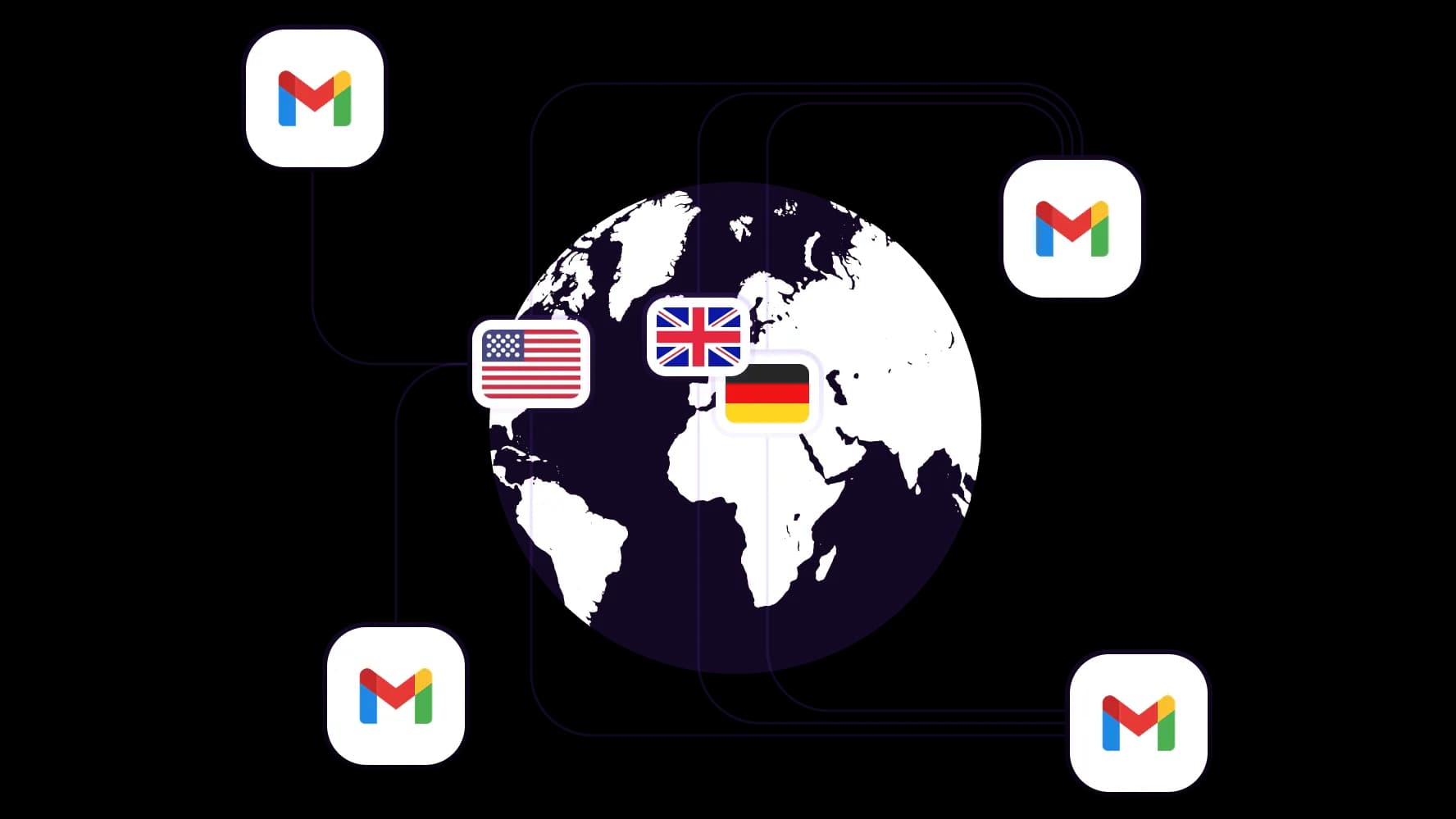
Use geotargeting to deploy Gmail accounts
Select country-appropriate residential IPs among 195+ countries before onboarding regional teams, validating localized signup pages, and checking service availability from each market.
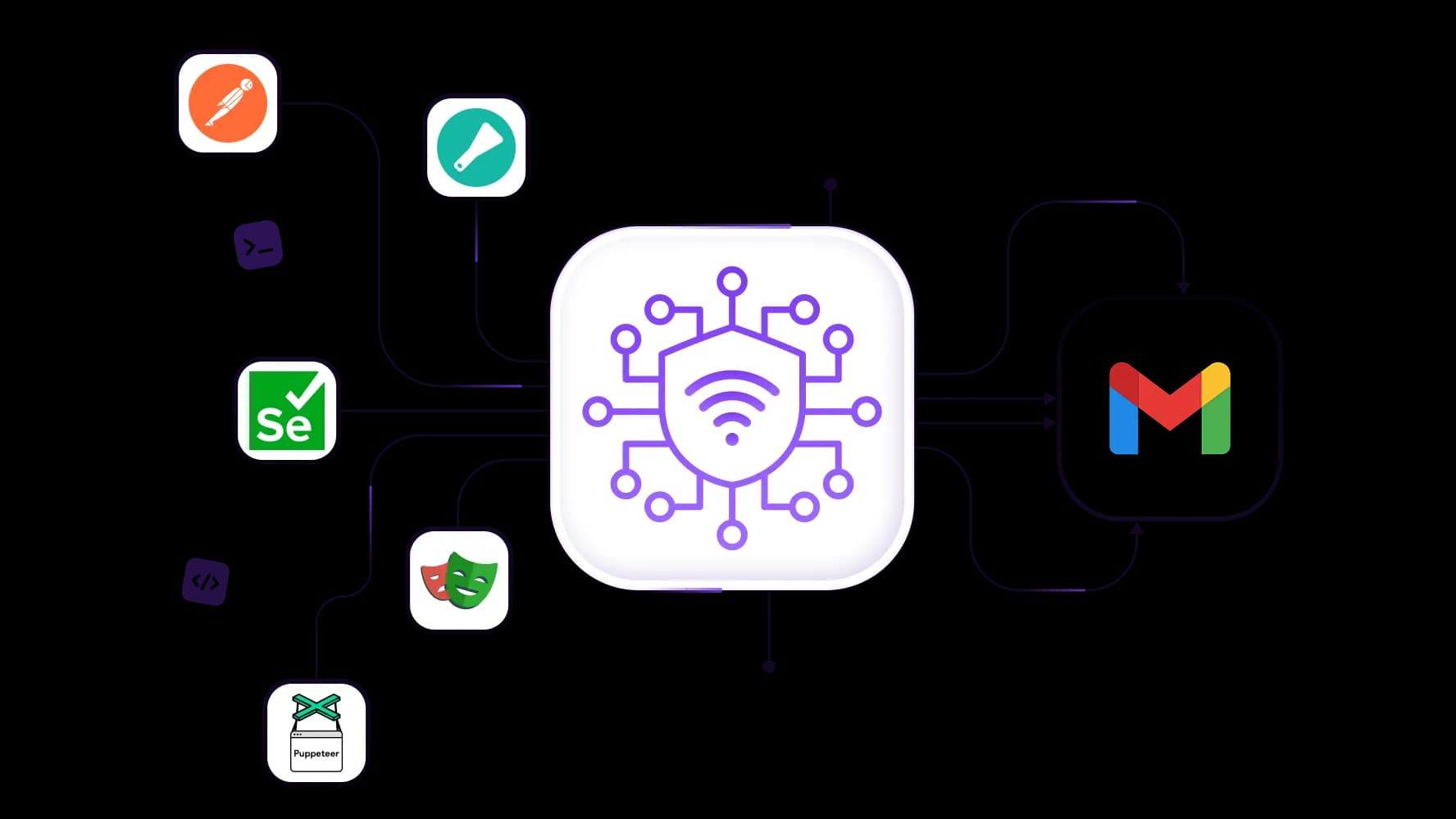
Automate Gmail account creation with proxies
Use Playwright, Selenium, Puppeteer, Postman with a 50M+ IP pool for authorized QA registrations, OAuth checks, and notification testing. Keep sessions stable.
Create unlimited Gmail accounts without bans
Provision separate workspaces for approved brands, departments, or test environments. With a 99.95% success rate, preserve stable session history, recovery data, and reviews for every account.
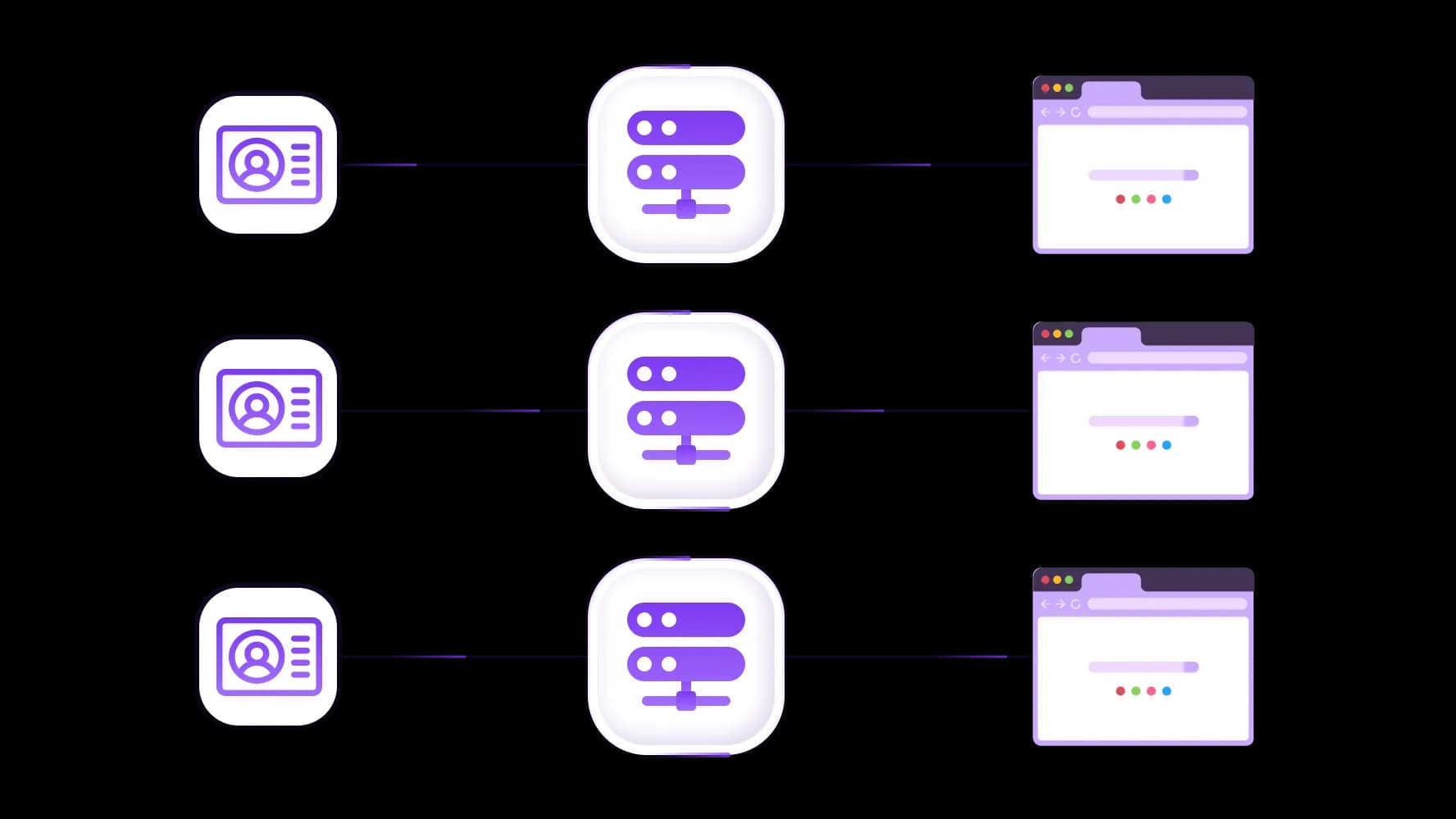
Use antidetect workflows for large-scale sessions
Pair CyberYozh mobile or residential proxies with antidetect browser profiles, giving every authorized workspace separate cookies, fingerprints, and network context during high-volume operations.
Specially for you
Best proxies by countries

Gmail - dedicated mobile unlimited
- Dedicated 5G Router
- Socks5/VPN with dedicated DNS
- Manual IP Changing
- Change p0f fingerprint (Windows, MacOS, Android)
- High Trust Rate
- Very High Speed + Low Ping
- All network params 1:1 as provider's
Gmail - shared mobile
- Shared 5G Router
- Supports SOCKS5 with UDP
- Up to 5 users per port
- Socks5/HTTP
- IP Rotation: every 30 min
- Windows p0f fingerprint
- High Trust Rate
- Very High Speed + Low Ping
- All network params 1:1 as provider's
Gmail - rotating residential
- 24 hours Availability
- Real ISP
- Speed up to 10 mbps
- Full API Access
- HTTP Protocol
- 100M+ IPs in 100+ Countries
- Mass Credentials Generator
- Long session up to 6 hours
Gmail - private residential
- Unlimited Bandwith
- Real ISP
- Speed up to 150 mbps
- Low Ping
- Supports SOCKS5 with UDP
- 24 hours Availability
- 1 Dedicated IP
Gmail - dedicated datacenter
- Unlimited bandwidth
- Exclusive IP ownership
- High-speed connectivity
- 99.9 % uptime
- HTTP
Gmail - shared datacenter
- Lightning-fast speeds
- Global IP coverage
- 99.9 % uptime
- Cost-efficient plans
- 1 GB bandwidth
- HTTP
Why do they buy from us?
Advantages
Private card payment
It doesn't matter how you topped up your balance, linking the payment to the rental of a specific proxy is impossible.
We do not store data on servers
As a rule, services that rent out proxies retain all data about the traffic passing through their servers.
Dedicated device
We do NOT disguise Shared proxies as individual ones. A modem or router is transferred to ONLY one person.
Online technical support
We are always ready to solve your problems and questions. Even late at night and early in the morning.
Money-back guarantee
We have both returns and exchanges. The priority is quality service and satisfied customers.
API for Business
For business clients, our service is ready to provide a convenient API that allows you to purchase proxies, change IP addresses, and much more.
What are the best proxies for Gmail
For Gmail, the reliable choice is between mobile and residential proxies. Datacenter proxies should not be used: Google catalogues their IP ranges as non-residential traffic and immediately subjects them to heightened verification or outright blocks during account creation and login.
Mobile proxies operate on real 4G/LTE carrier networks and are indistinguishable from the billions of smartphones that access Gmail daily. Google's fraud detection rarely challenges mobile IPs during registration, making them the best choice for creating large volumes of Gmail accounts and running automated account workflows without triggering verification loops.
Residential proxies are assigned to real household devices and carry a solid trust level at a lower cost than mobile proxies. They are well-suited for general account management: maintaining stable logged-in sessions, handling business correspondence, and running workflows across a moderate number of established Gmail profiles.
Use residential rotating proxies for large-scale operations that require automation. Rotate between accounts, select a region for your proxy pools, control session length, and filter out low-quality IPs right from your dashboard.
For any serious Gmail operation, CyberYozh mobile proxies are the primary infrastructure for clean, scalable account creation, while residential proxies support reliable long-term management of live accounts.
Main use cases of Gmail proxy
Gmail underpins nearly every digital operation: social media account registration, e-commerce seller profiles, SaaS tool sign-ups, client communication inboxes, and QA test environments. A proxy assigns each Gmail account its own independent IP, preventing Google from linking profiles, challenging registration bursts, or blocking login automation.
Gmail proxy for social media management
Task: Agencies need separate Gmail accounts for client profiles, YouTube channels, and Google Business listings — but one shared IP triggers Google verification loops and linked suspensions.
Solution: Create each account through a unique mobile proxy, verify it with CyberYozh’s SMS service, and run daily logins on a dedicated residential IP. Isolate every client in an antidetect browser, and pre-check IPs with the IP Checker before registration.
Gmail proxy for e-commerce operations
Task: E-commerce sellers need one Gmail per brand or marketplace storefront. Shared IPs link seller identities and risk Google or platform penalties.
Solution: Assign a unique residential proxy per seller Gmail, match country IPs to each store’s registered location, and verify new profiles with separate virtual numbers. Route order alerts and inbox automation through the REST API so credentials rotate without manual dashboard work.
Gmail proxy for client management
Task: Agencies and freelancers switch between many client Gmail and Workspace inboxes from one machine. Rapid IP reuse looks like unauthorized access and triggers Google security reviews.
Solution: Give each client a static residential proxy for consistent login location, and switch proxies between sessions to avoid overlap. Generate per-client credentials in antidetect browsers like GoLogin or Octo Browser, then renew leases via API so long sessions never drop mid-inbox.
Gmail proxy for web scraping
Task: Research pipelines need authenticated Google sessions for Search, Maps, Shopping, or YouTube data. High request volume from one IP hits CAPTCHAs, rate limits, and session locks.
Solution: Spread Google-authenticated requests across a rotating residential pool, and keep sticky IPs where long Gmail sessions must stay logged in. Use Yozh Scraper or cycle credentials inside your custom Python scrapers through the REST API, and use country IPs for localized Search, Maps, and Shopping results.
Check CyberYozh Data for more information about CyberYozh scraping toolset
Gmail proxy for testing and development
Task: QA teams need clean Gmail accounts for OAuth flows, email notifications, and geo-specific onboarding. Creating every test user from one IP exhausts Google’s registration quotas.
Solution: Spin up each test Gmail on a fresh mobile IP and route geo tests through country proxies to check localized mail and compliance. Validate Gmail API, OAuth, and delivery paths in Postman, and provision proxy-backed test accounts via the REST API inside CI/CD.
How to set up a proxy for Gmail
Proxy configuration for Gmail breaks into three layers depending on the task.
For bulk account creation, use dedicated mobile proxies. Configure each registration session with a fresh CyberYozh mobile IP, either directly in your anti-detect browser profile or by pulling new credentials via the CyberYozh REST API before each session. Mobile IPs carry the carrier-level trust that Google's registration system accepts without additional verification triggers, making them the correct tool wherever many accounts must be created in a short window.
For ongoing account management, use static residential proxies. Assign one static residential IP per Gmail account in your anti-detect browser: Kameleo, Linken Sphere, or any supported browser in the CyberYozh guides, and always access that account from the same address. Google interprets a stable IP-to-account history as normal user behavior; irregular location changes on established accounts trigger new-device alerts and re-verification requests.
For phone verification, use CyberYozh's SMS service. Request a unique virtual number per account during registration to pass Google's phone verification step without using personal numbers or reusing numbers across profiles, both of which Google tracks as fraud signals. The number can be retained for future account recovery, creating a fully authenticated Gmail identity end-to-end.
For teams working directly in Chrome, the CyberYozh Chrome extension lets you manage and switch proxy configurations directly inside the browser without changing system-level network settings.
Top up your balance in any convenient way!
Bank cards


Cryptocurrency


