

Italy mobile proxies with unlimited traffic
Get a real Italian mobile IP for scraping, ad checks, and account management. Keep traffic costs predictable with unlimited data, and change your IP manually or through the API.
Check the Italian market through a local mobile IP
Review Italian storefronts, prices, and regional offers through a clean, local carrier IP. Use Italy mobile proxies to test landing pages and redirects before launching a campaign.
Manage IP rotation for your Italy mobile proxies
Change your Italy mobile proxy IP manually between scraping batches, ad checks, and research tasks and build rotation into your scripts to reduce repetitive work.
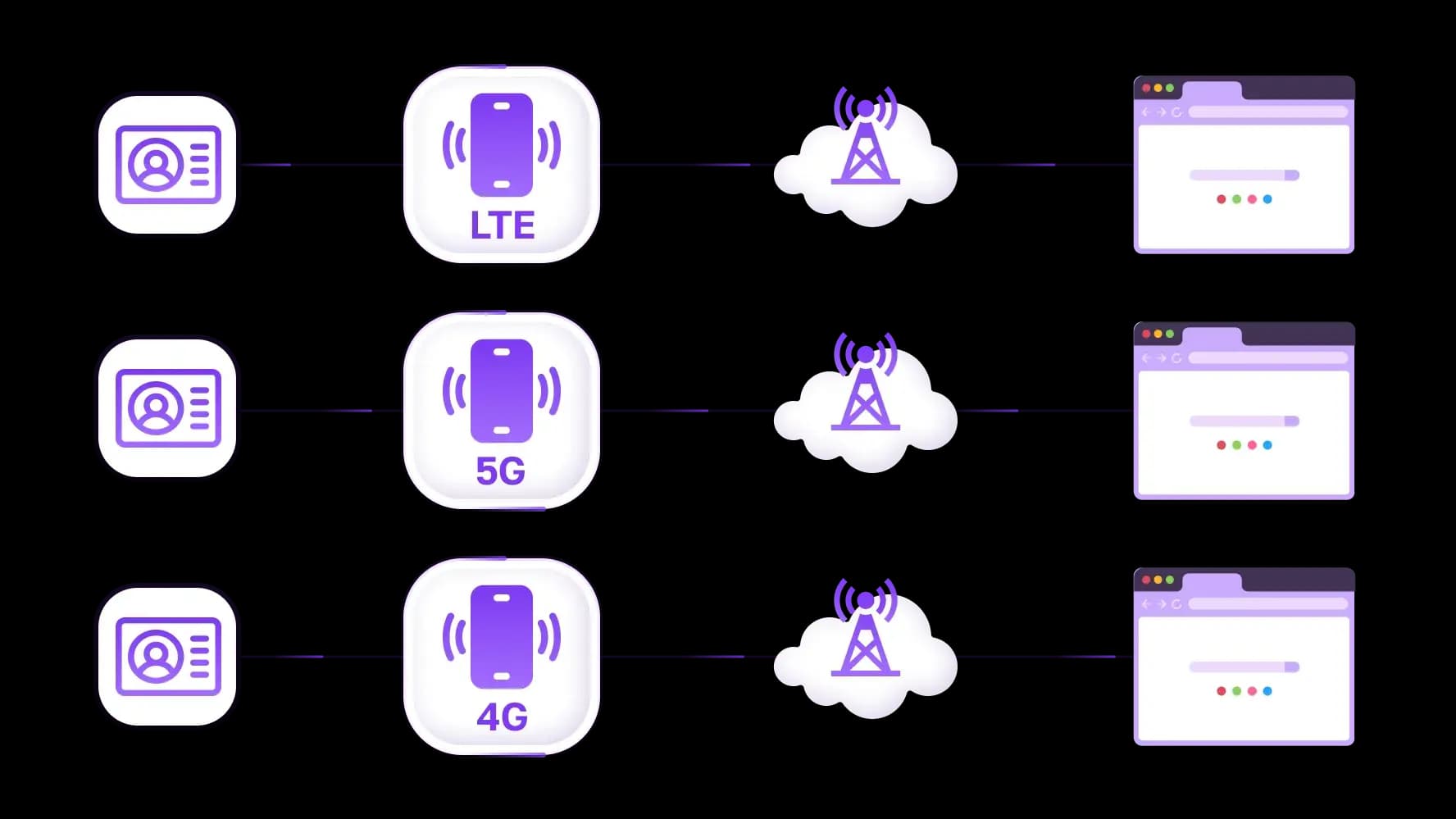
Give each account its own mobile proxy connection
Manage client, brand, and seller accounts with separate Italy mobile proxies. Assign each connection to its corresponding profile in a compatible browser, keeping proxy settings organized when switching between accounts.
Specially for you
Best proxies by countries
Italy - dedicated mobile unlimited
- Dedicated 5G Router
- Socks5/VPN with dedicated DNS
- Manual IP Changing
- Change p0f fingerprint (Windows, MacOS, Android)
- High Trust Rate
- Very High Speed + Low Ping
- All network params 1:1 as provider's
Italy - shared mobile
- Shared 5G Router
- Supports SOCKS5 with UDP
- Up to 5 users per port
- Socks5/HTTP
- IP Rotation: every 30 min
- Windows p0f fingerprint
- High Trust Rate
- Very High Speed + Low Ping
- All network params 1:1 as provider's
Italy - rotating residential
- 24 hours Availability
- Real ISP
- Speed up to 10 mbps
- Full API Access
- HTTP Protocol
- 100M+ IPs in 100+ Countries
- Mass Credentials Generator
- Long session up to 6 hours
Italy - private residential
- Unlimited Bandwith
- Real ISP
- Speed up to 150 mbps
- Low Ping
- Supports SOCKS5 with UDP
- 24 hours Availability
- 1 Dedicated IP
Italy - dedicated datacenter
- Unlimited bandwidth
- Exclusive IP ownership
- High-speed connectivity
- 99.9 % uptime
- HTTP
Italy - shared datacenter
- Lightning-fast speeds
- Global IP coverage
- 99.9 % uptime
- Cost-efficient plans
- 1 GB bandwidth
- HTTP
Why do they buy from us?
Advantages
Private card payment
It doesn't matter how you topped up your balance, linking the payment to the rental of a specific proxy is impossible.
We do not store data on servers
As a rule, services that rent out proxies retain all data about the traffic passing through their servers.
Dedicated device
We do NOT disguise Shared proxies as individual ones. A modem or router is transferred to ONLY one person.
Online technical support
We are always ready to solve your problems and questions. Even late at night and early in the morning.
Money-back guarantee
We have both returns and exchanges. The priority is quality service and satisfied customers.
API for Business
For business clients, our service is ready to provide a convenient API that allows you to purchase proxies, change IP addresses, and much more.
What are Italy mobile proxies?
An Italy mobile proxy routes traffic from a compatible browser or application through an IP address assigned by an Italian mobile carrier. CyberYozh App’s Italian mobile plans include unlimited traffic for browsing, research, and repeated checks without per-GB charges. You can connect from a computer: “mobile” refers to the network providing the exit IP, not the device you necessarily use. Other Italy proxies use different networks, such as home broadband connections for rotating residential proxies or server infrastructure for datacenter proxies.
What can you do with Italy mobile proxies?
Italy mobile proxies let you check how websites respond to an Italian carrier IP and organize connections for recurring work.
Check Italian search results and ads
Run keyword checks, conduct competitor ad research, and test campaign landing pages through an Italian IP. Keep language, cookies, and account settings consistent when comparing results, since location alone does not determine which results or ads appear.
Collect product prices and availability
Track prices, promotions, and stock across Italian storefronts, saving source URLs and collection times with each record. For browser-based data collection, unlimited traffic covers the images and scripts loaded alongside product details without adding per-GB charges.
Manage client and brand accounts
Assign a separate proxy connection to each client or brand profile in a browser that supports per-profile proxy settings. Document account-to-proxy assignments so team members can reopen the intended setup without guessing which connection belongs to which client.
Test websites from an Italian connection
Check your website’s regional redirects, displayed currencies, translated content, and product availability through an Italian IP. Test product selection and checkout against your localization requirements, recording unexpected redirects or inconsistent content before launching changes.
Explore more Italy proxy options and find the right connection for your workload.
How to choose an Italian mobile proxy
Before buying Italy mobile proxies, check how the plan will handle your actual workload.
Carrier and network: Confirm the Italian carrier and whether the connection uses LTE/4G or 5G. Check available location options rather than assuming city-level targeting.
Traffic and performance: Unlimited traffic covers data volume, not unlimited speed or concurrency. Check speed restrictions and how many simultaneous connections the plan supports.
IP rotation: Match mobile IP rotation to the task. Rotate between research batches and avoid unnecessary IP changes during active account sessions.
Connection allocation: Shared access divides connection resources between customers; dedicated access reserves a channel for you. However, carrier-grade NAT can still let multiple subscribers share a public IP.
Compatibility: Verify your operating system, application, proxy protocol, authentication method, and routing method. Confirm that your chosen client supports the complete setup.
If the task requires an IP that stays fixed throughout the rental period, a static ISP proxy may be a better fit.
Why choose CyberYozh App for Italy mobile proxies?
CyberYozh App’s Italy mobile proxies include LTE/4G/5G plans with unlimited traffic. Run repeated ad checks, collect product data, and load data-heavy pages without per-GB charges, making bandwidth costs easier to plan for recurring browser tasks.
Dedicated connections support manual and API-triggered IP changes, allowing scripts to request a new address between tasks without returning to the dashboard. The Italian listings include SOCKS and VPN access; confirm that your client supports the supplied connection method and authentication.
Start at $1.70 for a one-day rental, giving you time to test your application before a longer commitment. Check the selected term and total payment in the Italian mobile proxy catalog before purchasing.
How to set up an Italy mobile proxy
Choose a compatible plan. Match the Italian plan’s proxy protocol and authentication method to your operating system, browser, or application before purchasing.
Copy the connection details. Find the gateway address, port, username, and password in your CyberYozh App dashboard. The gateway is your connection entry point; websites see the carrier-assigned exit IP.
Configure the intended application. Enter the details in its proxy settings or a compatible browser profile. Chrome cannot authenticate SOCKS5 natively; use a separate client that supports your operating system and SOCKS5 credentials and routes Chrome’s traffic. See the Chrome proxy setup guide for routing options.
Set rotation around the task. On supported dedicated plans, trigger the IP-change link manually or from your script between tasks. Allow the connection to recover before resuming requests.
Verify the effective connection. Check the exit IP and country from that same application, then test a representative task, such as loading a product page. Repeat after changing networks, profiles, or routing settings.
Popular geolocations
Top up your balance in any convenient way!
Bank cards


Cryptocurrency


