

PayPal proxy
Manage PayPal payments, merchant accounts, and checkout testing with stable residential and real LTE/5G mobile IPs. Control regional payment workflows, verify transactions, and reduce security interruptions with a high-trust PayPal proxy.
Best PayPal proxy with 50M+ IPs
Run PayPal workflows with residential, real mobile LTE/5G, and datacenter proxies backed by 50M+ IPs. Perfect for account creation, payment testing, and merchant operations with fewer security checks and login interruptions.
Access PayPal globally across 195+ countries
Test checkout flows, verify regional payment experiences, and manage merchant accounts from 195+ countries. Precise city- and zip-level targeting improves checkout reliability and reduces failed transactions.
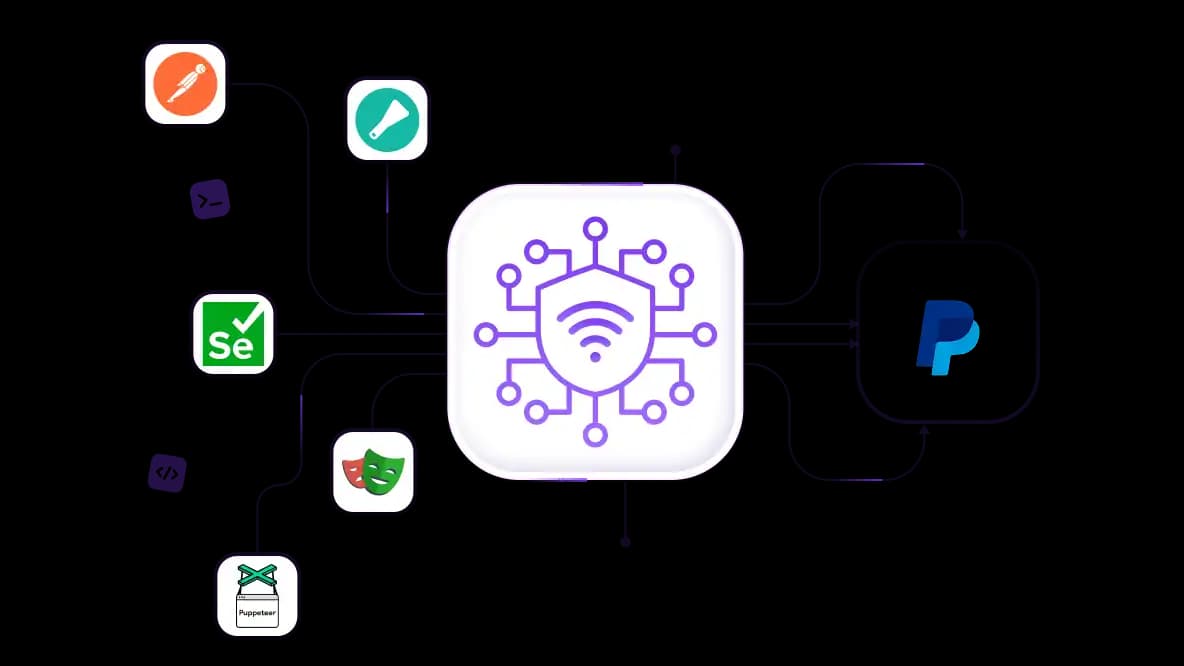
Run PayPal automation without constant CAPTCHAs
Automate PayPal testing and workflow monitoring using rotating residential proxies with stable IP reputation. Compatible with Playwright, Puppeteer, Selenium, Scrapy, Postman, and custom frameworks. Reduce CAPTCHAs, rate limits, and interrupted sessions.
Manage multiple PayPal client accounts safely
Assign a residential or mobile IP to each PayPal account to separate business, client, or marketplace accounts. Reduce verification requests, account linking, and login challenges.
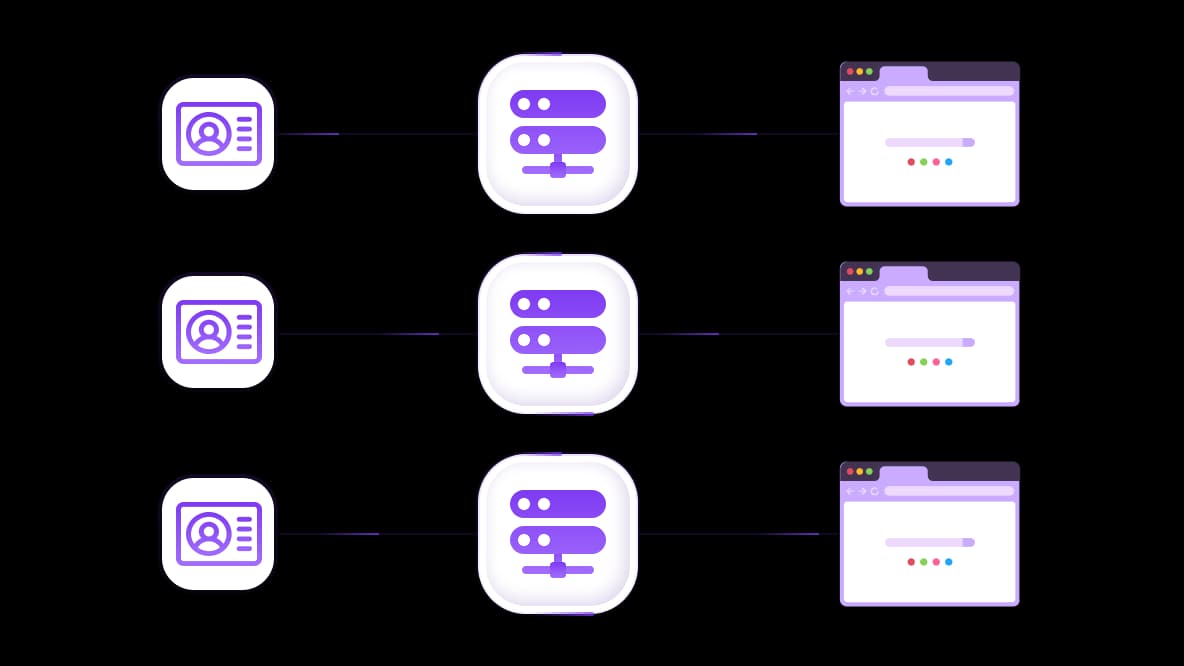
Integrate with any anti-detect browser
CyberYozh PayPal proxies have OS fingerprint switching support to align browser, device, and network identity. Integrate proxy with any anti-detect browser isolate sessions and create reliable long-term PayPal sessions.
Specially for you
Best proxies by countries

PayPal - dedicated mobile unlimited
- Dedicated 5G Router
- Socks5/VPN with dedicated DNS
- Manual IP Changing
- Change p0f fingerprint (Windows, MacOS, Android)
- High Trust Rate
- Very High Speed + Low Ping
- All network params 1:1 as provider's
PayPal - shared mobile
- Shared 5G Router
- Supports SOCKS5 with UDP
- Up to 5 users per port
- Socks5/HTTP
- IP Rotation: every 30 min
- Windows p0f fingerprint
- High Trust Rate
- Very High Speed + Low Ping
- All network params 1:1 as provider's
PayPal - rotating residential
- 24 hours Availability
- Real ISP
- Speed up to 10 mbps
- Full API Access
- HTTP Protocol
- 100M+ IPs in 100+ Countries
- Mass Credentials Generator
- Long session up to 6 hours
PayPal - private residential
- Unlimited Bandwith
- Real ISP
- Speed up to 150 mbps
- Low Ping
- Supports SOCKS5 with UDP
- 24 hours Availability
- 1 Dedicated IP
PayPal - dedicated datacenter
- Unlimited bandwidth
- Exclusive IP ownership
- High-speed connectivity
- 99.9 % uptime
- HTTP
PayPal - shared datacenter
- Lightning-fast speeds
- Global IP coverage
- 99.9 % uptime
- Cost-efficient plans
- 1 GB bandwidth
- HTTP
Why do they buy from us?
Advantages
Private card payment
It doesn't matter how you topped up your balance, linking the payment to the rental of a specific proxy is impossible.
We do not store data on servers
As a rule, services that rent out proxies retain all data about the traffic passing through their servers.
Dedicated device
We do NOT disguise Shared proxies as individual ones. A modem or router is transferred to ONLY one person.
Online technical support
We are always ready to solve your problems and questions. Even late at night and early in the morning.
Money-back guarantee
We have both returns and exchanges. The priority is quality service and satisfied customers.
API for Business
For business clients, our service is ready to provide a convenient API that allows you to purchase proxies, change IP addresses, and much more.
Why do businesses need proxies for PayPal?
PayPal operates in 200+ countries, and its risk engine evaluates every login, transaction, and checkout based on IP location and network reputation. For businesses testing regional payment flows, managing multiple merchant accounts, or validating localized checkouts, inconsistent IPs trigger unnecessary friction. This means extra verification steps, security holds, or blocks.
A PayPal proxy solves this by providing stable, geo-targeted IPs that match your target region. It means cleaner testing, smoother multi-accounting, and fewer interruptions from PayPal's security systems.
PayPal proxy use cases
Many businesses use PayPal proxies to secure, scale, and optimize their financial operations on the platform.
PayPal proxies for privacy enhancement
Businesses handling high-value transactions need a trusted IP layer to keep payment sessions secure and free from platform-level scrutiny.
Shield PayPal accounts from IP-based surveillance by routing every login and transaction through a clean CyberYozh residential proxy.
Verify your payment card's fraud rating with CyberYozh's Bank Card Checker to avoid presenting a flagged card to PayPal.
Protect payment credentials by routing sessions through HTTP/SOCKS5-compatible CyberYozh proxies that prevent credential interception.
Separate IP identities for different teams or brands by assigning each department or client a dedicated CyberYozh residential IP.
CyberYozh's cybersecurity infrastructure provides the IP-level security layer that protects PayPal sessions, isolates financial identities, and validates connection quality before every transaction.
PayPal proxies for testing and development
Payment integration developers and QA engineers need to test PayPal checkout flows, payment APIs, and localized transaction behavior. A proxy gives each test session a distinct, region-authentic IP that simulates real user behavior from the target market.
Test PayPal checkout flows across multiple countries by routing test sessions through country-specific CyberYozh residential proxies.
Create isolated PayPal sandbox accounts per test cycle by assigning each registration a unique CyberYozh mobile IP.
Use CyberYozh proxies with Postman to route PayPal API test requests through authenticated proxy endpoints.
Simulate real user payment behavior during test sessions using mobile proxies, matching the carrier-IP signature of actual PayPal users.
Automate test account provisioning via CyberYozh's REST API inside your CI/CD pipeline, spinning up a fresh proxy-backed PayPal test environment.
CyberYozh's website testing infrastructure and Postman integration enable development teams to build geo-aware PayPal test environments in which every session is cleanly isolated and tied to a regionally authentic IP address.
PayPal proxies for automation and scale
Scaling PayPal operations requires a proxy infrastructure that prevents PayPal from flagging high-frequency automated activity as suspicious behavior.
Automate PayPal payment workflows using Selenium, Puppeteer, or Playwright with CyberYozh proxies, routing each automated action through a different mobile IP
Integrate CyberYozh's REST API to dynamically request and rotate proxy credentials inside payment automation pipelines.
Schedule IP rotation via API calls before each automated PayPal session, preventing detection systems from flagging repeated behavioral patterns
Manage proxy lease terms and auto-renewal via API, ensuring automation pipelines never go offline due to an expired credential.
Run parallel payment operations across multiple PayPal profiles by integrating CyberYozh's API with orchestration tools like n8n, Zapier, or custom scripts.
CyberYozh's business automation infrastructure and API-driven proxy management enable teams to build PayPal automation pipelines that scale without triggering fraud restrictions or platform interference.
PayPal proxies for international operations
Businesses working internationally need proxies to keep their IP geography aligned with each PayPal client account's location.
Access PayPal from geo-restricted regions by routing sessions through CyberYozh residential proxies located in the account's registered country.
Manage PayPal accounts registered in multiple countries by assigning each account a dedicated CyberYozh proxy from its home country.
Register new PayPal accounts in target markets using country-specific CyberYozh mobile proxies, establishing a clean local IP identity.
Verify that payment flows appear correctly to regional buyers by switching CyberYozh proxy locations across 195+ supported countries.
CyberYozh's 195+ country proxy pool and mobile 4G/LTE network coverage give businesses the geographic reach to operate PayPal accounts across every supported market without geo-related disruptions or location-mismatch account flags.
PayPal proxies for multi‑account management
E-commerce sellers, agencies, and financial operators managing separate PayPal accounts for different brands, clients, or regional storefronts need a proxy to reduce the account linking risk.
Assign one dedicated IP per PayPal account using CyberYozh residential proxies to fully isolate each profile and eliminate cross-account linking.
Rotate IPs on demand or by timer with CyberYozh mobile 4G/LTE proxies, keeping each session fresh and preventing PayPal's pattern detection from flagging recurring behavior originating from a single address.
Pair each PayPal account with a verified phone number using CyberYozh's SMS service to pass PayPal's phone verification.
Generate proxy credentials for anti-detect browsers (AdsPower, GoLogin) for full digital fingerprint isolation per account, while mobile proxies offer basic fingerprint management themselves.
Run an IP Fraud Score check before assigning any proxy to a PayPal account to avoid previously flagged addresses that could trigger account limitations
What is the best proxy for PayPal
Here is the list of which proxy to use for which situation:
Mobile proxies for large-scale local operations that require the highest level of trust, such as multi-account management and large-scale automation.
Residential proxies for managing corporate payment accounts, handling corporate payment operations, and maintaining stable logged-in sessions across established profiles
Datacenter proxies shouldn't be used at all. PayPal recognizes datacenter IP ranges as non-residential traffic and immediately subjects them to heightened verification or blocks transactions outright.
How to buy a proxy for PayPal
Setting up a CyberYozh proxy for PayPal takes only a few minutes, from account creation to your first configured session.
Create a CyberYozh account or log in via app.cyberyozh.com
Top up your balance. Navigate to the balance screen and select your preferred payment method.
Select your proxy type. For PayPal operations, choose mobile proxies for multi-account management and large-scale automation, or residential proxies for managing persistent corporate PayPal accounts.
Verify your proxy's quality with an IP Fraud Score check to confirm the address is clean and not associated with previously flagged activity.
Configure your proxy using the credentials (host, port, username, password) from your CyberYozh dashboard
If needed, verify your PayPal account with CyberYozh’s virtual phone number
CyberYozh proxies can be installed in Chrome using a browser extension and support many other browsers. It can also be used for the system-wide protection on Android, iOS, Windows, Linux, and macOS.
Top up your balance in any convenient way!
Bank cards


Cryptocurrency


