

Playwright proxy
Get a Playwright proxy server to automate your web workflow with the highest efficiency. Gather accurate local data across 100+ countries and train your LLM models without facing platform restrictions using high-quality proxies and checking their quality before deployment.
Integrate the Playwright proxy with your scripts
Use mobile, residential, and datacenter proxies in Playwright with high-quality IPs and built-in IP quality filtering. Manage sessions, control IP behavior, and run automation without conflicts.
Run Playwright with proxy IPs in 100+ countries
Use 50M+ residential IPs to collect region-specific data and simulate real user locations. Validate IP quality before running your scripts to ensure stable, reliable results.
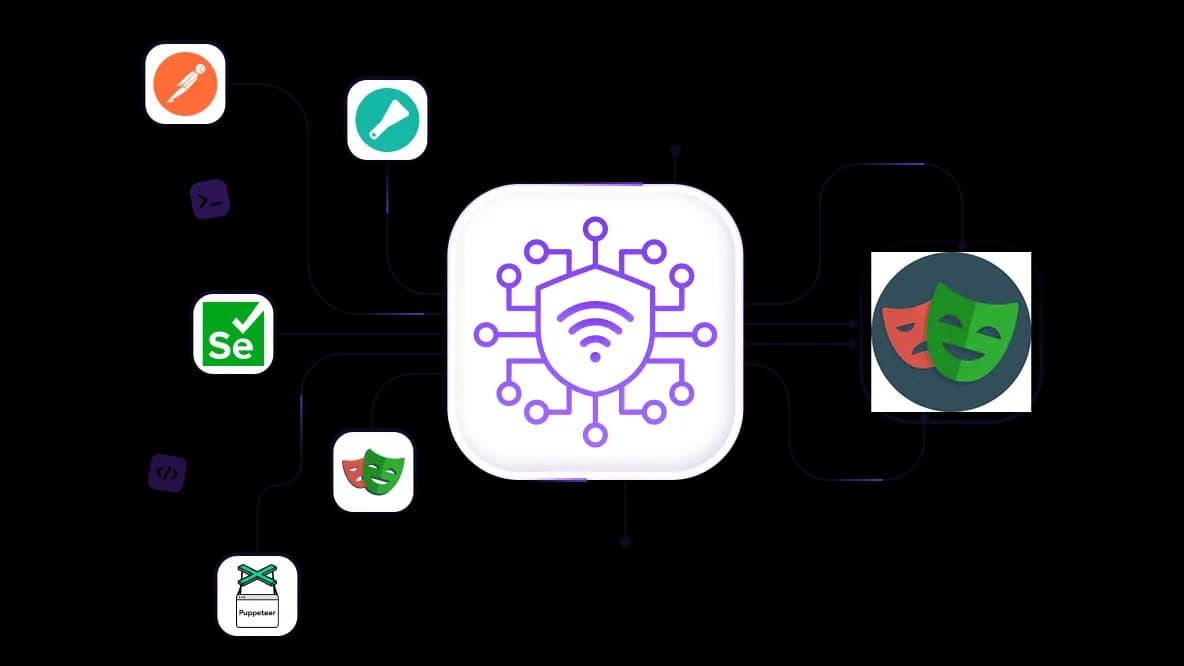
Automate Python scraping with API access
Run scraping pipelines, train AI agents, and handle large-scale data workflows with CyberYozh API. Validate IPs before rotation and reduce captcha interruptions to keep your data collection stable.
Isolate account sessions in Playwright using proxies
Set up multiple profiles with different residential IPs, and ensure each profile is managed from a different IP. Check IP quality and enjoy 99.95% success rate, so your traffic is indistinguishable from the genuine local traffic.
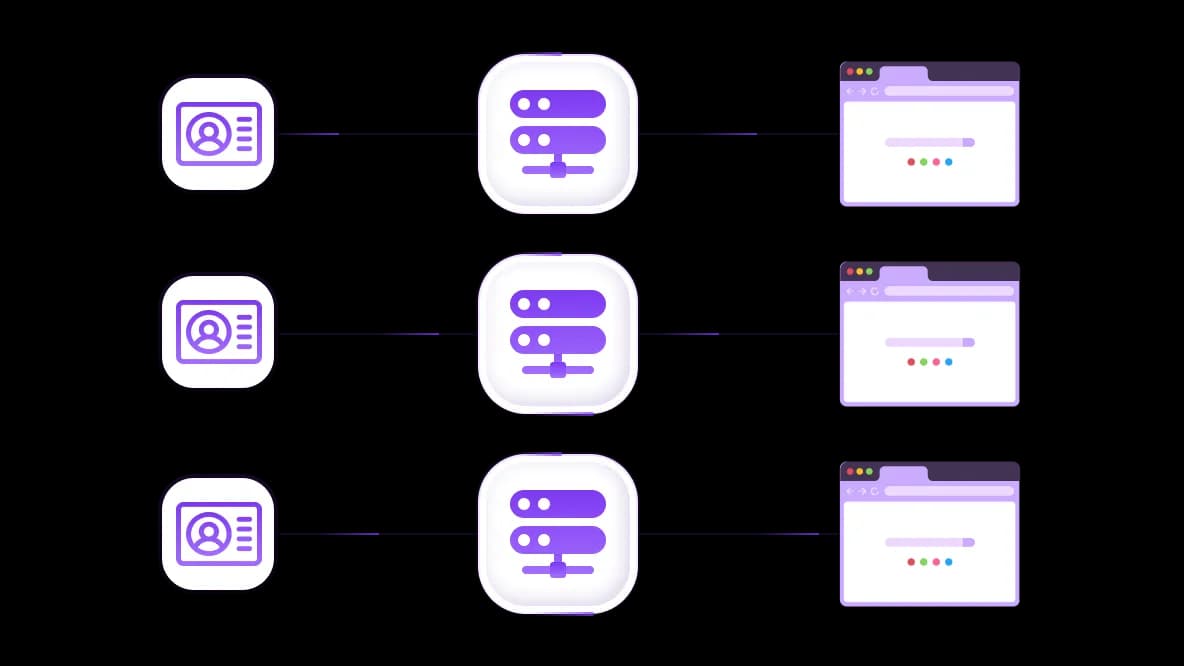
Connect Playwright proxies to any antidetect browser
Use your preferred antidetect browser setup and assign a proxy to each profile. Keep sessions separate, control IP behavior, and run Playwright automation without overlap or conflicts.
Specially for you
Best proxies by countries

Playwright - dedicated mobile unlimited
- Dedicated 5G Router
- Socks5/VPN with dedicated DNS
- Manual IP Changing
- Change p0f fingerprint (Windows, MacOS, Android)
- High Trust Rate
- Very High Speed + Low Ping
- All network params 1:1 as provider's
Playwright - shared mobile
- Shared 5G Router
- Supports SOCKS5 with UDP
- Up to 5 users per port
- Socks5/HTTP
- IP Rotation: every 30 min
- Windows p0f fingerprint
- High Trust Rate
- Very High Speed + Low Ping
- All network params 1:1 as provider's
Playwright - rotating residential
- 24 hours Availability
- Real ISP
- Speed up to 10 mbps
- Full API Access
- HTTP Protocol
- 100M+ IPs in 100+ Countries
- Mass Credentials Generator
- Long session up to 6 hours
Playwright - private residential
- Unlimited Bandwith
- Real ISP
- Speed up to 150 mbps
- Low Ping
- Supports SOCKS5 with UDP
- 24 hours Availability
- 1 Dedicated IP
Playwright - dedicated datacenter
- Unlimited bandwidth
- Exclusive IP ownership
- High-speed connectivity
- 99.9 % uptime
- HTTP
Playwright - shared datacenter
- Lightning-fast speeds
- Global IP coverage
- 99.9 % uptime
- Cost-efficient plans
- 1 GB bandwidth
- HTTP
Why do they buy from us?
Advantages
Private card payment
It doesn't matter how you topped up your balance, linking the payment to the rental of a specific proxy is impossible.
We do not store data on servers
As a rule, services that rent out proxies retain all data about the traffic passing through their servers.
Dedicated device
We do NOT disguise Shared proxies as individual ones. A modem or router is transferred to ONLY one person.
Online technical support
We are always ready to solve your problems and questions. Even late at night and early in the morning.
Money-back guarantee
We have both returns and exchanges. The priority is quality service and satisfied customers.
API for Business
For business clients, our service is ready to provide a convenient API that allows you to purchase proxies, change IP addresses, and much more.
How to use a proxy with Playwright
Playwright is a modern browser automation framework that supports Chromium, Firefox, and WebKit, and proxy integration is central to running it at any real scale. Whether you need Playwright proxy authentication, geo-targeted sessions, or rotating residential IPs, CyberYozh delivers the infrastructure for running your scripts.
Playwright proxy for web automation
Playwright proxy workflows in automation go far beyond simple IP masking: they enable stable, human-like traffic that survives anti-bot filters and scales without interruption. CyberYozh's business automation and website testing infrastructures are built exactly for this.
Task: Your Playwright automation script is blocked by anti-bot systems (such as Cloudflare)
Solution: Route Playwright through CyberYozh residential or mobile proxies: requests appear to come from real users in real locations, bypassing fingerprint and IP-based detection.
Task: You need to test how your platform behaves for users in Germany, Japan, Brazil, or any other country simultaneously.
Solution: Assign context-specific proxies per browser.newContext() call, each tied to a CyberYozh IP in the target country, leading to fully isolated sessions with no cross-contamination.
Task: Your CI/CD pipeline runs Playwright checks around the clock, but hits rate limits
Solution: Use CyberYozh API to rotate IPs programmatically per test run, distributing load across a clean residential pool of 100M+ IPs.
Playwright proxy for data extraction
Using a Playwright proxy server for scraping makes the difference between clean, complete datasets and blocked, throttled requests. That’s how CyberYozh’s lead generation and web scraping configurations work.
Task: You need to scrape localized content, such as prices, listings, or reviews, that varies by user region.
Solution: Use CyberYozh's geotargeted residential pool to assign country-specific IPs to each Playwright context, thereby collecting the exact local data for each region.
Task: After collecting damaged data or facing restrictions, you're unsure which proxy IPs were flagged or whether your exit node is clean.
Solution: Run your IPs through CyberYozh's IP Checker automatically to validate their reputation and confirm your Playwright proxy session is using a clean address.
Playwright proxy for modern AI training
Playwright is increasingly used to build large-scale datasets for NLP, computer vision, and recommendation models, all of which demand clean, unblocked access to diverse web sources. CyberYozh supports AI data collection and market analysis workflows at this scale.
Task: Your Playwright scraper needs to collect multilingual training social data from Reddit across 20+ countries without getting blocked.
Solution: Combine CyberYozh mobile proxies (the lowest block rate on social platforms) with unlimited traffic and IP rotation to continuously cycle through clean addresses in each target region.
Task: You need to register accounts or verify phone numbers as part of your data collection pipeline.
Solution: Use CyberYozh's SMS Service alongside your Playwright proxy server to receive virtual numbers for account creation without linking real credentials.
Which proxy to use: A quick checklist
Different Playwright tasks call for different proxy types, and matching the right one to your workflow is the single biggest factor in reliability and cost.
Mobile proxies: Social data
Use mobile proxies in Playwright workflows for scraping social platforms, sentiment analysis, and review sites. Mobile IPs carry the highest trust scores and bypass even strict behavioral filters.
Residential proxies: Regular automation
Use rotating residential proxies for continuous automation, geo-targeted sessions, and any workflow where human-like traffic signals matter. Alternatively, assign a static residential proxy IP per session for long-term sessions.
Datacenter proxies: Open databases
Use datacenter proxies for high-speed, high-volume scraping of open databases, public APIs, and platforms that don't aggressively filter bot traffic.
CyberYozh benefits for Playwright proxy authentication
CyberYozh is purpose-built for developer-grade automation workflows, offering both the IP infrastructure and the toolset that Playwright operators need for stable, authenticated sessions at scale.
100M+ residential IPs across 100+ countries for unmatched geo coverage
99.95% uptime with low-latency nodes optimized for automated traffic
Native Playwright proxy authentication via username/password in browser.launch()
Playwright SOCKS5 proxy and HTTP proxy support across all session types
Full custom Python scripts compatibility for Playwright Python proxy workflows
Postman integration for testing proxy endpoints before deployment
Checker tools for IP reputation, proxy health, and session validation
Virtual numbers for account verification within automated pipelines
CyberYozh API for dynamic credential rotation and session management
Full guides library covering every OS, browser, and scripting environment
Setting up a Playwright proxy
Deploying a CyberYozh proxy for Playwright operation is easy and requires several minutes, with the best setup via CyberYozh API or antidetect browser integration.
Register and select your proxy type — choose residential, mobile, or datacenter based on your use case, then pick your target countries from the CyberYozh dashboard.
Retrieve your proxy credentials — copy your proxy server address, port, username, and password from the dashboard, or fetch them dynamically via the CyberYozh API.
Configure your Playwright proxy server — pass credentials using Playwright's native proxy option (server, username, password). For Playwright to install proxy via the environment, set HTTPS_PROXY before running npx playwright install.
Validate with checker tools — use CyberYozh's IP Checker to confirm your exit IP, verify geo, and ensure the proxy is clean before running production scripts.
Scale with rotation — enable automatic IP rotation through the API or configure proxy lists in your Playwright HTTP proxy settings for multi-session deployments. Guides for Windows, Linux, macOS, Android, and iOS are available in the CyberYozh guides library.
Top up your balance in any convenient way!
Bank cards


Cryptocurrency


