

Roblox Proxy
Join friends and explore your favorite Roblox experiences with unlimited traffic on mobile proxy plans. Choose a Roblox proxy with UDP support for compatible gaming setups and flexible daily rentals, so you can plan your next gaming session without counting gigabytes.
Choose a Roblox proxy for gaming and account access
Get unlimited traffic on mobile, static ISP, and dedicated datacenter plans. Choose a UDP-capable mobile connection with compatible routing software for gameplay, or a static ISP proxy for a fixed address when accessing your account. Rotating residential packages offer location flexibility and unused traffic rollover for browsing and testing.
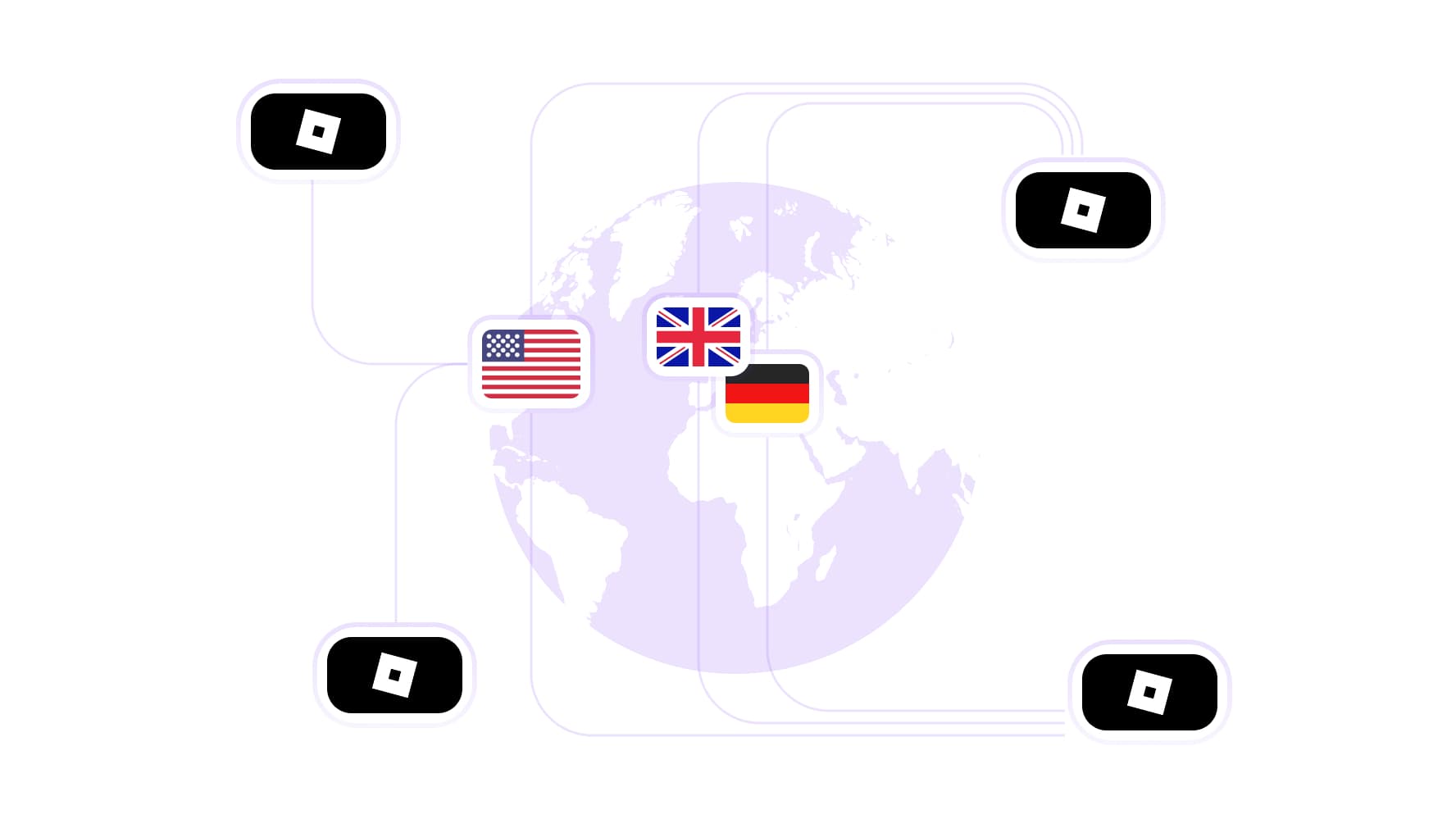
Choose your Roblox proxy location across 195+ countries
Select a proxy for Roblox from a residential network of 100M IPs across 195+ countries. Choose the US, UK, Germany, or another supported location for browsing experiences and accessing your account. Keep your preferred exit country when traveling or switching networks.
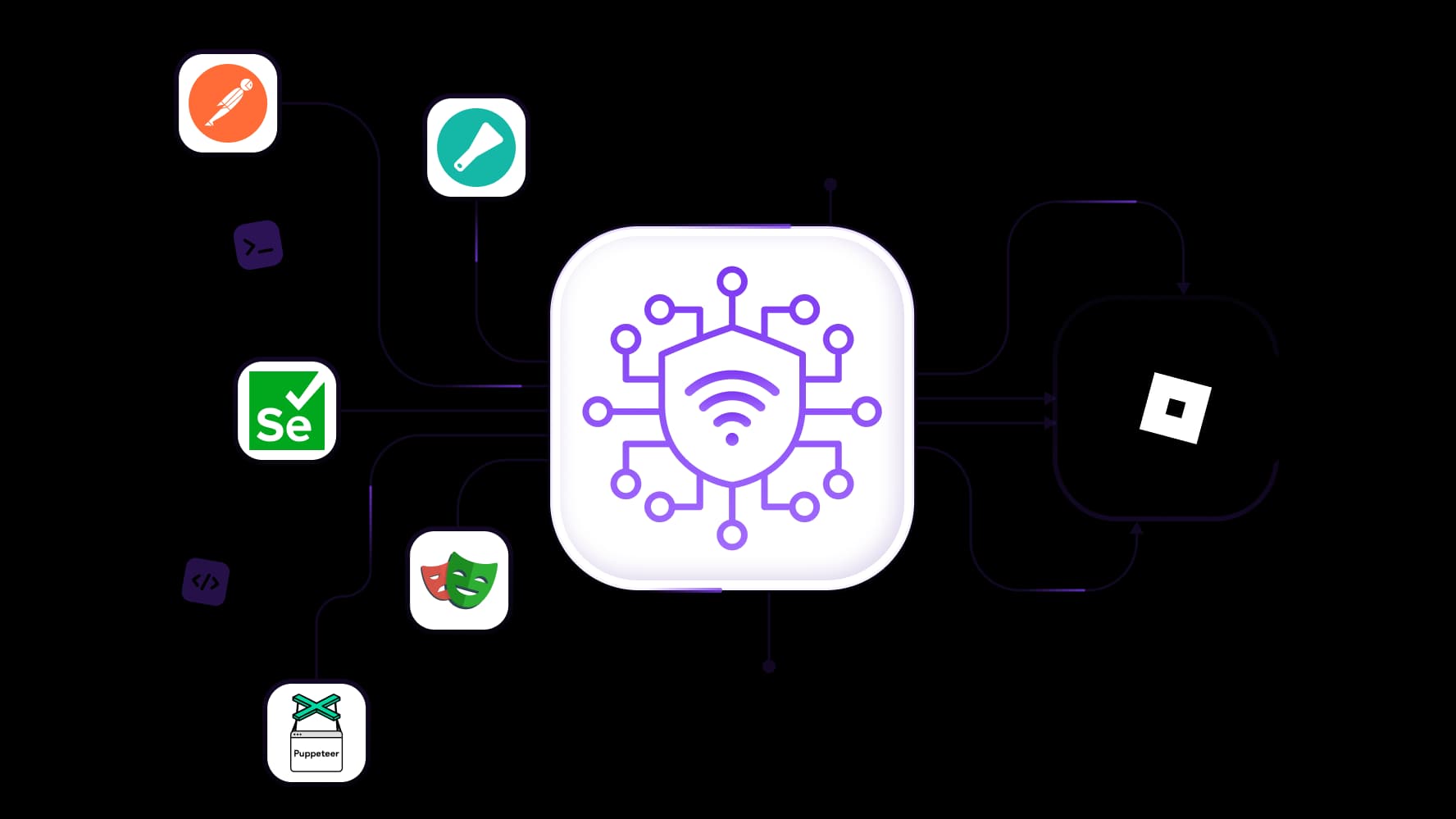
Connect your Roblox proxy to testing and automation tools
Test your Roblox experience pages with Playwright, Puppeteer, or Selenium, check API requests in Postman, and collect public experience information with Scrapy. Full API access for proxy management and integration support help you connect existing scripts, repeat browser checks, and manage proxy connections from your development tools.
Control when your Roblox proxy changes IP
Keep a consistent IP while signing in, browsing experiences, and updating your avatar with sticky sessions up to 24 hours on supported residential plans. Manual IP-change controls let you request a different address when you’re ready to start a new session.
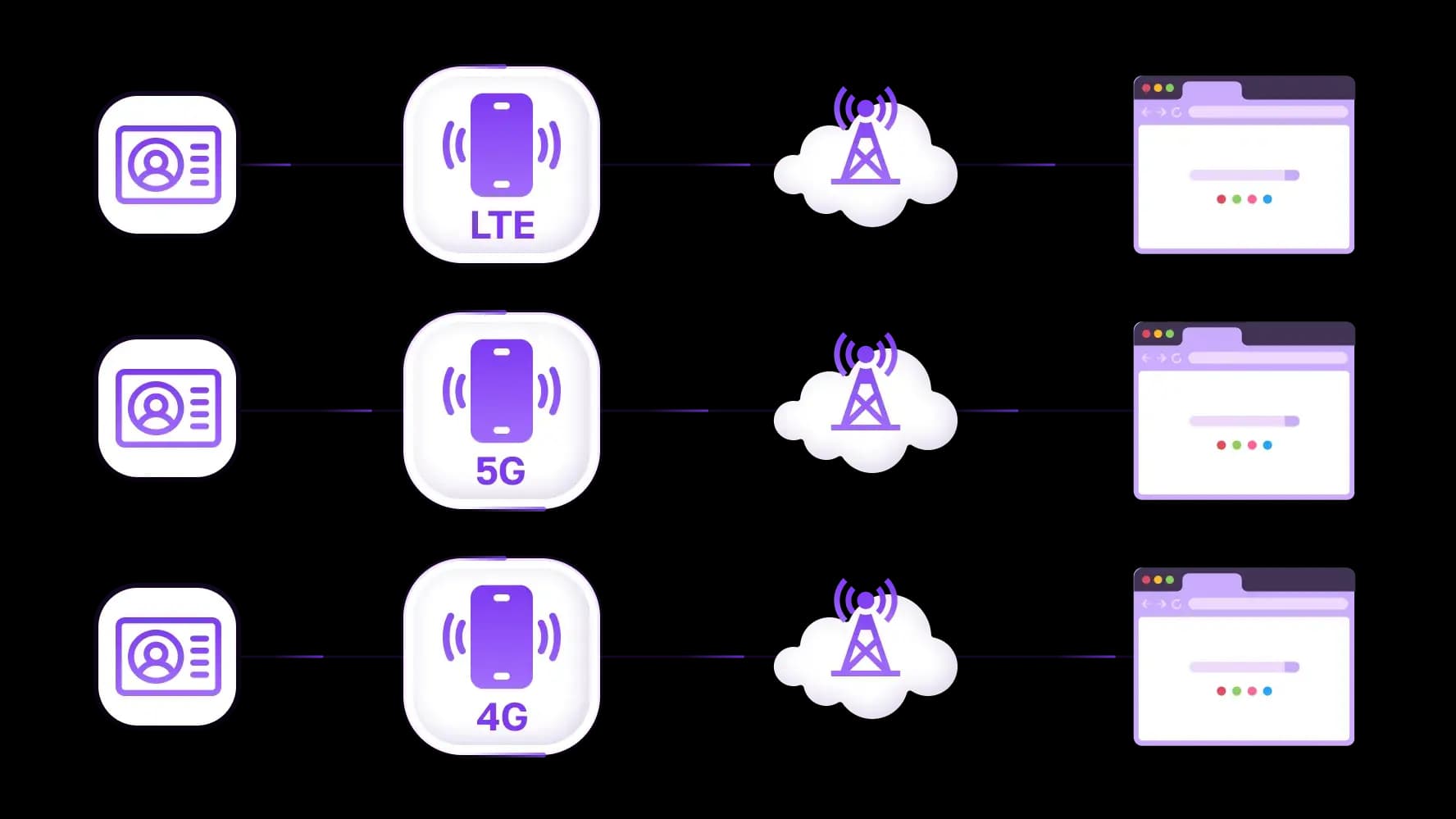
Give each Roblox account its own proxy connection
Keep your playing and development accounts organized with separately configured Roblox proxies. Assign a dedicated LTE/4G/5G mobile channel to each browser profile and manage its connection independently. With 99.99% proxy infrastructure uptime, these connections support regular account access and repeat testing of your creations.
Specially for you
Best proxies by countries

Roblox - dedicated mobile unlimited
- Dedicated 5G Router
- Socks5/VPN with dedicated DNS
- Manual IP Changing
- Change p0f fingerprint (Windows, MacOS, Android)
- High Trust Rate
- Very High Speed + Low Ping
- All network params 1:1 as provider's
Roblox - shared mobile
- Shared 5G Router
- Supports SOCKS5 with UDP
- Up to 5 users per port
- Socks5/HTTP
- IP Rotation: every 30 min
- Windows p0f fingerprint
- High Trust Rate
- Very High Speed + Low Ping
- All network params 1:1 as provider's
Roblox - rotating residential
- 24 hours Availability
- Real ISP
- Speed up to 10 mbps
- Full API Access
- HTTP Protocol
- 100M+ IPs in 100+ Countries
- Mass Credentials Generator
- Long session up to 6 hours
Roblox - private residential
- Unlimited Bandwith
- Real ISP
- Speed up to 150 mbps
- Low Ping
- Supports SOCKS5 with UDP
- 24 hours Availability
- 1 Dedicated IP
Roblox - dedicated datacenter
- Unlimited bandwidth
- Exclusive IP ownership
- High-speed connectivity
- 99.9 % uptime
- HTTP
Roblox - shared datacenter
- Lightning-fast speeds
- Global IP coverage
- 99.9 % uptime
- Cost-efficient plans
- 1 GB bandwidth
- HTTP
Why do they buy from us?
Advantages
Private card payment
It doesn't matter how you topped up your balance, linking the payment to the rental of a specific proxy is impossible.
We do not store data on servers
As a rule, services that rent out proxies retain all data about the traffic passing through their servers.
Dedicated device
We do NOT disguise Shared proxies as individual ones. A modem or router is transferred to ONLY one person.
Online technical support
We are always ready to solve your problems and questions. Even late at night and early in the morning.
Money-back guarantee
We have both returns and exchanges. The priority is quality service and satisfied customers.
API for Business
For business clients, our service is ready to provide a convenient API that allows you to purchase proxies, change IP addresses, and much more.
What is a Roblox proxy?
A Roblox proxy routes traffic from a configured browser or application through another IP address. Players use a proxy for Roblox to choose their connection location with geotargeting, maintain a consistent IP for account access, or try an alternative route when their usual connection has problems.
Browsing the website and playing an experience requires different setups. A browser proxy can handle signing in, checking your inventory, and managing your avatar. Roblox Player uses separate game traffic, including UDP, so browser proxy settings alone won’t route your gameplay. For gaming proxies, compatibility depends on routing the game’s traffic, not just browser requests.
Choose a UDP-capable mobile proxy with compatible routing software for gaming, or a static ISP proxy for a fixed IP when returning to your account through the browser.
Choose a Roblox proxy for gaming and account access
Start with three questions: Are you playing Roblox or browsing its website? Do you need the same IP each time you return? How much traffic will you use? Your answers help you choose a Roblox proxy with the right connection type, session settings, and billing model.
Mobile proxies for unlimited-traffic gaming connections
Unlimited traffic on real LTE/4G/5G mobile proxies keeps proxy bandwidth costs predictable during regular Roblox sessions. Daily rentals let you start with a single day and test the connection before committing to longer use.
For gameplay, choose a plan with UDP support and compatible routing software that carries Roblox Player’s traffic. Check the setup on your device by joining an experience and testing its responsiveness.
Static ISP proxies for a consistent account connection
A fixed IP and unlimited traffic make static ISP proxies useful for repeat account access through a configured browser. Keep the same address throughout the rental period while checking your inventory, updating your avatar, and managing account settings.
This gives you a consistent connection when you close the browser and return another day, without configuring a new address for every visit.
Rotating residential proxies for location selection and testing
Access a network of 100M IPs across 195+ countries with rotating residential proxies. Choose locations for browsing experience pages, checking how those pages appear from different countries, and running development tests.
These packages use traffic-based billing, with unused traffic rolling over to the next month. Rotate between independent checks, and keep related actions on one IP when working within a signed-in session.
Compare Roblox proxies
Proxy type | Intended use | Protocol requirements | IP behavior | Traffic billing |
Mobile LTE/4G/5G | Gameplay with compatible routing; browser access | UDP-capable plan and routing software for Roblox Player | IP-change controls depend on the plan; carrier changes remain possible | Unlimited traffic; daily rentals available |
Static ISP | Repeat browser logins, inventory checks, account settings | Proxy protocol supported by the plan and browser configuration | Fixed IP throughout the rental period | Unlimited traffic |
Rotating residential | Browsing from selected locations and separate development tests | Proxy protocol supported by the plan and testing tool | Rotation or supported session persistence | Traffic-based billing with unused traffic rollover |
How to play Roblox on a proxy
To play Roblox on a proxy, you need a UDP-capable connection and compatible software that routes Roblox Player’s traffic. Configuring a proxy in your browser alone does not establish a proxied gameplay connection.
Choose a compatible connection and routing method.
Check that your selected mobile proxy supports UDP and works with routing software available for your device. Confirm that the software can carry Roblox Player’s game traffic.Select a location and session settings.
Choose an available location, then configure supported settings to keep the connection consistent during play. Schedule optional IP changes between completed sessions.Copy your connection details.
Get the proxy server hostname, proxy port, username, and password for the supported protocol. These authenticate your proxy connection and are separate from your Roblox login details.Configure routing for Roblox Player.
Enter the connection details in your routing software. Configure application-level or device-level routing that includes Roblox Player, and enable UDP forwarding where required. Follow the tool’s setup instructions for your operating system.Verify routing and test an experience.
Run an IP address lookup, then use the routing software’s connection logs or traffic monitor to confirm that Roblox Player uses the selected connection. Join an experience and test responsiveness, latency, and connection stability. A browser IP check alone only verifies the browser’s route.
Pro Tip: When configuring a proxy for Roblox, check the launch path separately. Roblox’s network setup guidance states that gameplay uses UDP ports 49152–65535 and that launching an experience through the website’s Play button does not support proxies. Your routing configuration needs to accommodate that launch requirement as well as the game traffic.
Keep your Roblox proxy connection consistent
Save the connection settings for each Roblox account so you can return without configuring everything again. Choose a Roblox proxy that keeps its IP for the time you need, whether that means one browsing session or repeat visits across several days.
Keep the same IP while using your account
Use sticky sessions up to 24 hours on supported residential plans to maintain one address while moving between your profile, inventory, and avatar editor.
For repeat visits across separate days, a static ISP proxy provides a fixed IP throughout the rental period. This lets you close your browser and return through the same address while the rental remains active.
Change IPs between completed sessions
Finish your game or browser task before requesting an IP change. Supported mobile plans let you change the address manually or trigger a change through the API.
For example, you might request another IP to compare connection performance while troubleshooting. Verify the new address and test the connection before starting your next session.
Give playing and development accounts separate connections
Organize browser-based account access with separate profiles for your main account and development accounts. Assign dedicated mobile channels to those profiles so each connection has independently managed settings and supported IP-change controls.
Label your browser profiles and Roblox proxies consistently. You can then return to the correct account or adjust a development connection without changing the proxy configuration assigned to your main account.
What can a Roblox unblocked proxy help with?
A Roblox unblocked proxy may help when your current network or connection route prevents you from reaching Roblox. If the website won’t load or an experience won’t launch, identifying the cause helps you choose a connection that addresses the problem.
Network filtering: Your network may block Roblox’s website or the traffic needed to launch an experience. An alternative connection may help if the network allows traffic through that route.
Routing problems: Your internet connection may struggle to reach Roblox even when the service is available. Testing another route, such as a compatible mobile connection, can help establish whether the problem is specific to your existing connection.
Service outages: Problems on Roblox’s side can affect multiple connections. Check its service status before purchasing a proxy to resolve an outage.
Account restrictions: A proxy changes your connection route and exit IP. Account permissions and moderation decisions remain attached to the account and require resolution through Roblox.
A browser-based proxy website displays pages through its own interface. That may let you browse Roblox, but it does not automatically carry traffic from the installed Roblox Player.
For gameplay, choose a Roblox proxy connection with UDP support and compatible routing software. Verify that the game client uses that connection, then join an experience to test it. Successfully loading the website is only the first connection check.
Does using a proxy cause Roblox error 403?
A proxy can contribute to a connection problem, but error 403 alone does not identify it as the cause. Roblox’s support documentation also describes cases where the client fails to initialize correctly after launching from the website.
Start by comparing direct and proxied connections on the same device, using the same account and experience. Change one setting at a time so you can identify what affects the result.
Symptom | What to check and do |
The error appears only through the proxy | Confirm the endpoint, port, authentication details, and routing configuration. If the direct connection works consistently, ask the provider to check the selected connection and its compatibility. |
The website loads, but launching an experience fails | Check Roblox Player’s routing and UDP support separately from the browser. Review the website-to-application launch configuration and update the Roblox client. |
The error also occurs through a direct connection | Check Roblox’s service status, then troubleshoot the browser or application. Follow the relevant update, site-data, or installation checks before changing proxy settings again. |
The problem starts after a connection change | Close Roblox, verify the new exit IP and routing settings, then reopen it. Sign in again if prompted and test the connection before making another change. |
Keep proxy authentication separate from Roblox authentication: proxy credentials connect your routing software to the proxy service; your Roblox credentials sign you into the account.
For browser-specific failures, update the browser, test extensions individually, and clear Roblox’s cookies if needed. For persistent application failures, follow Roblox’s client update or reinstallation guidance. Choose a different Roblox proxy connection when testing points to the existing route as the problem.
Pro tip: Check for common proxy errors involving authentication or routing before assuming Roblox is rejecting the address.
Use Roblox proxies for development, testing, and notifications
Check how your experience pages load, inspect API responses, and receive notifications from your Roblox projects. Roblox proxies provide connection control for configured testing tools, while webhook integrations determine how event messages reach Discord, Slack, or a custom endpoint. For quality assurance, repeat the same checks through each configured connection and record differences in loading or responses.
Connect browser tests and scripts to your proxy
Use Selenium, Playwright, or Puppeteer to repeat browser checks on your experience pages. Configure a proxy in Postman to inspect API responses through your selected connection, or connect Scrapy to collect public experience information.
Full API access for proxy management and integration support help you build these connections into existing scripts. The proxy-management API controls supported proxy services, including available IP-change functions. Roblox’s APIs provide platform data and actions according to their own authentication requirements and permissions.
Does Roblox need a proxy for a webhook?
Not always. Roblox supports Open Cloud webhook notifications to Discord and Slack without requiring a separate proxy relay. These notifications cover supported platform events.
Custom HTTP requests sent from game scripts through HttpService follow a different setup. Whether they need an intermediary depends on the destination, its connection requirements, and the processing your application needs.
When a webhook relay is useful
A Roblox webhook proxy or Discord webhook proxy usually means an application endpoint that receives a request and forwards it to the destination. A relay can validate incoming messages, format notifications, queue deliveries, and record failures for troubleshooting.
Protect incoming requests with authentication, keep webhook credentials on the server, and log delivery results without exposing secrets. Respect request limits at both ends, with delayed retries for temporary failures.
Purchasing an IP proxy does not automatically provide this relay. The relay must be hosted or obtained separately; a compatible IP proxy can then route its outbound requests when configured.
Choose a Roblox proxy plan for your next session
Choose a Roblox proxy around what you want to do, the connection your device supports, and how long you need it. Before selecting a plan, check:
Intended use: Decide whether you’re connecting Roblox Player, accessing your account through a browser, or running development tests.
Device and protocol compatibility: Confirm that your plan and routing software work on your device, including UDP support for gameplay.
Location and performance: Test the selected connection by launching an experience and checking responsiveness and stability.
IP consistency: Choose supported sticky sessions for temporary continuity or a static ISP address for repeat browser visits across separate days.
Traffic costs: Pick unlimited-traffic mobile or static ISP plans for frequent use, or a metered residential package with unused traffic rollover for location-based browsing and testing.
Rental duration: Use a daily mobile rental to test your setup, then extend your rental once the connection meets your needs.
Find a proxy for Roblox with the protocol support, IP control, and traffic allowance that fit your next session in the proxy catalog.
Top up your balance in any convenient way!
Bank cards


Cryptocurrency


