

Runescape proxy
Built on 99.9% uptime infrastructure, RuneScape proxy servers deliver the clean, stable connections your accounts and sessions depend on. Whether you're managing multiple profiles, running automation tools, or recovering access.
Run any proxy type for RuneScape
Residential, LTE/5G mobile, and datacenter proxies on one platform with a 50M+ IP pool. Residential proxies appear to Jagex servers as real ISP users, while mobile proxies offer the highest trust scores.

Connect Runescape with 100+ localized sessions
Target specific regions with city-level precision across 100+ countries. Whether you need a UK IP to match a RuneScape account's registration origin, or a US-based session for a particular server cluster.
Manage multiple accounts with full session isolation
Each RuneScape account gets its own dedicated IP, no shared addresses, no session bleed with proper session isolation.
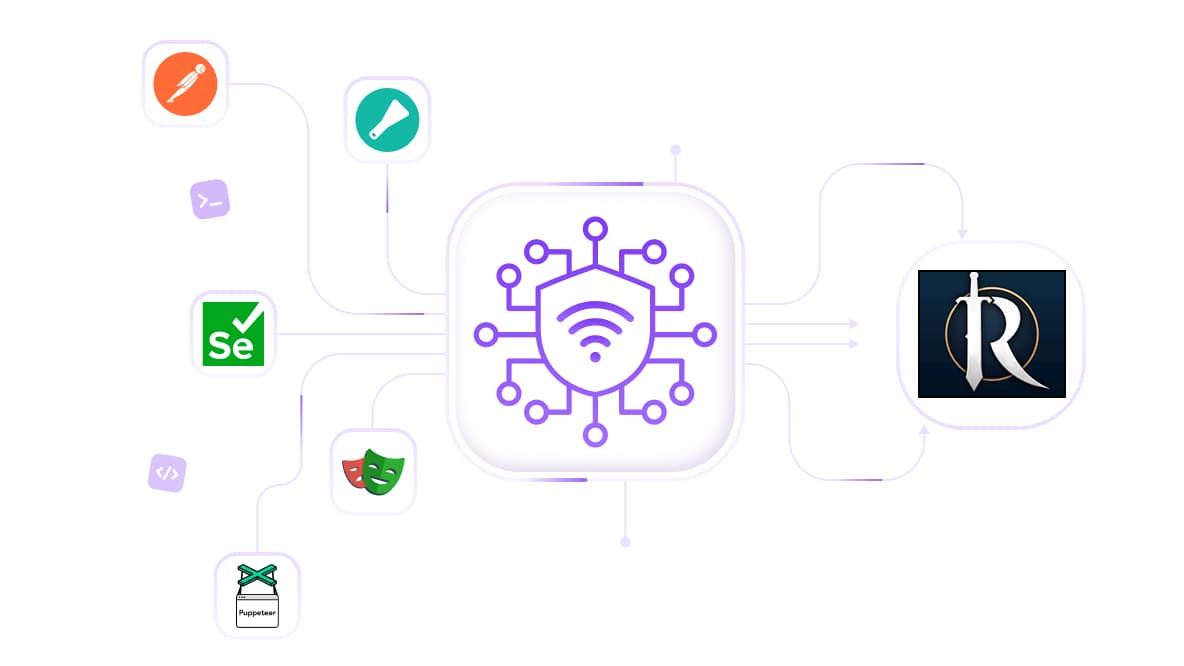
Use a RuneScape proxy for botting & automation
Use RuneScape proxies to reduce bans, manage multiple accounts, and automate gameplay with Postman, Scrapy, Selenium, Playwright, or Puppeteer.
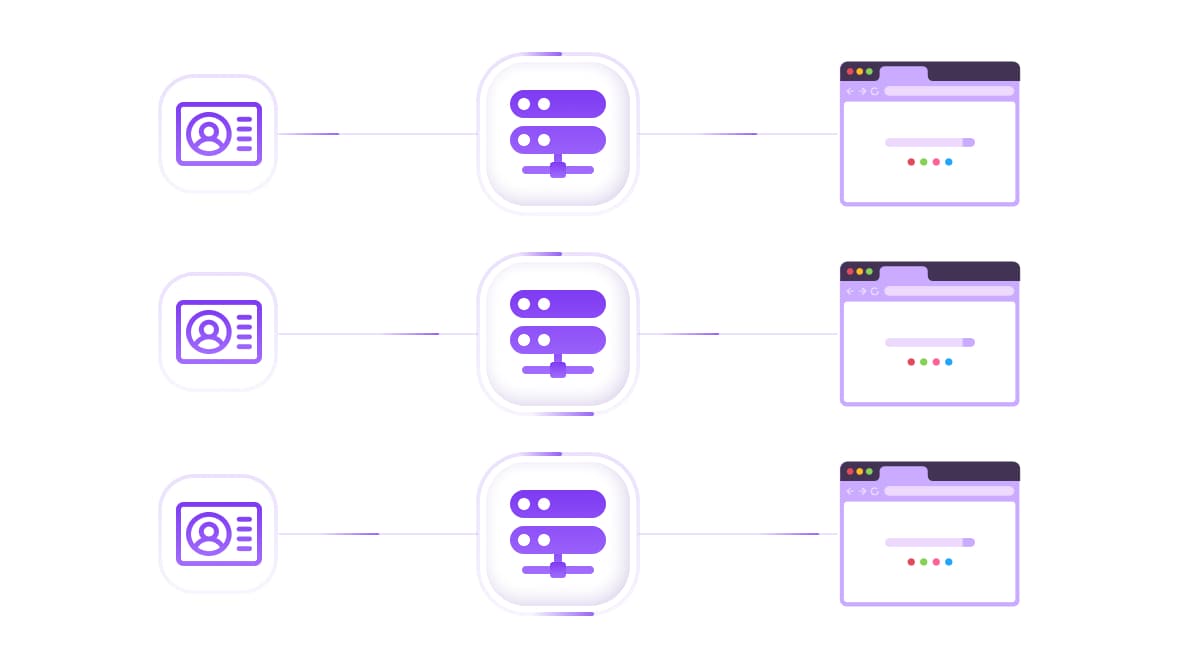
Integrate Runescape proxies with antidetect browsers
Runescape proxies work natively with any leading antidetect browsers while each browser profile gets a unique IP and a matching fingerprint, giving you a complete separation.
Specially for you
Best proxies by countries

Runescape proxy - dedicated mobile unlimited
- Dedicated 5G Router
- Socks5/VPN with dedicated DNS
- Manual IP Changing
- Change p0f fingerprint (Windows, MacOS, Android)
- High Trust Rate
- Very High Speed + Low Ping
- All network params 1:1 as provider's
Runescape proxy - shared mobile
- Shared 5G Router
- Supports SOCKS5 with UDP
- Up to 5 users per port
- Socks5/HTTP
- IP Rotation: every 30 min
- Windows p0f fingerprint
- High Trust Rate
- Very High Speed + Low Ping
- All network params 1:1 as provider's
Runescape proxy - rotating residential
- 24 hours Availability
- Real ISP
- Speed up to 10 mbps
- Full API Access
- HTTP Protocol
- 100M+ IPs in 100+ Countries
- Mass Credentials Generator
- Long session up to 6 hours
Runescape proxy - private residential
- Unlimited Bandwith
- Real ISP
- Speed up to 150 mbps
- Low Ping
- Supports SOCKS5 with UDP
- 24 hours Availability
- 1 Dedicated IP
Runescape proxy - dedicated datacenter
- Unlimited bandwidth
- Exclusive IP ownership
- High-speed connectivity
- 99.9 % uptime
- HTTP
Runescape proxy - shared datacenter
- Lightning-fast speeds
- Global IP coverage
- 99.9 % uptime
- Cost-efficient plans
- 1 GB bandwidth
- HTTP
Why do they buy from us?
Advantages
Private card payment
It doesn't matter how you topped up your balance, linking the payment to the rental of a specific proxy is impossible.
We do not store data on servers
As a rule, services that rent out proxies retain all data about the traffic passing through their servers.
Dedicated device
We do NOT disguise Shared proxies as individual ones. A modem or router is transferred to ONLY one person.
Online technical support
We are always ready to solve your problems and questions. Even late at night and early in the morning.
Money-back guarantee
We have both returns and exchanges. The priority is quality service and satisfied customers.
API for Business
For business clients, our service is ready to provide a convenient API that allows you to purchase proxies, change IP addresses, and much more.
Best proxy types for RuneScape: Which one do you need
Different tasks call for different proxy types. Here's a quick breakdown to help you choose the right one from the start.
Proxy Type | Best For | Trust Level | Session Type |
Residential Static | Live gameplay, account management | High | Fixed IP, unlimited bandwidth |
Residential Rotating | Scraping, Grand Exchange data, bulk tasks | High | Sticky up to 6 hrs, 100M+ IPs |
Mobile | High-value accounts, precision tasks | Highest | Dedicated or shared 5G router |
ISP | Speed-sensitive tasks with clean IPs | High | Static, datacenter-speed |
Datacenter | Speed testing, low-risk auxiliary tasks | Medium | Fast, lower trust score |
For most RuneScape use cases, residential static is the right starting point. Mobile proxies are worth the premium for accounts you genuinely can't afford to lose.
Why players use a RuneScape proxy
RuneScape's detection systems don't just watch what you do; they watch where you connect from. IP data is one of the first signals Jagex uses to flag unusual activity, whether that's a single account logging in from multiple countries in a single day or a cluster of accounts sharing the same subnet.
Recovering access after an IP ban
An IP ban blocks access at the connection level, not the account level. Switching to a clean residential or ISP proxy gives you a new IP identity that Jagex has no history with, restoring access without touching the account itself.
A proxy changes your IP, not your account status. For IP-level restrictions where the connection is the problem, a quality proxy resolves it cleanly. Account-level bans are a separate matter handled directly by Jagex.
Running multiple accounts without linking
Assigning a separate static residential IP to each account breaks the connection chain that Jagex's linking detection looks for. One IP per account, one set of credentials per session, that's the setup that keeps profiles independent.
Automation tools and bot clients
Botting clients such as TRiBot, DreamBot, and OSBot all route traffic through your local IP address unless a proxy is explicitly configured. Routing each instance through a distinct Runescape proxy server spreads the behavioral load across different IPs, reducing the signal footprint per address.
Important: Jagex's Terms of Service prohibit the use of botting software and macro tools. The information here covers proxy configuration in technical terms; how you apply it is your responsibility.
How to configure a RuneScape proxy: Step-by-step
Setting up a Runescape proxy takes less than five minutes. Here's the exact process.
Step 1: Get your proxy credentials from CyberYozh
Log in to your CyberYozh account and select your proxy type. For most RuneScape use cases, a residential static proxy or rotating residential proxy is the right starting point. Copy your IP address, port, username, and password.
Step 2: Choose a proxy client with SOCKS5 support
The RuneScape client and most bot clients don't have native proxy settings built in; you need a proxy client that routes application-level traffic. ProxyCap and SocksCap64 both support SOCKS5 with UDP. For browser-based tasks, standard system-level proxy settings work fine.
Set up guides by OS:
Step 3: Enter your proxy credentials
In your proxy client, navigate to the server configuration section and enter:
IP address
Port number
Username and password
Protocol: SOCKS5
Step 4: Route the RuneScape client through the proxy
Add a routing rule that targets your RuneScape or bot client executable (RuneScape.exe or RuneLite.exe) or your automation client, and set the action to route through the configured proxy. Set all other applications to Direct.
For multi-account setups: one rule per client instance, each pointing to a different proxy IP. This is the step most people skip, and the reason accounts still get linked.
Step 5: Verify your IP before playing
Use the CyberYozh IP Checker to confirm your active IP matches your proxy location before launching your session. Ten seconds of verification prevents hours of troubleshooting.
Why players choose CyberYozh for RuneScape
There's no shortage of proxy providers. Here's what actually separates this from the alternatives:
No traffic logging: what passes through the proxy stays private. CyberYozh does not store session data on its servers, which matters when account credentials are involved.
Dedicated hardware, honestly advertised: shared proxies are not resold as private ones. When you purchase a dedicated mobile proxy, you get the device, not a slice of someone else's device.
24/7 live support: not a ticket queue. Real responses, even late at night, available via Telegram.
Buy a proxy. Sign up with Google
Get your RuneScape proxy from CyberYozh
Over a decade of proxy infrastructure. Clean residential and mobile IPs. No traffic logging, no disguised shared hardware, no unexpected session drops.
Whether you're protecting a single high-value account or running a multi-profile operation that needs airtight session separation, the infrastructure is ready. Setup takes minutes, and support is available if you run into anything along the way.
Top up your balance in any convenient way!
Bank cards


Cryptocurrency


