

Telekom Proxy
Получите надёжные прокси Telekom с безлимитным трафиком, чистыми IP-адресами и гибким управлением IP для стабильных долговременных подключений — тарифы начинаются от 1,70 $ в день.
Выберите тип прокси Telekom
Подключайтесь через настоящие LTE/5G/4G-сети Telekom с безлимитным трафиком и выделенным доступом. Сохраняйте свой IP-адрес для стабильной сессии или меняйте его вручную либо через API, когда нужен свежий адрес, с возможностью настройки фингерпринта для дополнительного контроля над подключением. Для резидентского трафика выбирайте настоящие резидентские IP-адреса Telekom — статичные для постоянных подключений или ротационные прокси для доступа к более обширному пулу IP и гибкой ротации.
Подключайтесь через надёжные IP-адреса Telekom
Используйте настоящие IP-адреса Telekom на базе реальных мобильных и резидентских подключений, а не обычные немецкие адреса с маркировкой Telekom. CyberYozh App отдаёт приоритет чистым IP и использует фильтрацию на основе ИИ, чтобы отсеивать низкокачественные подключения ещё до того, как они попадут в вашу инфраструктуру.
Сохраняйте стабильность длительных сессий
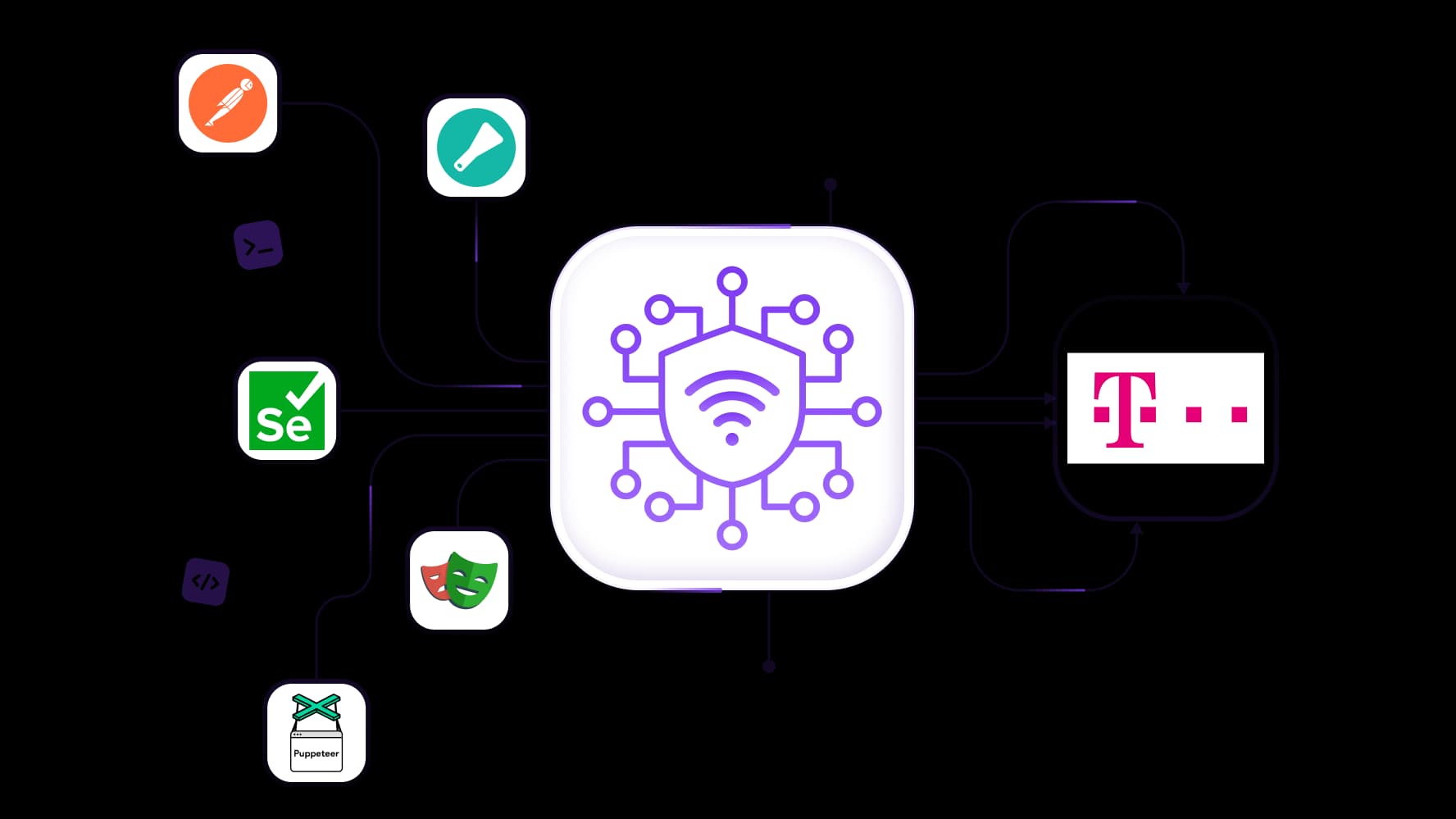
Сохраняйте один и тот же IP-адрес Telekom, когда задача требует непрерывности, а не постоянной ротации. Статичные резидентские подключения и sticky-сессии CyberYozh App дают вам больше контроля над продолжительностью сессий с доступностью прокси 99,99 %, что делает их более подходящими для управления аккаунтами, автоматизации, мониторинга и других задач, требующих стабильного сетевого профиля.
Проверьте подключение перед использованием
Работающий IP Telekom не обязательно подойдёт для любой задачи. Воспользуйтесь чекером IP в CyberYozh App, чтобы оценить репутацию адреса и риск антифрода, прежде чем использовать подключение в критических процессах — это даст вам дополнительную точку контроля помимо простого выбора геолокации и нажатия кнопки подключения.
Встройте Telekom-прокси в свою систему
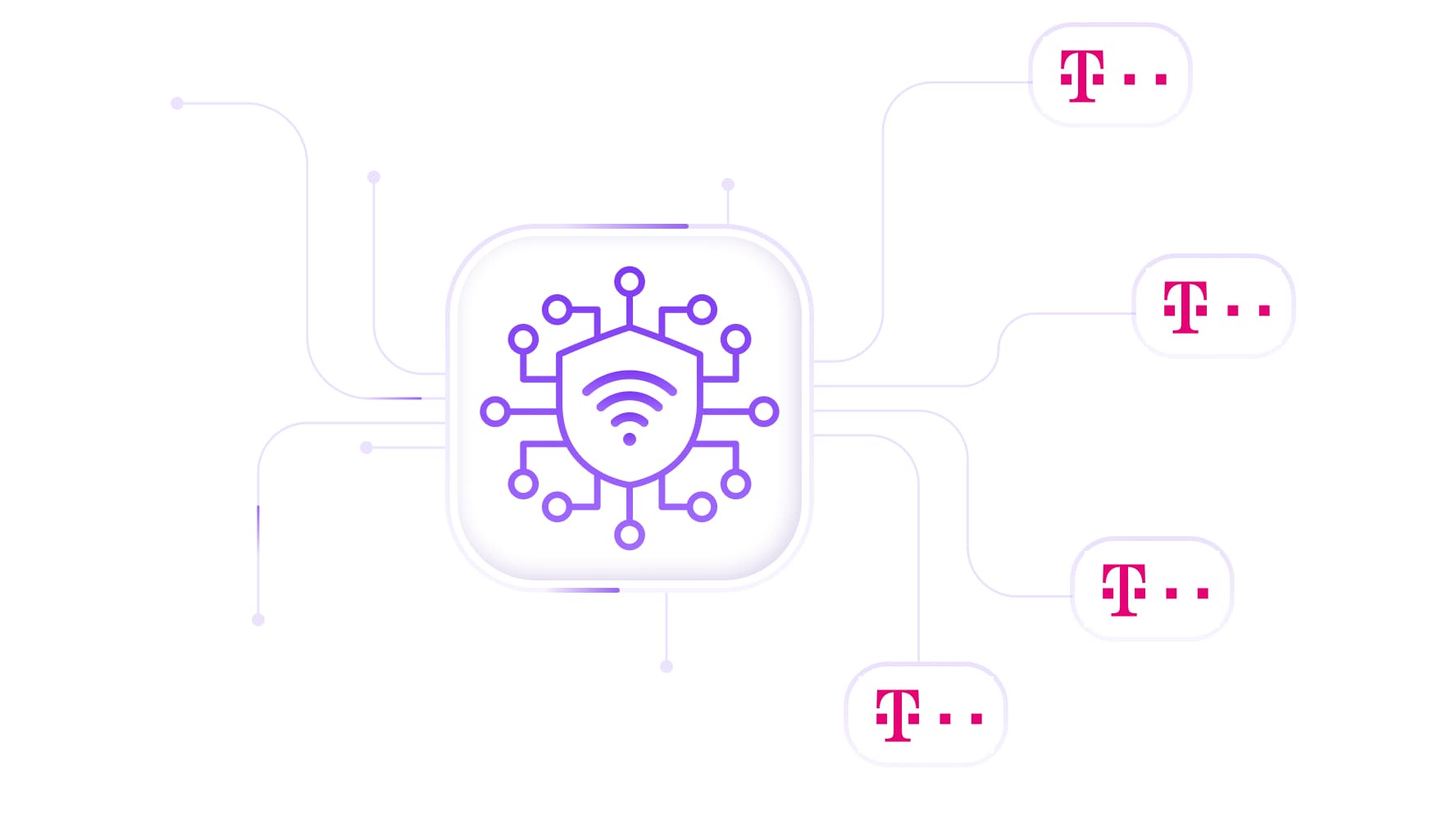
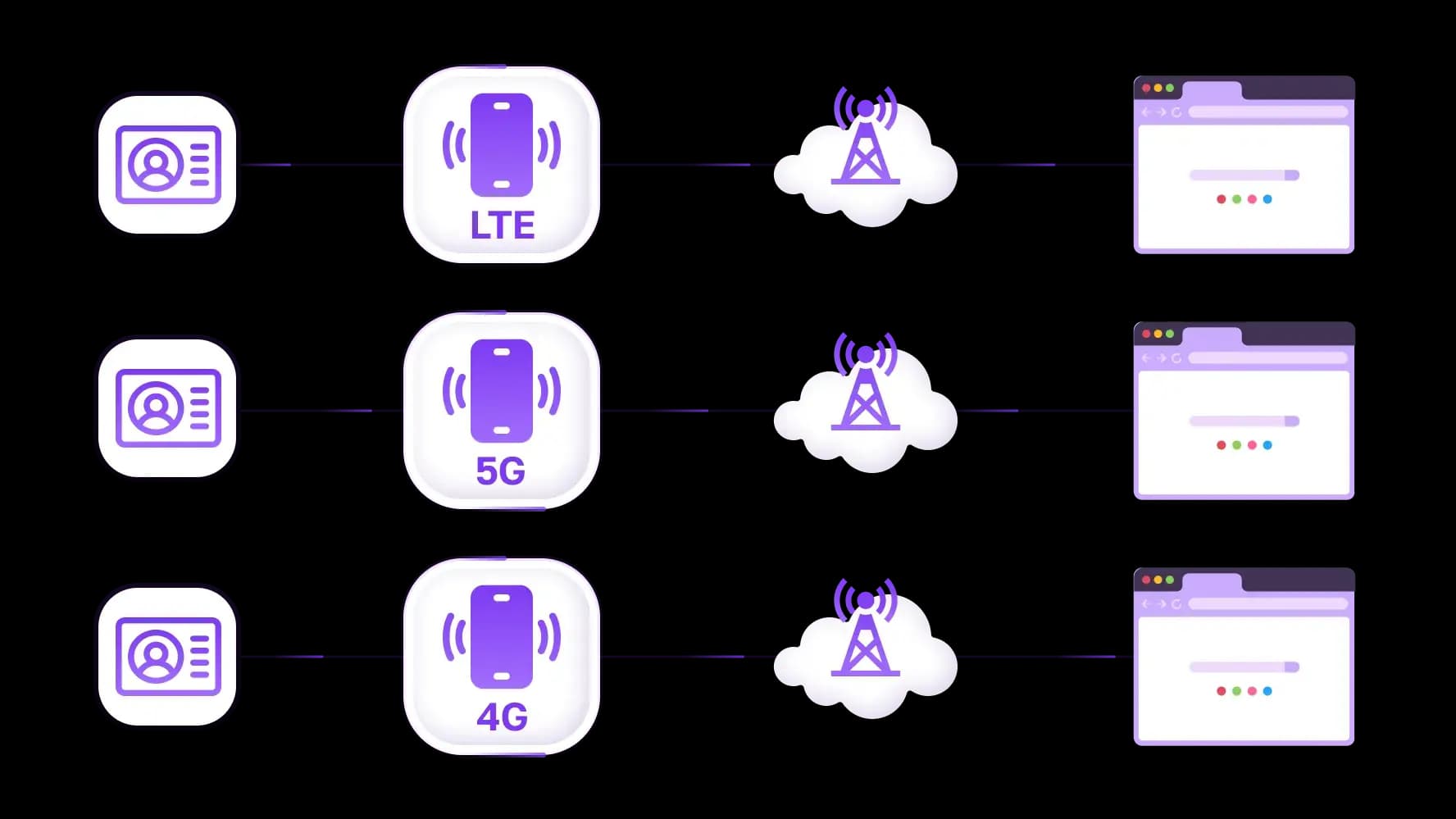
Используйте прокси Telekom в браузерах и антидетект-средах или подключайте их к Scrapy, Selenium, Playwright, Puppeteer, Postman и пользовательским скриптам. Поддержка протоколов и API-доступ позволяют управлять подключениями программно через HTTP, HTTPS или SOCKS5 и масштабировать работу за пределы ручной настройки одного прокси.
Специально для вас
Лучшие прокси по странам

Telekom - выделенный мобильный безлимит
-
Выделенный 5G-роутер
-
Socks5/VPN с выделенным DNS
-
Ручная смена IP
-
Смена p0f-отпечатка (Windows, macOS, Android)
-
Высокий уровень доверия
-
Очень высокая скорость + низкий пинг
-
Все сетевые параметры 1:1 как у провайдера
Telekom - общий мобильный
-
Общий 5G-роутер
-
Поддержка SOCKS5 с UDP
-
До 5 пользователей на порт
-
Socks5 / HTTP
-
Ротация IP: каждые 30 минут
-
p0f-отпечаток Windows
-
Высокий уровень доверия
-
Очень высокая скорость + низкий пинг
-
Все сетевые параметры 1:1 как у провайдера
Telekom - ротационные резидентские
-
Доступность 24 часа
-
Реальный ISP
-
Скорость до 10 Мбит/с
-
Полный доступ к API
-
Протокол HTTP
-
Более 100 млн IP в более чем 100 странах
-
Генератор нескольких учётных данных
-
Длинная сессия до 6 часов
Telekom - приватные резидентские
-
Безлимитный трафик
- Реальный ISP
-
Скорость до 150 Мбит/с
-
Низкий пинг
-
Поддержка SOCKS5 с UDP
- Доступность 24 часа
-
1 выделенный IP
Telekom - датацентр прокси
-
Безлимитный трафик
-
Эксклюзивное владение IP
-
Высокоскоростное соединение
-
Аптайм 99.9 %
-
HTTP
Telekom - датацентр общие статичные
-
Очень высокая скорость
-
Глобальное покрытие IP
-
Аптайм 99.9 %
-
Выгодное предложение
-
1 ГБ трафика
-
HTTP
Почему покупают у нас?
Преимущества
Приватная оплата картой
Не важно каким способом вы пополнили баланс, связать платеж с арендой определенного прокси — невозможно.
Мы не храним данные на серверах
Как правило, сервисы, предоставляющие прокси в аренду, сохраняют все данные о трафике, проходящем через их серверы.
Выделенное устройство
Мы НЕ маскируем общие прокси под видом индивидуальных. Модем или роутер передается ТОЛЬКО в одни руки.
Онлайн техподдержка
Мы всегда готовы решить ваши проблемы и вопросы. Даже глубокой ночью и ранним утром.
Гарантия возврата
У нас есть и возврат, и замена. Приоритет - качественный сервис и удовлетворенные клиенты.
API для бизнеса
Для бизнес-клиентов наш сервис готов предоставить удобное API, позволяющее покупать прокси, менять IP-адрес и многое другое.
Что такое прокси Telekom?
Прокси Telekom — это прокси, которые направляют ваше подключение через IP-адрес из сети Deutsche Telekom. Когда вы подключаетесь через них, сайты видят трафик, исходящий от абонентской линии Telekom, обычно мобильного LTE- или 5G-соединения, а не от датацентра или неизвестного провайдера.
Это не то же самое, что покупка обычных немецких прокси. Немецкие прокси лишь гарантируют, что IP-адрес находится в Германии. IP может принадлежать любому провайдеру: хостинговой компании, небольшому интернет-провайдеру или другому мобильному оператору, например Vodafone или O2. Прокси Telekom сужают выбор до одного конкретного оператора.
Это различие важно, потому что Deutsche Telekom управляет одной из крупнейших LTE- и 5G-сетей в Германии. Если ваша задача требует, чтобы вы выглядели как реальный мобильный пользователь Telekom — например, для тестирования контента, специфичного для оператора, проверки рекламы, показываемой абонентам Telekom, или управления аккаунтами, которые ожидают IP мобильных операторов, — обычный немецкий IP этого не обеспечит. Геотаргетинг позволяет попасть в нужную страну. Таргетинг по оператору — в нужную сеть.
Мобильные или резидентские прокси Telekom?
Оба типа предоставляют IP-адреса Telekom, но базовое подключение и способ управления этими IP различаются. Лучший вариант зависит от того, нужно ли вам подключение через мобильного оператора, фиксированный резидентский профиль или доступ к большому ротационному пулу.
Мобильные прокси Telekom
Мобильные прокси Telekom направляют трафик через LTE/4G/5G-сеть оператора. CyberYozh App предлагает выделенные мобильные подключения с безлимитным трафиком, что делает их особенно полезными, когда важна сама сеть — например, для тестирования мобильных приложений, управления социальными сетями, работы с аккаунтами и автоматизации.
Вы можете сохранять подключение стабильным или менять IP вручную либо через API с дополнительной поддержкой переключения фингерпринта операционной системы.
Резидентские прокси Telekom
Резидентские прокси используют IP-адреса, связанные с реальными подключениями интернет-провайдеров, а не с подключениями мобильных операторов. В CyberYozh App вы можете выбрать статичные резидентские прокси, когда вам нужен один и тот же выделенный IP для длительных сессий, или ротационные резидентские прокси, когда важнее доступ к большому пулу IP и гибкая ротация.
Мобильные прокси Telekom | Статичные резидентские | Ротационные резидентские | |
Подключение | Сеть мобильного оператора | Резидентский интернет-провайдер | Пул резидентских интернет-провайдеров |
Поведение IP | Контролируемая смена IP | Фиксированный IP | Ротационный или sticky |
Трафик | Безлимитный | Безлимитный | По использованию |
Лучше всего подходит для | Мобильные среды и задачи, специфичные для оператора | Длительные сессии | Задачи с большими объёмами данных и масштабируемость |
Для чего можно использовать прокси Telekom?
Прокси Telekom полезны, когда одной Германии недостаточно. Они позволяют выполнять задачи через IP-адреса сети Telekom, что может быть ценно, когда оператор или интернет-провайдер, стоящий за подключением, влияет на то, что вам нужно увидеть, протестировать или настроить.
Скрейпинг и сбор публичных данных
Собирайте общедоступные данные с немецких сайтов через IP-адреса Telekom, когда вашему исследованию требуется конкретная сетевая перспектива. Ротационные резидентские прокси особенно полезны для масштабных задач по сбору данных, когда один статичный IP неэффективен.
SEO-мониторинг и отслеживание выдачи
Проверяйте немецкую поисковую выдачу, локальные объявления, рекламу и другие элементы SERP, зависящие от местоположения, через подключение к сети Telekom. Это даёт SEO-командам дополнительный способ сравнить результаты с IP-адресов Telekom, а не полагаться только на обычные немецкие прокси.
Управление социальными сетями
Управляйте аккаунтами и инструментами в социальных сетях через стабильные мобильные или резидентские подключения Telekom. Стабильные IP-адреса полезны, когда аккаунтам нужны постоянные сессии, а контролируемая смена IP даёт командам больше гибкости при управлении крупными проектами.
E-commerce и мониторинг цен
Отслеживайте немецкие страницы товаров, цены, наличие и другую информацию о рынке через IP-адреса Telekom. Это полезно, когда ритейлеры или маркетплейсы меняют отображаемый контент в зависимости от местоположения или сетевого окружения посетителя.
Автоматизация и тестирование
Подключайте прокси Telekom к браузерной автоматизации, фреймворкам для парсинга, API и пользовательским скриптам, чтобы выполнять повторяющиеся задачи через нужное сетевое окружение, не настраивая каждое подключение вручную.
Тестирование немецких сайтов и приложений
Проверяйте, как ведут себя сайты и приложения для пользователей, подключающихся через Telekom. Для мобильного тестирования мобильные прокси Telekom позволяют воспроизвести подключение к сети оператора LTE/4G/5G, а не ограничиваться общей тестовой локацией «Германия».
Как использовать прокси Telekom с вашими инструментами
Вам не нужно перестраивать весь стек под прокси. Добавьте подключения Telekom к инструментам, которые вы уже используете — от браузерной автоматизации и фреймворков для парсинга до тестовых окружений и пользовательских приложений, включая Selenium, Playwright, Puppeteer, Scrapy, Postman, антидетект-браузеры и пользовательские скрипты
CyberYozh App поддерживает HTTP, HTTPS и SOCKS5 -подключения, а доступ через API позволяет управлять прокси программно, когда ручная настройка теряет смысл. Это значит, что одна и та же инфраструктура Telekom может обслуживать как одну браузерную сессию, так и стать частью масштабной автоматизированной системы.
Настройте ваш прокси Telekom.
Больше, чем просто IP Telekom
Прокси — это часто лишь одна часть инфраструктуры. Когда задача требует дополнительных инструментов, CyberYozh App предоставляет доступ к ним в рамках одной экосистемы, избавляя вас от необходимости собирать решение из нескольких разных провайдеров.
Прокси Telekom → Проверка риска IP → Добавление SMS-сервисов и номеров при необходимости → Использование виртуальных карт там, где это актуально → Подключение и управление через API
Проверьте IP перед началом работы, добавьте SMS-номера, когда процесс требует телефонной верификации, или используйте виртуальные карты для поддерживаемых платёжных сценариев. Проверка рисков IP, телефонов и карт также может дать дополнительную точку принятия решения перед началом работы. Эти инструменты доступны, когда задача этого требует, а не как обязательное условие для использования прокси Telekom.
Пополняйте баланс любым удобным способом!
Банковские карты


Криптовалюта


