
Toronto proxy
Run scraping, ad verification, and multi-account work on real Toronto IPs: LTE/5G mobile, residential, and datacenter. Target by city, hold a sticky session for up to 24 hours, and automate through the API with 99.9% uptime, so you stop getting blocked or geolocated to the wrong place.
Get the best Toronto proxy for your task
Choose the right Toronto proxy among 100M+ residential, real 4G/5G mobile, and datacenter proxies. Check IP reputation before execution to avoid blocks, repeated verifications, or wasting scraping runs.
See Toronto results as local users do
Check regional search rankings, compare competitor prices, and monitor product availability Toronto proxy IPs. Switch between 195+ countries with granular city- and ZIP-level targeting to avoid misleading data from the wrong markets.
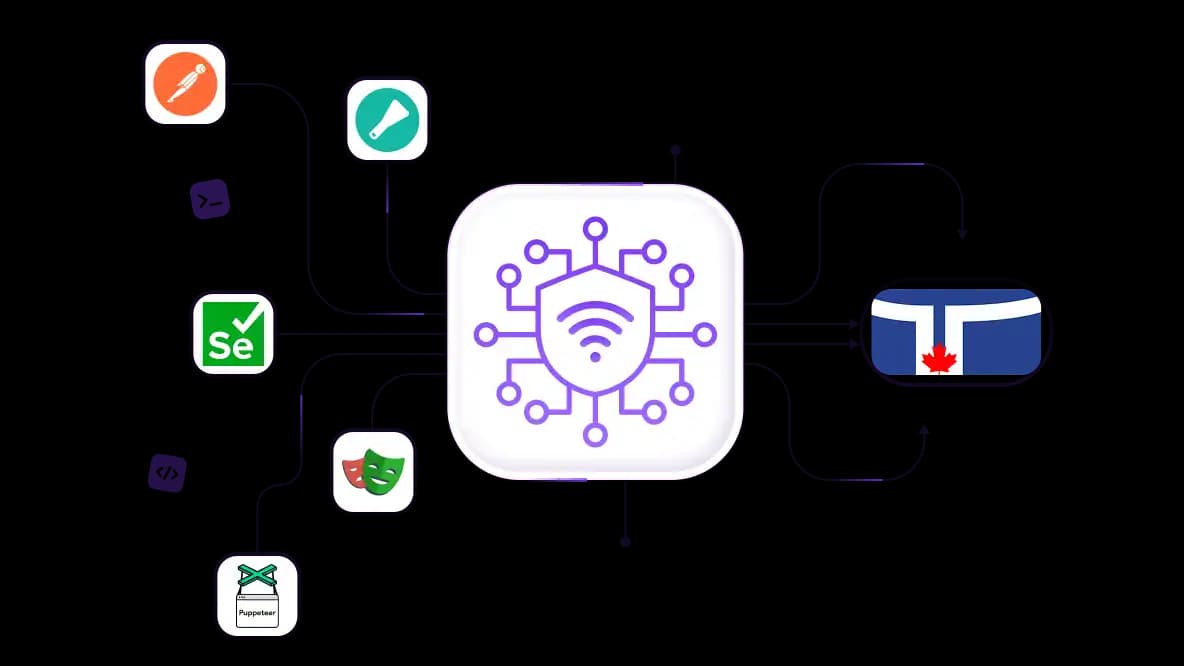
Keep scraping pipelines running with a Toronto proxy
Connect proxies to Playwright, Selenium, Puppeteer, Postman, or Scrapy to collect data from Toronto-targeted sources. Manage IP rotation and request patterns for your target to reduce CAPTCHAs and failed requests.
Assign one IP for each account in Toronto
Give each social media, ads, or marketplace account its own Toronto proxy connection with residential ISP or mobile IPs. Manage multiple accounts with fewer verifications, interruptions, and blocks.
Work with every anti-detect browser
Configure CyberYozh's p0f fingerprint switching to adjust network-level fingerprint parameters for your intended environment. Connect CyberYozh proxies to separate browser profiles to scale accounts without IP conflicts.
Specially for you
Best proxies by countries
Canada - dedicated mobile unlimited
- Dedicated 5G Router
- Socks5/VPN with dedicated DNS
- Manual IP Changing
- Change p0f fingerprint (Windows, MacOS, Android)
- High Trust Rate
- Very High Speed + Low Ping
- All network params 1:1 as provider's
Canada - shared mobile
- Shared 5G Router
- Supports SOCKS5 with UDP
- Up to 5 users per port
- Socks5/HTTP
- IP Rotation: every 30 min
- Windows p0f fingerprint
- High Trust Rate
- Very High Speed + Low Ping
- All network params 1:1 as provider's
Canada - rotating residential
- 24 hours Availability
- Real ISP
- Speed up to 10 mbps
- Full API Access
- HTTP Protocol
- 100M+ IPs in 100+ Countries
- Mass Credentials Generator
- Long session up to 6 hours
Canada - private residential
- Unlimited Bandwith
- Real ISP
- Speed up to 150 mbps
- Low Ping
- Supports SOCKS5 with UDP
- 24 hours Availability
- 1 Dedicated IP
Canada - dedicated datacenter
- Unlimited bandwidth
- Exclusive IP ownership
- High-speed connectivity
- 99.9 % uptime
- HTTP
Canada - shared datacenter
- Lightning-fast speeds
- Global IP coverage
- 99.9 % uptime
- Cost-efficient plans
- 1 GB bandwidth
- HTTP
Why do they buy from us?
Advantages
Private card payment
It doesn't matter how you topped up your balance, linking the payment to the rental of a specific proxy is impossible.
We do not store data on servers
As a rule, services that rent out proxies retain all data about the traffic passing through their servers.
Dedicated device
We do NOT disguise Shared proxies as individual ones. A modem or router is transferred to ONLY one person.
Online technical support
We are always ready to solve your problems and questions. Even late at night and early in the morning.
Money-back guarantee
We have both returns and exchanges. The priority is quality service and satisfied customers.
API for Business
For business clients, our service is ready to provide a convenient API that allows you to purchase proxies, change IP addresses, and much more.
Why you need a Toronto proxy
Toronto is Canada's largest business and financial hub, and many Canadian sites, streaming platforms, and ad networks are geo-restricted at the city or provincial level, not the national one. A generic Canadian proxy IP often resolves to Montreal or Vancouver, failing checks that require an Ontario or Toronto-specific location.
Here’s what a Toronto proxy server by CyberYozh App can deliver:
Web scraping Toronto-localized data
Social media account management for Toronto-market accounts
Ad verification for Toronto audiences
Accessing Ontario/Toronto-only content
Local SEO and market research.
A Toronto IP delivers the local accuracy a Canada-wide proxy cannot — essential if your audience, clients, or competitors operate in Toronto.
Buy Toronto proxy for every professional workflow
Toronto proxies let you work with fewer location-based blocks, keeping your workflows running on Canadian IPs.
Use Toronto proxy for web scraping localized data
Without a Toronto proxy, requests from your server hit Amazon.ca, Best Buy Canada, or local retailers and get generic pricing, redirected to global pages, or blocked outright.
Use Toronto residential proxies sourced from real ISP addresses – your scraper sees the same CAD prices, inventory, and localized listings a real Toronto shopper sees, with much higher success rates.
Get rotating residential proxies from $2/GB
Don’t want to build a scraper from scratch?
Yozh Scraper is free, open-source, and self-hosted: Playwright-based, deployed with Docker, with native MCP support. Pair it with your Toronto proxies and start collecting localized data today.
Toronto proxies for account management
Managing multiple TikTok, Facebook, Instagram, Amazon, or Walmart accounts registered to Toronto without local IPs can lead to flags, repeated verifications, or bans, and linked accounts can collapse together.
Assign one Toronto residential ISP or mobile IP by CyberYozh App for each account, and match OS fingerprints. Platforms will see consistent local user behavior, dramatically cutting re-verifications and ban risks.
Buy high-trust mobile proxies with unlimited traffic from $3.5
Toronto proxy for ad verification and local campaigns
Running geo-targeted ads without a Toronto IP means you cannot confirm whether Toronto audiences actually see the correct English creative, local offers, or CAD pricing.
Use Toronto residential ISP proxies with granular city- and ZIP targeting for Meta Ads, Google Ads, and TikTok Ads. See the exact ad a real Toronto user receives, confirming geo-targeting and landing page behavior before budget is wasted.
Buy ISP proxies with geo-targeting
Toronto proxy for SEO & SERP tracking
Checking Google.ca rankings from outside Toronto returns results skewed by your actual location; Toronto-specific organic rankings simply do not match what real Toronto searchers see.
Use Toronto residential proxies with city-level targeting. With a genuine Toronto ISP IP by CyberYozh App, you capture accurate Google.ca rankings, local pack positions, and Maps listings for actionable rank tracking and competitor analysis.
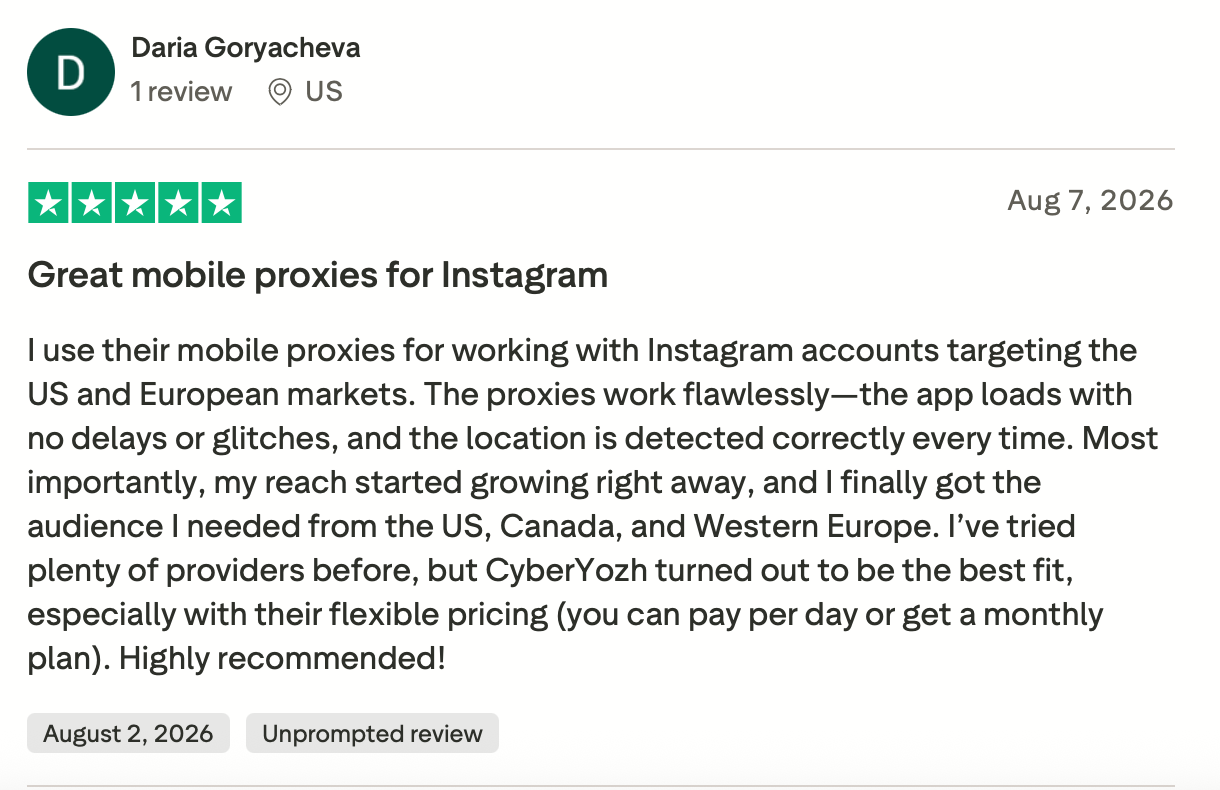
What CyberYozh App clients say about our proxies
Choose the best Toronto proxy for your task
Match your proxy type to the workload. The right setup helps reduce failed requests, avoid unnecessary costs, and keep workflows running.
Proxy type | Best fit | Starting price |
|---|---|---|
Rotating residential | Local scraping and market research | $2/GB |
Static residential ISP | Persistent sessions and account workflows | $5.29/month |
Mobile LTE/5G | Mobile-network-dependent workflows | $3.50/day |
Speed-sensitive, cost-conscious workloads | $1.90/month |
Pick by workload: rotating residential for scraping and research, static ISP for accounts and persistent sessions, mobile for carrier-dependent targets, datacenter for speed on a budget.
Read more about the best Canadian proxies in our blog.
How to set up a Toronto proxy: 4 steps
Sign up for CyberYozh and get Toronto credentials — In your proxy dashboard, select Canada → Toronto (city-level targeting), then copy the host, port, username, and password.
Choose your setup method — Use a browser extension for browser-only routing, or configure system/OS proxy settings for all traffic.
Enter proxy details — Paste the Toronto host and port into your tool or OS network settings, then enter your username and password when prompted.
Verify exit location — Use CyberYozh's built-in IP checker or visit an IP detection site to confirm the displayed city is Toronto, Ontario, Canada.
Need proxies beyond Toronto? Explore USA proxies, Germany proxies, Spain proxies and other popular proxy locations in our catalog.
What makes CyberYozh App the best choice for Toronto proxies
Toronto workflows fail for boring reasons: the wrong IP type, a session that rotates mid-task, or an address that's already flagged. CyberYozh App puts the right IP type, session controls, and reputation checks in one place, so your Toronto tasks run without surprise interruptions.
100M+ residential IPs across 195+ countries for Toronto-focused data collection and international targeting.
99.8% uptime on rotating residential and 99.9% on datacenter proxies for stable operations.
HTTP, HTTPS, UDP, and SOCKS5 support for compatibility
Real mobile LTE/5G proxies with unlimited traffic for data-intensive workflows.
API integrations with tools such as Playwright, Selenium, Scrapy, and Postman to connect proxies to existing workflows.
IP fraud score checker to screen connections before launching tasks.
Rotating residential sessions and sticky sessions up to 24 hours.
Explore full proxy catalog by CyberYozh App
Popular geolocations
Top up your balance in any convenient way!
Bank cards


Cryptocurrency


