
Can I Have Two PayPal Accounts: PayPal's Exact Rules for 2026
TL;DR
PayPal allows one personal account and one business account simultaneously, not two of the same type.
You can use the same SSN for both a personal and business account; this is expected and permitted.
Each account requires a unique email address.
Multiple separate legal entities (LLCs, corporations) can each maintain their own PayPal business account.
Businesses managing multiple legitimate accounts should use a dedicated IP address per account to avoid triggering PayPal's automated fraud detection.
Quick answer
Yes, you can have two PayPal accounts, one personal and one business. PayPal explicitly permits this under its User Agreement. You cannot have two personal accounts or two business accounts. Each account needs a different email address. You can use the same SSN for both. Attempting to open a second account of the same type puts both accounts at risk of permanent limitation.
What PayPal's user agreement says
Before anything else, here is what PayPal's actual policy states. PayPal's User Agreement includes this explicit provision under Account Eligibility:
"You may hold only one PayPal Personal Account and one PayPal Business Account at a time."
This is the rule. One personal account. One business account. The same individual can hold both simultaneously, and this is the intended structure for sole proprietors, freelancers, and small business owners who want to separate personal and professional transactions.
What the agreement prohibits:
Two personal accounts for the same individual
Two business accounts registered to the same individual identity
Opening a new account to circumvent a limitation placed on an existing account
The consequences of violating these rules range from temporary account limitations (requiring identity verification to restore access) to a permanent ban, depending on how the duplicate is discovered and how many policy violations are associated with the account.
Did You Know? PayPal processes over 22 billion payment transactions annually as of 2024. Its fraud detection systems are built to identify duplicate accounts by matching SSNs, device fingerprints, IP address patterns, and linked payment methods, not just email addresses.
Personal vs Business PayPal: What is the difference
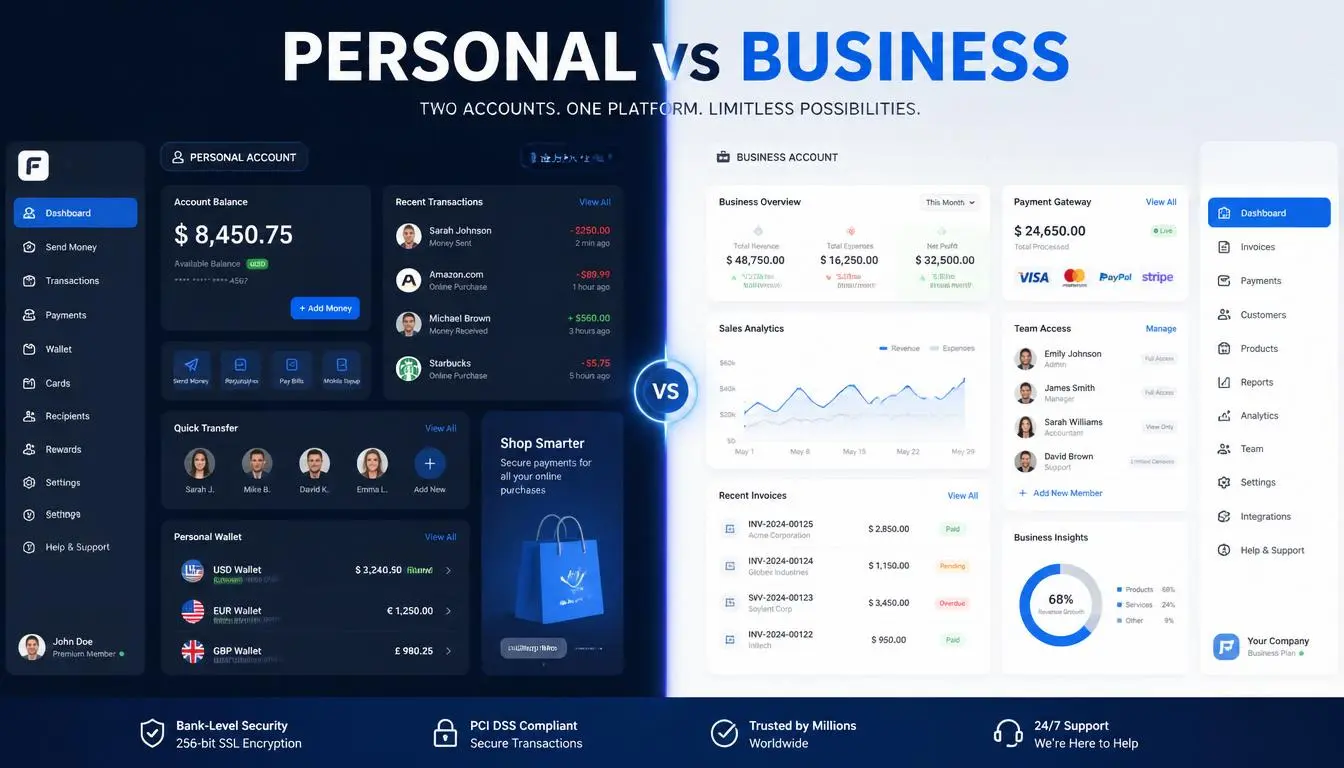
Before deciding whether you need two accounts, it helps to understand what each account type actually offers.
Feature | Personal Account | Business Account |
Send and receive money | ✓ | ✓ |
PayPal.me link | ✓ | ✓ |
Invoicing tools | ✗ | ✓ |
PayPal payment gateway | ✗ | ✓ |
Business name display | ✗ | ✓ |
Sales reports and analytics | ✗ | ✓ |
Multiple staff logins | ✗ | ✓ |
Higher transaction limits | Standard | Expanded |
1099-K tax reporting | Yes (>$600) | Yes (>$600) |
EIN instead of SSN | ✗ | ✓ |
If you are receiving money from clients or selling products, a business account is almost always the right structure, even for sole proprietors. The business account displays your business name rather than your personal name, supports invoicing, and gives you access to PayPal's payment gateway for e-commerce integrations.
The personal account remains useful for everyday purchases, sending money to friends and family, and keeping non-business spending separate.
Can I have two PayPal accounts with the same SSN
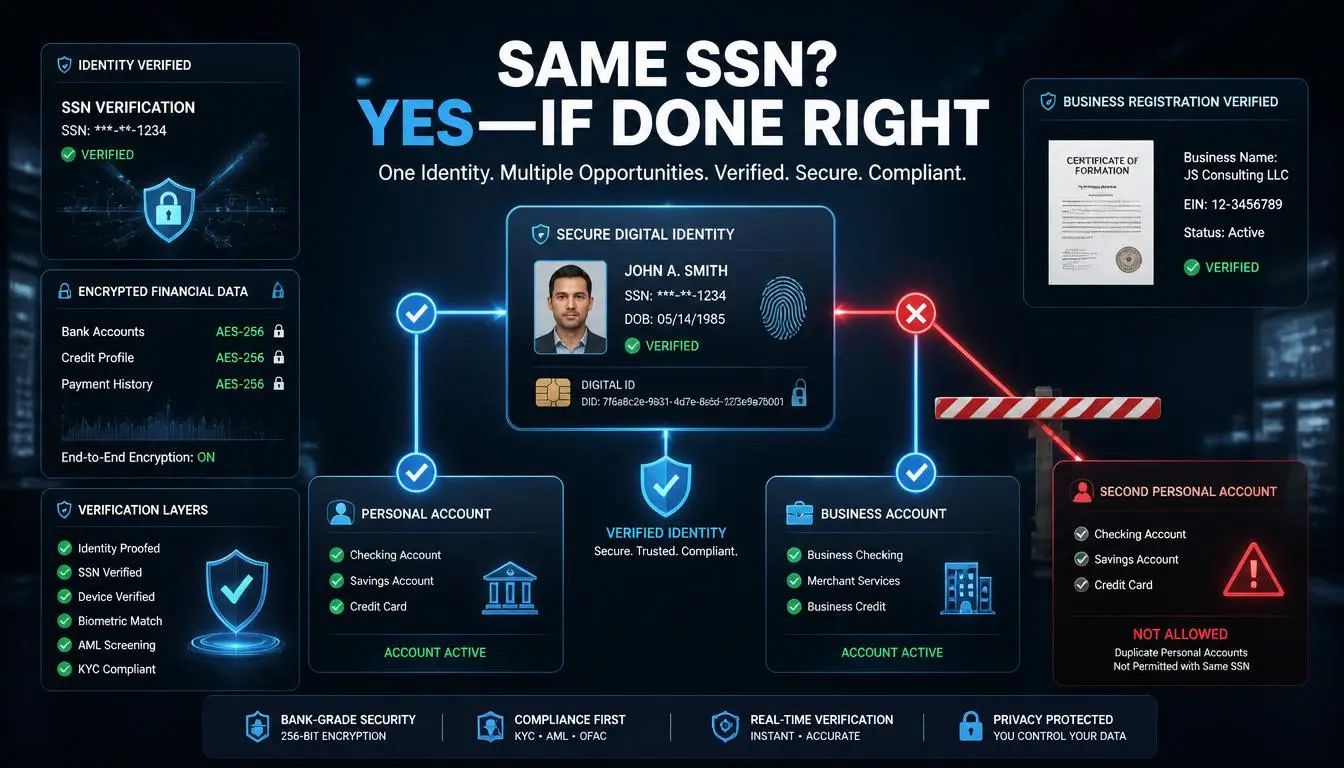
Yes. This is one of the most searched sub-questions on this topic, and the answer is clear.
You can use the same Social Security Number for both a personal PayPal account and a business PayPal account.
PayPal uses your SSN primarily for identity verification and IRS tax reporting. Since PayPal explicitly allows one account of each type, using the same SSN across both is expected, not a red flag.
What you cannot do:
Use the same SSN to open two personal accounts
Use the same SSN to open two business accounts
In both prohibited cases, PayPal's system will detect the duplicate and limit both accounts until identity verification is submitted.
The EIN alternative for businesses:
If your business is a registered legal entity, an LLC, S-Corp, C-Corp, or partnership, you can use your Employer Identification Number (EIN) for the business PayPal account instead of your personal SSN. This creates a clean legal and tax separation between your personal and business identities.
Scenario | SSN Permitted? | EIN permitted |
Personal account | Yes | No |
Business account (sole proprietor) | Yes | Yes |
Business account (registered LLC/Corp) | Yes | Yes (recommended) |
Second personal account | No | No |
Second business account | No | No |
Pro Tip: If you operate a registered LLC, use your EIN for the business PayPal account. It keeps business income separate from your personal tax return and makes IRS reporting significantly cleaner.
Do I need a different email for each account
Yes. PayPal uses email addresses as primary account identifiers. Each account, personal or business, requires a unique email address that is not associated with any other PayPal account.
This is straightforward to manage:
Use your personal email (Gmail, iCloud, etc.) for your personal account
Use your business domain email (you@yourbusiness.com) for your business account
If you do not have a business domain email, a separate Gmail address works fine. PayPal does not require a business domain, just a unique address.
Attempting to register a second account with an email address already linked to an existing PayPal account will fail at sign-up. PayPal's system blocks it before any account creation occurs.
How to switch between PayPal accounts
Once you have both accounts, PayPal makes it reasonably straightforward to move between them.
On the PayPal mobile app:
Log in to either account
Tap your profile icon in the top-left corner
If accounts are linked, select "Switch Account" from the dropdown
Authenticate with the second account's credentials
On paypal.com:
Log in to one account
Click your name or profile icon in the top-right corner
Select "Switch Account" if the two accounts have been linked
Log in with the second set of credentials
If your accounts are not yet linked:
You can link them by logging in to one account and adding the second account during checkout or in the account settings section. Linking is optional; you can also simply log out of one account and log in to the other.
How to link a bank account to PayPal
You can link the same bank account to both your personal and business PayPal accounts. PayPal verifies bank accounts independently and permits the same account to appear in multiple PayPal profiles.
Steps to link a bank account:
Log in to your PayPal account
Navigate to Wallet (web) or Finance (app)
Select Link a bank account or + Add bank
Enter your bank's 9-digit routing number and account number
Choose your verification method:
Micro-deposit verification: PayPal sends two small deposits (usually under $1); confirm the exact amounts within 3 business days
Instant verification: Log in to your bank through PayPal's secure portal; verification completes immediately for supported banks
Most major U.S. banks support instant verification. Credit unions and smaller regional banks may require the micro-deposit method.
Common Mistake: Entering the routing number from the top of a check rather than the bottom. Routing numbers printed on the top of some check designs are for wire transfers and differ from the ACH routing number at the bottom. Always use the 9-digit number at the bottom left of a printed check.
How to change a business PayPal to personal
If you opened a business PayPal account and no longer need business features, you can convert it to a personal account.
How to change from PayPal business to personal:
Log in to your PayPal business account
Go to Account Settings (gear icon, top right)
Select the Account tab
Look for Account Type, select Downgrade Account or Switch to Personal
Follow the confirmation prompts
Before converting, check:
No pending transactions in progress
No open disputes or claims
Account is not under a current limitation
Balance has been withdrawn (PayPal recommends a zero balance before conversion)
What you lose by converting to personal:
Invoicing tools
Business name display on payments
Sales reports
PayPal payment gateway access
Multiple-user login access
If you want to convert a personal account to a business account, the process is the same in reverse: find Account Type in Account Settings and select Upgrade to Business. This does not require closing and reopening your account; existing transaction history is preserved.
What happens when PayPal flags a duplicate account
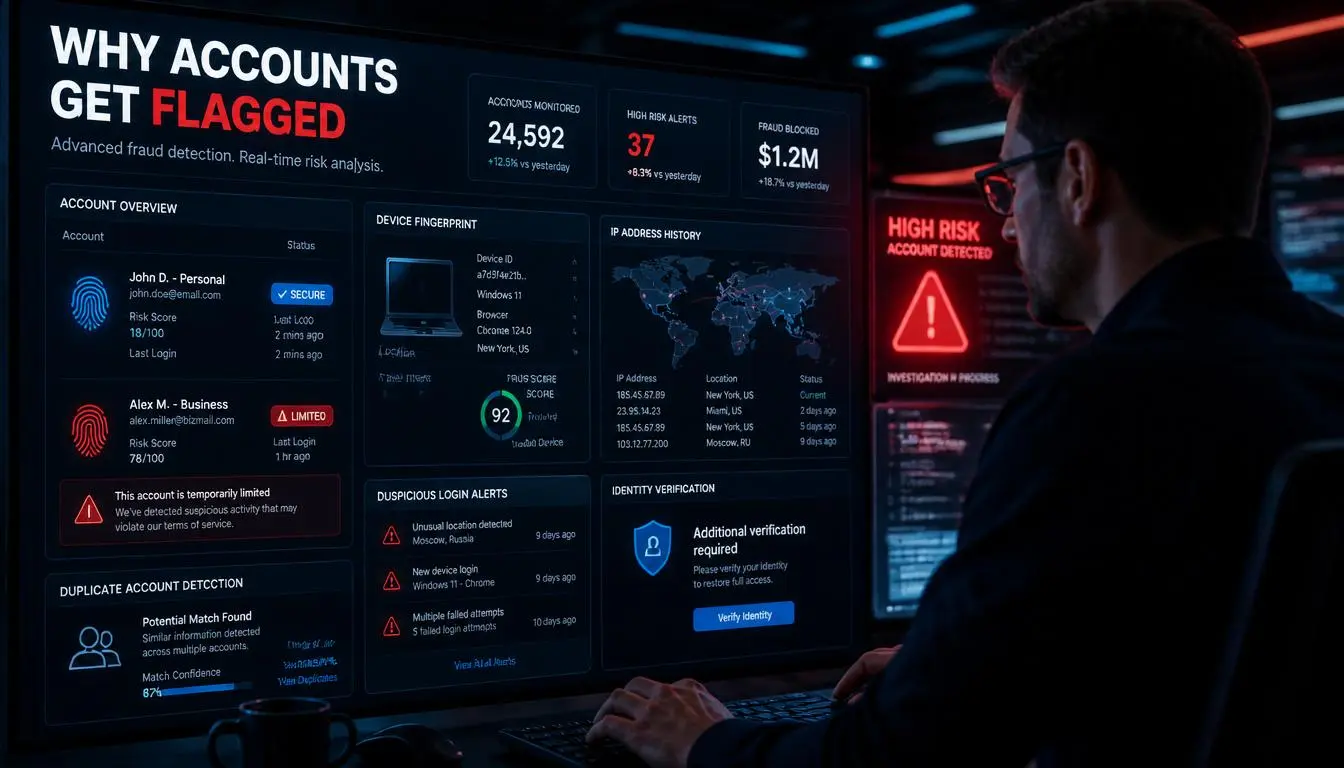
Many articles skip this entirely. Here is the exact sequence:
Step 1: Automated detection. PayPal's risk systems flag accounts that share SSNs, device fingerprints, or IP addresses when only one account of that type is permitted. This happens in real time.
Step 2: Account limitation. One or both accounts receive a notice of limitation. The account can still be logged in to, but the ability to send, receive, or withdraw funds is frozen.
Step 3: Identity verification request. PayPal requests documents: government-issued ID, proof of address, and sometimes bank statements. You have a defined window (typically 180 days) to submit documents before the account is permanently closed.
Step 4: Review and resolution. If your documents are clean and the duplicate was accidental (e.g., you forgot about an old account), PayPal typically restores one account and closes the other. If the duplicate was opened to circumvent a previous limitation, the ban is usually permanent.
Step 5: Appeals. PayPal offers an appeals process for permanent limitations through their Resolution Center. Success rates for appeals are higher when the original limitation was triggered by an honest mistake rather than deliberate policy violation.
Expert Insight: PayPal's fraud detection tracks IP address history across account sessions. Multiple accounts accessed from the same IP, even legitimate ones owned by the same business, can trigger automated flags. Businesses managing multiple entities should ensure each account has a distinct, consistent IP history.
Why businesses use multiple PayPal accounts and how to do it safely

For individuals, the one-personal-one-business rule is sufficient. For businesses operating multiple legal entities, the picture is more complex.
Legitimate reasons a business portfolio needs multiple PayPal accounts:
Each separately registered LLC or corporation can have its own PayPal business account, using its own EIN
E-commerce operators running multiple branded storefronts under different legal entities
Agencies managing payment accounts for multiple clients (each client's account is their own, separate legal entity)
Holding companies with multiple subsidiaries, each operating independently
The key risk: IP address and device fingerprint detection.
PayPal's automated systems flag multiple accounts accessed from the same IP address or device, even when each account is a legitimately separate legal entity. This is not a sign of fraud, but PayPal's systems treat it as a risk signal.
The professional solution is to ensure each account is accessed from a consistent, dedicated IP address that is geographically appropriate for that entity's registered location. This creates a clean, distinct digital identity for each account.
Using rotating or shared IPs for multi-account access is the single most common trigger for false fraud flags on otherwise clean business accounts. Dedicated residential IPs solve this by giving each account a permanent, clean location history.
Why businesses choose CyberYozh in 2026
For businesses managing multiple legitimate PayPal accounts across separate entities, storefronts, or client workflows, maintaining a distinct digital identity per account is not optional. It is the difference between smooth operations and repeated limitations.
CyberYozh provides the proxy infrastructure used by professional account management teams who need reliable, clean IP access at scale.
What CyberYozh offers for multi-account PayPal management:
Residential proxies: real ISP-assigned IPs that match the expected geographic location of each entity; from $0.9/GB; pass PayPal's fraud scoring at the IP level
Dedicated IPs: assign a single, exclusive residential IP to a single PayPal account to build consistent location history over time
Sticky sessions: hold the same IP for extended sessions so each account always originates from the same trusted location
LTE mobile proxies: 4G/5G IPs with the lowest fraud score detection rates; ideal for accounts requiring the highest trust signals
ISP proxies: datacenter speed with residential IP legitimacy; for high-volume payment workflows
Compatibility with major anti-detect browsers with inbuilt fingerprinting such as DolphinAnty, Adspower, Octobrowser, and many more.
Api and automation, integration with Selenium, Puppeteer, Playwright, Postman, Scrapy, and custom scripts
Fraud Score tool: verify any IP's cleanliness and trust history before attaching it to a financial account
SMS Verification: virtual numbers for PayPal account creation, phone verification, and two-factor authentication flows
Global locations: IPs across 100+ countries to match each business entity's registered address precisely
Pricing is budget-friendly from $0.9/GB on residential traffic
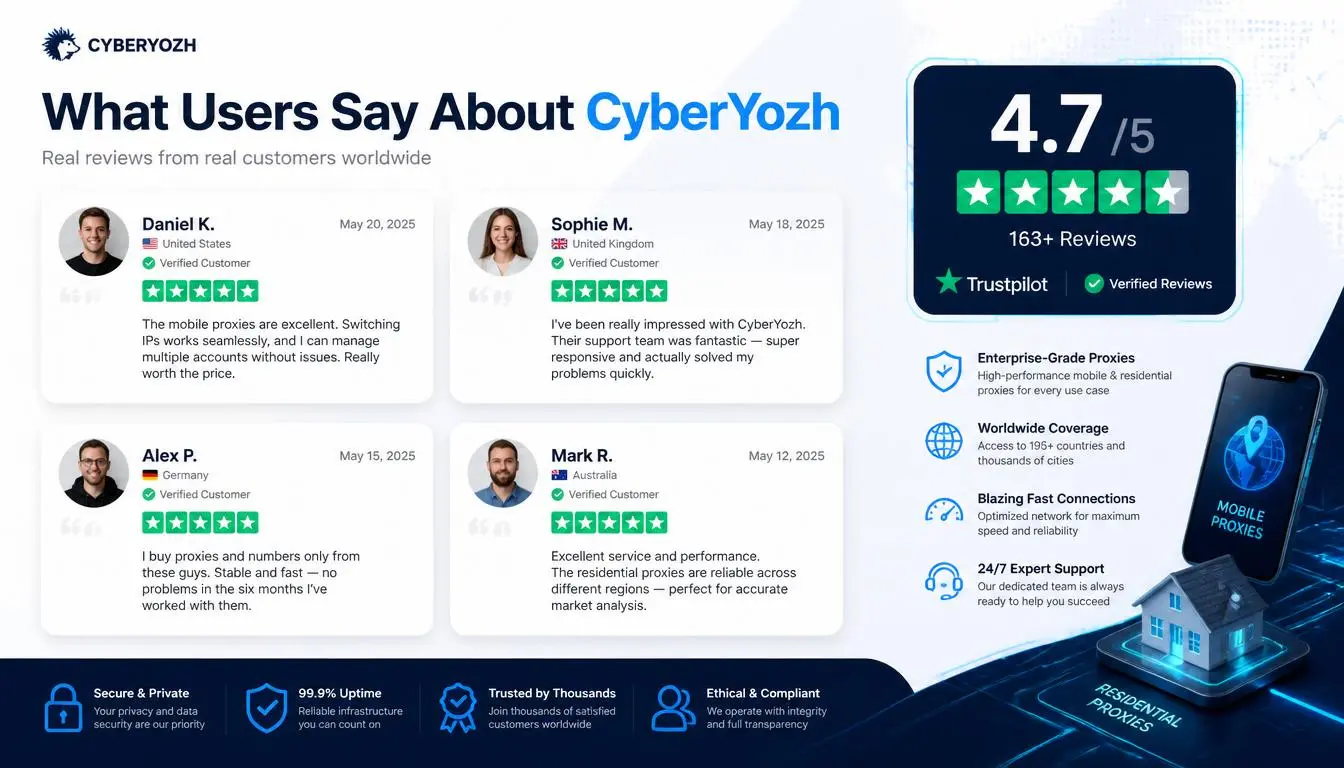
A verified CyberYozh business user on Trustpilot described their setup: "We run accounts for three separate entities through CyberYozh dedicated IPs. Zero false flags in eight months. The Fraud Score tool was essential for vetting IPs before we used them."
This is not about circumventing PayPal's rules. It is about ensuring that each legitimate business account looks legitimate to PayPal's automated systems, which is exactly what any serious multi-entity business operation should do.
Explore the CyberYozh Proxy Catalog: residential, mobile, ISP, and dedicated IPs from $0.9/GB
Check your IP with the Fraud Score Tool to verify IP cleanliness before connecting to any financial account
Try CyberYozh SMS Verification virtual numbers for PayPal account verification flows