
Discord ID Lookup: How to Find Any Discord User ID in 2026 (Desktop and Mobile)
Quick answer: To look up a Discord ID, turn on Developer Mode (User Settings > Advanced), then right-click any user, server, channel, or message and choose Copy ID. On mobile, open the person’s profile, tap the three dots, and choose Copy User ID. A Discord ID is a permanent 17–19-digit number. It never changes, it reveals when the account was created, and it can’t reveal anyone’s IP address.
Worried about IP grabbers on Discord? Your ID can’t expose your IP, but a clicked link can. Route Discord through a dedicated Discord proxy, and every link you open shows the proxy’s IP, not your home connection.
TL;DR
Every Discord user, server, channel, and message has its own unique ID
You need Developer Mode turned on before “Copy ID” appears
New accounts have 19-digit IDs; older guides that say “18 digits” are out of date
Every ID contains its creation date, which you can decode yourself
No tool can turn a Discord ID into an IP address; “IP resolver” sites are fake
What is a Discord ID
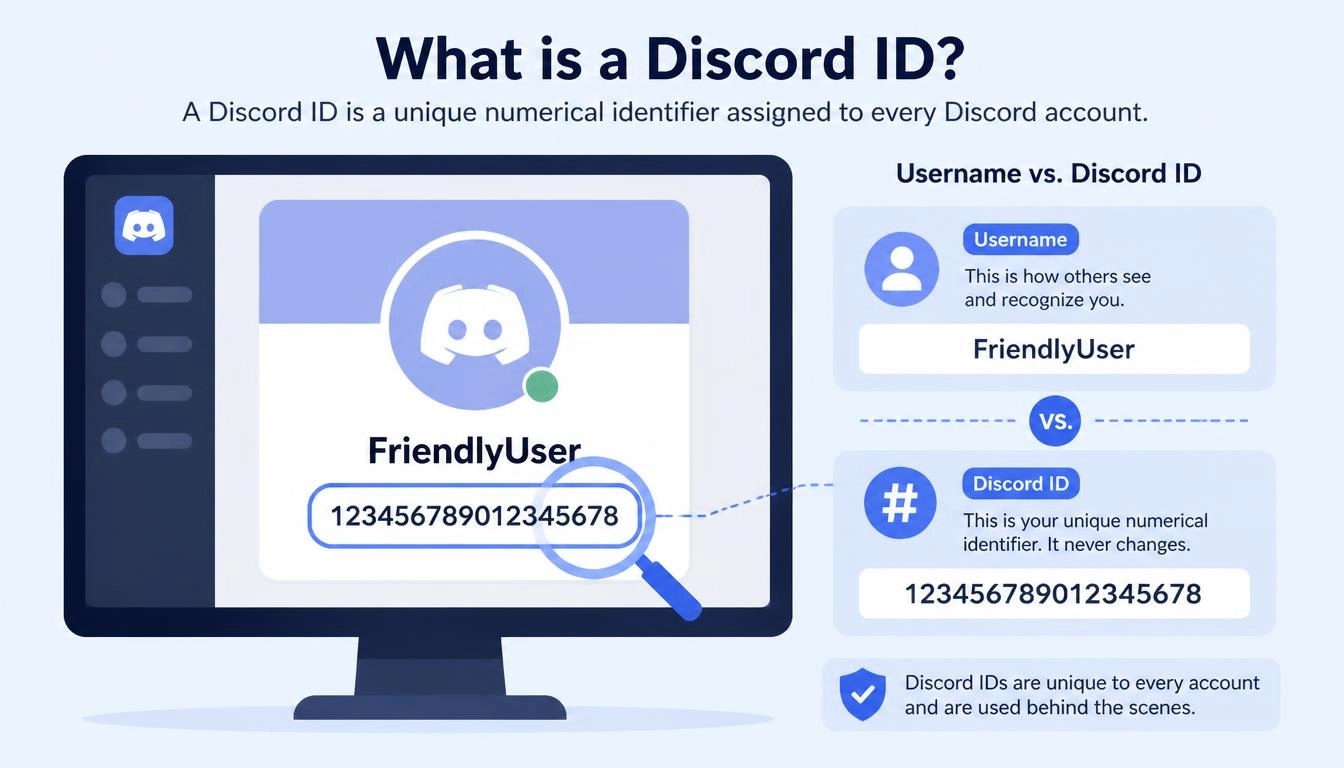
A Discord ID is a unique number Discord gives to every account, server, channel, message, and role. Your username and display name can change at any time, but your Discord ID stays the same for the life of the account. That’s why bots, moderators, and Discord’s own support team use IDs instead of names.
Discord builds these IDs using a format called a “snowflake”, which packs the exact creation time into the number. Because the number grows over time, the ID length tells you roughly how old an account is (calculated from Discord’s published formula):
Discord ID length | Account created |
17 digits | Before about October 2015 |
18 digits | About October 2015 to July 2022 |
19 digits | After about July 2022, including all new accounts |
Good to know: if your ID is 19 digits and a website says “enter your 18-digit Discord ID”, your ID isn’t wrong. The website is out of date.
How to find your Discord ID on desktop or browser
Discord hides IDs until you turn on Developer Mode. You only need to do this once.
Step 1: Turn on Developer Mode
Click the gear icon next to your name in the bottom-left corner to open User Settings
Scroll down the left menu to App Settings and click Advanced
Switch Developer Mode on
Step 2: Copy your Discord user ID
Click your profile picture in the bottom-left corner
Choose Copy User ID
Paste it anywhere (Ctrl+V or Cmd+V) to see the number
You can also go to User Settings > My Account, click the three dots next to your username, and choose Copy User ID. Discord’s own guide to finding user, server, and message IDs shows the same steps with screenshots.
How to find your Discord ID on mobile (iPhone and Android)
The Discord ID in the mobile app works the same way, but the menus are in different places:
Tap your profile picture in the bottom-right corner
Tap the gear icon in the top-right corner
Scroll to App Settings, tap Advanced, and switch Developer Mode on
Go back to your profile, tap the three dots, and choose Copy User ID
If you can’t find the option, update the app first. Older versions kept Developer Mode under Appearance instead of Advanced.
How to find someone else’s Discord user ID
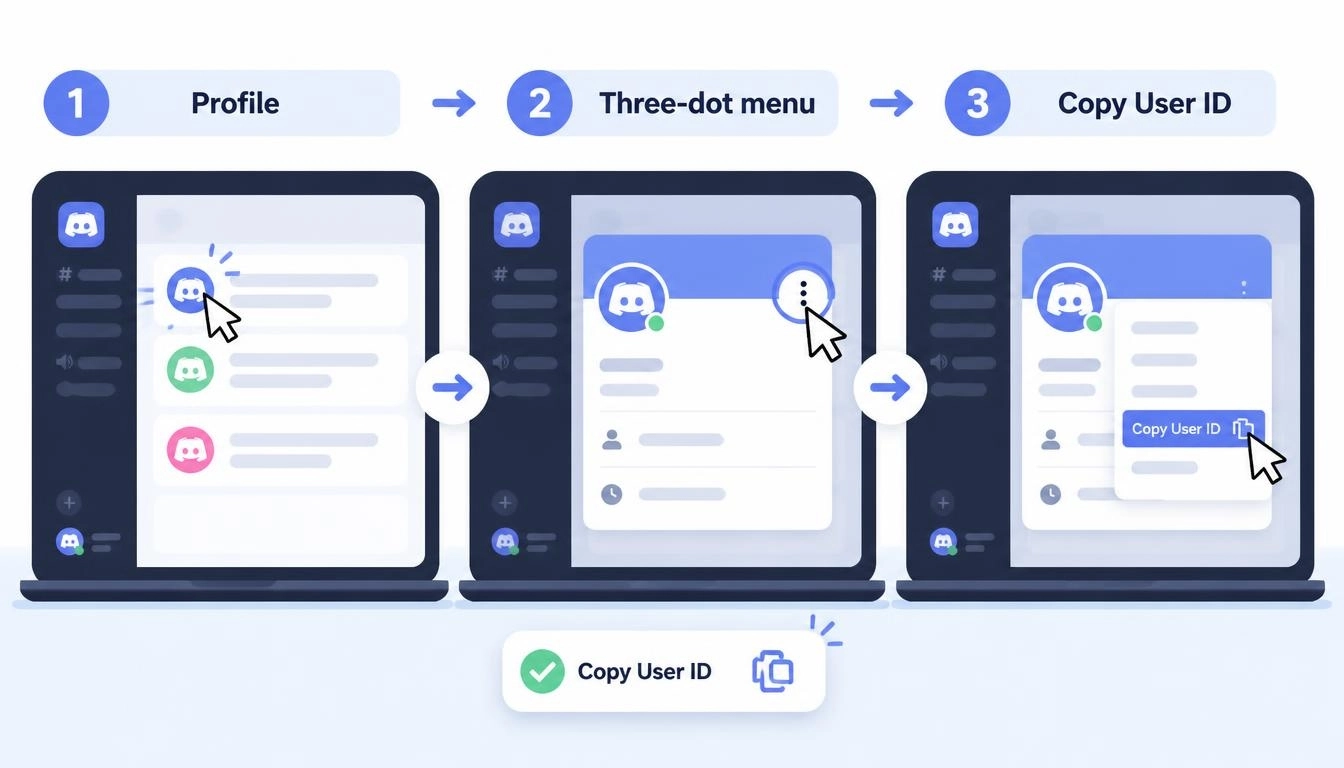
You can copy anyone’s Discord user ID as long as you can see them somewhere in Discord:
In a server: right-click their name in the member list or chat (long-press on mobile) and choose Copy User ID
In a DM: open the conversation, open their profile, and choose Copy User ID from the three-dot menu
The backslash trick: in a server, type a backslash before a mention, like \@username, and send it. Discord shows the raw mention with the ID inside, like <@123456789012345678>
Can you find a Discord ID from just a username? Not directly. Discord has no public search that turns a username into an ID. You need to share a server or DM with the person, or ask them for it. Sites that claim to find anyone’s ID from a username usually show only public profile data, and some are scams that ask you to log in.
Discord ID lookup: what lookup tools can and can’t show
A Discord ID lookup tool takes an ID and shows the public profile linked to it. Popular sites like discord.id and lookup.guru all work the same way.
A Discord lookup can show | A Discord lookup can’t show |
Username and display name | Email address |
Profile picture (pfp) and banner | Phone number |
Public badges, such as Nitro or early supporter | IP address or location |
Account creation date | Password, messages, or server list |
Whether it’s a bot account | Private profile details |
Never log in to a lookup site. A real Discord ID lookup only needs the ID. If a site asks for your Discord password, a login code, or your account “token”, close it. Those details give full access to your account.
How to see when a Discord account was created from its ID
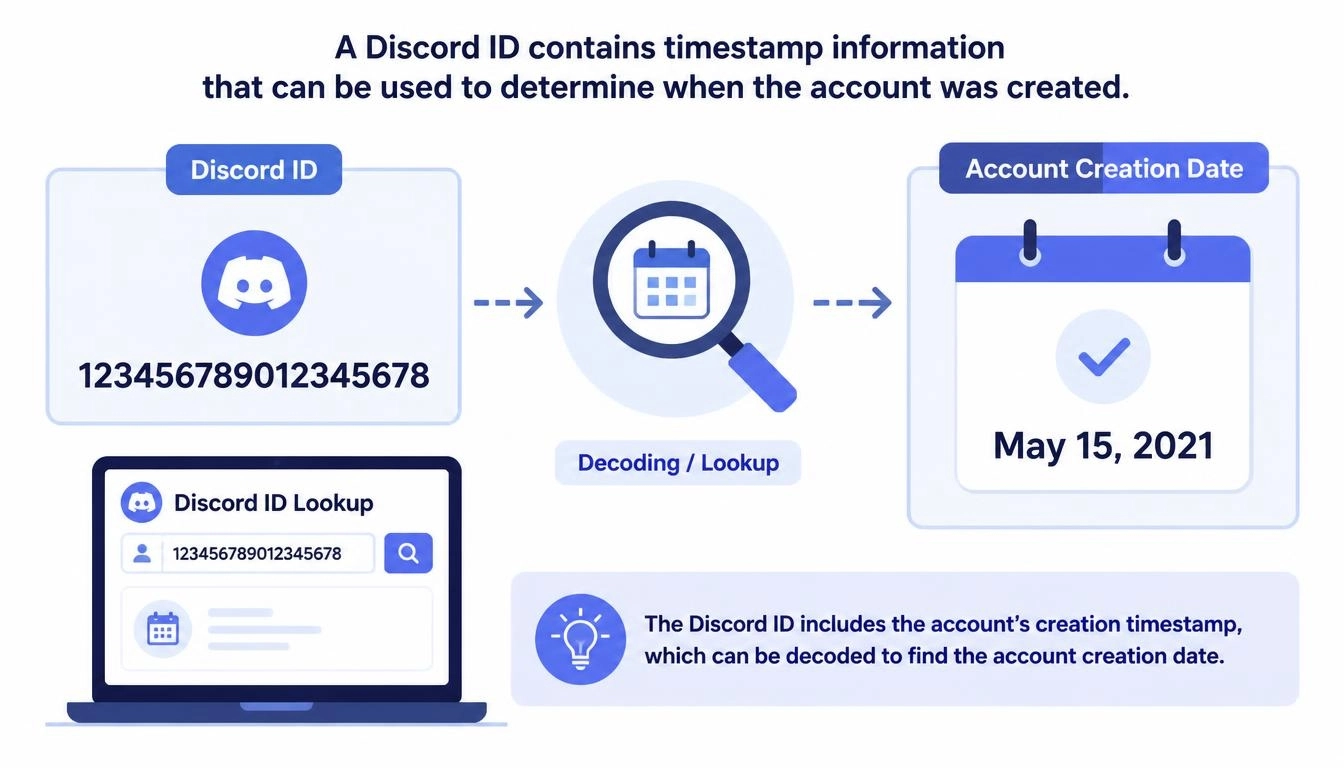
Every Discord ID contains a timestamp. According to Discord’s developer documentation, you get the creation time by shifting the ID 22 bits to the right and adding 1420070400000 (the first second of 2015, Discord’s “epoch”).
Worked example:
Take the ID 175928847299117063
Shift it right by 22 bits: 41944705796
Add 1420070400000: 1462015105796 milliseconds
Convert that Unix time: 30 April 2016, 11:18 UTC
You don’t need to do the maths by hand. Most Discord lookup tools show the creation date automatically, and any “Discord snowflake to date” converter will decode it for you. Moderators use this to spot brand-new accounts joining a server.
Can someone get your IP address from your Discord ID
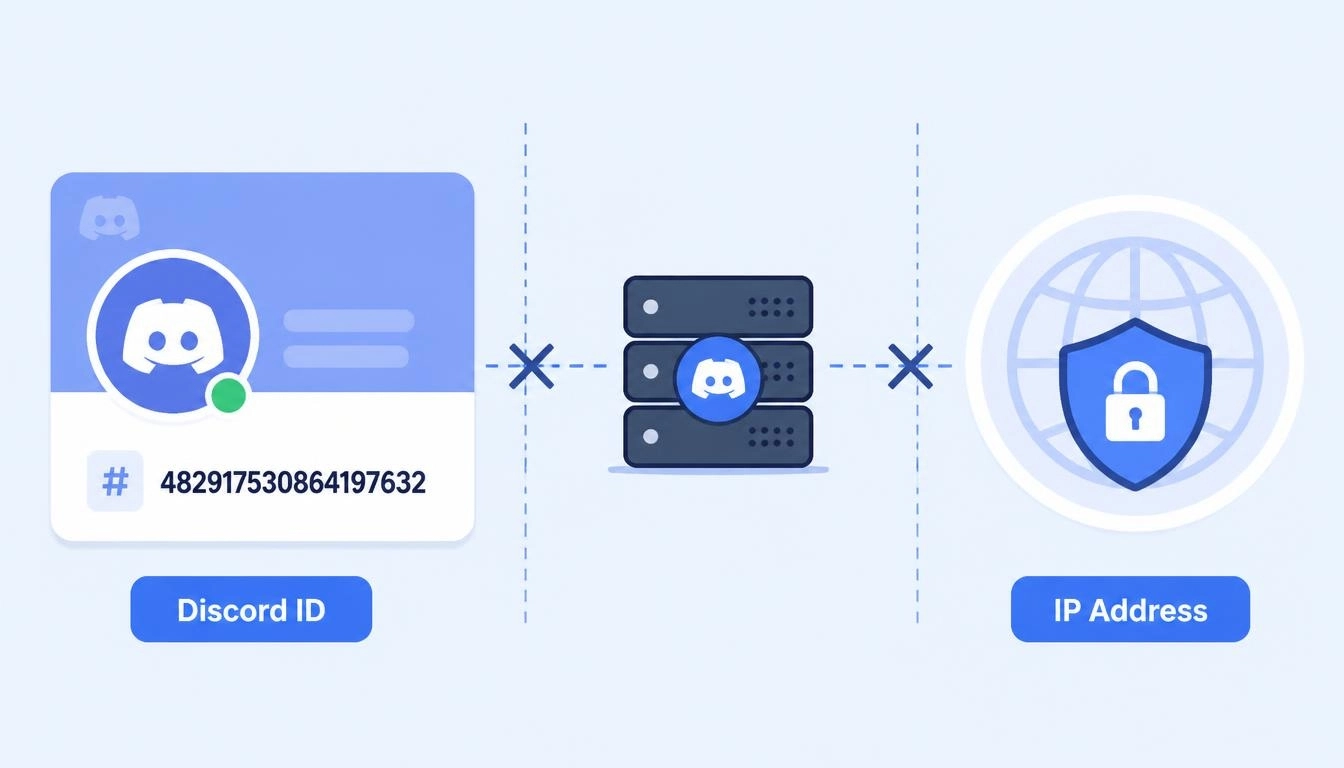
No. This is the question people worry about most, and the answer is clear: a Discord ID contains a timestamp and internal counters, not an IP address. Discord doesn’t share users’ IP addresses with each other in servers, DMs, or calls.
So how do people “pull” IPs on Discord? Almost always by tricking you into clicking a link. A link shortener or “free Nitro” page can log the IP of anyone who opens it in a browser. The so-called “Discord IP resolver” sites that take an ID and return an IP are fake: they either show a random address or are designed to make you nervous.
How to protect your IP on Discord:
Don’t click links from strangers, especially “free Nitro” giveaways and shortened URLs
Use a proxy or VPN in your browser, so any link you do open logs the proxy’s IP instead of yours
Route Discord itself through a proxy. Discord has no built-in proxy setting, so follow our Discord proxy setup guide; voice chat needs SOCKS5 with UDP support
Check what websites can see about your connection with the CyberYozh IP checker, which shows your IP’s location, proxy/VPN detection, and fraud score
If your copy User ID is not showing: Fixes that work
Problem | Fix |
No “Copy ID” option anywhere | Developer Mode is off. Turn it on under User Settings > Advanced |
Can’t find Developer Mode | Update Discord. Older versions kept it under Appearance |
Mention shows “@unknown-user” | Discord couldn’t load that user. Open their profile from the member list instead |
The mobile menu looks different | Open the full profile, then look in the three-dot menu |
Discord won’t load at all | Your network may be blocking it. See our guide to getting Discord unblocked |
For moderators, bot developers and community managers
Discord IDs matter most to people who run servers:
Moderators use IDs to ban or report users who keep changing their names, and Discord’s Trust & Safety team asks for IDs in reports
Bot developers use IDs for permissions, logging, and commands, because names aren’t unique or permanent. If your bots or scripts run through proxies, CyberYozh API access lets you manage those proxies from code
Community managers running several brand or client accounts can keep each one on its own stable IP with static ISP proxies, from $5.29 a month with unlimited traffic. To juggle those accounts on a phone, see our guide on how to switch accounts on Discord mobile
Running Discord for a brand or community? Give each account its own clean IP, so one account’s problems never spill over to the others. Always follow Discord’s rules on how many accounts you run and how.
Quick recap
A Discord ID lookup takes seconds once Developer Mode is on: right-click on desktop, or use the three-dot menu on mobile, and choose Copy User ID. Your ID is permanent; it shows when your account was created, and it can’t expose your IP. The real risk on Discord is links, not IDs.
Protect your IP on Discord today: route Discord and your browser through CyberYozh LTE/5G mobile proxies, from $1.70 a day with unlimited traffic. Real carrier IPs keep your connection natural, so any link you open sees the proxy, not your home address.