

DuckDuckGo Proxy
Turn search results into useful data with a DuckDuckGo Proxy. Track rankings, research competitors, and collect SERPs with IPs you can rotate between requests or keep consistent throughout a session.
Don’t Let one blocked IP stall your DuckDuckGo research
Spread your search requests across a pool of 100M IPs instead of sending every query through the same address. A DuckDuckGo Proxy with IP rotation helps you distribute ranking checks, competitor research, and SERP collection across multiple IPs. Combine rotation with sensible request pacing to reduce interruptions and spend less time rerunning unfinished jobs.
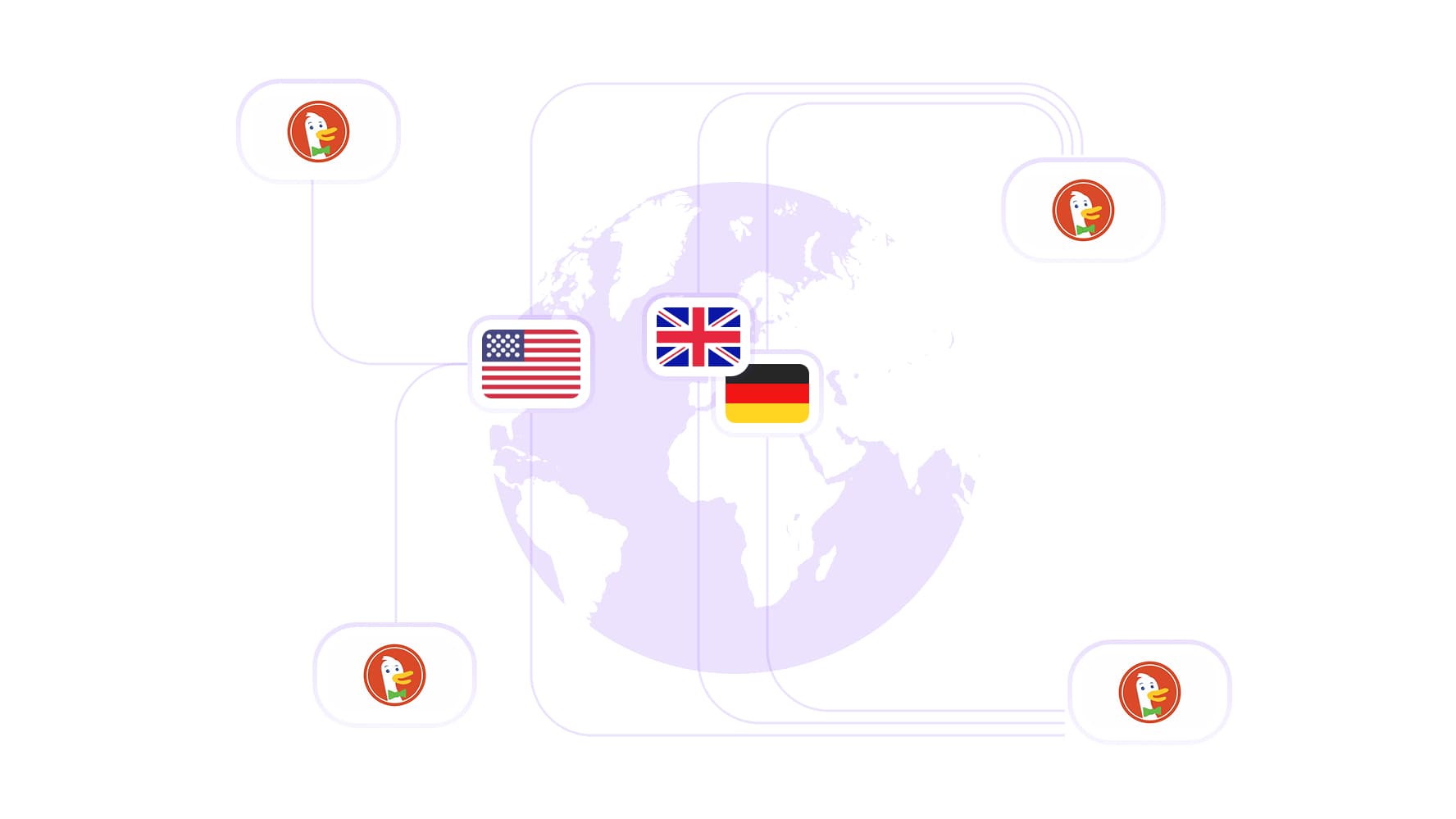
See search results beyond your own location
Explore your target market through a local IP and see which competitors and pages appear in search results. With proxy coverage across 195+ countries, you can compare results across locations and uncover opportunities beyond your usual searches. Pair DuckDuckGo proxies with the search engine’s region settings to track regional rankings, identify competing domains, and spot gaps in their content.
Keep the same IP when your research needs continuity
Hold the same IP across related searches with sticky sessions up to 24 hours. When you’re comparing results or working through a keyword list, a consistent DuckDuckGo Proxy IP keeps address changes from introducing another variable into your research. Choose a session length that fits the task, then rotate when you’re ready to begin a separate job.
Collect more search data without watching every gigabyte
Expand your keyword lists and run recurring ranking checks without paying for every additional gigabyte. CyberYozh App’s unlimited-traffic mobile proxy plans make bandwidth costs predictable as your DuckDuckGo research grows. With 99.99% proxy uptime, you can schedule regular collection jobs and spend more time analyzing results instead of managing connection downtime.
Find the right DuckDuckGo proxy for the job
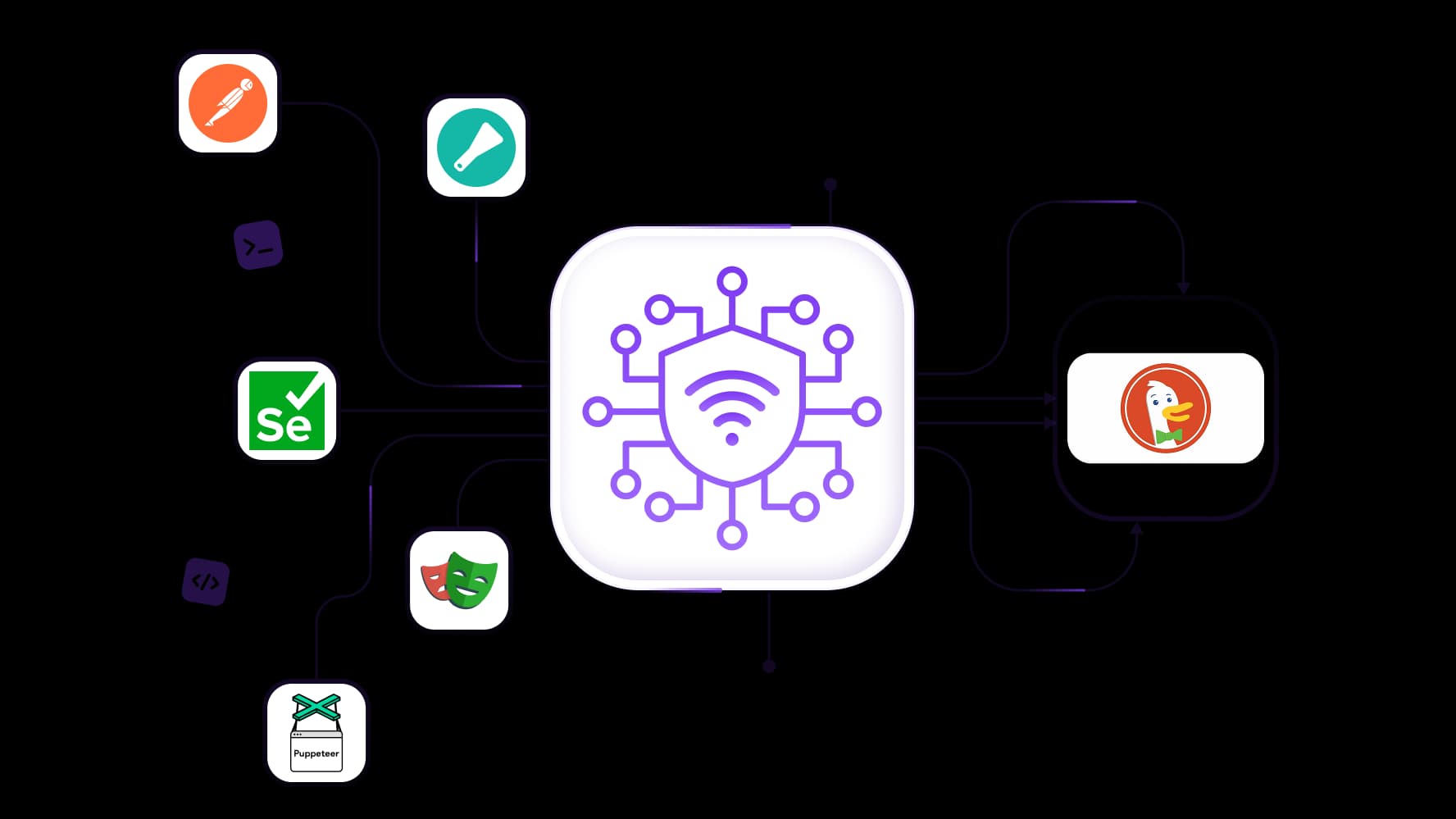
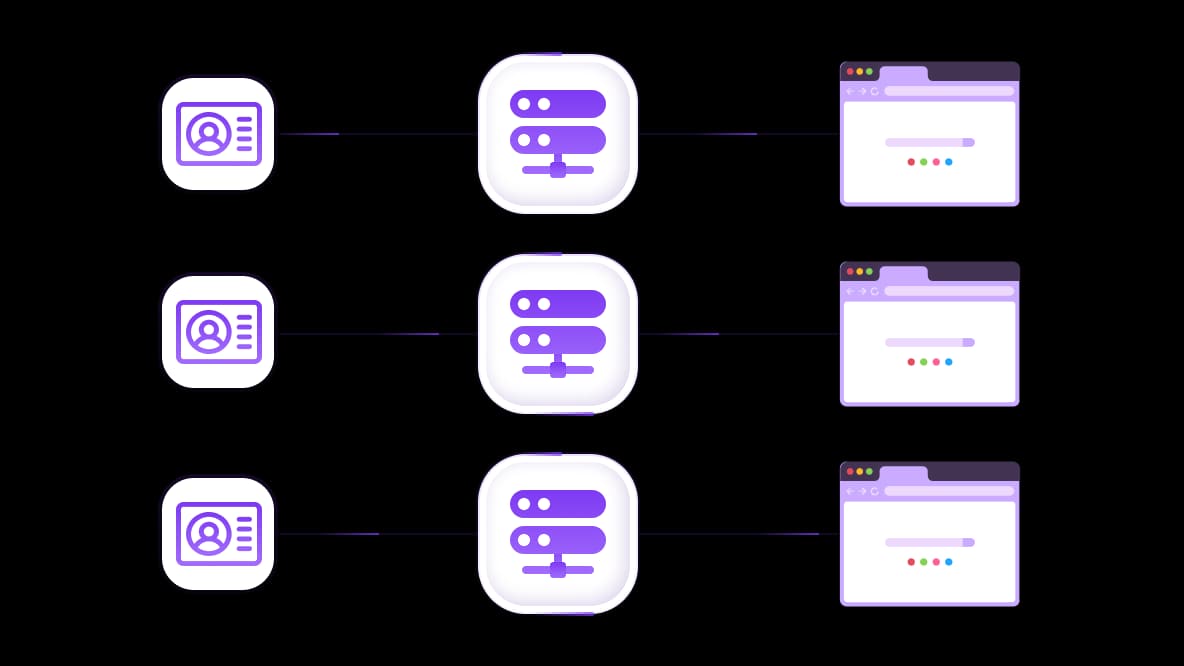
Connect your DuckDuckGo Proxy to the tools you already use. Get full API access for programmatic proxy management and integration support for Scrapy, Postman, Playwright, Puppeteer, Selenium, and other automation frameworks. Choose rotating residential IPs for distributed searches, sticky sessions for related queries, or unlimited-traffic mobile plans for ongoing collection, then build them into your existing research workflow.
Specially for you
Best proxies by countries

DuckDuckGo - dedicated mobile unlimited
- Dedicated 5G Router
- Socks5/VPN with dedicated DNS
- Manual IP Changing
- Change p0f fingerprint (Windows, MacOS, Android)
- High Trust Rate
- Very High Speed + Low Ping
- All network params 1:1 as provider's
DuckDuckGo - shared mobile
- Shared 5G Router
- Supports SOCKS5 with UDP
- Up to 5 users per port
- Socks5/HTTP
- IP Rotation: every 30 min
- Windows p0f fingerprint
- High Trust Rate
- Very High Speed + Low Ping
- All network params 1:1 as provider's
DuckDuckGo - rotating residential
- 24 hours Availability
- Real ISP
- Speed up to 10 mbps
- Full API Access
- HTTP Protocol
- 100M+ IPs in 100+ Countries
- Mass Credentials Generator
- Long session up to 6 hours
DuckDuckGo - private residential
- Unlimited Bandwith
- Real ISP
- Speed up to 150 mbps
- Low Ping
- Supports SOCKS5 with UDP
- 24 hours Availability
- 1 Dedicated IP
DuckDuckGo - dedicated datacenter
- Unlimited bandwidth
- Exclusive IP ownership
- High-speed connectivity
- 99.9 % uptime
- HTTP
DuckDuckGo - shared datacenter
- Lightning-fast speeds
- Global IP coverage
- 99.9 % uptime
- Cost-efficient plans
- 1 GB bandwidth
- HTTP
Why do they buy from us?
Advantages
Private card payment
It doesn't matter how you topped up your balance, linking the payment to the rental of a specific proxy is impossible.
We do not store data on servers
As a rule, services that rent out proxies retain all data about the traffic passing through their servers.
Dedicated device
We do NOT disguise Shared proxies as individual ones. A modem or router is transferred to ONLY one person.
Online technical support
We are always ready to solve your problems and questions. Even late at night and early in the morning.
Money-back guarantee
We have both returns and exchanges. The priority is quality service and satisfied customers.
API for Business
For business clients, our service is ready to provide a convenient API that allows you to purchase proxies, change IP addresses, and much more.
What is a DuckDuckGo proxy?
A DuckDuckGo proxy is a proxy server you use to access DuckDuckGo through a different IP address. It sits between your browser or research tool and the search engine, forwarding your requests so DuckDuckGo sees the proxy’s IP instead of your own.
For search research, this gives you control over the IP used to collect results. You can keep one address for related queries, rotate IPs between independent search batches, or choose an IP in a target country. For regional comparisons, pair that location with DuckDuckGo’s region settings rather than relying on the IP alone.
Get your DuckDuckGo mobile proxy and start researching with the location and IP control your searches need.
Is DuckDuckGo a proxy?
No. DuckDuckGo is a privacy-focused search engine, while a proxy is an intermediary that routes your connection. Searching on DuckDuckGo does not automatically replace your IP address with a proxy IP.
The two serve different purposes: DuckDuckGo helps you find information, and a proxy controls the IP address your requests come from. To use them together, configure the proxy in your browser, device, or research tool before running your searches.
What can you do with DuckDuckGo proxies?
A single search gives you a snapshot, but useful research often means checking the same keywords across locations and over time. DuckDuckGo proxies let you manage the IP addresses behind those requests while your browser or scraping tool handles the searches and collects the results.
Track rankings: Check where your target pages appear for a defined keyword list. Keep your search region and collection method consistent so comparisons over time are meaningful.
Research competitors: Identify domains that repeatedly rank for searches relevant to your business, then examine the pages and topics earning that visibility.
Compare regional results: Pair an IP in your target country with DuckDuckGo’s region settings for a successful geotargeting and to explore differences in ranking pages, competitors, and content across markets.
Collect public SERP data: Use a compatible scraping tool to gather result titles, URLs, and snippets for analysis. The proxy routes the requests; the tool extracts and organizes the data.
Which DuckDuckGo proxy fits your tasks best?
Choose your DuckDuckGo proxy around three things: how many requests you send, how much data you transfer, and how long you need the same IP. A setup for occasional ranking checks may become expensive or restrictive when those checks turn into daily collection jobs.
Rotating residential proxies for distributed searches
Rotating residential proxies make sense when you’re collecting results for independent keyword batches and don’t need every request to share an IP. You can distribute searches across multiple residential addresses or use a sticky session when a group of queries needs continuity.
Rotation still needs sensible pacing. Sending too many concurrent requests can trigger restrictions even when the addresses change, so start with a small batch, limit concurrency, and slow down when errors appear.
Explore CyberYozh App’s residential proxies to spread your DuckDuckGo searches across 100M IPs, with sticky sessions when you need to keep one address.
Mobile proxies for ongoing, traffic-heavy research
For recurring searches and larger collection jobs, CyberYozh App’s unlimited-traffic mobile plans remove per-gigabyte charges from your bandwidth calculations. This can make costs easier to predict when your tools load full pages or revisit large keyword lists regularly.
Compare the plan price with your expected monthly traffic and the number of usable results you collect. A smaller, metered package may cost less for occasional research, while an unlimited-traffic plan can become more practical as usage grows. Unlimited traffic does not mean unlimited request speed, so account for connection capacity and request pacing, too.
Pro tip: Reduce repeat work by saving completed keyword results and retrying only failed searches. For recurring jobs, check priority keywords more often and schedule less urgent queries at longer intervalsto make better use of your mobile connection.
Static ISP and datacenter proxies for fixed-IP workflows
Static ISP proxies provide a fixed address associated with an internet service provider. Datacenter proxies use addresses hosted on server infrastructure and can offer an economical option for workloads that accept those connections. For either type, check that the plan keeps your assigned IP for the period you need.
Browse CyberYozh App’s datacenter proxies DuckDuckGo ranking checks and regional research.
A fixed IP is useful when you want to keep the network address consistent across repeated checks. It also means a restriction on that address can affect the whole job. Test your chosen proxy with representative keywords, request frequency, and region settings before committing, then compare usable results, response times, and total cost.
Make one IP your research base. Pick a CyberYozh App static ISP proxy for your next DuckDuckGo project.
How to use proxies with DuckDuckGo
Configure your DuckDuckGo proxy in the browser or tool that sends your search requests. Once the connection works, check your location and search settings before starting a larger collection job.
Set up your browser or data collection tool
Choose a proxy type and target location. Match the plan to your traffic needs and decide whether to rotate IPs or keep a sticky session for related searches.
Enter your connection details. Add the proxy address, port, and authentication details to your tool. Select the connection protocol supported by both your proxy and the tool.
Verify the outgoing IP and location. Open an IP-checking service through the configured browser or send a test request through your scraper. Check from the same tool you’ll use for research.
Set DuckDuckGo’s search region. Choose the region relevant to your research and keep it consistent across comparisons. Automated tools can also use DuckDuckGo’s documented search-setting URL parameters.
Run a small test. Search a handful of representative keywords and inspect the returned pages. Increase volume gradually while monitoring errors, response times, and traffic usage.
Use CyberYozh App’s fraud check to ensure your payment cards, phone numbers, IP addresses and emails are safe.
Use DuckDuckGo’s HTML version with a proxy
If you’re looking for a “DuckDuckGo proxy HTML” setup, the distinction is simple: HTML is the search interface, while the proxy handles your connection. DuckDuckGo offers an HTML version that works without JavaScript, although it lacks some features available on the main site.
Configure your proxy in the browser or HTTP client, then use that client to access the HTML search page. Opening the HTML version alone does not change your IP or remove request restrictions. If you collect results programmatically, make sure your parser supports that interface’s page structure.
Check that your setup returns usable results
A completed request is only useful if it returns the search data you need. Before scaling up, check:
Outgoing IP and country: Requests use the expected proxy address and location.
Search region: DuckDuckGo uses the region selected for your research.
Page content: Responses contain actual search results rather than a challenge or error page.
Session continuity: Related requests retain the same IP when you’ve selected a sticky session.
Response time and traffic usage: Your test stays within the time and bandwidth budget for the full job.
Keep your DuckDuckGo searches running reliably
Get more from your DuckDuckGo proxy by matching your request pace, connection settings, and IP rotation to the job. A few checks at the start help you collect usable results consistently and make troubleshooting quicker if a request fails.
Find a request pace that works for your workload
Start with a small batch of searches, then gradually increase request frequency and concurrency, the number of requests running at once. This helps you find a workable pace for recurring ranking checks or larger keyword lists.
Space out requests and build a delay into retries so temporary interruptions have time to clear. Save completed results along the way, allowing your tool to pick up unfinished searches without repeating the entire batch.
Set up your connection for consistent results
Give each research job a reliable starting point with these checks:
Confirm your connection details. Match the proxy address, port, credentials, and IP allowlist settings to your tool. If you receive an HTTP 407 response, review authentication first.
Verify your outgoing IP. Check that requests use the address and country you selected. A small comparison test through another IP can help identify whether an issue is specific to one address.
Match the session to the task. Use a consistent session identifier for related searches and choose a session duration that covers the job. Verify that the IP stays the same before starting a longer run.
Pro-tip: Once your setup performs consistently, save the configuration as a starting point for future jobs and adjust one setting at a time as your research grows.
Keep your research moving with 99.99% proxy uptime
Build your DuckDuckGo research on reliable connections with CyberYozh App’s 99.99% proxy uptime. Schedule recurring ranking checks and SERP collection jobs with less disruption from proxy downtime, giving your team more time to work with the data.
Pair that availability with well-paced requests and the right rotation settings for your workload. Check that responses contain the results you need, then expand your searches as your setup proves consistent.
Choose a DuckDuckGo proxy plan around your research
Start with the searches you plan to run, then choose a plan that gives you the coverage and control to complete them. Use this checklist to narrow down your options:
Target countries: Choose IP locations that match the markets you research, with coverage across 195+ countries.
Session length: Use rotating IPs for independent search batches or sticky sessions up to 24 hours to keep related queries on one address.
Traffic requirements: Match a metered package to occasional searches or choose unlimited-traffic mobile proxies for ongoing collection.
Cost per usable result: Test a representative keyword batch and compare the cost of collecting the results you need, accounting for traffic and retries.
Explore the CyberYozh App proxy catalog and choose a DuckDuckGo proxy plan for your next research job.
Top up your balance in any convenient way!
Bank cards


Cryptocurrency


