
Indonesia mobile proxies with unlimited traffic
See where your ad takes Indonesian shoppers. Rent a local mobile IP for a day and follow the campaign link in a browser or a shopping app on a cloud phone. Check that the right product opens, the price appears in rupiah, and the discount carries through to checkout.
Choose an Indonesian mobile carrier for your proxy
Choose Telkomsel or XL Axiata with unlimited traffic. If a shopper reports that a product video won’t load on mobile data, open the same page through their carrier. You can replay the video after a fix without paying per gigabyte.
Control when your Indonesian mobile IP changes
Run a product search through your Indonesia mobile proxy and save the listings you see. When you’re ready to compare results, request an IP change from your dashboard, verify the new exit IP, and repeat the same search.
Give each client a dedicated Indonesia mobile proxy
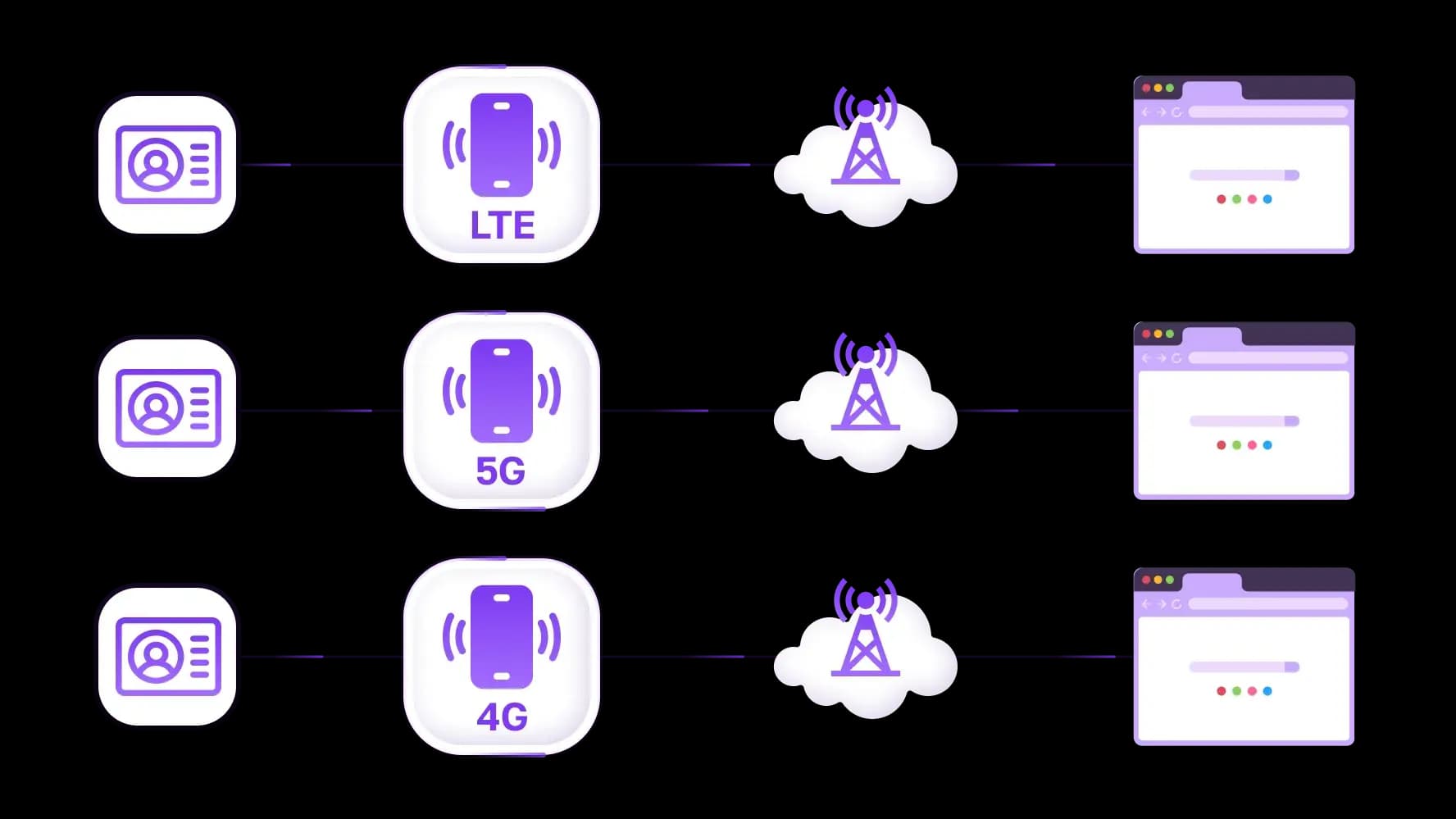
Switch projects without re-entering credentials. If one client needs a fresh IP to retest a campaign link, you can rotate their connection while a teammate uploads a video ad through another client’s proxy.
Specially for you
Best proxies by countries
Indonesia - dedicated mobile unlimited
Dedicated 5G Router
SOCKS5/VPN with dedicated DNS
Manual IP Changing
Change p0f fingerprint (Windows, MacOS, Android)
High Trust Rate
Very High Speed + Low Ping
All network params 1:1 as provider's
Indonesia - shared mobile
- Shared 5G Router
- Supports SOCKS5 with UDP
- Up to 5 users per port
- Socks5/HTTP
- IP Rotation: every 30 min
- Windows p0f fingerprint
- High Trust Rate
- Very High Speed + Low Ping
- All network params 1:1 as provider's
Indonesia - rotating residential
- 24 hours Availability
- Real ISP
- Speed up to 10 mbps
- Full API Access
- HTTP Protocol
- 100M+ IPs in 100+ Countries
- Mass Credentials Generator
- Long session up to 6 hours
Indonesia - private residential
- Unlimited Bandwith
- Real ISP
- Speed up to 150 mbps
- Low Ping
- Supports SOCKS5 with UDP
- 24 hours Availability
- 1 Dedicated IP
Indonesia - dedicated datacenter
- Unlimited bandwidth
- Exclusive IP ownership
- High-speed connectivity
- 99.9 % uptime
- HTTP
Indonesia - shared datacenter
- Lightning-fast speeds
- Global IP coverage
- 99.9 % uptime
- Cost-efficient plans
- 1 GB bandwidth
- HTTP
Why do they buy from us?
Advantages
Private card payment
It doesn't matter how you topped up your balance, linking the payment to the rental of a specific proxy is impossible.
We do not store data on servers
As a rule, services that rent out proxies retain all data about the traffic passing through their servers.
Dedicated device
We do NOT disguise Shared proxies as individual ones. A modem or router is transferred to ONLY one person.
Online technical support
We are always ready to solve your problems and questions. Even late at night and early in the morning.
Money-back guarantee
We have both returns and exchanges. The priority is quality service and satisfied customers.
API for Business
For business clients, our service is ready to provide a convenient API that allows you to purchase proxies, change IP addresses, and much more.
How to use Indonesia mobile proxies in a browser or on a cloud phone
An Indonesia mobile proxy routes your traffic through an Indonesian mobile carrier. Before launching a promotion, a retailer can open the same campaign link in a browser and in its app on a cloud phone to check that both lead to the advertised product.
For tests that call for a residential or datacenter connection, compare the available Indonesia proxy options.
What can you test with Indonesian mobile proxies?
Use Indonesian mobile proxies to follow a promotion from the ad link to the order review screen. Suppose a retailer advertises a backpack for Rp450.000 with a 10% discount at checkout. Open the campaign link in a browser and check that it lands on the advertised backpack, with the correct color selected and the price shown in rupiah. Add it to the cart and continue to order review. The discounted item should cost Rp405.000 before delivery fees.
If a shopper says the ad sent them to the homepage, ask which mobile carrier they used. If your first check ran through Telkomsel and the shopper used XL Axiata, open the original ad link through XL Axiata using the same browser settings. Record the final URL and take a screenshot so the retailer can trace the redirect.
How much does an Indonesia mobile proxy cost?
Starting at $1.70 per day, rent a mobile proxy in Indonesia, choose Telkomsel or XL Axiata from the Indonesian mobile proxy catalog. Both plans include unlimited traffic and let you change the IP manually between tests.
For a Black Friday promotion, for example, a one-day rental gives your team time to check the campaign link before launch and follow it again once the offer goes live. If shoppers on one carrier report that a discount disappears at checkout, use that network to repeat their steps and record where the total changes.
For weekly releases, choose the rental period around your publishing calendar. Include the preview and retest dates alongside the launch itself. If your team previews offers on Thursday, publishes on Friday, and reviews weekend issues on Monday, a longer booking can cover the whole cycle.
How to set up and verify an Indonesia mobile proxy in a browser
On Windows, open AdsPower and select New Profile. Give the retailer’s profile a name you’ll recognize, such as “mobile proxy Indonesia,” so you can reopen it when you need to retest the offer.
In the profile’s Proxy section, choose Custom and select SOCKS5 as the proxy type. Enter the host and port supplied with your Indonesia mobile proxy, followed by the proxy username and password. The host is the gateway AdsPower connects to. Click Check Proxy and save the profile once the connection test passes.
Launch the saved profile and open an IP checker inside its browser window. Confirm that the country is Indonesia and record the exit IP. This is the public address websites see, and it can differ from the gateway you entered. In that same window, open the retailer’s original campaign link. Check that it lands on the advertised product and displays the expected price in rupiah.
For screenshots of the profile settings, see how to set up a proxy in AdsPower.
How to test an Indonesian campaign inside a mobile app
Your campaign link opens the advertised backpack in a desktop browser, but a shopper who taps the same link lands on the retailer’s app home screen. Pairing cloud phones with Indonesia mobile proxies lets your team follow the shopper’s route from a desktop and see exactly where it goes wrong.
Prepare the client’s phone. Open the assigned cloud phone profile and select Change Proxy/GEO. Under My proxies, choose the client’s active connection. If you manage several Indonesian mobile proxies, check the carrier name against the shopper’s report. Run Check IP, then open an IP checker in the phone’s browser and confirm the exit country is Indonesia.
Follow the shopper’s route. Install the retailer’s app. If the shopper tapped the promotion in an email, open that email on the phone and tap the original link. Record which screen opens, which product appears, and whether the advertised discount is visible. If the app opens on its home screen, take a screenshot there. Searching for the backpack afterward would skip the step the retailer needs to fix.
Retest after the fix. Stop the cloud phone when you finish. Once the retailer updates the link, restart the same phone with the app and session saved. Reopen the email and tap the corrected link. Confirm that it opens the backpack and shows the offer, then save a second screenshot alongside the first.
Pro tip: For details on reopening saved sessions and exporting screenshots, see using a cloud phone for mobile workflows.
Why does the store still show the wrong country or currency?
Your exit IP shows Indonesia, but the store still lists the backpack in US dollars. Keep the same proxy connection and open the product as a guest. Note the selected storefront and currency, then sign in and reopen the same item. If the price switches from rupiah to dollars at sign-in, check the country saved in the shopper’s account.
If the currency changes only after you enter a delivery address, check which shipping market the store assigns to that destination. If the browser shows rupiah and only the app shows dollars, check the app’s saved region and currency preferences. Change one setting at a time, then reopen the original campaign link to verify the result.
Popular geolocations
Top up your balance in any convenient way!
Bank cards


Cryptocurrency


