
SOCKS5 proxy for browsers, scripts, desktop apps and so much more
Manage client accounts, collect public data, and check regional websites through a SOCKS5 proxy. Choose mobile or static ISP plans with unlimited traffic, start with a daily mobile rental, or reserve a dedicated static IP for accounts you return to every day.
Rent a SOCKS5 proxy with unlimited traffic
Keep bandwidth costs predictable with mobile and static ISP plans that include unlimited traffic. Choose mobile IPs for testing through carrier networks or a dedicated static ISP address for ongoing account work.
Choose the country your apps connect from
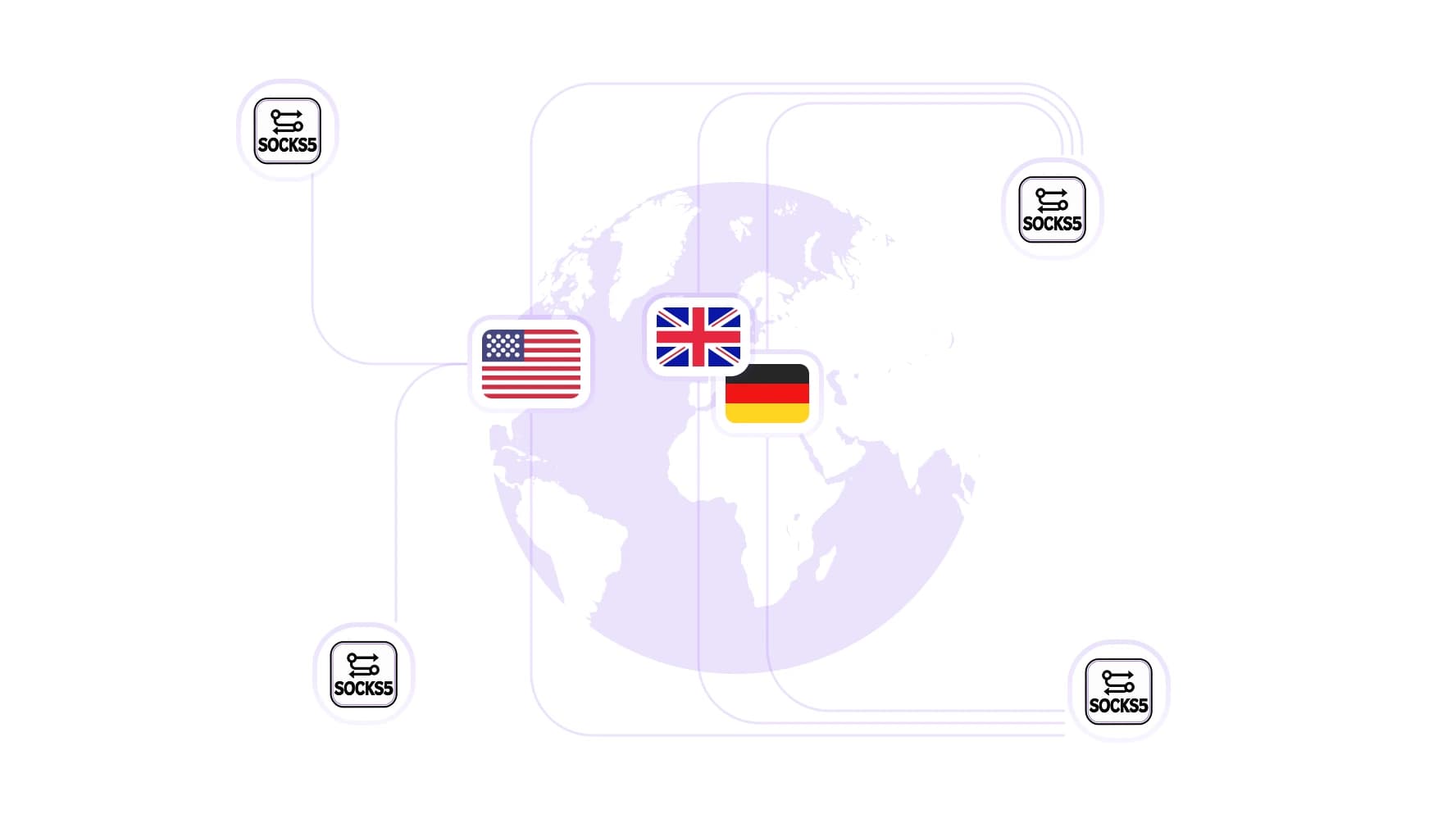
Compare local prices, check ads, and review regional website versions through a SOCKS5 connection in your chosen country. The residential network offers 100M+ IPs across 195+ countries.
Run scripts and browser tests through SOCKS5
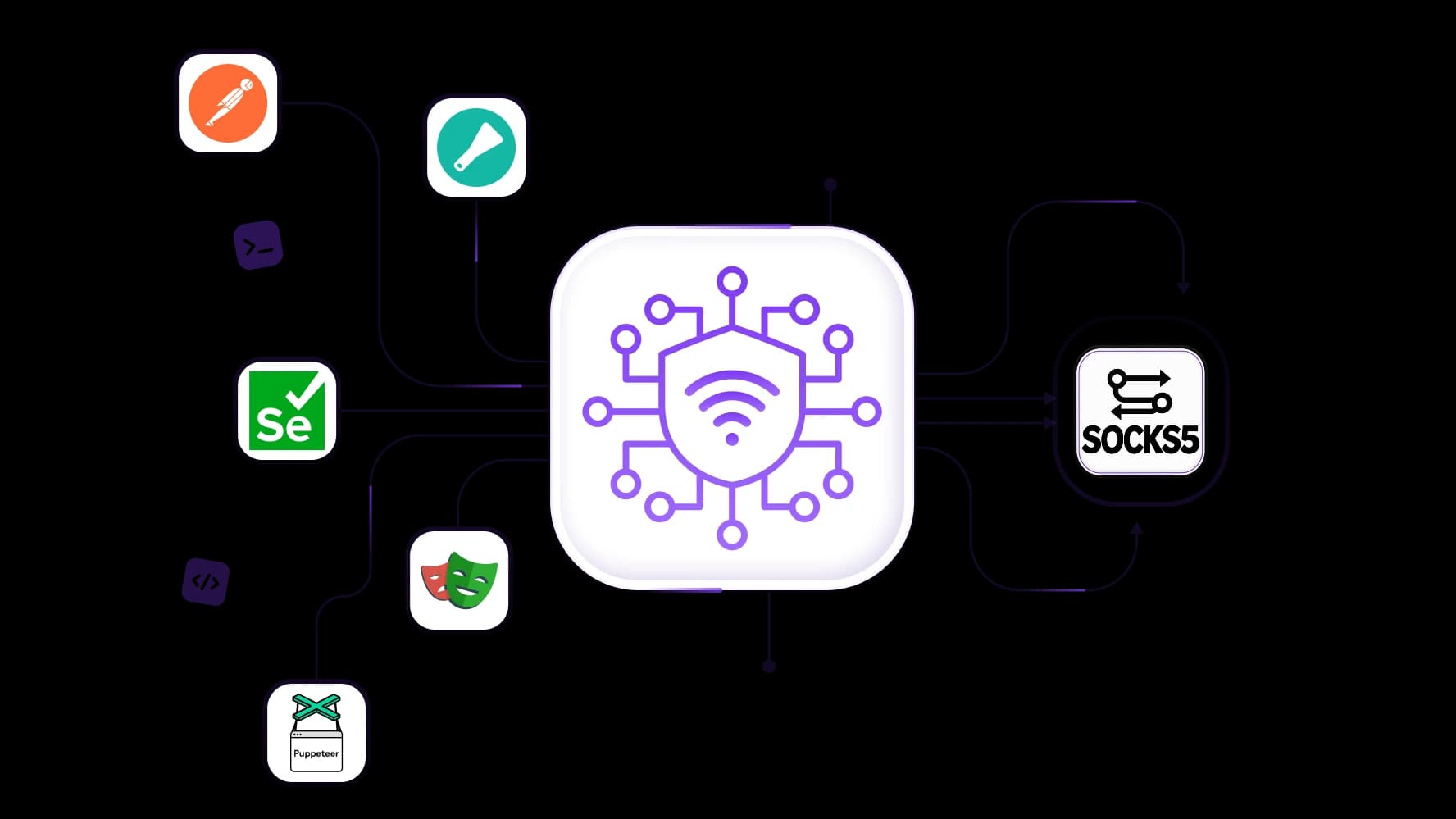
Automate price checks, capture screenshots, and collect public data with a SOCKS5 proxy configured for your tools. Get integration support for Scrapy, Postman, Selenium, Playwright, and Puppeteer.
Keep the same IP or rotate between tasks
Complete logins, dashboard updates, and multistep tests with sticky sessions up to 24 hours on supported rotating residential plans. For repeat visits across separate days, choose a static ISP address assigned throughout your rental.
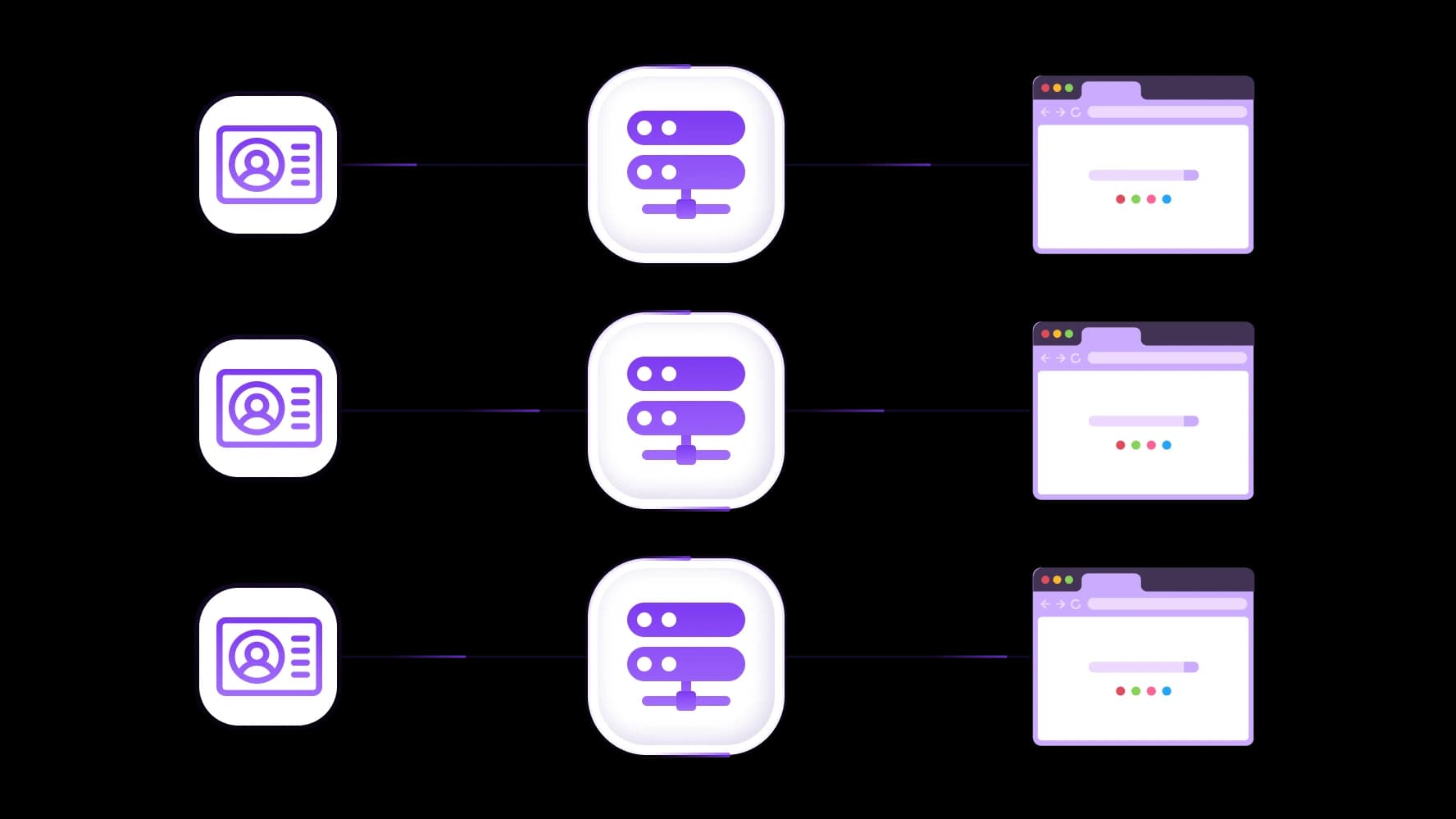
Give each account a separate SOCKS5 connection
Keep client stores, advertising dashboards, and social accounts on separately assigned connections. Configure each compatible browser profile or application with its intended proxy.
Specially for you
Best proxies by countries

SOCKS5 - dedicated mobile unlimited
- Dedicated 5G Router
- Socks5/VPN with dedicated DNS
- Manual IP Changing
- Change p0f fingerprint (Windows, MacOS, Android)
- High Trust Rate
- Very High Speed + Low Ping
- All network params 1:1 as provider's
SOCKS5 - shared mobile
- Shared 5G Router
- Supports SOCKS5 with UDP
- Up to 5 users per port
- Socks5/HTTP
- IP Rotation: every 30 min
- Windows p0f fingerprint
- High Trust Rate
- Very High Speed + Low Ping
- All network params 1:1 as provider's
SOCKS5 - rotating residential
- 24 hours Availability
- Real ISP
- Speed up to 10 mbps
- Full API Access
- HTTP Protocol
- 100M+ IPs in 100+ Countries
- Mass Credentials Generator
- Long session up to 6 hours
SOCKS5 - private residential
- Unlimited Bandwith
- Real ISP
- Speed up to 150 mbps
- Low Ping
- Supports SOCKS5 with UDP
- 24 hours Availability
- 1 Dedicated IP
SOCKS5 - dedicated datacenter
- Unlimited bandwidth
- Exclusive IP ownership
- High-speed connectivity
- 99.9 % uptime
- HTTP
SOCKS5 - shared datacenter
- Lightning-fast speeds
- Global IP coverage
- 99.9 % uptime
- Cost-efficient plans
- 1 GB bandwidth
- HTTP
Why do they buy from us?
Advantages
Private card payment
It doesn't matter how you topped up your balance, linking the payment to the rental of a specific proxy is impossible.
We do not store data on servers
As a rule, services that rent out proxies retain all data about the traffic passing through their servers.
Dedicated device
We do NOT disguise Shared proxies as individual ones. A modem or router is transferred to ONLY one person.
Online technical support
We are always ready to solve your problems and questions. Even late at night and early in the morning.
Money-back guarantee
We have both returns and exchanges. The priority is quality service and satisfied customers.
API for Business
For business clients, our service is ready to provide a convenient API that allows you to purchase proxies, change IP addresses, and much more.
What is a SOCKS5 proxy?
A SOCKS5 proxy server forwards traffic from configured software to its destination, which sees the proxy’s exit IP for those connections. SOCKS5 defines how the software communicates with the proxy; mobile, static ISP, and rotating residential describe the connection options you can purchase.
Your plan supplies the proxy endpoint and access details, while a compatible application or routing tool uses them. SOCKS5 alone does not encrypt traffic: encryption comes from HTTPS, another encrypted application protocol, or a protected tunnel.
Which SOCKS5 proxy should you choose?
Which application needs the connection? Must the IP remain the same? How much traffic will you transfer? Use those answers to compare SOCKS5 proxies.
Mobile SOCKS5 proxies for carrier connections and recurring work
Use mobile SOCKS5 plans to check campaign destinations through a carrier connection throughout the day, with unlimited-traffic options and daily rentals. Shared plans divide hardware capacity between customers; dedicated plans reserve a channel for your use. IP-change controls depend on the plan, and a dedicated channel does not necessarily provide an exclusive public IP.
Static ISP SOCKS5 proxies for accounts you revisit
Choose static ISP SOCKS5 connections for repeat access to client dashboards, stores, and advertising accounts. One address stays assigned throughout the rental, with unlimited traffic and single-IP purchases available. Confirm renewal terms separately if keeping that address after the rental ends is essential.
Rotating residential SOCKS5 proxies for regional research
The rotating residential network offers 100M+ IPs across 195+ countries for independent public-page checks, regional comparisons, and data collection. Pay per GB, with unused traffic rollover, and use rotation for separate requests or supported sticky sessions for multistep tests.
Connection | Suitable task | IP behavior | Traffic billing |
Mobile | Carrier-based checks and compatible account tools | Plan and carrier dependent | Rental period; unlimited options |
Static ISP | Repeat account access | Fixed during the rental | Per IP; unlimited traffic |
Rotating residential | Regional research and separate requests | Rotation or supported sticky sessions | Per GB |
Will a SOCKS5 proxy work with your application?
Your application or routing client must support both SOCKS5 and the authentication method required by your SOCKS5 proxy server. Having a SOCKS5 option in the settings does not automatically mean the application accepts proxy usernames and passwords.
Setup | What to establish | Practical next step |
Chrome and Chromium-based browser tests | Native SOCKS5 does not support username/password authentication. | Review the Chrome proxy setup methods and use a compatible routing client that handles authentication, then verify the browser’s connection. |
Desktop software without proxy settings | Whether a separate client can route the application’s traffic. | Configure application-specific routing and test the intended task. |
Python scripts using Requests | SOCKS dependencies and local versus proxy-side DNS resolution. | Install requests[socks]; use socks5h:// when DNS should resolve through the proxy. |
Current v12 documentation supports SOCKS5/SOCKS5H for HTTP/HTTPS requests. | Configure the custom proxy and authentication; other request types are not covered. | |
Android | Standard Wi-Fi proxy settings support HTTP, not SOCKS5. | Use a compatible routing app for SOCKS5 or mobile-data connections, checking authentication support. |
After configuration, check the exit IP from the intended application or browser profile. A successful check in another application does not verify that your task uses the same route.
UDP requires support from the proxy plan, routing client, and application. Chrome’s native SOCKS5 implementation does not relay UDP, so the SOCKS5 label alone is insufficient.
Check compatibility before buying
Confirm the application, operating system, authentication method, and required traffic type before choosing a plan.
How much does a SOCKS5 proxy cost?
When you buy a SOCKS5 proxy, compare the complete rental or package cost. These SOCKS5 proxies use different billing units:
Connection | Minimum purchase | Total entry cost (USD) | Rental period or included GB |
static ISP | 1 IP | $5.29 | 30 days; unlimited traffic |
mobile LTE/4G/5G | 1 shared port | $1.70 | 1 day; unlimited traffic |
rotating residential | 1 package | $2.00 | Traffic rolls over to the next billing month |
How to use a SOCKS5 proxy
To use a SOCKS5 proxy, obtain a compatible connection, enter its details in your application or routing client, configure authentication, and verify that traffic follows the intended route.
Choose the connection. Check your application, operating system, required location, traffic allowance, and fixed or rotating IP needs. Confirm support for both SOCKS5 and the plan’s authentication method.
Copy the supplied details. Retrieve the proxy hostname or server address, port, and proxy username and password or other required authentication details. Use the supplied port rather than assuming 1080. The gateway address may differ from the exit IP websites see.
Configure the intended software. Use the application’s own SOCKS5 settings where supported. For Chrome with username/password authentication, use a compatible separate routing client; Chrome’s native SOCKS5 handling cannot authenticate that connection. Browser settings do not automatically configure other applications.
Check DNS and bypass settings. Follow your client’s documented options. Some tools accept socks5h:// for proxy-side DNS; others use a separate setting. Review bypass rules, which can send specified destinations through a direct connection.
Verify the connection and perform one task. Check the exit IP from the intended application or browser profile, then open the relevant page or send a representative request.
For more detail on choosing and configuring a routing method, follow the SOCKS5 configuration guide.
Check your SOCKS5 connection before adding more accounts or traffic
Test one SOCKS5 proxy with the application and task you intend to use regularly. Keep a short record so teammates can reproduce the setup and investigate changes.
An example: a static ISP connection in Postman on Windows 11
Configure a US Comcast proxy, say static ISP connection, through Postman’s custom SOCKS5 settings with proxy username/password authentication. Check the exit IP, then send an HTTPS request to a public API relevant to your work.
Record:
Test date, selected plan, and connection type.
Operating system and exact application version.
Authentication and routing method, without credentials.
Observed exit IP and country.
Representative request and its result.
Separate DNS and UDP findings, or “not tested.”
Add a redacted screenshot showing the observed result. An IP check alone does not establish DNS handling, UDP support, or compatibility with every website.
Test the application you will actually use
A successful browser check does not confirm that a separate script, desktop application, or hosted task uses the same proxy.
Keep the same SOCKS5 IP or rotate between tasks
After updating a client dashboard, keep its assigned SOCKS5 proxy in the account’s configuration for tomorrow’s visit. A static ISP address remains assigned throughout the rental, while supported rotating residential plans offer sticky sessions up to 24 hours for shorter browsing sequences.
When using SOCKS5 proxies to check unrelated public pages across locations, rotate between independent requests or completed batches. Finish connected steps before changing the address, then verify the new exit IP.
On supported mobile plans, request changes manually or through the API, remembering that the carrier may also reassign addresses independently. Keep cookies and login state with the correct application: retaining an IP does not preserve cookies or transfer an account session between tools.
Should you use a free SOCKS5 proxy?
Before using a free SOCKS5 proxy, check what is included. A public list supplies addresses; a provider’s free allocation may include defined access and traffic limits. Trials and promotional credits have their own expiry or usage conditions. SOCKS5 support included in a paid plan means the protocol is available, not that the connection is free.
Compare authentication, traffic allowance, IP continuity, and support. A successful connection today does not establish exclusive use or future availability. For recurring account access or research, choose a connection with the reliability, control, and support your work requires.
Why is your SOCKS5 proxy not working?
First identify whether the problem is reaching the SOCKS5 proxy server, configuring the application, or receiving a rejection from the destination website. These require different checks, so use the reported message to narrow down common proxy errors before changing the connection.
Symptom | First checks |
Authentication rejected | Check credentials, rental status, and the application’s support for the required authentication method. |
Connection times out | Confirm the endpoint, port, network reachability, and proxy service status. |
Original IP still appears | Review application routing, bypass rules, and competing proxy settings. |
Browser works but another tool fails | Check that tool’s own proxy configuration, authentication support, and dependencies. |
IP changes unexpectedly | Review rotation settings, session expiry, and possible carrier reassignment. |
TCP requests work but UDP fails | Confirm UDP support in the plan, routing client, and application. |
One destination rejects requests | Inspect the response, account permissions, request frequency, and website compatibility. |
Change one setting at a time, then repeat the same small test. An application mismatch or website restriction does not automatically mean you need another SOCKS5 proxy.
Buy a SOCKS5 proxy that fits your software
Confirm your application’s protocol and authentication support, choose a fixed or rotating IP, and check the available locations and traffic terms. Compare suitable plans in the proxy catalog, then test one connection with your actual software. Add more connections or traffic once the setup meets your requirements for account access, public-data collection, or recurring website tests.
Top up your balance in any convenient way!
Bank cards


Cryptocurrency


