
iPhone proxy
Connect through real iPhone-compatible residential, mobile, and datacenter IPs from 100+ countries with 99.8% uptime, ensuring secure, authentic, and uninterrupted iOS browsing and app testing.
Access real carrier IPs with iPhone proxy
Access 50M+ real carrier, residential, mobile, and datacenter IPs with 99.8% uptime, giving your iPhone traffic the same trusted network identity as genuine iOS users for reliable, undetectable sessions.
Locate precise geo-targeting with iPhone proxy.
Target users in 100+ countries with country-, region-, and city-level geotargeting to accurately match local iPhone browsing environments and location-specific content.
Manage multiple accounts with iPhone proxy.
Assign a unique residential or mobile IP to every account, ensuring complete identity isolation with separate fingerprints, sessions, and browsing histories to prevent account linking.
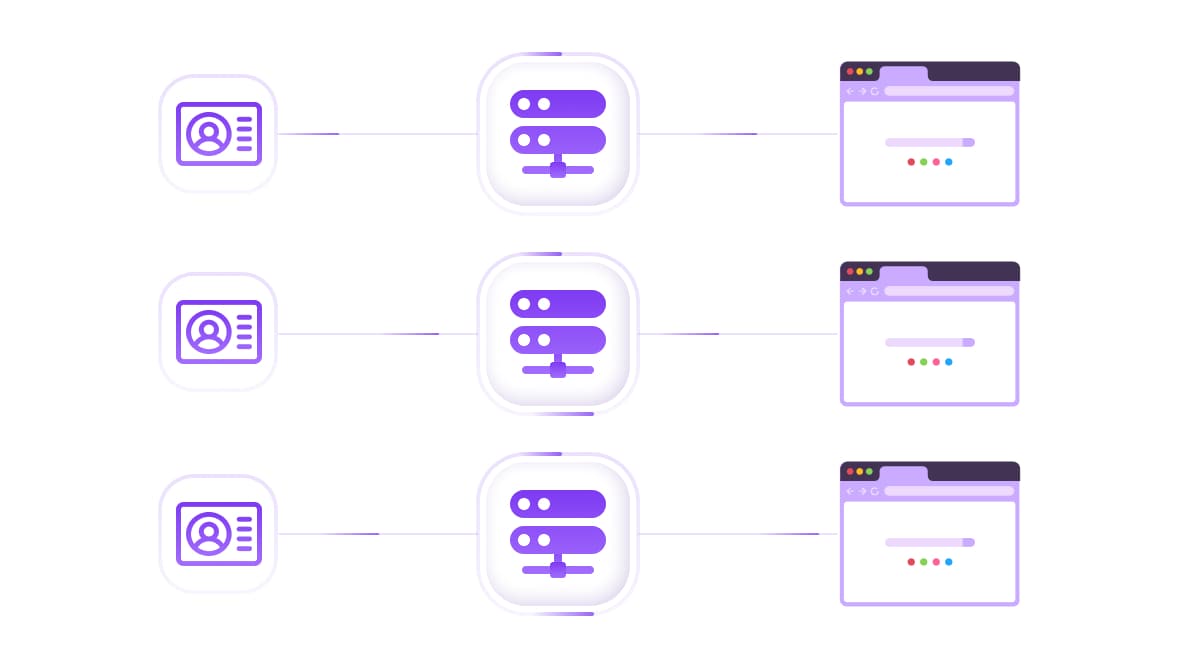
iPhone proxies compatible with any antidetect browser
Works with Octobrowser, Multilogin, GoLogin, AdsPower, and virtually any antidetect browser with built-in fingerprinting for effortless multi-account management on iPhone.
Specially for you
Best proxies by countries

iPhone - dedicated mobile unlimited
- Dedicated 5G Router
- Socks5/VPN with dedicated DNS
- Manual IP Changing
- Change p0f fingerprint (Windows, MacOS, Android)
- High Trust Rate
- Very High Speed + Low Ping
- All network params 1:1 as provider's
iPhone - shared mobile
- Shared 5G Router
- Supports SOCKS5 with UDP
- Up to 5 users per port
- Socks5/HTTP
- IP Rotation: every 30 min
- Windows p0f fingerprint
- High Trust Rate
- Very High Speed + Low Ping
- All network params 1:1 as provider's
iPhone - rotating residential
- 24 hours Availability
- Real ISP
- Speed up to 10 mbps
- Full API Access
- HTTP Protocol
- 100M+ IPs in 100+ Countries
- Mass Credentials Generator
- Long session up to 6 hours
iPhone - private residential
- Unlimited Bandwith
- Real ISP
- Speed up to 150 mbps
- Low Ping
- Supports SOCKS5 with UDP
- 24 hours Availability
- 1 Dedicated IP
iPhone - dedicated datacenter
- Unlimited bandwidth
- Exclusive IP ownership
- High-speed connectivity
- 99.9 % uptime
- HTTP
iPhone - shared datacenter
- Lightning-fast speeds
- Global IP coverage
- 99.9 % uptime
- Cost-efficient plans
- 1 GB bandwidth
- HTTP
Why do they buy from us?
Advantages
Private card payment
It doesn't matter how you topped up your balance, linking the payment to the rental of a specific proxy is impossible.
We do not store data on servers
As a rule, services that rent out proxies retain all data about the traffic passing through their servers.
Dedicated device
We do NOT disguise Shared proxies as individual ones. A modem or router is transferred to ONLY one person.
Online technical support
We are always ready to solve your problems and questions. Even late at night and early in the morning.
Money-back guarantee
We have both returns and exchanges. The priority is quality service and satisfied customers.
API for Business
For business clients, our service is ready to provide a convenient API that allows you to purchase proxies, change IP addresses, and much more.
Route your iPhone traffic through clean residential and mobile IPs, with no dropped sessions. No detection. No complicated setup.
Real residential and mobile carrier IPs built for iOS
City-level targeting across 100+ countries
Sticky sessions for stable, long-running connections
Works with iOS Wi-Fi settings and Shadowrocket
Active within minutes of purchase
Get Your iPhone Proxy → Plans from $0.9/GB. No contract.
"Set up in under 5 minutes. Clean mobile IPs, no flagging across any of my apps." — verified CyberYozh customer.
What is an iPhone proxy
An iPhone proxy is a server that routes your iOS traffic through a real residential or mobile IP address in a location of your choice. It lets you control your apparent location, access geo-restricted content, manage multiple accounts, and keep mobile sessions private, all directly from your iPhone. Residential and mobile proxies work best because iOS platforms treat them as genuine user traffic from real devices.
Why iPhone users hit problems without a clean proxy
Most people don't think about proxies until something breaks. Then they realise quickly how much a bad IP costs them.
Geo-restrictions block the apps and content you need. Whether you're testing a regional app, accessing a platform unavailable in your country, or running location-sensitive workflows, your real IP is the barrier.
Account verification fails due to IP address inconsistency. Platforms flag logins when the IP changes unexpectedly between sessions. A stable, assigned residential IP keeps your account behaviour looking natural and consistent.
Mobile app testing needs real carrier IPs. Developers and QA teams checking how an app behaves on a real mobile network won't get accurate results from datacenter proxies. You need genuine carrier IPs that replicate what an actual iPhone user would have.
Free proxies destroy iOS sessions. Shared free proxies are overloaded, flagged across most platforms, and drop connections at the worst moments. On iPhone, a dropped proxy session can break app state entirely and force a full re-authentication.
"Switched from a shared proxy pool to CyberYozh mobile IPs. The difference in session stability was immediate." — verified CyberYozh customer.
How to configure a proxy on iPhone
iOS supports manual proxy configuration through Wi-Fi settings. The process takes under five minutes.
Open Settings → Wi-Fi
Tap the ⓘ icon next to your connected network
Scroll to HTTP Proxy and select Manual
Enter your CyberYozh server, port, username, and password
Tap Save; your proxy is active immediately
For advanced use cases, multiple proxy profiles, SOCKS5 support, or cellular-level routing, use Shadowrocket from the App Store. It supports the HTTP, HTTPS, and SOCKS5 protocols and lets you manage multiple proxy profiles from a single interface.
iOS native settings support HTTP and HTTPS proxies on Wi-Fi only. For SOCKS5 or cellular data routing, Shadowrocket is the recommended solution.
Explore the iPhone Proxy catalogue → Plans from $0.9/GB. Need help with setup? Support responds in under 30 mins.
Why iPhone users choose CyberYozh in 2026
There's no shortage of proxy providers. What separates them is what happens when you actually run a session.
Residential proxies: Real IPs from genuine home networks. Low fraud scores, high platform trust, consistently undetected across apps and services.
LTE/5G mobile proxies: SIM-based carrier IPs that replicate genuine iPhone traffic. The highest-trust IP type for any mobile workflow where detection is a risk.
Datacenter proxies: High-speed IPs for tasks where detection risk is low, and throughput is the priority.
ISP proxies: Static residential IPs with datacenter-level speed. The best choice for account management that needs both stability and long-term performance.
Fraud score tool: Check any IP's fraud score before deploying it in a sensitive session. Know whether your IP is clean before it costs you a workflow.
SMS verification service: Handle number verification during account setup without exposing real credentials or personal numbers.
100M+ IP pool: Large enough that clean, fresh IPs are always available, no waiting for burned addresses to recover before your next session.
100+ countries, City-level targeting: Precise location control for every iOS session.
Antidetect browser compatible: Works with Multilogin, GoLogin, AdsPower, Dolphin Anty, and Shadowrocket out of the box.
Affordable, flexible pricing: Pay-as-you-go or subscription. No long-term lock-in.
CyberYozh features at a glance
Speed: Low-latency mobile and residential connections. Smooth performance across iOS apps, streaming, and automation tools.
IP Quality: Regularly refreshed, low-fraud-score IPs. Not recycled pools shared across thousands of other users.
Session Control: Sticky sessions for stable, persistent connections up to 30 minutes. Rotating sessions for anonymised, request-level IP cycling.
Protocol Support: UDP, HTTP, HTTPS, and SOCKS5 via Shadowrocket. Compatible with iOS native settings and third-party proxy apps.
Location Precision: City-level targeting across 100+ countries. Match your IP to any market, region, or test environment.
Uptime: 99.9% guaranteed. No dropped sessions during active workflows.
API and automation
Seamless integration with Selenium, Puppeteer, Playwright, Scrapy, Postman, and custom scripts
Built-in fingerprinting options.
Top up your balance in any convenient way!
Bank cards


Cryptocurrency


