

Kraken proxy for crypto accounts
Sign in, review balances, and track orders on the Kraken crypto exchange through a consistent IP with sticky sessions up to 24 hours. Choose a mobile or residential Kraken proxy for account access and price research, with unlimited-traffic options for predictable bandwidth costs.
Choose a Kraken proxy with unlimited traffic
Monitor Kraken crypto prices, review balances, and track orders without paying for every additional gigabyte. Choose unlimited traffic on mobile, static ISP, and dedicated datacenter plans to keep bandwidth costs predictable. For research that needs rotating residential IPs, traffic-based packages include unused traffic rollover, carrying your remaining allowance into the next month.
Connect to the Kraken crypto exchange with your chosen IP
Choose your connection from a residential network of 100M IPs across 195+ countries. Use a Kraken proxy to monitor public markets and run price research from your selected location, or choose a consistent IP for repeat account access. Match the connection to a location supported for your Kraken account and services.
Keep the same IP for balances, orders and research
Check balances, follow orders, and compare Kraken crypto prices through one address with sticky sessions up to 24 hours. Keep your Kraken proxy connection consistent as you move between account pages and research tools. For repeat access over days or weeks, choose a static ISP proxy that retains its assigned IP throughout the rental period.
Give each Kraken account a dedicated connection
Assign a dedicated static ISP proxy to each authorized Kraken account’s browser profile for consistent access across repeat visits. Keep balances, order reviews, and account activity organized through clearly assigned connections, so your team uses the intended IP each time. Separate browser profiles keep cookies and login sessions apart.
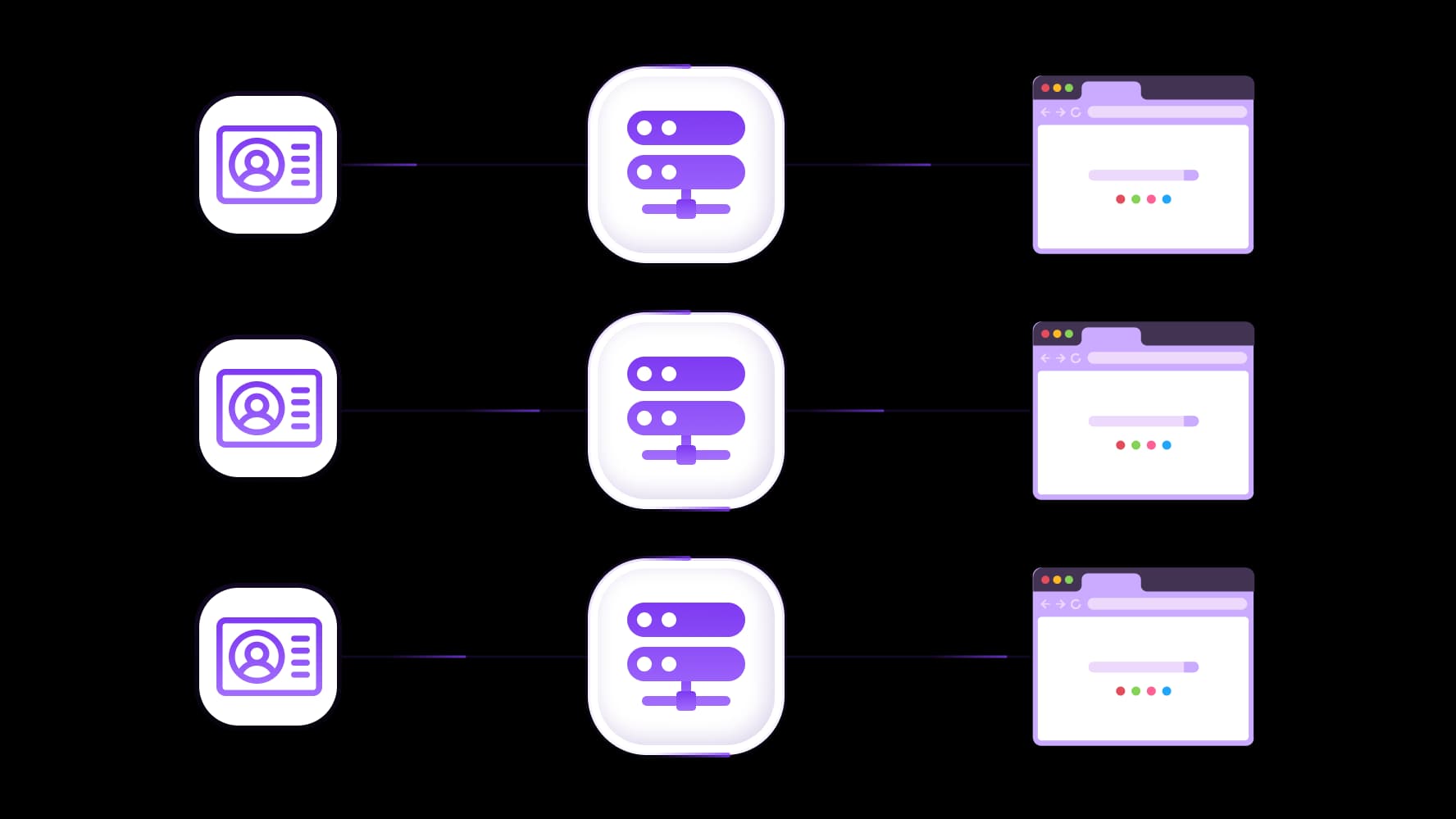
Connect your Kraken proxy to research and automation tools
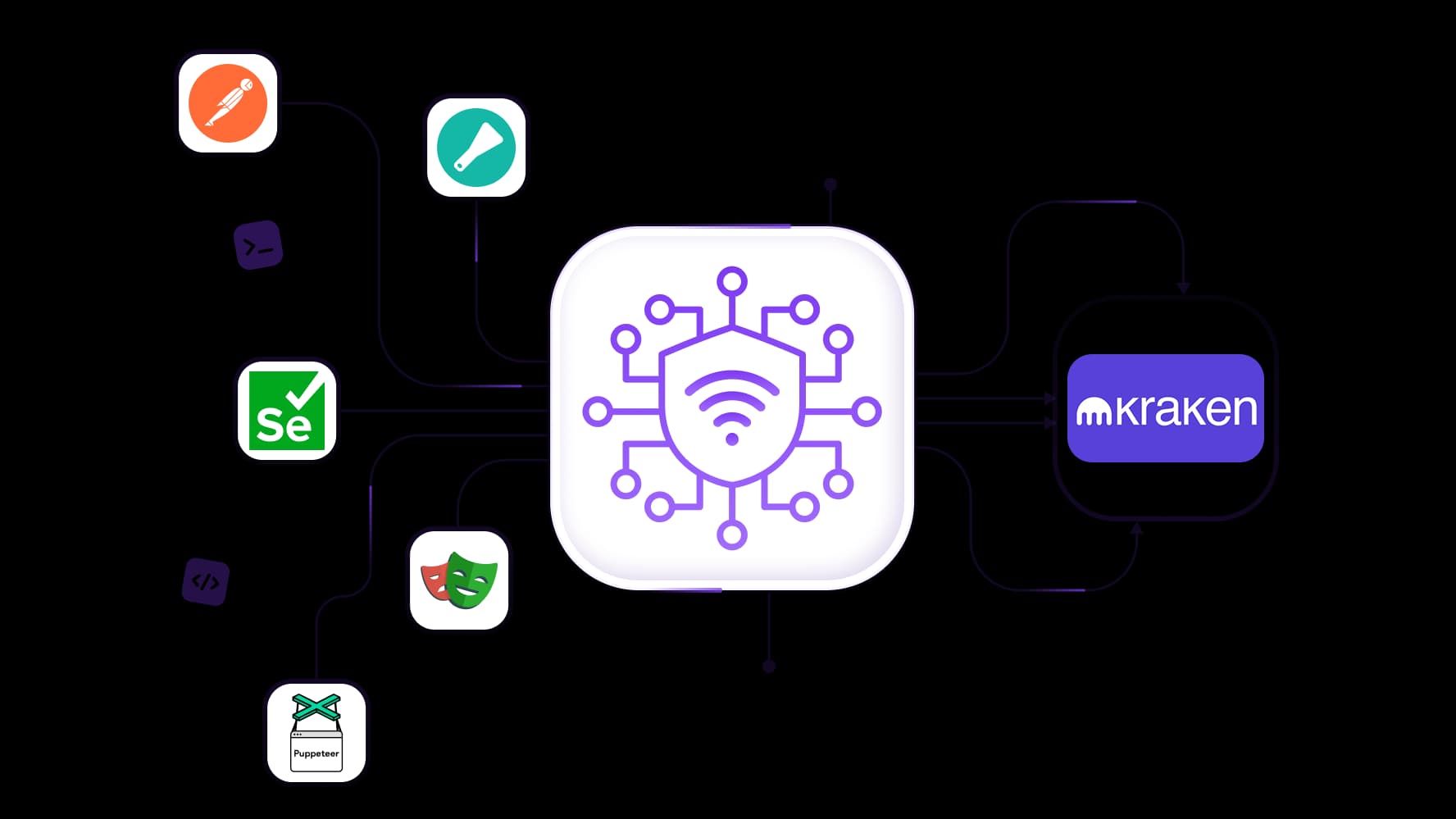
Bring Kraken crypto price monitoring into your existing workflow with full API access and integration support for Scrapy, Postman, Selenium, Playwright, and Puppeteer. Configure your Kraken proxy to route public market-data requests, schedule price checks, and test browser connections. Save results automatically so your team can compare market changes without repeating manual checks.
Specially for you
Best proxies by countries

Kraken - dedicated mobile unlimited
- Dedicated 5G Router
- Socks5/VPN with dedicated DNS
- Manual IP Changing
- Change p0f fingerprint (Windows, MacOS, Android)
- High Trust Rate
- Very High Speed + Low Ping
- All network params 1:1 as provider's
Kraken - shared mobile
- Shared 5G Router
- Supports SOCKS5 with UDP
- Up to 5 users per port
- Socks5/HTTP
- IP Rotation: every 30 min
- Windows p0f fingerprint
- High Trust Rate
- Very High Speed + Low Ping
- All network params 1:1 as provider's
Kraken - rotating residential
- 24 hours Availability
- Real ISP
- Speed up to 10 mbps
- Full API Access
- HTTP Protocol
- 100M+ IPs in 100+ Countries
- Mass Credentials Generator
- Long session up to 6 hours
Kraken - private residential
- Unlimited Bandwith
- Real ISP
- Speed up to 150 mbps
- Low Ping
- Supports SOCKS5 with UDP
- 24 hours Availability
- 1 Dedicated IP
Kraken - dedicated datacenter
- Unlimited bandwidth
- Exclusive IP ownership
- High-speed connectivity
- 99.9 % uptime
- HTTP
Kraken - shared datacenter
- Lightning-fast speeds
- Global IP coverage
- 99.9 % uptime
- Cost-efficient plans
- 1 GB bandwidth
- HTTP
Why do they buy from us?
Advantages
Private card payment
It doesn't matter how you topped up your balance, linking the payment to the rental of a specific proxy is impossible.
We do not store data on servers
As a rule, services that rent out proxies retain all data about the traffic passing through their servers.
Dedicated device
We do NOT disguise Shared proxies as individual ones. A modem or router is transferred to ONLY one person.
Online technical support
We are always ready to solve your problems and questions. Even late at night and early in the morning.
Money-back guarantee
We have both returns and exchanges. The priority is quality service and satisfied customers.
API for Business
For business clients, our service is ready to provide a convenient API that allows you to purchase proxies, change IP addresses, and much more.
What is a Kraken proxy?
A Kraken proxy is a third-party proxy connection you configure in a browser or application to access the Kraken crypto exchange. It forwards requests through a selected exit IP, giving you control over the network address used for account access, public price monitoring, and research.
Pro-tip: A mobile proxy routes traffic through carrier networks, with unlimited traffic for recurring work. Residential options provide location and session controls, while static ISP proxies keep an assigned address for repeat account visits. Choose the connection around how much traffic you expect and how long you need the same IP.
Choose a mobile or residential proxy for Kraken
Choose a Kraken proxy based on whether you need a fixed address for account access, predictable bandwidth costs for recurring research, or flexible IP selection for public-data requests. Keeping these tasks separate helps you pay for the connection features you will actually use.
Proxy type | Suitable tasks | IP behavior | Traffic billing |
Repeat logins, balance checks, and order reviews | Dedicated IP throughout the rental period | Time-based rental with unlimited traffic | |
Recurring market checks and data-heavy research | Carrier-assigned IP; change controls depend on the plan | Unlimited traffic on supported plans | |
Independent public-data requests and location-specific checks | Rotating addresses or sticky sessions | Traffic-based packages with unused traffic rollover |
Static ISP proxies for repeat account access
Use a static ISP proxy when you want to sign in, review balances, and check orders through the same address across repeat visits. A dedicated IP remains assigned throughout the rental period, giving your browser profile a consistent connection without managing temporary session identifiers.
Pro-tip: Residential proxy static ISP with Unlimited traffic keeps bandwidth costs predictable as daily account checks grow. Save the proxy configuration with the relevant profile so future visits use the intended address. IP consistency supports an organized setup, while account authentication and security checks remain separate.
Mobile proxies for unlimited-traffic research
Mobile proxies route requests through carrier networks and offer unlimited-traffic plans for recurring Kraken crypto research. They suit frequent market checks where repeated requests and downloads would otherwise add to a per-gigabyte bill.
Pro-tip: The IP controls are what your research needs. Supported dedicated mobile proxy offers manual or API-based changes. Keep the address consistent during connected tasks and schedule changes between completed research batches.
Rotating residential proxies for public market research
Choose rotating residential proxies when independent public-data requests need different addresses or a selected location. Use rotation between separate research tasks, with sticky sessions up to 24 hours when a sequence needs the same connection.
These packages are billed by traffic, with unused traffic rollover carrying the remaining allowance into the next month. That gives occasional research projects room to reuse purchased bandwidth. Keep rotating collection separate from active account sessions, and select locations appropriate for the Kraken services you are eligible to use.
What can you do with a Kraken proxy?
A Kraken proxy lets you assign a connection to account access or public market research. Keep a consistent address for balance and order checks, or configure a separate connection for scheduled data collection.
Review balances and orders through a consistent connection
Assign a static ISP proxy to an authorized account’s browser profile so repeat visits use the same IP. Sign in, review balances, and follow order status through that saved configuration, keeping the account’s cookies and login session within its profile. This gives you a repeatable setup without manually selecting a connection each time.
Monitor Kraken crypto prices over time
Collect public prices for defined trading pairs and record a timestamp with each observation. Use Kraken’s official market-data APIs where suitable to retrieve structured information for comparison. Keep the quote currency and price field consistent: a last-traded price and a sell offer describe different things. Those details make Kraken crypto price monitoring useful for tracking changes rather than comparing mismatched figures.
Build recurring crypto research workflows
Schedule a compatible research tool to collect data through your selected proxy, then save the results for later analysis. Revisit the pairs relevant to your project at appropriate intervals instead of manually repeating the same checks. Store completed records and retry failed requests with a delay so an interruption does not require restarting the entire collection job.
Keep account and research connections organized
Use separate configurations for authenticated account activity and public-data collection. Keep account access on a consistent IP, while independent research jobs use the session settings suited to their requests. Label each connection by purpose so you can adjust a collection task without changing the proxy assigned to your account profile.
How to set up a proxy for the Kraken crypto exchange
Configure your Kraken proxy in the browser profile or application that will handle your account access or research. Start with one connection, verify its outgoing IP, and test a small task before scheduling recurring work.
Choose a connection for your task.
Select a static ISP proxy for repeat account access, a mobile plan for unlimited-traffic research, or rotating residential proxies for independent public-data requests. Match the connection to your required session length and expected usage.Select an eligible location and session settings.
Choose a location appropriate for the Kraken services your account is eligible to use. Keep account activity on a consistent address and reserve rotation for separate research tasks. A different exit country does not change account eligibility.Copy the proxy connection details.
Get the endpoint, port, username, and password from your proxy dashboard. Note the supported protocol and copy any generated location or session parameters exactly.Configure your browser profile or application.
Enter the details in its proxy settings and select the matching protocol. For research tools, follow the relevant Postman, Playwright, Scrapy, Selenium and Puppeteer.Verify the exit IP and run a small test.
Check the outgoing address through the configured browser or application. Then open a public page on the Kraken crypto exchange or send a public market-data request. Confirm that the response contains the expected content and that the IP stays consistent when required before testing authenticated access.
Keep credentials separate: Proxy credentials authenticate your connection to the proxy server. Your Kraken login authenticates your exchange account, while Kraken API credentials authorize supported API requests. Enter each only in its intended settings, and never use your Kraken password as the proxy password.
Connect Kraken price research to your automation tools
Build Kraken crypto price monitoring into your existing workflow with full API access and integration support for Scrapy, Postman, Selenium, Playwright, and Puppeteer. Use Postman to test requests, Scrapy to organize permitted public-data collection, and browser automation tools to check how pages load through your selected connection. Save results from scheduled runs so your team can analyze changes without repeating manual checks.
Use Kraken’s market-data API for structured price information
For Kraken crypto prices, start with the official market-data API when it provides the fields you need. Kraken’s ticker endpoint returns information for selected trading pairs, giving your application structured data to process rather than requiring it to extract prices from rendered pages.
The two APIs serve different purposes: Kraken’s API supplies exchange data, while the proxy-management API controls supported proxy services. Your application requests market data through the configured proxy; proxy-management calls handle available connection-management actions separately.
Keep requests within Kraken’s published limits
Set request frequency and concurrency around the limits for the interface and endpoints you use. Kraken distinguishes public-data, private-account, and trading limits, so one collection schedule will not suit every request type. Additional proxy IPs do not increase allowances tied to an API key or account.
Cache responses for an interval appropriate to your research, save completed records, and delay retries after temporary failures. If Kraken returns a rate-limit response, slow the affected job instead of immediately repeating requests. This helps keep recurring collection manageable and reduces unnecessary traffic.
Check that collected prices are comparable
Keep the trading pair, quote currency, timestamp, and price field consistent across your dataset. A BTC/USD observation should not be compared directly with BTC/EUR, and a collection timestamp should be distinguished from an exchange-provided event timestamp.
Record price fields separately:
Last-traded price: The price of the most recent completed trade.
Bid price: The highest current buy offer.
Ask price: The lowest current sell offer.
These values describe different market conditions and can differ at the same moment. Labeling them clearly makes each Kraken crypto price observation useful for comparison and prevents field differences from looking like market movements.
Keep your Kraken account connection consistent
Give account access a predictable setup by pairing your browser profile with a Kraken proxy suited to your session length. Keep that configuration separate from public-data collection so changes to a research job do not affect the connection used to review balances or orders.
Choose sticky sessions or a static IP around session length
A sticky session provides temporary IP continuity for a defined task. It suits a sequence you expect to finish within the supported session window, but the address may change after that window ends or if the underlying connection becomes unavailable.
A static IP remains assigned throughout the rental period, making it more practical for returning to the Kraken crypto exchange over several days or weeks. Choose based on how long you need the address, and retain the same browser profile to preserve cookies and login state separately.
Schedule IP changes between completed tasks
Avoid changing the connection while signing in, submitting a request, or checking an action’s result. An address change introduces another variable if the page stops responding or the outcome is unclear.
Finish the current task, confirm its result, and then make any planned connection change. If an order-related request times out, check its status before repeating it rather than assuming it failed. Keep research rotation settings independent from the proxy assigned to account activity.
Keep account security controls in place
Use two-factor authentication and grant API keys only the permissions needed for their task. A research or reporting tool should not receive trading or withdrawal permissions unless its function explicitly requires them.
Keep passwords, API secrets, and proxy credentials out of shared scripts, screenshots, and logs. Store each credential separately and review access when team responsibilities change. A proxy controls the network route; it does not replace authentication, protect an exposed API secret, or authorize someone to use an account.
Troubleshoot Kraken proxy connection problems
Start by checking whether the proxy connects successfully outside Kraken, then test the affected browser or application. This helps separate a configuration error from an exchange response, account requirement, or temporary service interruption.
Symptom | What to check | Next action |
Proxy authentication fails | Endpoint, port, username, password, and supported authentication method | Copy the credentials again, confirm the protocol, and check that the proxy plan is active. |
The exit IP or country is unexpected | Location parameters, session settings, and routes that bypass the proxy | Run an IP lookup through the affected application and correct the configuration. Compare another lookup source if geolocation results disagree. |
The browser uses the proxy, but a separate app does not | Whether the settings apply only to the browser profile | Configure the application separately or use a compatible routing tool, then verify its outgoing connection. |
Requests time out | Proxy connectivity, request volume, and the availability of the target service | Test a simple public request, check service status, and retry temporary failures with a delay. Confirm the outcome of account actions before resubmitting them. |
Kraken requests additional account verification | The exact message and instructions shown in the account | Complete the requested verification through Kraken’s official website or app. Contact Kraken support if the requirement is unclear. |
The API returns a rate-limit response | The endpoint’s limits and combined activity from scripts using the same key or account | Reduce request frequency, queue pending work, and delay retries. Additional IPs do not increase key- or account-level allowances. |
Kraken applies different limits to public-data, private-account, and trading requests, so check the rules for the interface your application uses.
If your Kraken proxy works elsewhere but an exchange feature remains unavailable, read the specific response before changing connection settings. Account eligibility, geographic restrictions, and service availability are separate from proxy configuration. Changing the exit location does not change the requirements attached to your account.
Pro tip: Keep a short troubleshooting record with the error message, time, application, and exit IP. Share these details with the relevant support team, excluding passwords, API secrets, and full proxy credentials.
Choose a Kraken proxy plan for account access and research
Choose a Kraken proxy around the account tasks and research you run regularly. Use these checks to narrow down the options before committing to a longer rental or larger traffic package:
IP consistency: Choose a static address for repeat account access or a sticky session for a task with a defined duration.
Location: Select a connection appropriate for the Kraken services your account is eligible to use.
Traffic costs: Compare expected usage with unlimited-traffic plans and metered residential packages, including traffic consumed by retries.
Tool compatibility: Confirm protocol and authentication support for your browser profile, research application, or automation framework.
Test performance: Run a small, representative task and check response times, successful results, and session continuity.
Dedicated connections: Count the account profiles or workflows that need their own assigned IP rather than sharing one connection across unrelated tasks.
Pick your Kraken proxy from the catalog for static ISP connections that retain the same address, mobile plans with unlimited traffic, and rotating residential options for public market research.
Top up your balance in any convenient way!
Bank cards


Cryptocurrency


