

Miami Proxy
Get the Miami IP your geotargeting demands, backed by 24-hour sticky sessions and a 99.95% success rate. Check local search results, verify ad placements, and compare retail or travel offers while keeping your session consistent. CyberYozh App brings the performance. You put it to work.
Choose the Right Miami Proxy for Your Task
Start with what your connection needs to do. Collecting local prices or search results? Rotating residential proxies let you change 100M IPs between requests. Working through a longer task? Keep a residential session stable while CyberYozh App gives you control over how you connect, so you can match your Miami proxy setup to the job, from a single market check to recurring data collection.
Target Miami with Precision and Expand Worldwide
Select Miami for city-level research, then broaden your reach across 195+ countries through CyberYozh App’s residential proxy network. Free geotargeting lets you compare location-sensitive search results, ads, and offers across markets without an additional targeting fee. Keep Miami at the center of your research or add other locations as your coverage grows, all through the same service.
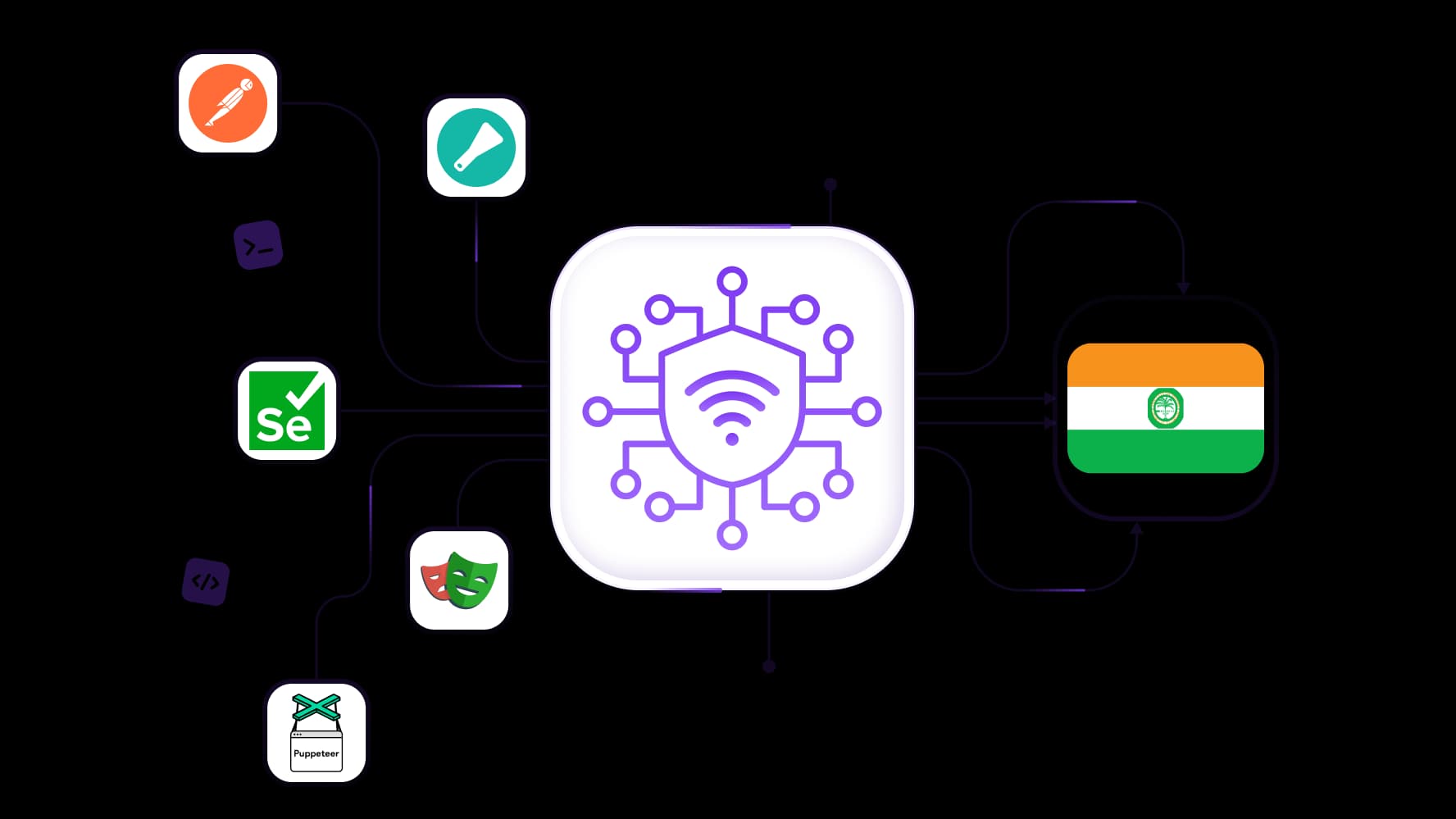
Scale Your Data Collection with API Control
Bring Miami proxies into your scraping setup with full API access. Connect your scripts to collect local listings, track prices, and repeat market checks without manually configuring every run. CyberYozh App’s Mass Credentials Generator simplifies bulk setup, while traffic rollover preserves unused residential bandwidth for your next project. Start with a focused dataset and expand collection as your research demands.
Keep Sessions Consistent for Up to 24 Hours
Keep the same Miami residential IP across a multistep task with sticky sessions lasting up to 24 hours. Review listings, apply filters, and move through location-sensitive pages without requesting a new IP at every step. CyberYozh App gives you room to complete longer checks with a consistent connection, then switch to rotation when your next task calls for fresh IPs.
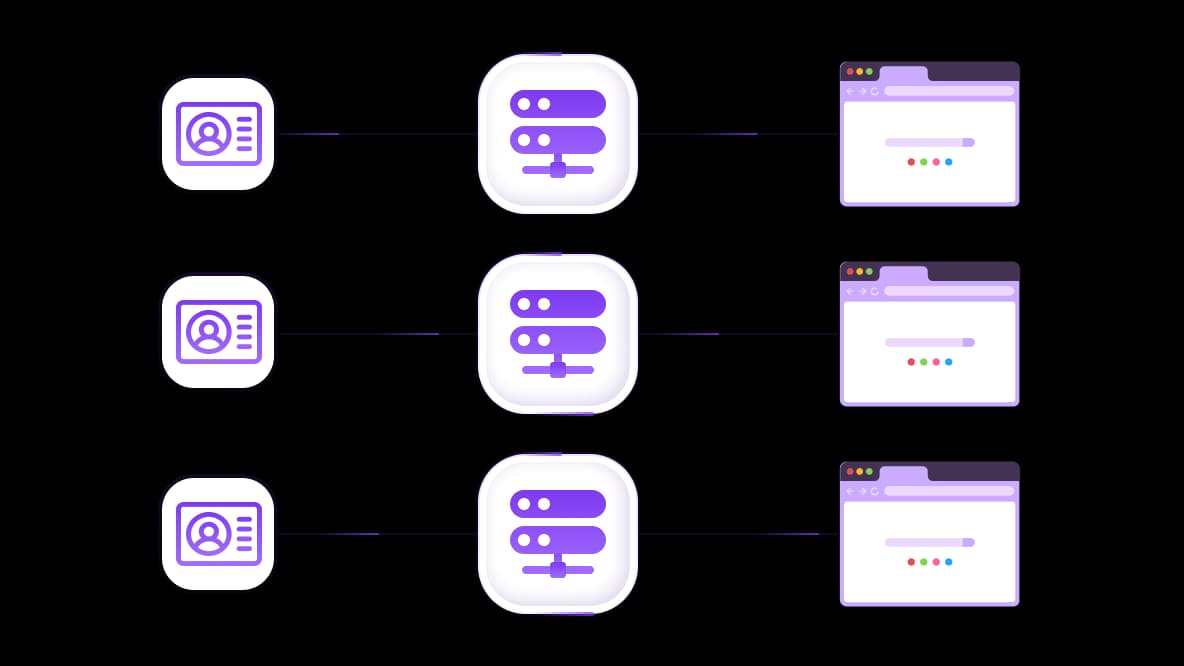
Connect Miami Proxies to Antidetect Browsers and Cloud Phones
Add your Miami proxy connection details to a compatible antidetect browser or cloud phone and manage location settings alongside each profile. Use CyberYozh App with tools such as AdsPower, Multilogin, and Dolphin Anty to organize separate browsing environments for account management and local market testing. Match each profile’s language and time zone to its intended location for a more consistent setup.
Specially for you
Best proxies by countries
USA - dedicated mobile unlimited
- Dedicated 5G Router
- Socks5/VPN with dedicated DNS
- Manual IP Changing
- Change p0f fingerprint (Windows, MacOS, Android)
- High Trust Rate
- Very High Speed + Low Ping
- All network params 1:1 as provider's
USA - shared mobile
- Shared 5G Router
- Supports SOCKS5 with UDP
- Up to 5 users per port
- Socks5/HTTP
- IP Rotation: every 30 min
- Windows p0f fingerprint
- High Trust Rate
- Very High Speed + Low Ping
- All network params 1:1 as provider's
USA - rotating residential
- 24 hours Availability
- Real ISP
- Speed up to 10 mbps
- Full API Access
- HTTP Protocol
- 100M+ IPs in 100+ Countries
- Mass Credentials Generator
- Long session up to 6 hours
USA - private residential
- Unlimited Bandwith
- Real ISP
- Speed up to 150 mbps
- Low Ping
- Supports SOCKS5 with UDP
- 24 hours Availability
- 1 Dedicated IP
USA - dedicated datacenter
- Unlimited bandwidth
- Exclusive IP ownership
- High-speed connectivity
- 99.9 % uptime
- HTTP
USA - shared datacenter
- Lightning-fast speeds
- Global IP coverage
- 99.9 % uptime
- Cost-efficient plans
- 1 GB bandwidth
- HTTP
Why do they buy from us?
Advantages
Private card payment
It doesn't matter how you topped up your balance, linking the payment to the rental of a specific proxy is impossible.
We do not store data on servers
As a rule, services that rent out proxies retain all data about the traffic passing through their servers.
Dedicated device
We do NOT disguise Shared proxies as individual ones. A modem or router is transferred to ONLY one person.
Online technical support
We are always ready to solve your problems and questions. Even late at night and early in the morning.
Money-back guarantee
We have both returns and exchanges. The priority is quality service and satisfied customers.
API for Business
For business clients, our service is ready to provide a convenient API that allows you to purchase proxies, change IP addresses, and much more.
What is a Miami proxy?
A Miami proxy routes your internet traffic through an exit IP address geolocated to Miami, Florida. The destination website sees that proxy IP instead of your connection’s original public IP and may use it to determine your location.
While US proxies can provide an IP elsewhere in the country, Miami targeting narrows your selection to a specific city. This matters when checking location-sensitive content, ads, or search results. However, a Miami IP address does not change your device’s GPS coordinates, clear cookies, or update a saved delivery address. Those signals can still influence what a website displays.
When does a Miami IP make a difference?
A Miami proxy is useful when the visitor’s location influences the information you need to check. It gives you a city-specific connection for investigating local experiences, with three practical applications.
Check local search results and advertising
Running a campaign for a Miami business? Use a Miami IP to investigate location-sensitive search results and review regional ad placements. CyberYozh App’s ad verification proxies support geographic campaign checks. Keep language, account history, and search settings consistent when comparing results: an IP address is only one signal affecting what appears.
Compare retail and travel offers
Check publicly available promotions, product availability, and travel offers through a Miami connection. For example, compare a retailer’s initial location-based experience before selecting a local store. Where pricing or availability depends on a delivery ZIP code, hotel destination, or travel dates, set those explicitly. A Miami IP alone does not establish those details or guarantee a different price.
Test location-sensitive website experiences
Use Miami proxies to test how your own website handles visitors whose IPs resolve to the city. Inspect regional banners, automatic location selection, and redirects. Comparing these results with another location can help identify targeting errors before they affect customers.
Choose between rotating and sticky Miami sessions
Choose your Miami proxy session around whether successive requests need the same IP. Rotation suits independent data collection, while sticky sessions fit tasks where an IP change could disrupt continuity.
Decision | Rotating sessions | Sticky sessions |
Best fit | Repeated, independent data requests | Connected, multistep browsing |
IP behavior | Changes according to rotation settings | Retained for the supported session duration |
Example | Collecting separate public listings | Applying filters and reviewing several pages |
What to check | Rotation configuration | Session duration and availability |
For a scraper collecting unrelated listings, IP rotation lets you change the exit address between requests. Keep Miami targeting selected when local coverage matters.
For a longer browsing sequence, CyberYozh App’s up-to-24-hour sticky sessions make session duration a practical buying criterion. Estimate how long the task takes, then choose settings that cover it. You may need only minutes for a comparison, rather than the maximum duration. Sticky IPs also work alongside browser cookies; they do not replace application session management.
Check these details before buying a Miami proxy
Before purchasing, check that the plan matches your location, connection, and billing requirements.
1. Confirm Miami availability. Check that Miami is selectable for the specific product you intend to buy. Country coverage alone does not establish city-level availability.
2. Choose the network type. Residential proxies use consumer ISP addresses; mobile proxies route through mobile networks. Static ISP proxies provide a fixed ISP-associated IP, while datacenter proxies use hosting infrastructure. CyberYozh App offers these categories, but confirm which support Miami targeting.
3. Match your connection protocol. Check what your browser, script, or application requires. CyberYozh App’s rotating residential proxies list HTTP, HTTPS, and SOCKS5 support, giving you several connection options.
4. Calculate the entry cost. The published residential pricing lists pay-as-you-go traffic at $4/GB and a 5 GB package at $20, with monthly traffic rollover. Confirm the minimum pay-as-you-go purchase and any rollover conditions at checkout; the public pricing table does not specify them.
5. Examine performance claims. Ask whether “success” means an established connection, a completed response, or usable target data. CyberYozh App offers filtering by IP quality score and speed, but test your intended destination to assess response times, challenges, and data completeness.
Set up and verify your Miami proxy
Set up your Miami proxy in CyberYozh App, then verify both the connection and the experience on your target website.
Select your product and location. Choose a proxy product that supports city targeting and confirm Miami is available before purchasing traffic.
Set your session behavior. Use rotation for independent requests or a sticky session for connected browsing steps. Choose a duration that covers your task.
Generate your credentials. Copy the proxy hostname, port, username, and password. Preserve any location or session parameters included in the generated details.
Configure your application. Enter those details in your browser, scraper, or cloud phone. For a supported browser example, follow the Dolphin Anty proxy setup guide.
Verify the exit IP. Open an IP checker through the configured application. Confirm that traffic uses the proxy and inspect the reported city.
Test your destination. Run a representative search, page visit, or data request.
If the checker reports Miami but the website shows another location, inspect saved account settings, delivery addresses, cookies, and browser location permissions. Websites may also use different geolocation databases. Compare another checker before assuming the proxy configuration is wrong.
Put CyberYozh App’s Miami proxies to work
Choose the session behavior that matches your workflow before scaling your setup. For projects that require consistent access, a longer session may fit better, while rotating sessions can help when you need broader coverage across repeated requests. Configure Miami as your target location, then run a representative test to confirm the connection works for your specific use case before expanding volume. Once the setup proves reliable, connect API access and organize bulk credentials around recurring research tasks. Traffic rollover can also help maintain flexibility when usage patterns change between campaigns, monitoring cycles, or larger data collection projects.
Explore available proxy options in the CyberYozh App proxy catalog and choose the setup that fits your needs.
Location
Popular geolocations
Top up your balance in any convenient way!
Bank cards


Cryptocurrency


