

Wikipedia proxy
Use a proxy for Wikipedia, and forget about restrictions for high-frequency requests. Monitor Wikipedia pages, scrape data, and integrate with automation workflows with ease, enjoying high speed from any location.
High-speed, premium proxies for Wikipedia
Use Wikipedia proxies for data scraping, brand management, SEO optimization, and more. Enjoy 99.95% success rate and high speed.

Access Wikipedia from any location
Get proxies with IPs in 100+ countries worldwide to bypass restrictions, reduce latency, and optimize your Wikipedia web workflows.
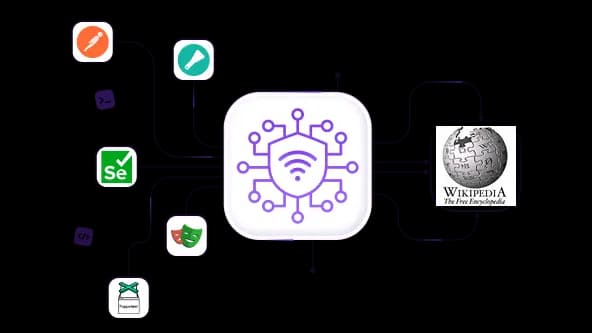
Scrape Wikipedia with high-speed proxies
Use the 50M+ IP pool to deploy rotating residential or datacenter proxies for fast, efficient data scraping from Wikipedia.
Manage your brand mentions in Wikipedia
Use proxies to monitor thousands of Wikipedia pages. Manage your brand reputation on the largest Web encyclopedia without triggering restrictions.
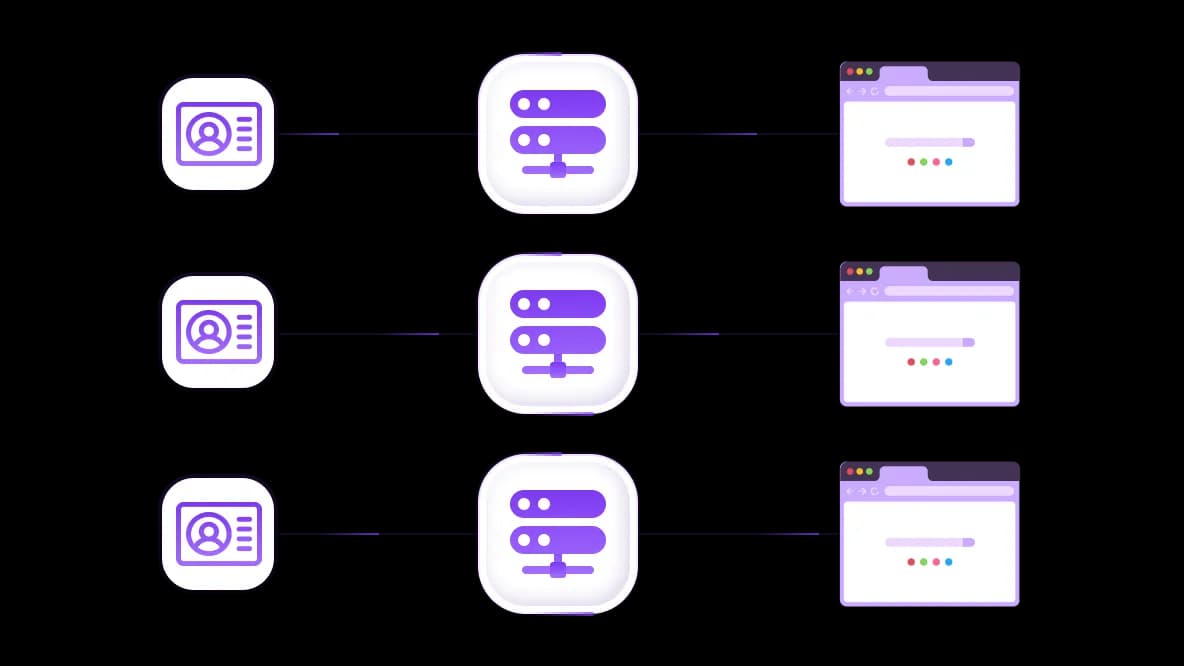
Integrate the Wikipedia proxy with antidetects
Integrate proxies with antidetect browsers to reach maximum protection, as if each session were performed from a separate device.
Specially for you
Best proxies by countries

Wikipedia - dedicated mobile unlimited
- Dedicated 5G Router
- Socks5/VPN with dedicated DNS
- Manual IP Changing
- Change p0f fingerprint (Windows, MacOS, Android)
- High Trust Rate
- Very High Speed + Low Ping
- All network params 1:1 as provider's
Wikipedia - shared mobile
- Shared 5G Router
- Supports SOCKS5 with UDP
- Up to 5 users per port
- Socks5/HTTP
- IP Rotation: every 30 min
- Windows p0f fingerprint
- High Trust Rate
- Very High Speed + Low Ping
- All network params 1:1 as provider's
Wikipedia - rotating residential
- 24 hours Availability
- Real ISP
- Speed up to 10 mbps
- Full API Access
- HTTP Protocol
- 100M+ IPs in 100+ Countries
- Mass Credentials Generator
- Long session up to 6 hours
Wikipedia - private residential
- Unlimited Bandwith
- Real ISP
- Speed up to 150 mbps
- Low Ping
- Supports SOCKS5 with UDP
- 24 hours Availability
- 1 Dedicated IP
Wikipedia - dedicated datacenter
- Unlimited bandwidth
- Exclusive IP ownership
- High-speed connectivity
- 99.9 % uptime
- HTTP
Wikipedia - shared datacenter
- Lightning-fast speeds
- Global IP coverage
- 99.9 % uptime
- Cost-efficient plans
- 1 GB bandwidth
- HTTP
Why do they buy from us?
Advantages
Private card payment
It doesn't matter how you topped up your balance, linking the payment to the rental of a specific proxy is impossible.
We do not store data on servers
As a rule, services that rent out proxies retain all data about the traffic passing through their servers.
Dedicated device
We do NOT disguise Shared proxies as individual ones. A modem or router is transferred to ONLY one person.
Online technical support
We are always ready to solve your problems and questions. Even late at night and early in the morning.
Money-back guarantee
We have both returns and exchanges. The priority is quality service and satisfied customers.
API for Business
For business clients, our service is ready to provide a convenient API that allows you to purchase proxies, change IP addresses, and much more.
Why use Wikipedia proxy: Typical use cases
A proxy for Wikipedia routes your requests through an intermediary server, masking your real IP address and unlocking access regardless of geographic restrictions, rate limits, or automated detection systems.
Warning: Wikipedia's Wikimedia Foundation publishes explicit rate-limit guidelines and requires a custom User-Agent string for bots. Respect crawl delays and cache responses; the median edit interval for popular articles is measured in days, making cached data practical and request-efficient.
Wikipedia proxy for scraping and research
Task: Automated bots harvesting Wikipedia data at scale get rate-limited or permanently banned; scraping without a proxy typically results in a near-instant IP block.
Solution: Pair your bot with rotating residential proxies to appear as organic users from any region — ideal for multilingual dataset collection, NLP training corpora, and citation harvesting. Use the IP Checker to verify your IP endpoint isn't flagged before launching large-scale jobs.
Real-world example: Research teams using rotating residential proxies for structured multilingual data pipelines report successful extraction of entity-level knowledge bases across 50+ language editions without triggering bans.
Wikipedia proxy for reputation management
Task: PR professionals and brand managers need to monitor Wikipedia pages, track edits, and verify how their brand appears across different regional editions of Wikipedia, but repeated requests from a single corporate IP trigger blocks.
Solution: Use static residential proxies routed through specific country IP addresses to simulate local Wikipedia users and accurately assess geo-specific article content. Combine with a virtual number for secure account verification when editing or curating content under Wikipedia's editorial guidelines.
Real-world example: Brand protection teams using residential proxies across EU, US, and Asian exit nodes reliably monitor localized Wikipedia edits and catch unauthorized content changes in near real-time.
Wikipedia proxy for SEO optimization
Task: SEO specialists need to audit Wikipedia's link profiles, monitor competitor citation strategies, and analyze how Wikipedia pages rank and interlink across regional search results. A web proxy Wikipedia setup is essential for this.
Solution: Deploy static residential or datacenter proxies to simulate search engine crawlers or regional users, and cross-reference findings with the CyberYozh API for automated SERP and backlink pipeline workflows. Browse the use cases library for ready-made automation patterns applicable to SEO monitoring.
Warning: Sending large volumes of automated queries via a single IP to Wikipedia for SEO indexing analysis can trigger CAPTCHA walls. Rotate IPs on every request or every session, depending on your query volume.
Proxy servers for Wikipedia: Types and examples
Choosing the right proxy type for Wikipedia operations is critical. The wrong choice leads to blocks, inaccurate geo-data, or unnecessary cost.
Rotating residential: Most scraping and research use cases. IPs cycle automatically, mimicking organic traffic.
Static residential: Reputation management and SEO tasks requiring a consistent, trusted identity from a specific region.
Mobile: Specific privacy-sensitive editing tasks, where mobile carrier IPs carry the highest trust score.
Datacenter: Open data scraping where raw speed matters most, and IP trust level is secondary.
Best Wikipedia web proxies from CyberYozh
CyberYozh provides enterprise-grade proxy infrastructure purpose-built for scraping, research, and automation tasks like Wikipedia data workflows, combining a massive residential IP pool with developer-friendly tooling. Let’s explore why it’s one of the most reliable reverse proxy solutions for Wikipedia.
50M+ residential IPs spanning 100+ countries for true geo-accuracy
99.95% success rate and low latency from multiple global regions
CyberYozh API for programmatic proxy management and rotation
Native integrations with Scrapy, Puppeteer, Playwright, and Selenium for scraping pipelines
Custom Python script support for bespoke Wikipedia data extraction workflows
Open Scraper, an open-source tool for community-driven scraping
Postman support for web automation and API workflow testing
Checker tools to verify IP, email, phone, and card fraud scores before use
Virtual numbers for SMS verification for account registration in 140 countries across 700+ services
Set a proxy for Wikipedia: CyberYozh solution
Deploying a CyberYozh proxy site Wikipedia users and developers rely on takes just a few minutes across any device or OS. Antidetect browsers add an additional layer of fingerprint isolation for high-privacy editorial or research tasks, while the CyberYozh API enables full automation pipelines.
Create your CyberYozh account and top up your balance.
Select your proxy type (rotating residential recommended for most Wikipedia scraping) and generate credentials (host, port, username, password).
Configure your environment — follow platform-specific guides:
Validate your IP using the IP Checker to confirm the correct exit node, country, and fraud score before going live.
Launch your workflow, whether manual browsing, a bot script with Selenium/Playwright, or a full API-driven pipeline.
Top up your balance in any convenient way!
Bank cards


Cryptocurrency


