

World of Warcraft (WoW) proxy
Optimize your gaming sessions, reduce ping, increase safety, and access local servers with high-quality World of Warcraft proxy servers from CyberYozh. Ensure high speed, stability, full SOCKS5/UDP support, and account security.

Use a proxy for WoW to optimize your gaming
Buy a residential proxy for your WoW gaming sessions and optimize every aspect of your gaming. Minimize account loss risk, protect your IP connection, and greatly reduce ping and latency.

Improve your WoW ping with precise geotargeting
Use IP with geolocations from 100+ countries and city-level precision. Reduce your ping for different WoW servers, access local-only servers, and get local game offers.

Fetch WoW game data using a proxy pool
Use a 50M+ residential proxy pool to distribute the load for high-frequency tasks targeting Blizzard servers, avoiding restrictions. Integrate with Puppeteer or Playwright and scrape game data for any purpose.

Run multiple accounts in WoW without bans
Assign separate residential IPs to several WoW account sessions, even if they run from a single device, and automate your WoW farming without triggering Blizzard’s bans and restrictions.
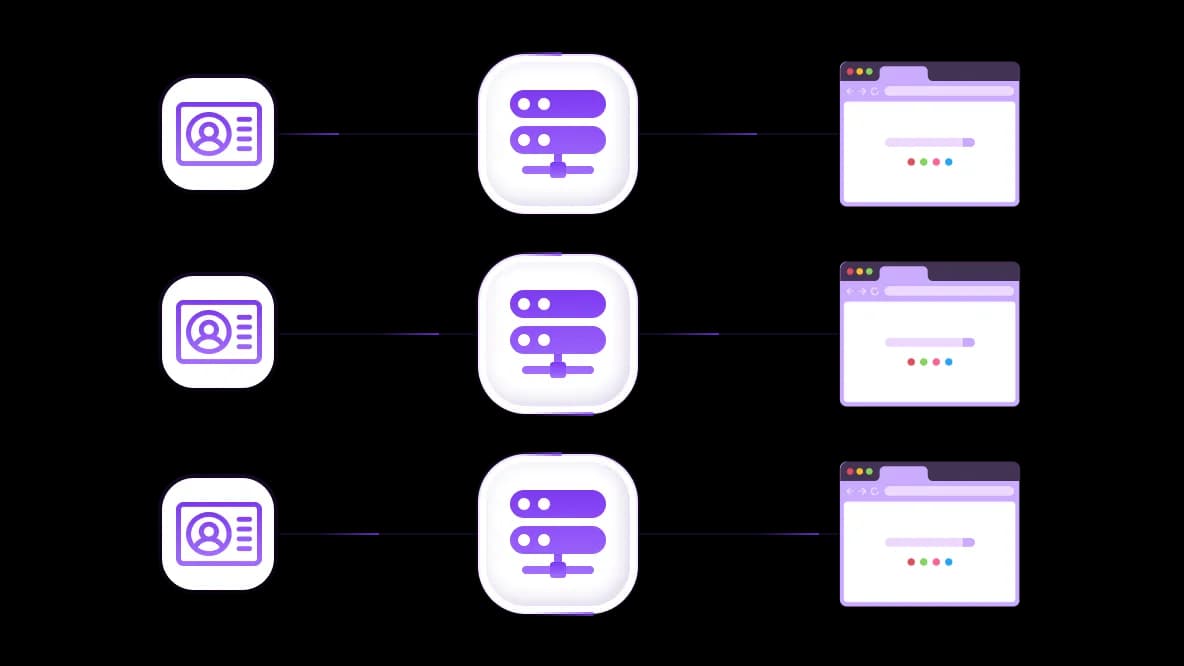
Use antidetect browsers for special tasks
For high-precision tasks targeting Blizzard gaming servers, integrate CyberYozh proxies into antidetect browser sessions to achieve complete profile isolation. Scrape game data and run multiple profiles with ease.
Specially for you
Best proxies by countries

World of Warcraft (WoW) - dedicated mobile unlimited
- Dedicated 5G Router
- Socks5/VPN with dedicated DNS
- Manual IP Changing
- Change p0f fingerprint (Windows, MacOS, Android)
- High Trust Rate
- Very High Speed + Low Ping
- All network params 1:1 as provider's
World of Warcraft (WoW) - shared mobile
- Shared 5G Router
- Supports SOCKS5 with UDP
- Up to 5 users per port
- Socks5/HTTP
- IP Rotation: every 30 min
- Windows p0f fingerprint
- High Trust Rate
- Very High Speed + Low Ping
- All network params 1:1 as provider's
World of Warcraft (WoW) - rotating residential
- 24 hours Availability
- Real ISP
- Speed up to 10 mbps
- Full API Access
- HTTP Protocol
- 100M+ IPs in 100+ Countries
- Mass Credentials Generator
- Long session up to 6 hours
World of Warcraft (WoW) - private residential
- Unlimited Bandwith
- Real ISP
- Speed up to 150 mbps
- Low Ping
- Supports SOCKS5 with UDP
- 24 hours Availability
- 1 Dedicated IP
World of Warcraft (WoW) - dedicated datacenter
- Unlimited bandwidth
- Exclusive IP ownership
- High-speed connectivity
- 99.9 % uptime
- HTTP
World of Warcraft (WoW) - shared datacenter
- Lightning-fast speeds
- Global IP coverage
- 99.9 % uptime
- Cost-efficient plans
- 1 GB bandwidth
- HTTP
Why do they buy from us?
Advantages
Private card payment
It doesn't matter how you topped up your balance, linking the payment to the rental of a specific proxy is impossible.
We do not store data on servers
As a rule, services that rent out proxies retain all data about the traffic passing through their servers.
Dedicated device
We do NOT disguise Shared proxies as individual ones. A modem or router is transferred to ONLY one person.
Online technical support
We are always ready to solve your problems and questions. Even late at night and early in the morning.
Money-back guarantee
We have both returns and exchanges. The priority is quality service and satisfied customers.
API for Business
For business clients, our service is ready to provide a convenient API that allows you to purchase proxies, change IP addresses, and much more.
Why gamers need a proxy for WoW
The WoW client has no built-in proxy settings. All connection optimization must happen at the network level. Here are the four core tasks a WoW proxy solves.
World of Warcraft proxy reduces ping and latency
Task: Your ISP routes traffic through congested nodes, causing lag spikes and packet loss, especially critical during raids, PvP, or auction sniping.
Solution: A CyberYozh proxy server near your target Blizzard region acts as a dedicated tunnel, bypassing suboptimal ISP hops and routing through Tier-1 backbone channels for consistently low, stable ping.
Explore how proxies boost online game performance and how to set up a proxy for online games in the CyberYozh guide
Getting a WoW proxy with specific geolocation
Task: You want to play on a specific regional server (e.g., US servers from Europe), access a geo-limited beta, or unlock region-exclusive promotions and discounts.
Solution: By connecting through a World of Warcraft proxy server in the target country, Blizzard recognizes you as a local player, granting region-specific pricing, server access, and event bonuses.
CyberYozh proxies are notably stable for gaming tasks — clean IPs, no mid-session drops.
Using WoW proxy services for security enhancement
Task: Exposing your real IP during gameplay leaves your connection open to DDoS attacks, data interception, and account compromise: a serious risk for high-value accounts with real-money earning potential.
Solution: A WoW proxy service masks your real IP and encrypts the routing path, keeping your identity and session data safe. Use CyberYozh’s IP Checker to verify your anonymity and IP quality before every session.
Run multiple profiles and fetch game data with WoW proxy
Task: Running multiple WoW clients simultaneously, or scraping Blizzard game data for analysis and arbitrage, quickly triggers IP-based detection and bans.
Solution: Assign a unique static IP to each game window using sticky sessions via rotating residential proxies. For game data parsing from Blizzard servers, use rotating sessions with staggered request timing and CyberYozh API integration for automation.
Blizzard's Terms of Service prohibit automation, botting, and multi-account abuse. Use these capabilities only for permitted auxiliary tasks such as game market research and connection optimization.
Best proxy for WoW: Types and protocols
Let’s explore specific implementations, relevant for most gamers.
Why ping matters a lot and how WoW proxies help
Ping is everything in WoW. A 30 ms player will consistently outperform a 100 ms player in PvP or duels, auction house timing, and reactive raid mechanics. The math is simple: the closer your proxy is to the Blizzard server and the less congested the connection is, the shorter and cleaner the route.
With CyberYozh, you select a proxy located in Germany or France for EU servers, or in various U.S. cities for NA, routing your traffic via high-speed backbone channels rather than your ISP's congested path. The result is stable, low-jitter latency that doesn't spike mid-fight.
Learn more about gaming proxies and ping reduction to optimize your gaming sessions.
Types of proxies for WoW
Residential static proxies: Best for most gaming tasks; they resemble a local ISP subscriber, with a good trust score and stable IP, ideal for live sessions and raids
Residential rotating proxies: Best for bulk multi-accounting and game data scraping; always use sticky sessions to maintain per-account continuity
Datacenter proxies: Very high speed and low cost, but easily flagged as bot-like traffic by Blizzard; usable for single-client speed optimization in low-risk contexts
Mobile proxies: Highest trust level and IP customization; ideal for precision auxiliary tasks like social scraping from Blizzard forums or Discord communities
Why you need a SOCKS5 protocol
WoW's live gameplay relies on UDP traffic: the fast, low-overhead protocol for real-time position, action, and combat data. Standard HTTP proxies do not support UDP, meaning you can log in (TCP), but the moment a match or game session begins, the connection drops. SOCKS5 handles both TCP and UDP, making it mandatory for any WoW proxy server used in live gameplay.
HTTP proxies remain valid for web-based auxiliary tasks only, such as scraping Blizzard's game data, auction house APIs, or forum data.
Proxy Client Note: Proxifier does not support UDP traffic: a known limitation that causes issues with WoW sessions. Use ProxyCap or SocksCap64 instead, with separate sessions configured for each WoW client instance.
CyberYozh proxy settings for World of Warcraft
Deploying a CyberYozh proxy for World of Warcraft takes under 5 minutes.
Purchase and configure your proxy
Create a CyberYozh account and select a proxy in your target Blizzard server region (e.g., Germany for EU, US East for NA)
Choose SOCKS5 as the connection protocol
Copy your credentials: IP address, port, login, and password
Install a compatible proxy client
Add your CyberYozh proxy credentials
In your proxy client, navigate to proxy server settings
Enter IP, port, login, password, and select SOCKS5
Create application routing rules
Targets: Wow.exe, WowClassic.exe, and Battle.net.exe
Action: Route through your CyberYozh proxy
Leave all other applications on Direct to avoid routing unrelated traffic through the proxy
For multi-account setups: create a separate rule per WoW instance, each assigned to a unique proxy IP
Launch and verify
Start your proxy client first, then launch Battle.net and WoW
Confirm traffic routing in the proxy client logs (look for green/active status on Wow.exe)
Use the IP Checker to confirm your in-game IP matches your proxy location
Top up your balance in any convenient way!
Bank cards


Cryptocurrency


