
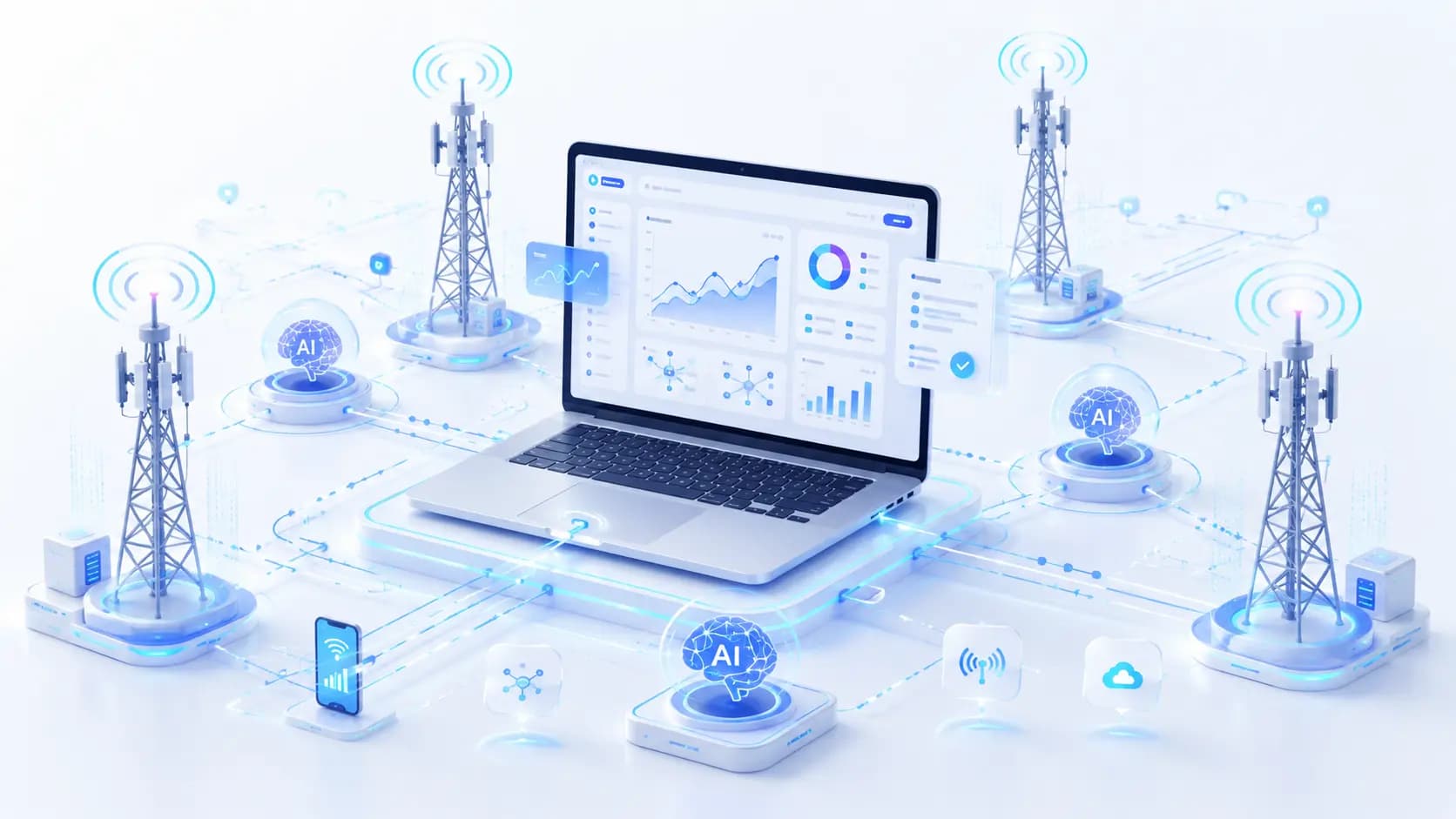
Real mobile LTE / 5G networks
Run AI agents through real carrier networks with unlimited mobile traffic and dedicated channels.
- Real LTE / 5G carrier networks
- Manual and API IP rotation
- High-trust environments
- Stable AI sessions
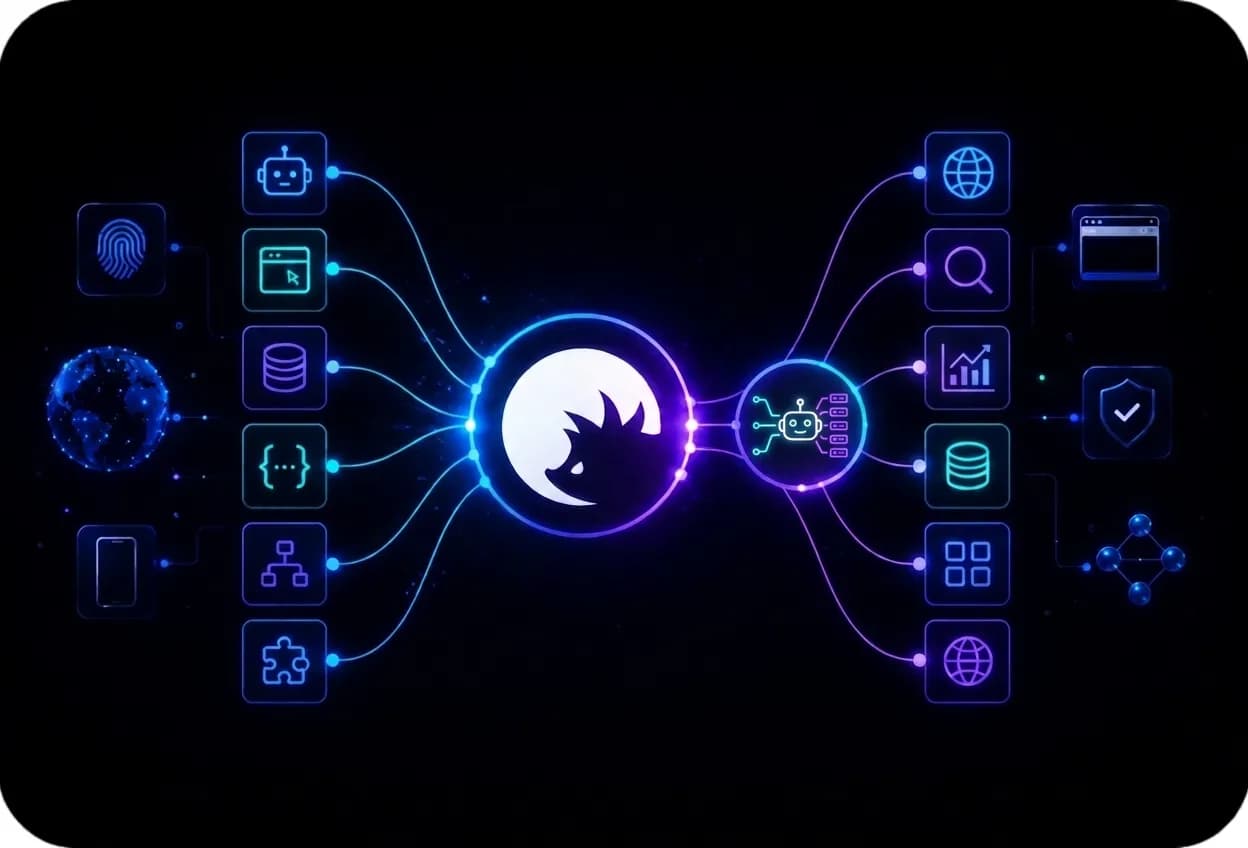
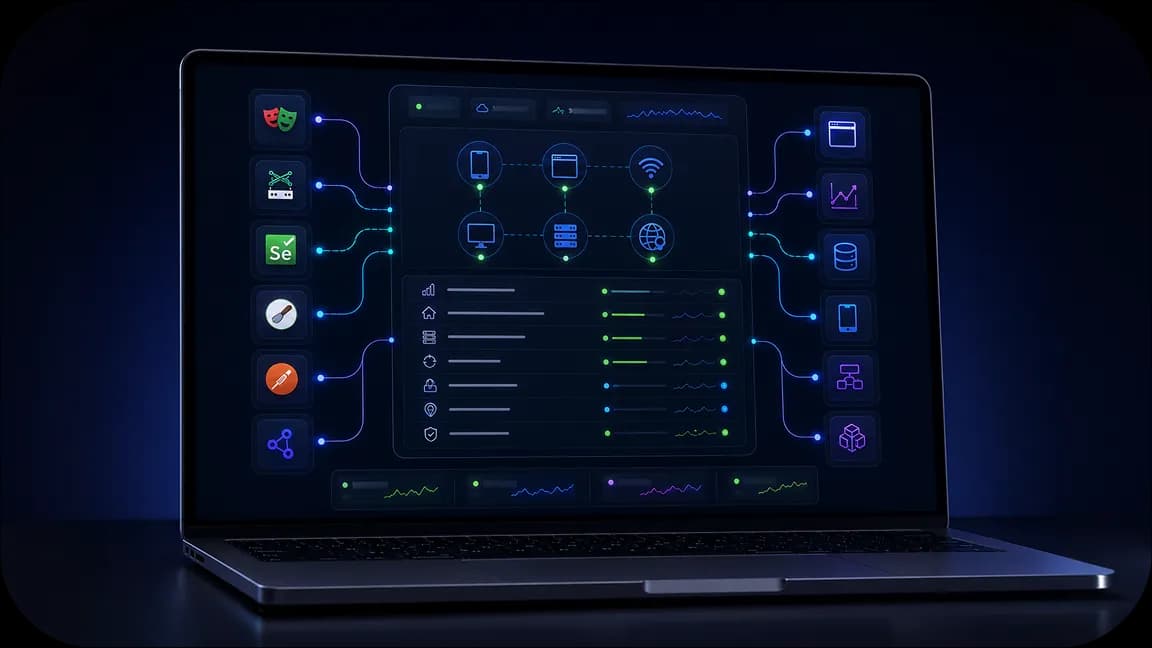
Deploy Yozh Scraper for AI data scraping with 100M+ IPs. Integrate with tools like Selenium, Puppeteer, Playwright, Scrapy, Postman. Make your data management sessions stable and controllable.
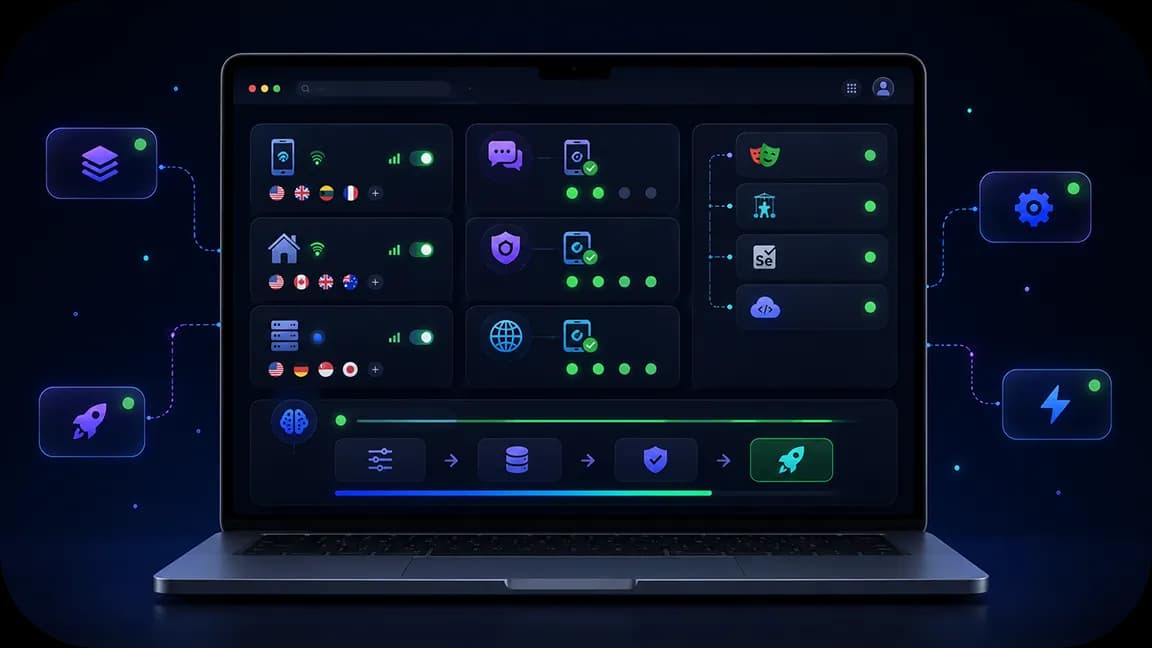
Buy residential, mobile, and datacenter proxies for AI data scraping with geo-targeting, IP quality checks, and unlimited traffic. Connect to servers worldwide and collect data easily.
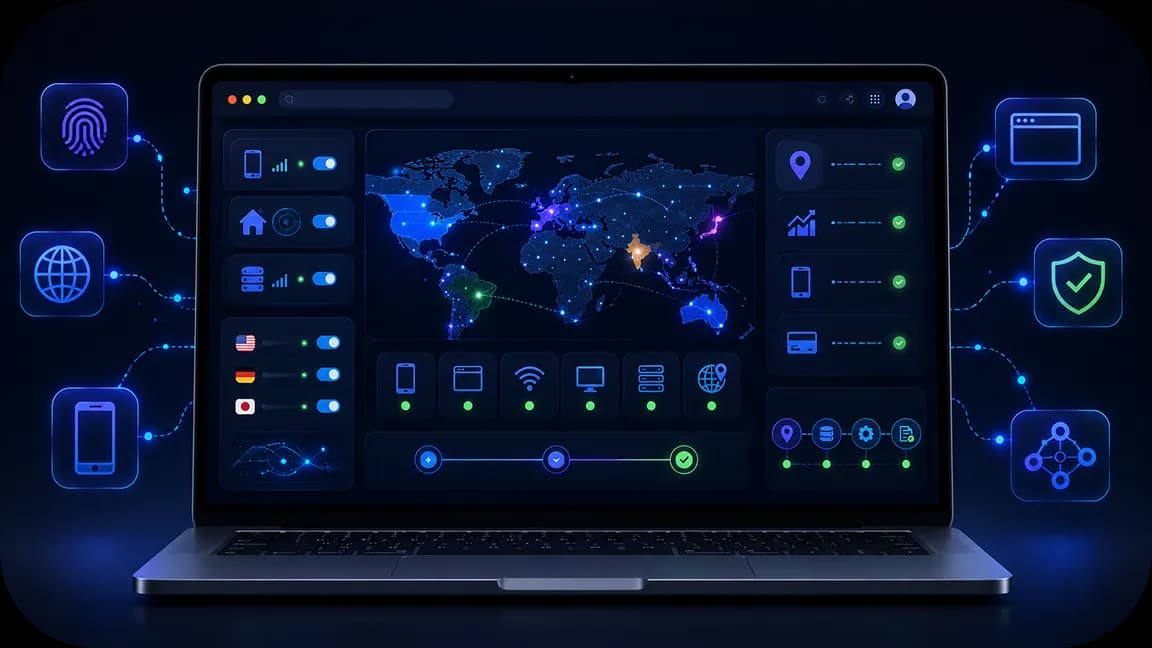
Access the list of 195+ countries for your agentic AI data scraping. Retrieve data from local services while being indistinguishable from an ordinary local user.
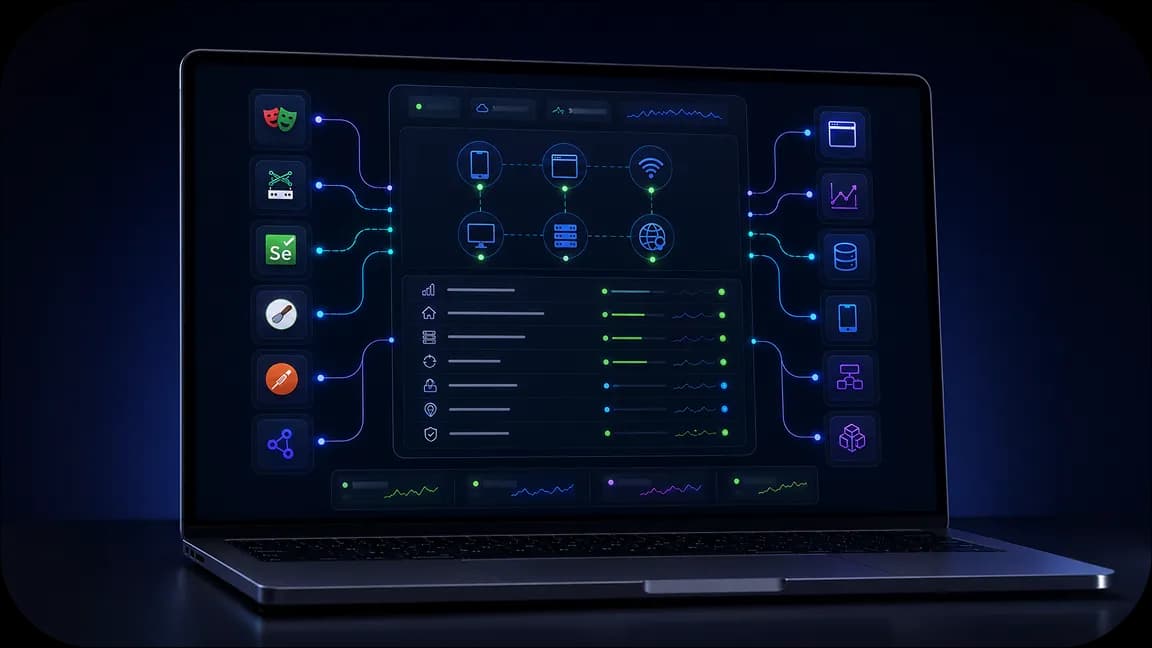
Check IP quality of each proxy before deploying it for AI data scraping, and automate the process using the API and rotating residential proxy tools. Prevent session breaks with CyberYozh App infrastructure.
Run AI agents through real carrier networks with unlimited mobile traffic and dedicated channels.

Reduce workflow interruptions with CAPTCHA solving support and validation tools built for automation.

Manage proxies, SMS activation, fingerprinting, fraud checks, and integrations from one environment.
Build your AI workflow with CyberYozh’s rotating residential proxies for parallel scraping, mobile LTE/5G for sensitive tasks, residential ISP for stable sessions, and datacenter proxies for monitoring. Check network reputation with the IP quality checker, use virtual numbers for SMS verification and virtual cards for service payments, and connect Yozh Scraper to collect web data for your AI agents.
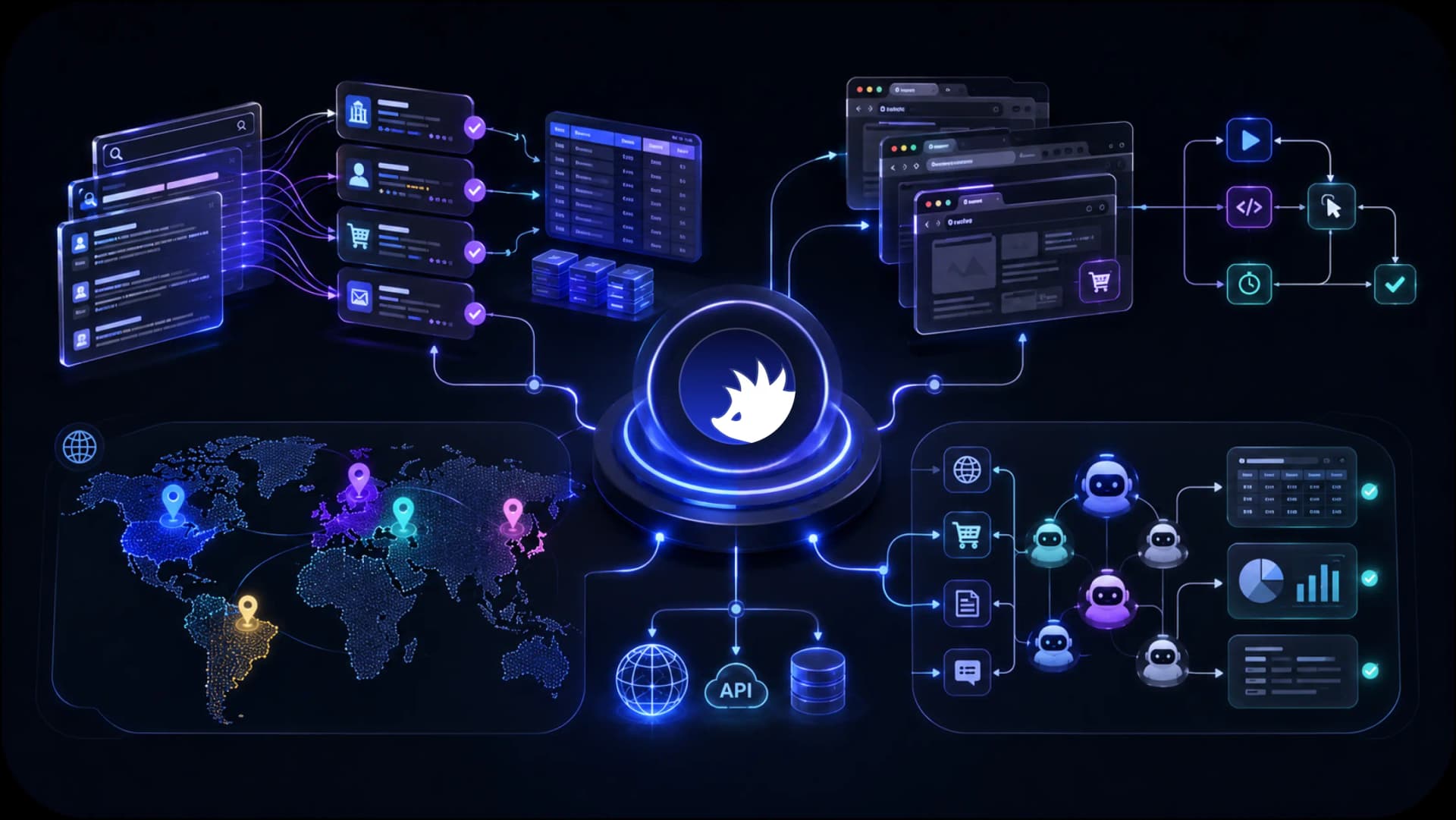
Access localized search results, marketplaces, public web data, and regional content across 195+ countries for AI agents, scraping systems, and autonomous workflows.
CyberYozh combines the infrastructure AI teams need to collect data, automate workflows, access regional content, and scale execution environments. From mobile LTE / 5G and residential proxies to browser automation support, fingerprinting, fraud checks, and Android cloud phones, everything is designed to support AI workflows from a single platform.
AI web scraping
AI browser automation
AI data collection
AI agent execution
Mobile AI workflows
Regional AI access
See how CyberYozh works in practice through real workflows, platform features, and infrastructure examples. Explore the dashboard, integrations, execution environments, and tools available for AI teams and automation projects.
AI data scraping means an AI web scraper or AI agent opens web pages, finds the data you need, and returns it in a clean format such as JSON. Unlike fixed scripts, it can adapt when a site changes its layout.
Agents send many requests, and one IP gets blocked fast. A proxy gives each agent a controlled network identity, so you decide where the traffic exits and how it is spread across IPs.
Key CyberYozh App infrastructure for AI agents:
Rotating residential proxies: 100M+ IPs, 195+ countries, from $2/GB.
Mobile LTE/5G proxies: unlimited traffic, network fingerprinting, from $1.7/day.
IP checker, virtual numbers, and virtual cards.
API and Yozh Scraper, an open-source tool with MCP support.
Here are the main options for web scraping AI and data management. Each one matches a different task and budget.
Read about autonomous AI agents and proxies to see how they must be used together.
Use rotating proxies when your AI agent for data scraping must open many pages at once. Each request can use a new residential IP, or you can keep one IP for up to 24 hours. They work with Puppeteer and Playwright. You pay only for the traffic you use.
Mobile proxies use real carrier networks, and many users share each carrier IP, so websites rarely block them. Traffic is unlimited and network fingerprints can be adjusted. For Instagram AI data scraping, use them for social media tasks, logins, and other sensitive steps.
Assign a virtual number to authenticate in local services easily.
Prices, search results, and listings change by country and city.
Use residential proxies with geo-targeting to see what local users see, with prices, search results, and listings changing by country and city. Static ISP proxies keep one IP for long sessions.
Get virtual card for local payments if needed
Do not spend residential traffic on tests. Datacenter proxies are fast and cheap. Use them for testing, monitoring, and open sources.
Check IP quality before using any proxy IP for your work
A proxy does not stop a bad agent decision, but it adds control: every connection is routed, logged, and separated by IP pool. You can give each agent its own pool and quickly cut off a bad IP. This keeps the agent's network access limited and visible.
CyberYozh API documentation includes a detailed description of all API commands for AI data automation
CyberYozh App puts proxies, virtual numbers, cards, and checkers in one account. You do not need to connect several vendors.
Proxy type | Starting price | Basic characteristics | Use cases |
|---|---|---|---|
Rotating residential | From $2/GB | 100M+ residential IPs across 195+ countries, flexible rotation, and 24-hour sticky sessions. | Run parallel AI scraping, collect regional SERPs, monitor prices, and automate research. |
Mobile LTE/5G | From $1.70/day shared; $3.50/day dedicated | Real carrier IPs, high platform trust, unlimited traffic, and API-controlled IP changes. | Support authorized authentication, payment workflows, social data collection, and trust-sensitive agent tasks. |
Residential ISP | From $5.39/month | Dedicated static ISP IPs, stable speeds, unlimited traffic, and long-term session consistency. | Maintain logged-in AI agent sessions, access regional platforms, and manage ongoing workflows. |
Datacenter | From $1.77/month shared; $2.18/month dedicated | High-speed server IPs, unlimited traffic, HTTP/SOCKS5 support; lower trust on sensitive platforms. | Test AI scrapers, monitor public data without logging in, and track website changes. |
Virtual numbers receive SMS codes for local services. Rental starts from $0.02 per 15 minutes.
Virtual cards pay for tools and subscriptions. Use a separate card for each service and set limits.
Check an IP, phone number, or card before use. The IP checker shows fraud rating, proxy detection, and blacklists, so bad IPs do not break your agent.
Yozh Scraper is a free, open-source scraper and crawler. It supports MCP for Claude and Cursor, ready presets, and LLM self-healing selectors. The API buys proxies and rotates IPs automatically.
Visit CyberYozh Data and get a data collection and automation toolset for your work.
Deploying a CyberYozh proxy from home is easy and takes only a few minutes. Browser extensions are the fastest way. Proxy clients suit mobile and desktop. Antidetect browsers suit large-scale tasks. Use the API for automation workflows.
Choose a proxy type, country, and city if needed. Use rotating for scale, mobile for strict sites, and datacenter for tests.
Copy the host, port, login, and password from your dashboard.
Connect the proxy using the proxy setup guides. For phones, use the Android guide. Android's built-in settings work only on Wi-Fi, so use a client such as v2rayNG for mobile data.
Check the IP, then run your agent. Use the API to rotate IPs and automatically check quality.