
Instagram IP Ban: How to Fix It and Avoid Future Blocks
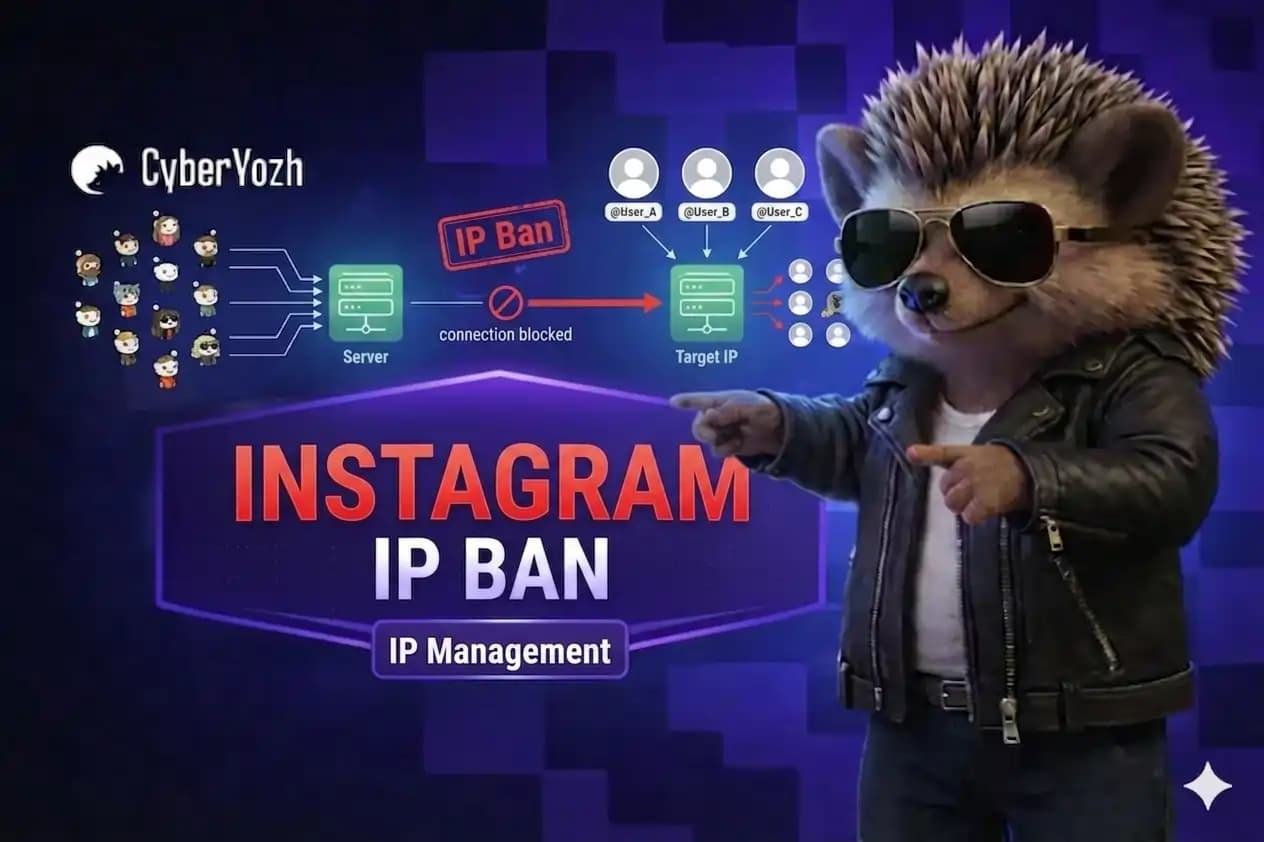
You open Instagram to manage multiple accounts, run campaigns, or execute automation workflows. Suddenly, logins start failing, actions get blocked, or “try again later” loops appear across several profiles.
It's rarely the accounts. Most often it's a network-level trust failure — Instagram flags the IP behind your sessions, and every account on that IP inherits the risk. It can happen silently: no warning, just accounts quietly losing reach or getting locked one by one. For SMM managers and agencies, that turns one bad IP into a workflow-wide outage.
This is what most people mean by an Instagram IP ban: not a ban on one account, but a restriction on the IP itself, triggered by volume, pattern, or timing of activity.
In this article, you’ll learn what an Instagram IP ban is, the main reasons why Instagram blocks or flags your IP, and how to recover from a ban and prevent them in the future using a stable setup including an Instagram proxy (suitable for multi-account management).
TL;DR
An Instagram IP ban restricts the IP, not just one account, so every profile sharing that IP inherits the flag
Main triggers: high-volume automation, managing multiple accounts with one IP, or sudden geo/network changes
To recover from an IP ban, switch to a clean, stable proxy IP, cut activity, and let the network cool down
Prevention includes assigning one dedicated residential or mobile proxy per account and separating accounts with anti-detect browser profiles.
What is an IP ban?
An IP ban happens when a platform restricts or blocks traffic from a specific IP address. Social media platforms and other websites do this to control spam, bots, and abuse at the network level — it's cheaper and faster than reviewing every account individually.
The catch: IP quality determines how easily this happens. A shared, flagged, or low-reputation IP gets caught in these systems fast, even with normal use. If you manage multiple client accounts, clean, dedicated IPs simply doesn't trigger the same red flags.
Not sure whether your IP is already flagged? Check your IP fraud score before using it for Instagram or other important accounts.
What is an Instagram IP ban?
An Instagram IP ban is a network-level restriction where Instagram blocks or limits activity from a specific IP address. It happens when the platform detects automation, unusual login behavior, or high-volume actions.
When an IP is flagged, Instagram may restrict logging in, following, or liking from that network, often affecting all accounts sharing the same IP or session environment. In multi-account setups used by SMM agencies and automation workflows, this typically shows up as login loops, “try again later” errors, or sudden action blocks across several profiles.
A dedicated residential or mobile proxy can replace a flagged connection and keep each Instagram account on a consistent IP.
Why Instagram uses IP bans
Instagram uses IP-based restrictions to reduce spam, automation abuse, and coordinated suspicious activity coming from the same network. When multiple risky actions are detected from one IP address, it helps Instagram quickly limit potential abuse without immediately banning individual accounts.
It also acts as a scalable security layer to protect the platform from bots, scraping tools, and repeated login attempts that could indicate compromised or automated behavior.
Scraping Instagram? Read about how to structure proxies, sessions, and IP rotation for reliable data collection in our Instagram scraping guide.
🚨 Signs that you’re IP banned on Instagram
Instagram works on mobile data but fails on Wi-Fi (or the reverse) using the same device and accounts
Multiple unrelated accounts get blocked at the same time from the same connection
Login loops occur across several profiles (login succeeds, then returns to login screen again)
“Try again later” errors across multiple accounts when performing actions
“Suspicious login detected” warnings on different accounts from the same IP.
In most cases, IP bans are not permanent blocks but part of Instagram’s risk system reacting to shared network behavior or repeated patterns. They indicate that the connection environment has been flagged.
❌ What is not an IP ban
If only one account fails while others work from the same connection, it's probably account-level level issues, not IP-related:
One account restricted while others work normally
Password reset requests for a single account
Temporary time-based login restrictions (e.g., 24h cooldown message).
How long an Instagram IP ban lasts
Instagram does not publish official IP ban durations, and the length depends on the type of flag and how often the behavior repeats. It’s usually a temporary restriction tied to risk signals, not a fixed penalty.
In practice, impact matters more than the exact duration, because even a short restriction can break logins, interrupt automation, and affect multiple accounts.
Typical durations seen in operator environments are:
24–48 hours - Common for first-time or light flags
Up to 72 hours - Repeated suspicious activity or unstable usage patterns
Weeks or longer - Heavy or continuously triggered restrictions.
The ban usually clears automatically once Instagram stops detecting risky patterns from your IP or network. In most cases, you just need to pause activity and let the connection cool down.
Read more about buying aged Instagram accounts to scale faster.
How to fix Instagram IP ban step by step
Work through these fixes in order to restore access and reduce the chance of triggering another block:
Restart or change your network
Some ISPs assign a new IP address after a router restart, which can help if the restriction is tied to the previous IP. Switching to mobile data or a different Wi-Fi network is the fastest way to test if the issue is IP-related.
Switch to a clean, stable IP environment
If the restriction persists, move to a different network or a stable residential/mobile proxy to replace the flagged IP environment with a clean, high-trust connection. Residential and mobile proxies for Instagram maintain predictable, real-user network patterns that help keep accounts stable. It reduces trust issues in long-term multi-account operations.
Reduce automation intensity
Lower action frequency, parallel requests, or scraping volume after access returns. Returning immediately to the same behavior can trigger the restriction again.
Separate accounts by environment
Avoid managing many accounts from the same browser profile, device fingerprint, or IP session. Shared environments increase the risk of cross-account contamination when one account gets flagged.
Pause activity and let the network cool down
Avoid repeated login attempts or automation activity for 24–48 hours. Most Instagram IP restrictions lift automatically once the platform stops detecting suspicious patterns from that network.
How to prevent Instagram IP blocks in the future
Avoiding Instagram IP blocks depends on maintaining consistent and predictable network behavior across accounts and sessions, especially in multi-account or automation setups.
Keep one stable IP per account/session
Use a dedicated residential or mobile proxy so each account operates from a consistent IP. Choose datacenter proxies only for non-account tasks or testing. This reduces cross-account contamination and prevents shared network signals when managing multiple accounts.
Avoid sharing IP across multiple accounts
Isolate each account at the network level using separate proxy assignments (1 account = 1 IP). When multiple accounts share the same IP, Instagram can correlate activity and increase the risk of joint restrictions.
Maintain consistent login behavior
Keep sessions stable by avoiding frequent IP switching. Persistent proxy usage helps maintain normal login patterns and reduces trust shifts that trigger security checks.
Reduce abrupt geo/IP changes
Use residential and mobile proxies to maintain location-consistent sessions or controlled IP rotation. Sudden jumps between countries or regions trigger risk systems.
Separate accounts at the browser level too
Use separate Chrome profiles, Firefox containers, or anti-detect browsers to isolate cookies, fingerprints, and session data.
Respect platform limits during automation
Keep automation intensity within natural behavior thresholds. Core operational rules:
Add randomized delays between actions instead of fixed intervals
Stay under safe hourly limits (e.g., 20–30 follows per hour per account)
Avoid running multiple automation processes on the same IP simultaneously
Do not retry failed actions immediately — apply cooldown before reattempting.
This combined approach ensures both account isolation and stable behavior patterns, reducing the likelihood of Instagram IP-related restrictions in multi-account workflows.
Why agencies use CyberYozh infrastructure to avoid Instagram IP blocked
SMM agencies use CyberYozh because it provides controlled network infrastructure that keeps Instagram accounts isolated, stable, and aligned with normal user behavior at scale.
100M+ residential proxies and mobile proxies across 195+ countries with a 99.8% success rate for stable Instagram operations
Mobile LTE/5G proxies with unlimited traffic - each account runs on a consistent, real carrier IP, reducing cross-account linking
Stable session control for long-term account safety - maintain login continuity, which reduces repeated “suspicious login” triggers.
Geo consistency for account trust signals - avoid sudden geo-switching patterns that trigger security checks
Controlled rotation - set rotation intervals for scraping or testing, or hold sticky sessions for up to 24 hours
All-in-one platform with proxies, SMS verification for account creation, virtual payment cards, and fraud-risk checks for stable Instagram multi-account operations with fewer IP blocks
API-based integration - work with Playwright, Selenium, Scrapy, Postman, and Puppeteer, and custom scripts.
What our customers say about using CyberYozh proxies
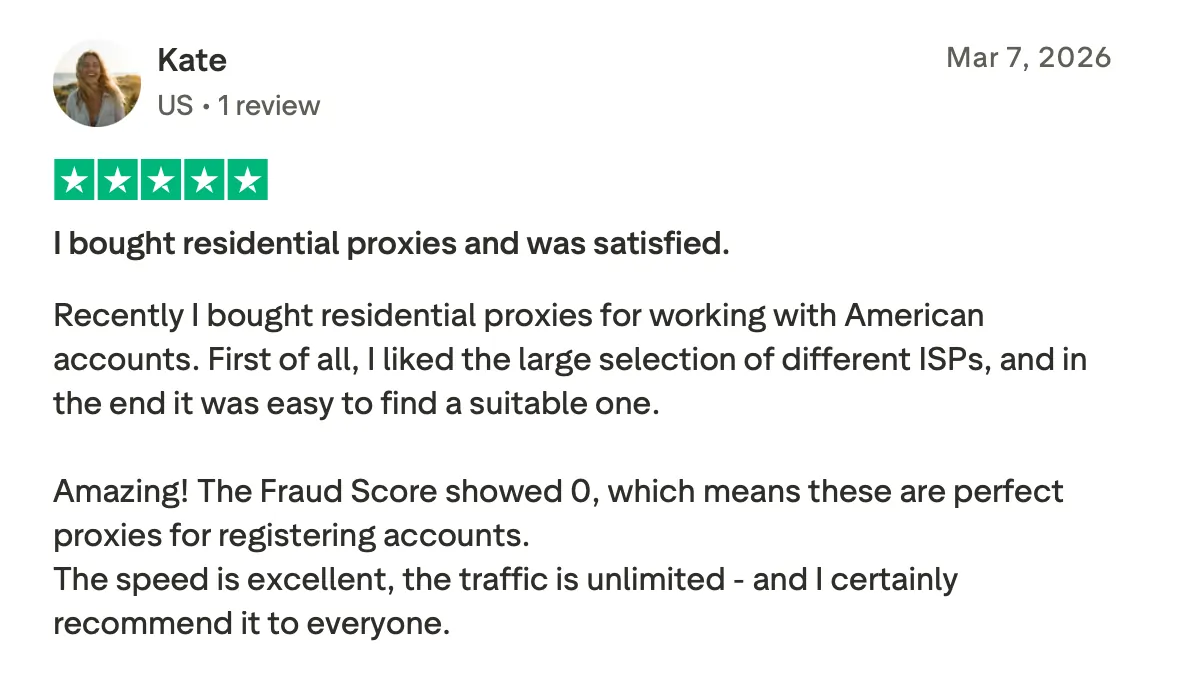
CyberYozh proxy setup for safe multi-account management
To safely run 5+ Instagram accounts, each account should operate in a separate browser profile with its own dedicated proxy. SMM teams and agencies use anti-detect browsers to fully isolate IP, session, and browser data.
Here’s how to set up CyberYozh Instagram proxies with any anti-detect browser to avoid Instagram IP bans:
Create a separate browser profile for each Instagram account (anti-detect browser, Chrome profile, or container-based setup)
Open proxy settings and enter your CyberYozh proxy details (host, port, login, password)
Assign one CyberYozh residential or mobile proxy per profile only and keep it consistent
Verify the connection before logging into Instagram and avoid reusing the same proxy across profiles.
This setup ensures each Instagram account runs in a fully isolated environment with a separate IP and session identity, reducing cross-account linking and improving long-term stability in multi-account operations.
Conclusion
Instagram IP blocks are usually a result of unstable network patterns, shared IP usage, and inconsistent session behavior across accounts. Fixing them requires isolating each account with a stable residential or mobile proxy and maintaining consistent, controlled activity over time. For scaled operations, combining proxies with proper browser separation and risk-aware automation is what keeps accounts stable long-term.