
Leaf Browser: Is It Safe, How It Works in 2026 & Best Alternatives
TL;DR
Leaf Browser is a lightweight browser used primarily by students to bypass school web filters on Chromebooks.
It is not available as a verified standalone app; most versions are distributed via OffiDocs or unofficial download sites.
Leaf Browser Alpha was an earlier beta version; Leaf Browser 2.0 is the more refined release, but neither has a published security audit.
Most third-party Leaf Browser downloads carry real risks of malware and adware.
For reliable, unrestricted access without installing a device, a residential proxy is significantly safer and more consistent than any browser bypass tool.
Quick answer
Leaf Browser is a lightweight browser application used primarily on school Chromebooks to bypass content filters. It operates mainly as a Chrome extension clone through OffiDocs. No verified standalone version exists on major app stores in 2026. It carries notable security risks depending on the download source and does not encrypt your traffic. For genuine privacy or reliable unrestricted access, a residential proxy outperforms any browser-based bypass tool.
What is Leaf Browser
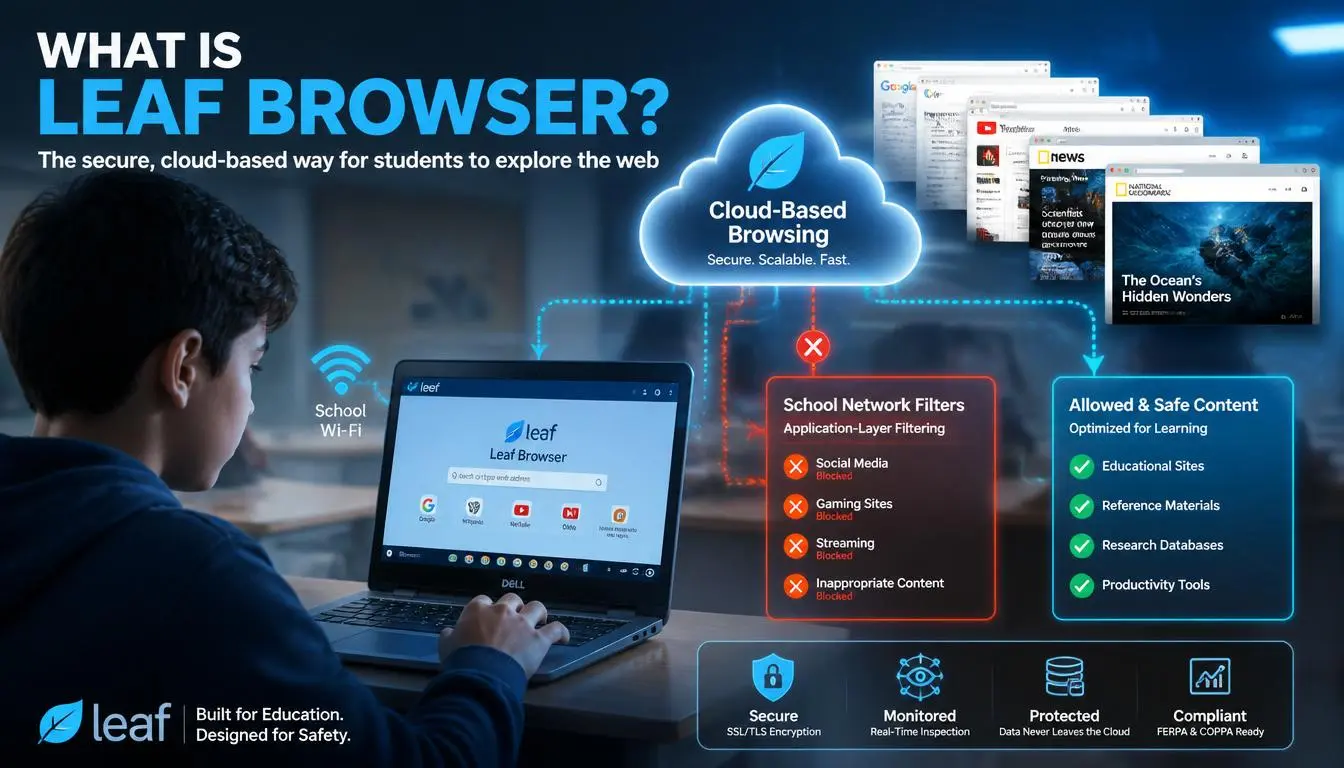
Leaf Browser is a lightweight browser that became popular on school networks because it sometimes bypasses web content filters that block sites like YouTube, Reddit, and gaming platforms on Chromebooks.
It is not a product made by Google, Mozilla, or any established browser company. There is no verified developer behind Leaf Browser with a public identity or published privacy policy. The browser circulates primarily as a Chrome extension clone via OffiDocs. This platform hosts web-based versions of productivity and browser tools, as well as a scattered range of third-party download sites.
The core appeal is simple: students on managed school Chromebooks cannot install most apps. Leaf Browser found a gap by operating as an extension or web-based tool that some school network filters failed to detect.
That gap has largely closed. But searches for Leaf Browser download, Leaf Browser unblocked, and how to download Leaf Browser on school Chromebook continue to grow in 2026, which tells you the underlying need, unrestricted access on restricted devices, is very much alive.
[Read how to unblock websites in 2026]
Did You Know? Over 70% of U.S. K-12 schools use content filtering software on school-issued devices, according to data from the Consortium for School Networking. Students bypassing these filters is one of the most consistent search behavior patterns in the education tech category.
How does Leaf Browser work
To understand why Leaf Browser sometimes works and sometimes does not, you need to understand how school web filters actually operate. Most school filters work at one of two levels:
Application-layer filtering blocks specific domains and URLs. When your browser requests YouTube, the filter intercepts that request and blocks it. This is the most common type used in K-12 environments.
DNS-level filtering blocks content before a domain can even be resolved. Your device never reaches the blocked site regardless of which browser or tool you use.
Leaf Browser works only against application-layer filters. When you access it through OffiDocs, your Chromebook is technically requesting offidocs, a domain that many school filters do not block. OffiDocs then loads the browsing environment from its own servers. The school filter sees "student accessed offidocs.com" rather than "student accessed blocked site."
This is why the "Leaf Browser clone in Chrome with OffiDocs" approach became popular; it exploits a gap in how basic filters categorize traffic.
However, most school IT administrators have now added OffiDocs to their block lists. And DNS-level filtering blocks the approach entirely regardless. This is why Leaf Browser unblocked solutions have become increasingly unreliable since 2023.
Leaf Browser alpha vs 2.0: What is the difference
Leaf Browser Alpha was the initial release, an experimental, beta-stage version with rough edges and limited compatibility. It was released as a proof of concept rather than a polished product. Leaf Browser 2.0 followed as a more refined build with:
Cleaner interface
Improved Chromebook compatibility
Slightly more stable connection handling
An identifiable developer team maintains neither version. Neither has undergone an independent security audit. Neither has a published privacy policy or terms of service.
The version history matters for one practical reason: if you find a Leaf Browser download labeled "Alpha," you are looking at an older, less-tested build that carries a higher risk than the 2.0 release. Always check which version any download site is offering before proceeding.
Is Leaf Browser safe: The honest answer
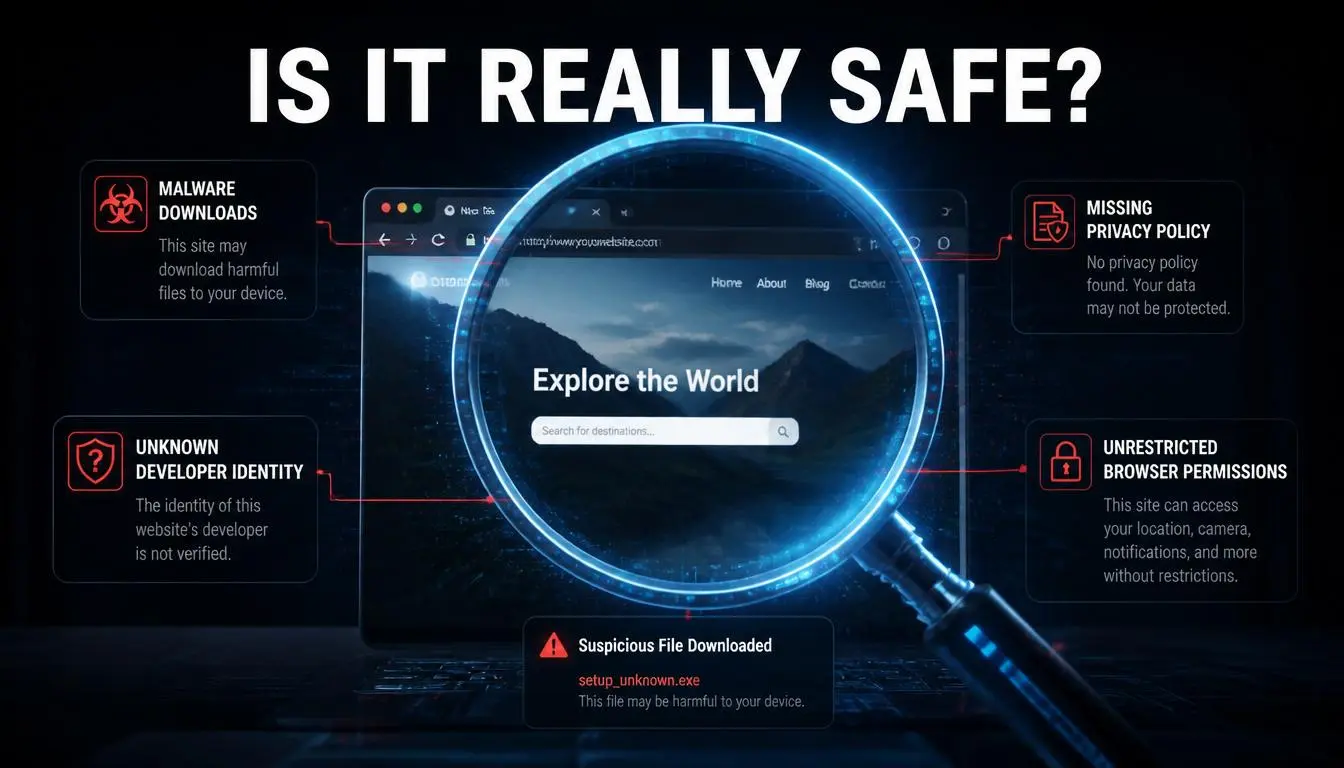
Short answer: Leaf Browser's safety depends entirely on the download source, and most download sources are not safe.
Here is the specific risk breakdown:
Risk 1: Malware in unofficial downloads
When software circulates outside verified app stores, it becomes a target for bad actors who modify the installer to bundle adware, spyware, or credential-harvesting tools.
VirusTotal, a free malware analysis tool owned by Google, allows you to scan any downloaded file before opening it.
If you are downloading Leaf Browser from any site, run the file through VirusTotal first.
Multiple Leaf Browser installer files circulating in 2024–2025 were flagged for bundled tracking scripts.
Risk 2: Zero network encryption
Leaf Browser does not encrypt your traffic.
This is not a minor caveat; it means your school's network administrator, your ISP, and any network monitoring tool can still see exactly which sites you visit.
Leaf Browser changes which application-layer filter category your request falls into.
It does not hide your activity from anyone with real network access.
Risk 3: Unknown data collection
Without a published privacy policy from a verifiable developer, you have no information about what Leaf Browser does with your browsing data.
The absence of documentation is itself a red flag. Established browsers (Firefox, Brave, Chrome) publish detailed privacy policies and undergo external security reviews.
Risk 4: Extension permission overreach
Chrome extensions request permissions during installation. Any extension that requests access to "all your browsing data" or "all websites" grants broad access to your activity.
Leaf Browser extensions found on unofficial mirrors have requested unusually broad permissions in past versions.
The OffiDocs angle
Accessing Leaf Browser through OffiDocs is lower-risk than a direct download because you are not installing anything locally. OffiDocs itself is a legitimate platform used by millions globally. However, you are still browsing on a third-party server with its own data-handling practices, practices you should review at offidocs.com before using it for anything sensitive.
Expert Insight: The Electronic Frontier Foundation's Surveillance Self-Defense guide notes that browser-level tools without encryption provide no meaningful protection from network-level surveillance. This category includes most school network monitoring systems. Read their full guide at ssd.eff.org.
How to download Leaf Browser in 2026
Given the risks above, here is the safest current approach to finding Leaf Browser:
Option 1: Chrome Web Store
Leaf Browser listings appear and disappear from the Chrome Web Store due to periodic policy violations. Search "Leaf Browser" directly in the Chrome Web Store. If a listing exists:
Check the developer name; is it identifiable?
Check the user count and reviews; low numbers and generic praise are warning signs.
Review permissions requested; reject any extension asking for access to all browsing data without a clear reason
Option 2: OffiDocs
Visit offidocs and search for Leaf Browser in their extensions catalog. This is the lowest-risk access method because no local installation is required. Performance will vary based on your school's current block list.
Option 3: Third-party sites (use extreme caution)
Only use third-party download sites if you can:
Verify the developer identity
Cross-reference the file hash against a known clean version
Scan the file through VirusTotal before running it
If none of these options work on your school's network, the filter is operating at a level Leaf Browser cannot bypass. A proxy is the next logical step.
Can you use Leaf Browser unblocked on a school Chromebook
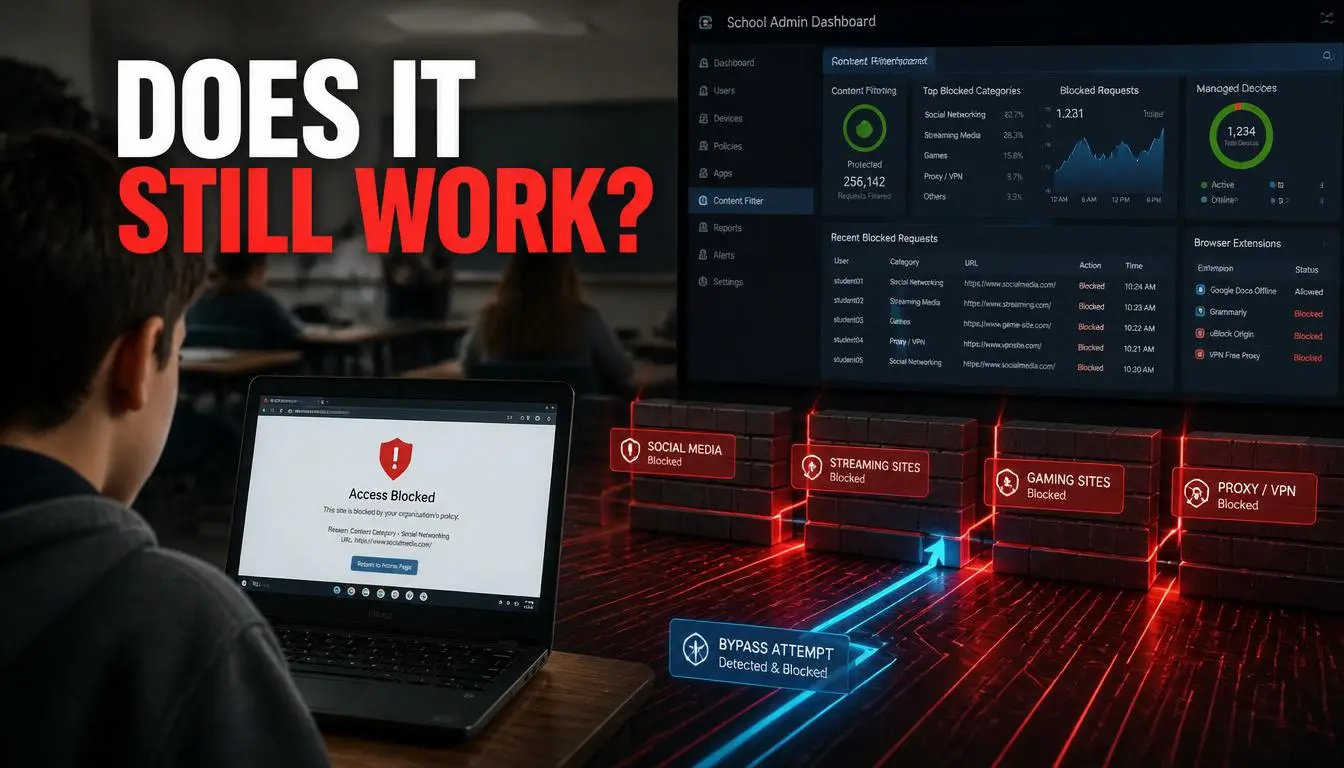
This is the most common use case, so it deserves a direct answer. On a school-managed Chromebook enrolled in Google Admin Console, your IT administrator can:
Block extension installation from outside approved lists
Push remote removal of any unapproved extension
Monitor browsing at the network level regardless of which browser you use
Add OffiDocs to the blocked domain list
What this means in practice:
Scenario | Does Leaf Browser Work? |
Basic URL/application-layer filter only | Sometimes, depends on whether OffiDocs is blocked |
OffiDocs already blocked by school | No |
DNS-level filtering active | No |
Managed Chromebook with strict extension policy | No, extension may be auto-removed |
Personal device on school WiFi | Possibly, depends on filter type |
Personal device on personal network | Yes, if you can install it |
The honest conclusion: Leaf Browser unblocked on a school Chromebook is an increasingly unreliable solution as schools update their filter configurations. For students needing consistent access, a proxy configured at the browser connection level is more durable.
Common Mistake: Assuming that because Leaf Browser worked last week, it will work indefinitely. School IT departments update block lists regularly, and OffiDocs is one of the most commonly added domains in 2025–2026 filter updates.
Best Leaf Browser alternatives: Comparison table
Alternative | School Chromebook Compatible? | Encryption | Privacy Level | Ease of Use | Best For |
CyberYozh Proxy | Yes (browser settings) | Yes (HTTPS/SOCKS5) | High | Medium | Businesses, reliable bypass, automation |
Tor Browser | Rarely (often blocked) | Yes (onion routing) | Very High | Medium | Maximum anonymity |
Brave Browser | Yes (if installable) | Standard HTTPS | High | Easy | Everyday privacy, ad blocking |
Firefox + uBlock Origin | Yes (if installable) | Standard HTTPS | High | Easy | General privacy, open-source |
OffiDocs Browser | Yes (web-based) | Basic | Low- Medium | Very Easy | Quick access, no install |
Opera (free VPN) | Sometimes | Basic VPN | Medium | Easy | Casual, free option |
Psiphon | Sometimes | Yes | Medium | Easy | Censorship bypass |
For students on school Chromebooks: OffiDocs remains the easiest no-install option if it has not yet been blocked. If it is blocked, Psiphon or a proxy configured in Chrome's connection settings is the most reliable next step.
For professionals: None of the browser-level tools above provide the IP control, session management, or automation support that a dedicated proxy infrastructure offers.
Why proxies beat browser bypass tools every time
A browser bypass tool changes how your browser classifies and routes requests within its own application layer. A proxy changes where your internet traffic appears to originate at the IP network level.
That distinction matters enormously:
A proxy works across every app on your device, not just one browser
A proxy masks your real IP address; websites see the proxy's IP, not yours
Residential proxies use real ISP-assigned IPs that look identical to normal user traffic
Proxies do not require device-level installation on managed devices when configured through browser proxy settings
Proxy sessions can be sticky (same IP across a session) or rotating (new IP per request), giving you precise control
Leaf Browser offers none of this. It is a temporary, single-layer workaround. A quality residential proxy is network-level infrastructure.
For students: a proxy configured in Chrome's settings (Settings → System → Open your computer's proxy settings) can route traffic through a clean residential IP without any extension installation, something even a managed Chromebook sometimes allows because it is a system-level setting rather than a browser extension.
Why businesses choose CyberYozh in 2026
Browser privacy tools like Leaf Browser exist because the underlying problem is real: networks restrict access, track activity, and limit what users can do. For individuals, that means inconvenience. For businesses, it means operational risk.
CyberYozh solves the underlying problem at the infrastructure level, not with a workaround, but with dedicated IP access built for professional use.
What CyberYozh offers:
Residential proxies: real ISP-assigned IPs across 150+ countries; $0.9/GB
LTE Mobile proxies: 4G/5G IPs with the lowest fraud score detection rates available
ISP proxies: datacenter speed with residential IP trust scores
Datacenter proxies: high-speed bulk access for scraping and data collection workflows
Rotating IPs: automatic rotation to prevent rate limiting and pattern detection
Sticky sessions: hold a consistent IP for session-based tasks like account management
Proxy API: direct integration with Selenium, Scrapy, Postman, Puppeteer, Playwright, and automation frameworks
Antidetect browser support: full compatibility with Dolphin{anty}, Multilogin, and AdsPower for fingerprint management
Fraud Score tool: verify any IP's trust history before connecting it to a sensitive platform
SMS Verification: virtual numbers for account setup and verification flows
Global locations: IPs across 150+ countries
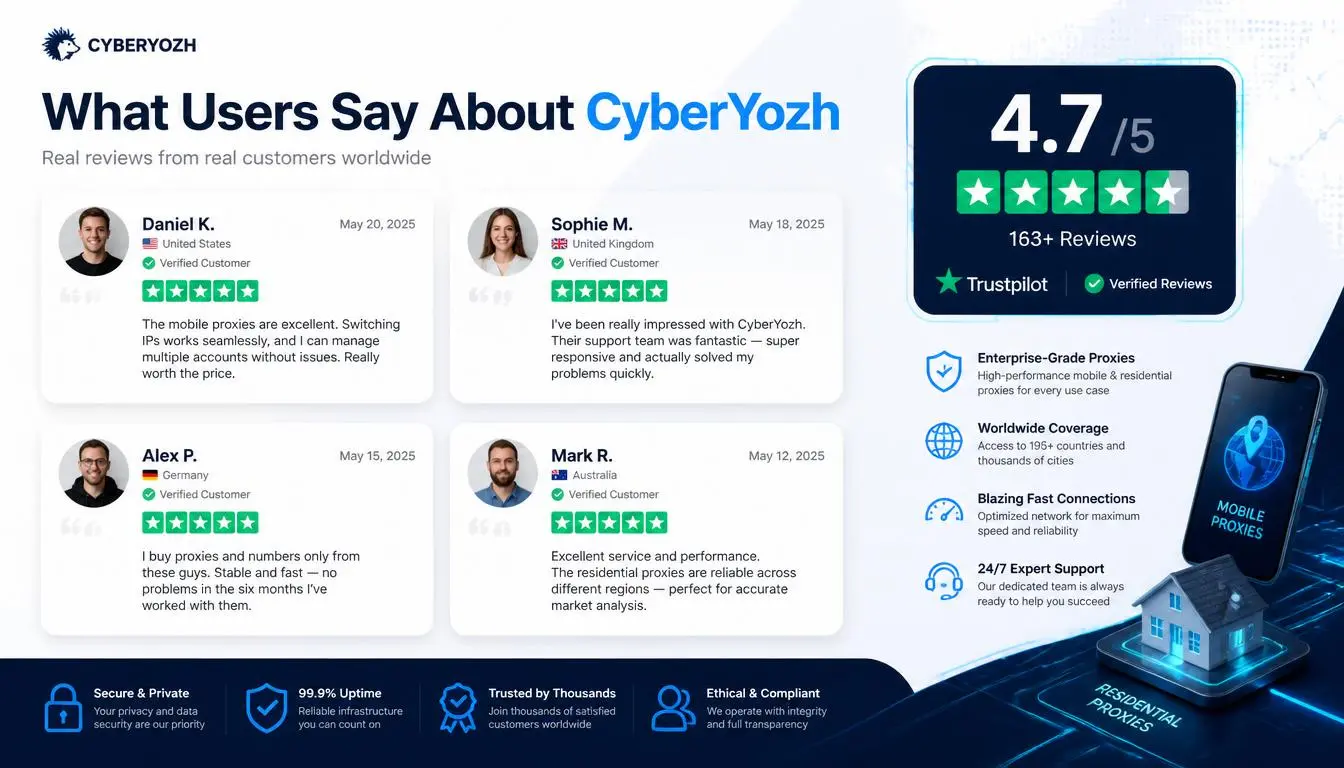
Verified CyberYozh users on Trustpilot have noted consistent residential IP addresses across long-running sessions: one reviewer described the proxies as "indistinguishable from normal ISP traffic across weeks of use."
Explore the CyberYozh Proxy Catalog, residential, mobile, ISP, and datacenter proxies from $0.9/GB
Check your IP's Fraud Score, verify your IP is clean before using it on any sensitive platform
Try CyberYozh SMS Verification, virtual numbers for account creation and verification