
Proxies for Magadan
Building a high-quality semantic kernel is the foundation of any successful SEO strategy or PPC campaign. The "Magadan" software has long established itself as one of the most powerful tools for automating this process. It is capable of gathering massive arrays of keywords, analyzing them, and establishing connections.
However, any powerful parsing software has one weak point—search engine restrictions. If you attempt to collect thousands of keywords from a single home IP address, a search engine (whether Google, Bing, or any other) will immediately recognize the automated load. At best, you’ll be prompted to solve endless captchas; at worst, your IP address will be blocked.
For "Magadan" to run without interruptions, it needs "fuel" in the form of reliable proxy servers. In this detailed guide, we will break down the mechanics of the built-in Proxy Manager in "Magadan," learn how to properly configure filtering, and select the ideal IP addresses from the CyberYozh App ecosystem for seamless analytics.
How does the Proxy Manager in "Magadan" work?
The developers of "Magadan" have integrated a very advanced tool into the program—a background Proxy Manager. Its main advantage is that it operates autonomously, even when its window is closed.
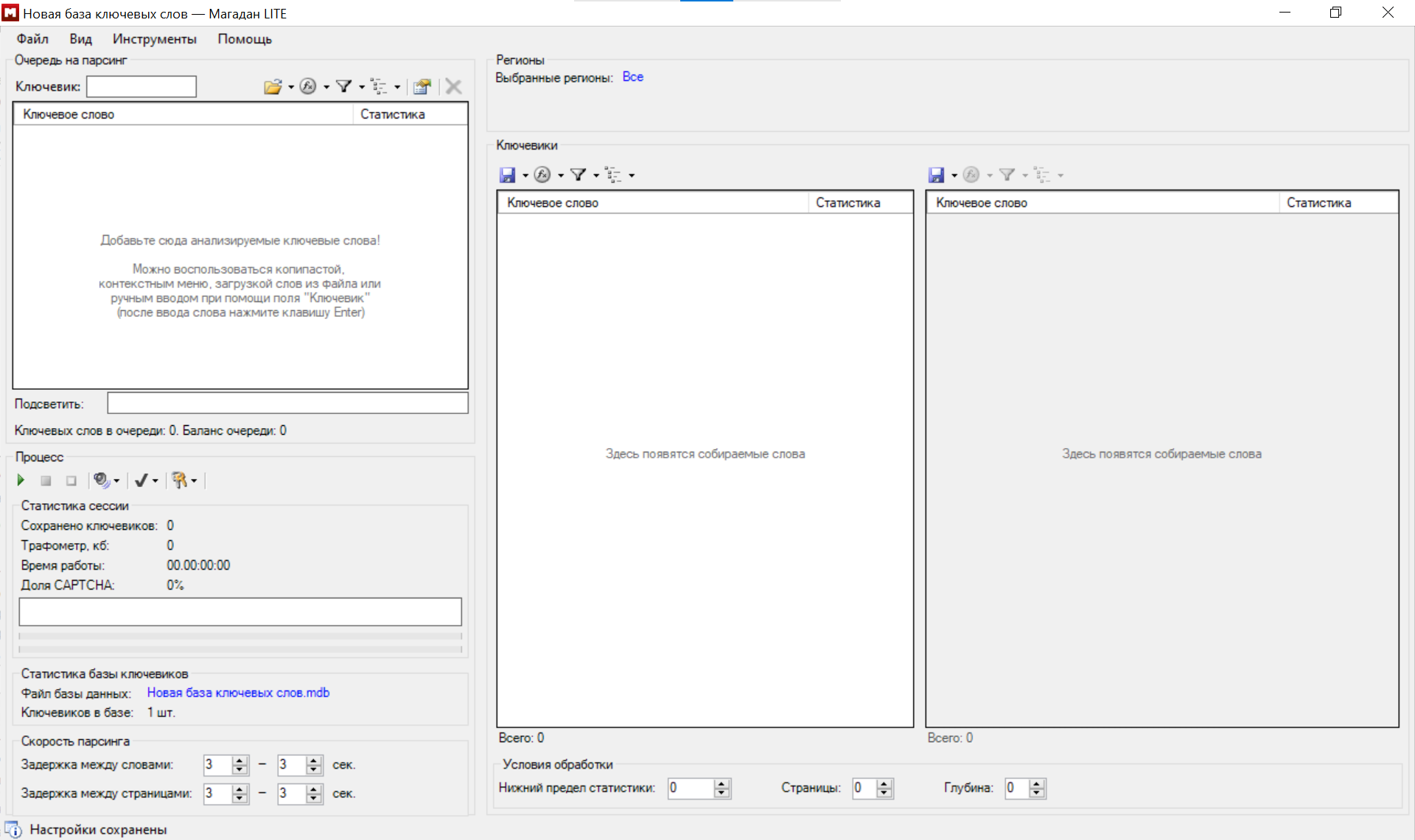
The Manager takes care of all the heavy lifting: it uses multi-threading to check addresses for availability, determines their type, and filters out those that have stopped responding or return errors. Status indicators are conveniently placed in the main program window (icons change depending on whether the list is empty, a check is in progress, or an error has occurred).
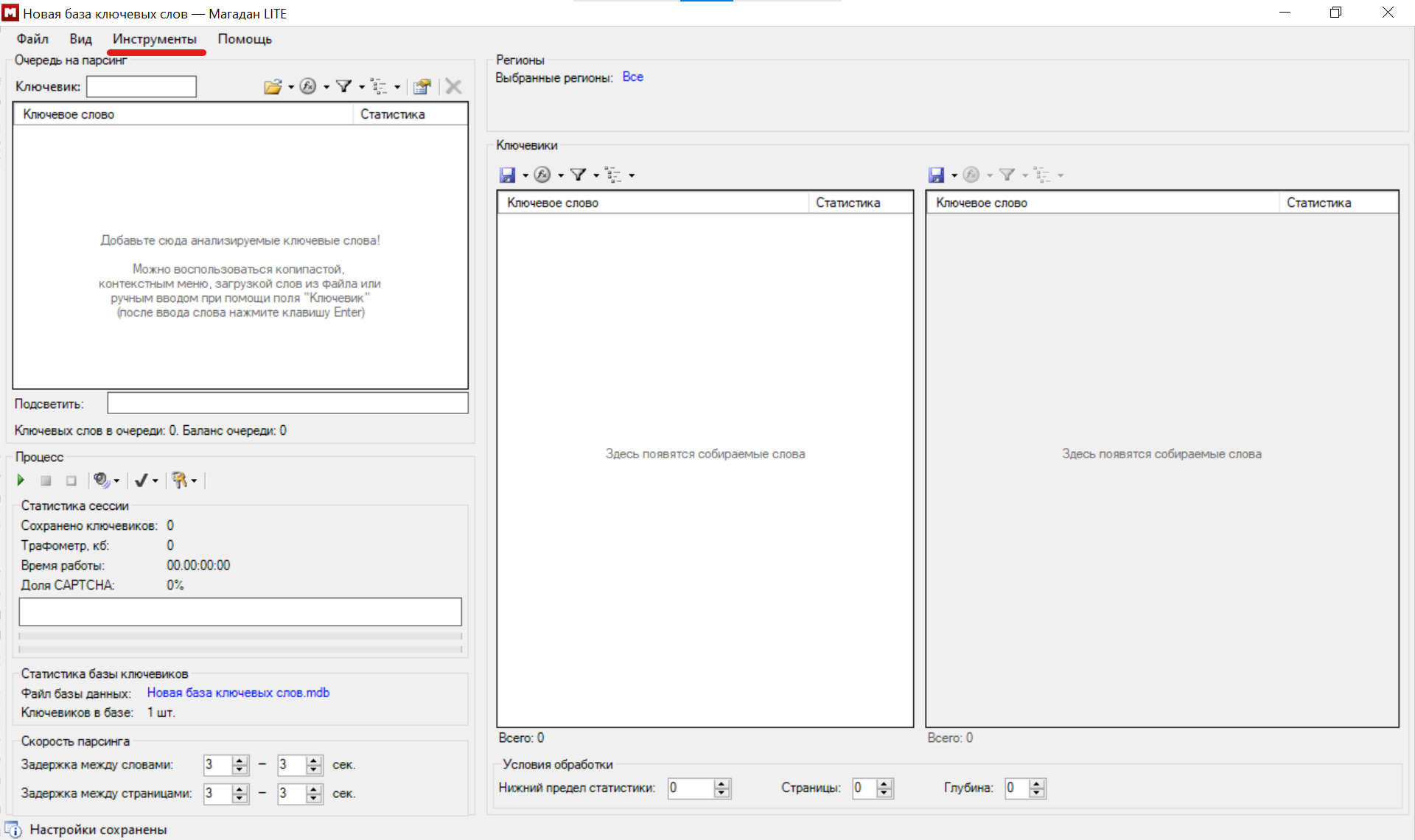
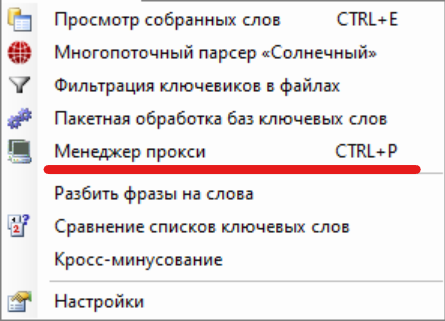
To ensure smooth parsing, you need to understand how to correctly load addresses and set up usage rules.
Address Upload Format
The program accepts HTTP proxies in a strictly defined format. If you are exporting a list from your CyberYozh App personal account, ensure it matches the template: host:port[:user:password]
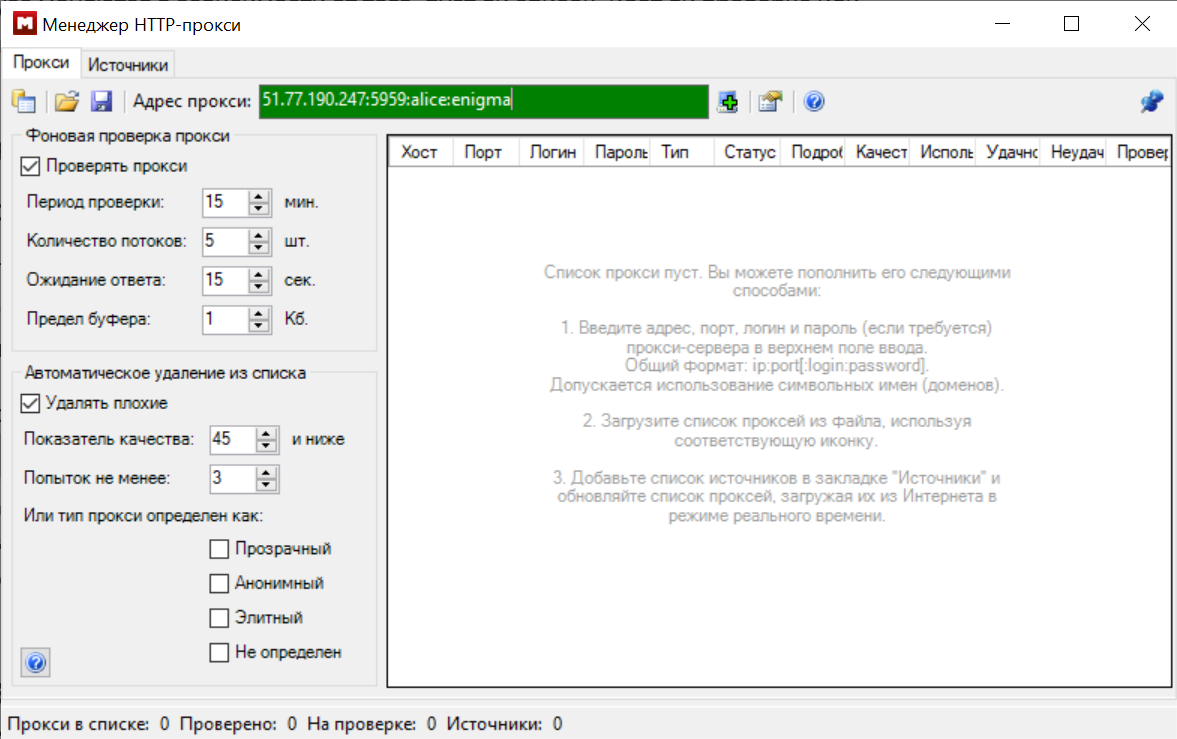
For example, an elite residential proxy with authentication would look like this: 51.77.190.247:5959:alice:enigma (where alice is the login and enigma is the password). Addresses can be loaded in several ways:
Manually.
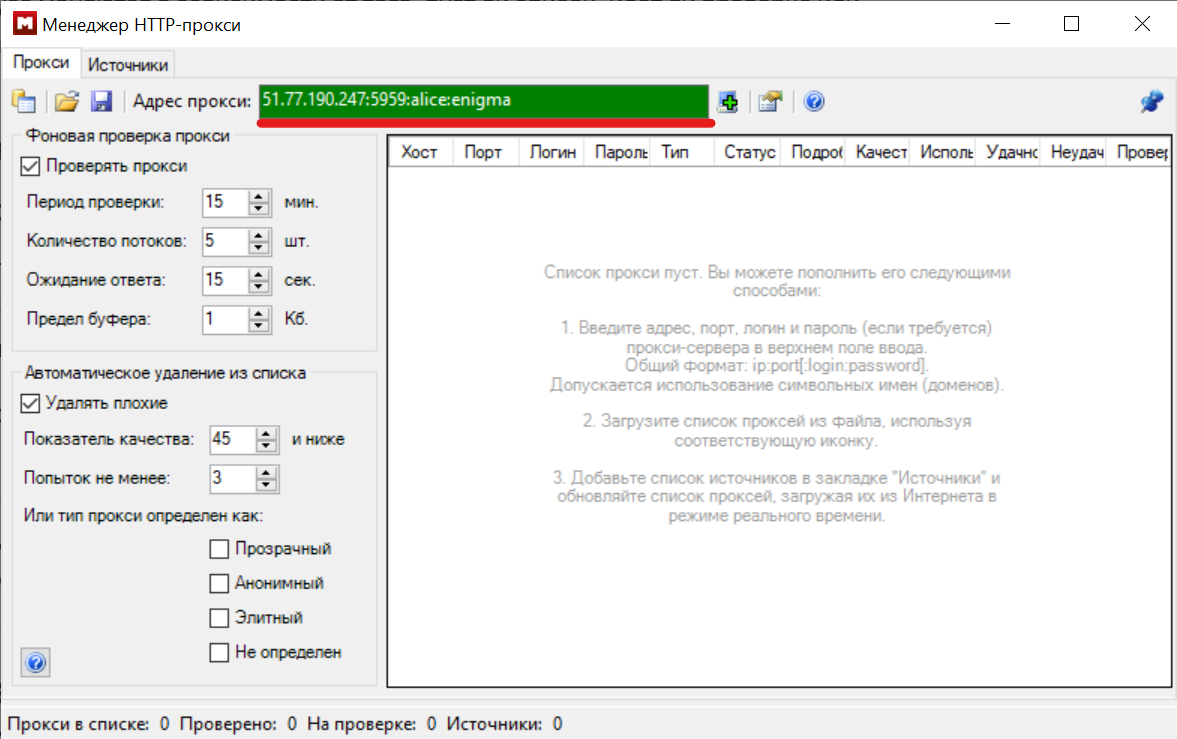
Fig. 5. Field for manual entry of proxy server data (strictly in host:port:login:password format). As a list from a text file (one per line).
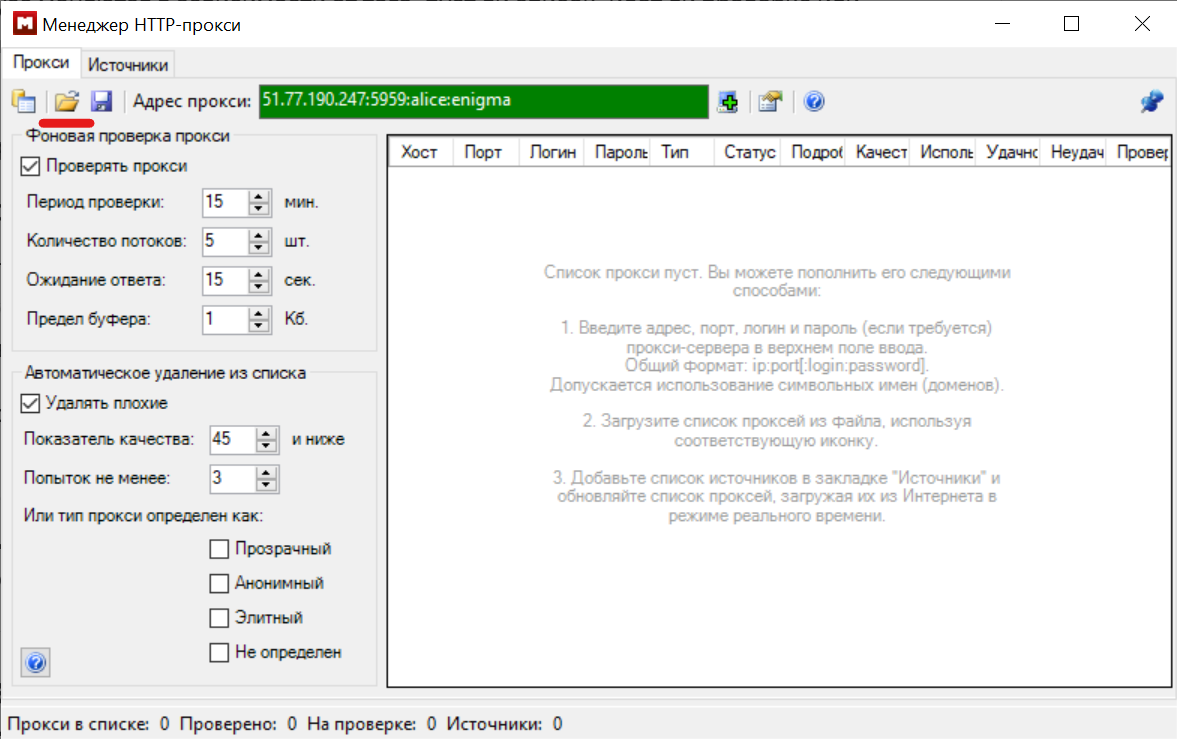
Fig. 6. Icon for loading a prepared list of proxy servers from an external text file. 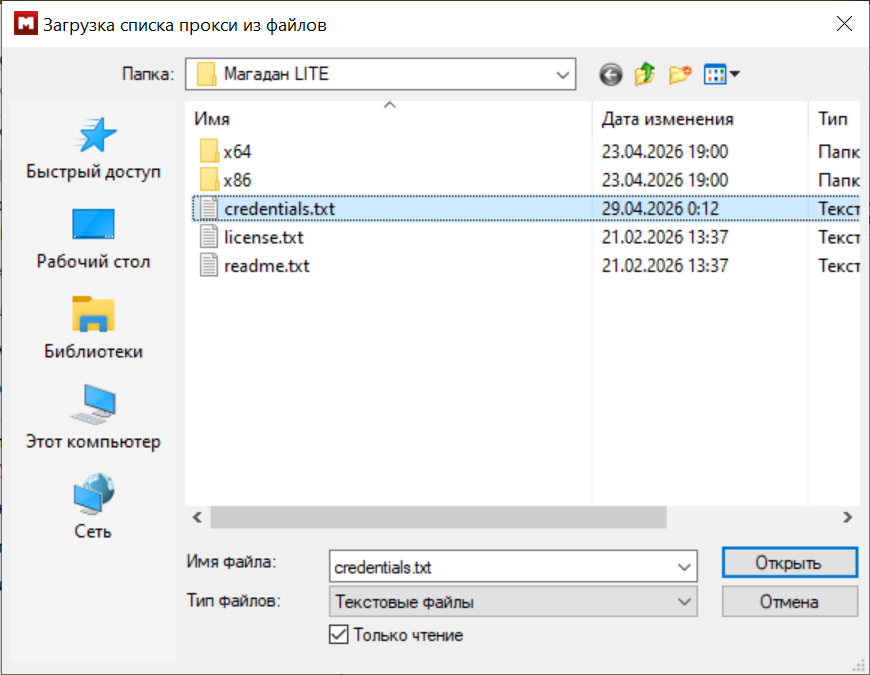
Fig. 7. Import text file dialog (e.g., credentials.txt) for bulk address uploading. Via the "Sources" tab, by specifying a URL from which the program will automatically pull updates.
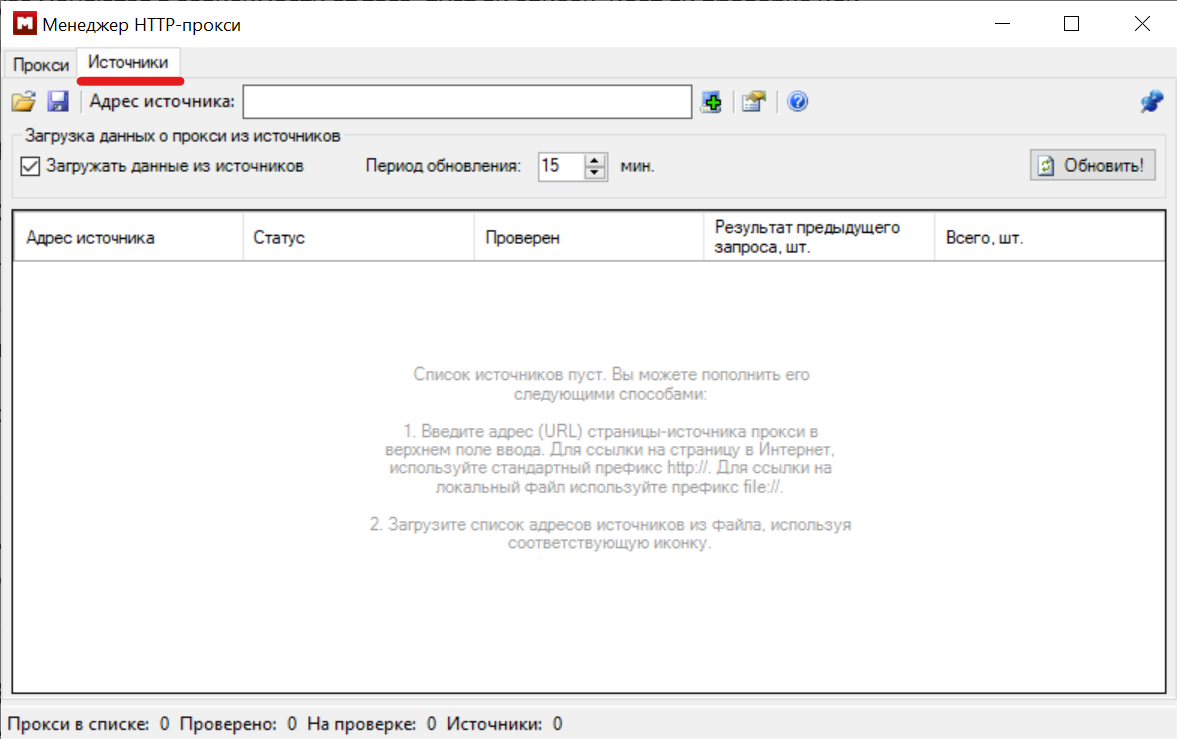
Fig. 8. "Sources" tab for configuring automatic proxy collection from specified URLs.
Proxy Classification: Why search engines block you?
The "Magadan" manual clearly states that the built-in checker divides all proxy servers into three categories. Understanding this classification is critically important for an SEO specialist.
"Transparent": The worst choice for parsing. This server does not hide your real IP address; it simply passes it to the search engine in HTTP headers (e.g., via
X-Forwarded-For). The search engine sees who you really are and blocks you."Anonymous": This type of server hides your real IP but sends headers screaming: "I am a proxy server!". Search engines dislike anonymizers and often trigger captchas for such requests.
"Elite": The gold standard. The server completely hides your real IP address and removes any specific proxy headers. To the search engine, the request looks as if it were sent by a regular person from their own computer.
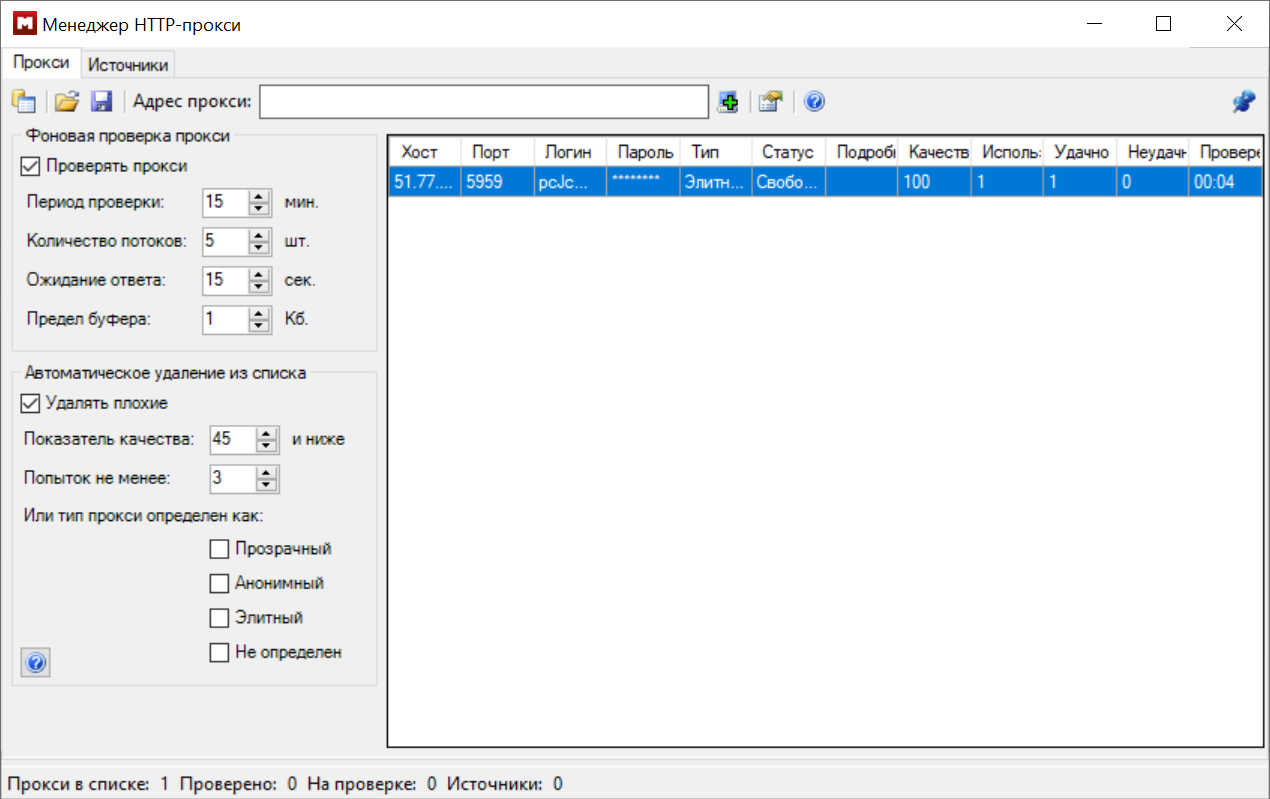
Fig. 9. A proxy server successfully added to the worklist (the built-in checker identified the type as "Elite").
The Main Rule of "Magadan": To gather keywords, you must exclusively use "Elite" proxies.
Fine-Tuning the Background Checker in "Magadan"
To prevent the program from wasting time on "dead" addresses, you need to correctly configure the "Proxy" tab.
Response Timeout: Do not set this value too high. If a proxy doesn't respond within 5–7 seconds, it's better to skip it; otherwise, the entire parsing process will slow down significantly.
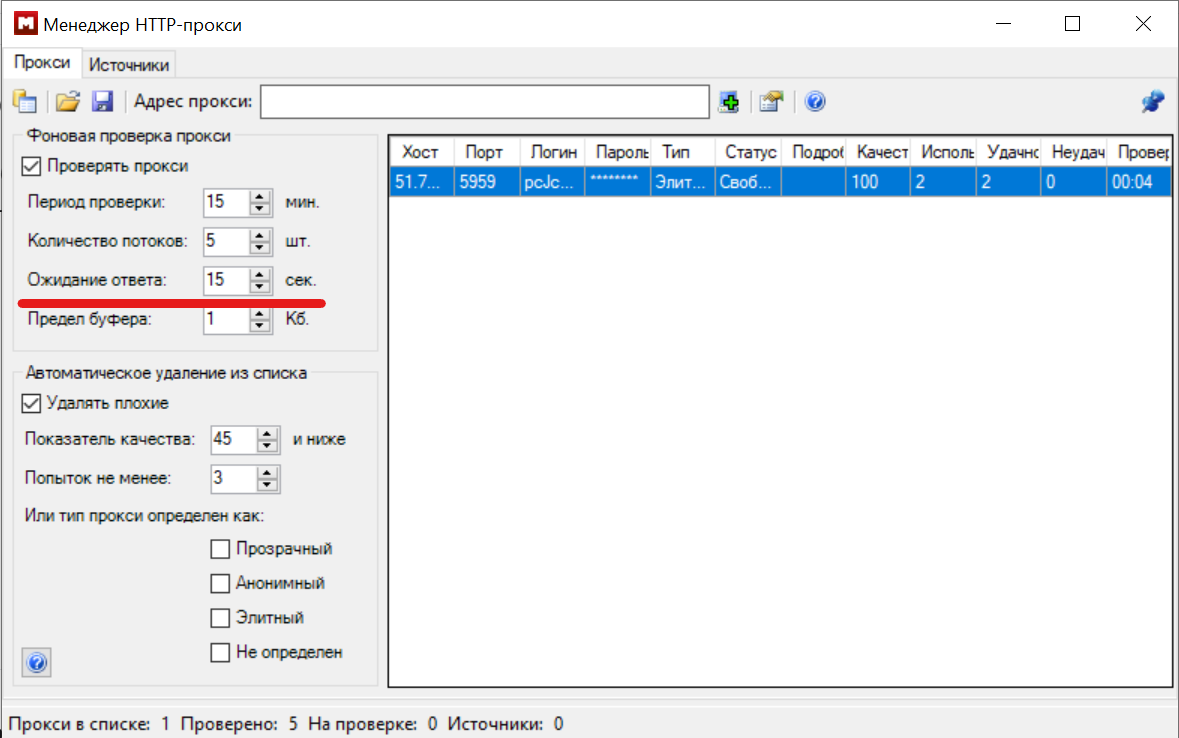
Fig. 10. "Response Timeout" parameter for configuring the timeout during background proxy server verification. Buffer Limit: This unique feature filters out servers that return massive amounts of information garbage in response to a request.
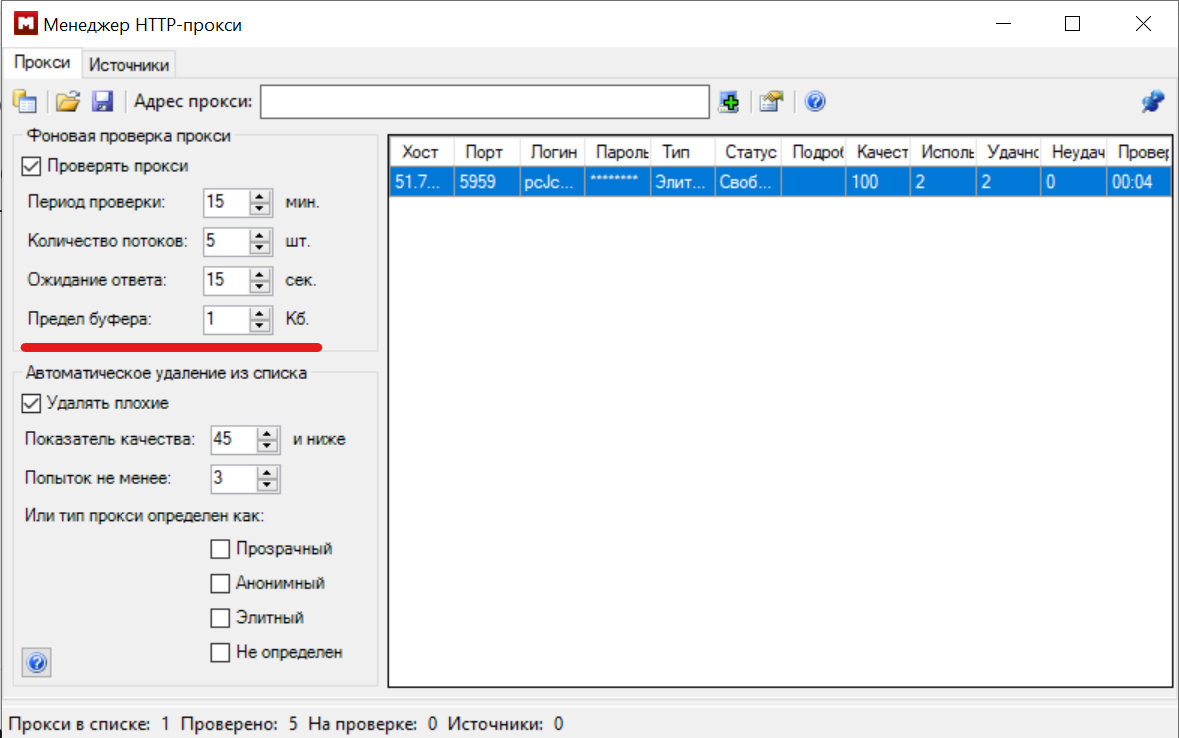
Fig. 11. "Buffer Limit" option, allowing to filter out servers returning excessive information garbage. Quality Ratio (Remove Bad): Enable this option. "Magadan" calculates proxy quality as the percentage of successful requests. If a server returns nothing but errors after several attempts, the program will automatically remove it from the worklist to avoid skewing the semantic collection statistics.
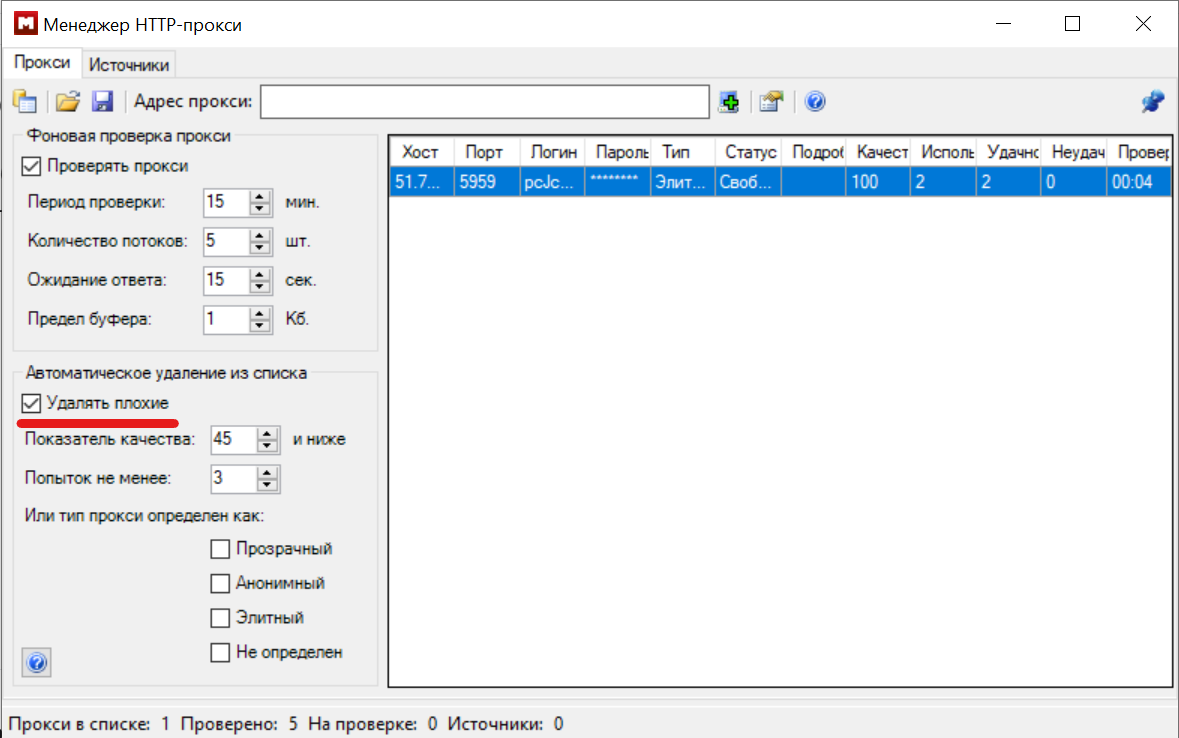
Fig. 12. Activating the "Remove Bad" function for automatic list cleaning based on quality ratio.
Choosing Proxies in CyberYozh App for "Magadan"
Knowing that we need exclusively elite IP addresses capable of withstanding high loads, let’s select the right infrastructure. The CyberYozh App ecosystem offers several scalable solutions, but their effectiveness for search engine parsing varies.
1. Residential Rotating Proxies (The Optimal Choice)
This is the best solution for scraping and SEO analytics, which will save you a lot of time and frustration.
How it works: You don't need to load a list of thousands of addresses into "Magadan" and constantly verify them with the background checker. You get access to a pool of 10+ million IP addresses from real home ISPs across 100+ countries.
Advantage for "Magadan": With every new search query, the system automatically changes your IP address (dynamic rotation). The search engine sees a perfectly natural traffic pattern: different home users searching for different keywords. The probability of a captcha or block drops to near zero. You only pay for useful traffic, making the collection of massive semantic kernels incredibly cost-effective.
2. Datacenter Proxies (Datacenter IP)
These are premium dedicated servers of corporate grade.
Advantages: Highest speed (99.99% uptime) and low ping. They are inexpensive.
Nuances for parsing: Datacenter IP addresses belong to data centers. Strict search engines (like Google) may treat them with suspicion. They make sense to use in "Magadan" for gathering suggestions from less protected resources or in combination with very carefully configured pauses between requests (timings).
3. Mobile Proxies
Private IP addresses connected to the networks of real cellular operators (e.g., 5G networks).
Features: They possess the highest Trust Rate, as thousands of real subscribers share a single address.
Verdict for parsing: They are ideal for social media, affiliate marketing, or bypassing strict geo-restrictions. However, using them exclusively for keyword aggregation in "Magadan" is like using a microscope to hammer nails. For mass parsing, residential rotating networks are more cost-effective and convenient.
Advanced Lifehack: Checking Infrastructure via Anti-Fraud Checker
If you decide to use lists of static datacenter or residential proxies, don’t rush to load them into "Magadan" immediately.
First, check the quality of your IP addresses using the CyberYozh App Anti-Fraud Checker. This professional tool will show you your addresses through the "eyes of corporations."
You will see the real Fraud Score (from 0 to 100).
You’ll learn the Abuse Velocity parameter (how often this IP was used for automation by others before you).
You can check if the addresses are on public blacklists.
By filtering out bad IP addresses before loading them into the program, you ensure the ideal operation of "Magadan" and guarantee that your parsing won't be interrupted at the most critical stage of semantic collection.
Conclusion
Automating keyword collection is a process that requires a reliable technical foundation. The "Magadan" software is equipped with excellent internal connection management logic, but without high-quality "elite" IP addresses, its potential will not be fully realized.
Leave the search for free proxies behind—proxies that the program will delete by the thousands due to constant timeouts and errors. Connect residential rotating proxies from CyberYozh App, set up automatic IP rotation, and you will be able to gather giant, clean keyword databases for your business quickly, legitimately, and without a single block.