
Verify “streaming now” with a Disney Plus proxy
Before you send a release-day newsletter, test the Disney+ link your readers will open. Choose a mobile or a residential proxy with unlimited traffic for the market you cover, then check whether the new episode plays and which dubs and subtitles it offers.
Choose a proxy with unlimited traffic for Disney+ playback checks
For a two-episode premiere, check that each link in your release guide plays the episode it names. Mobile and static ISP proxies include unlimited traffic, so you can replay a scene without paying by the gigabyte.
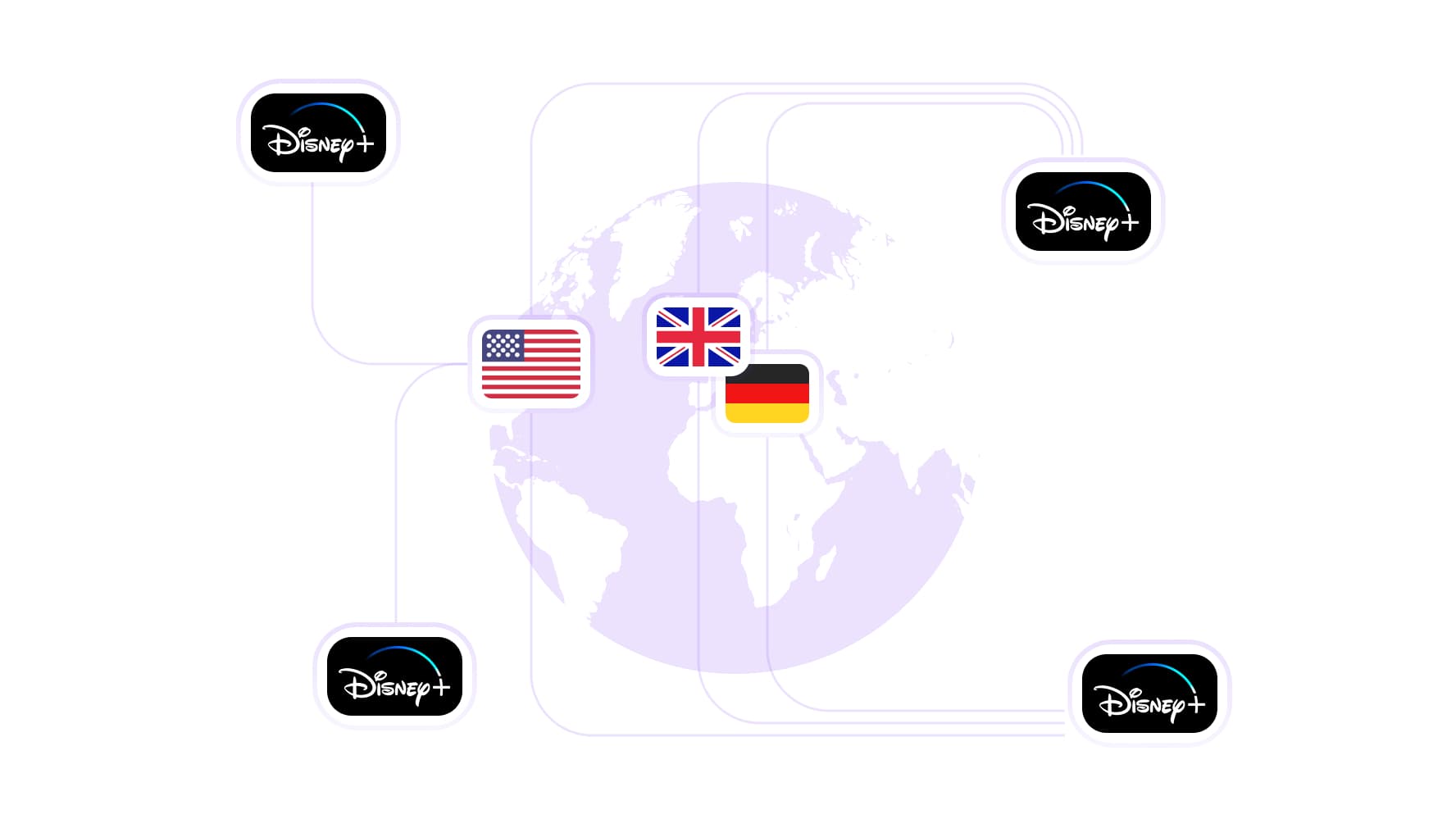
See where the latest Disney+ episode is live
Choose a country from a rotating residential proxy network with 100M IPs. With sticky sessions up to 24 hours, you can use the same IP to check whether Disney+ lists the new episodes.
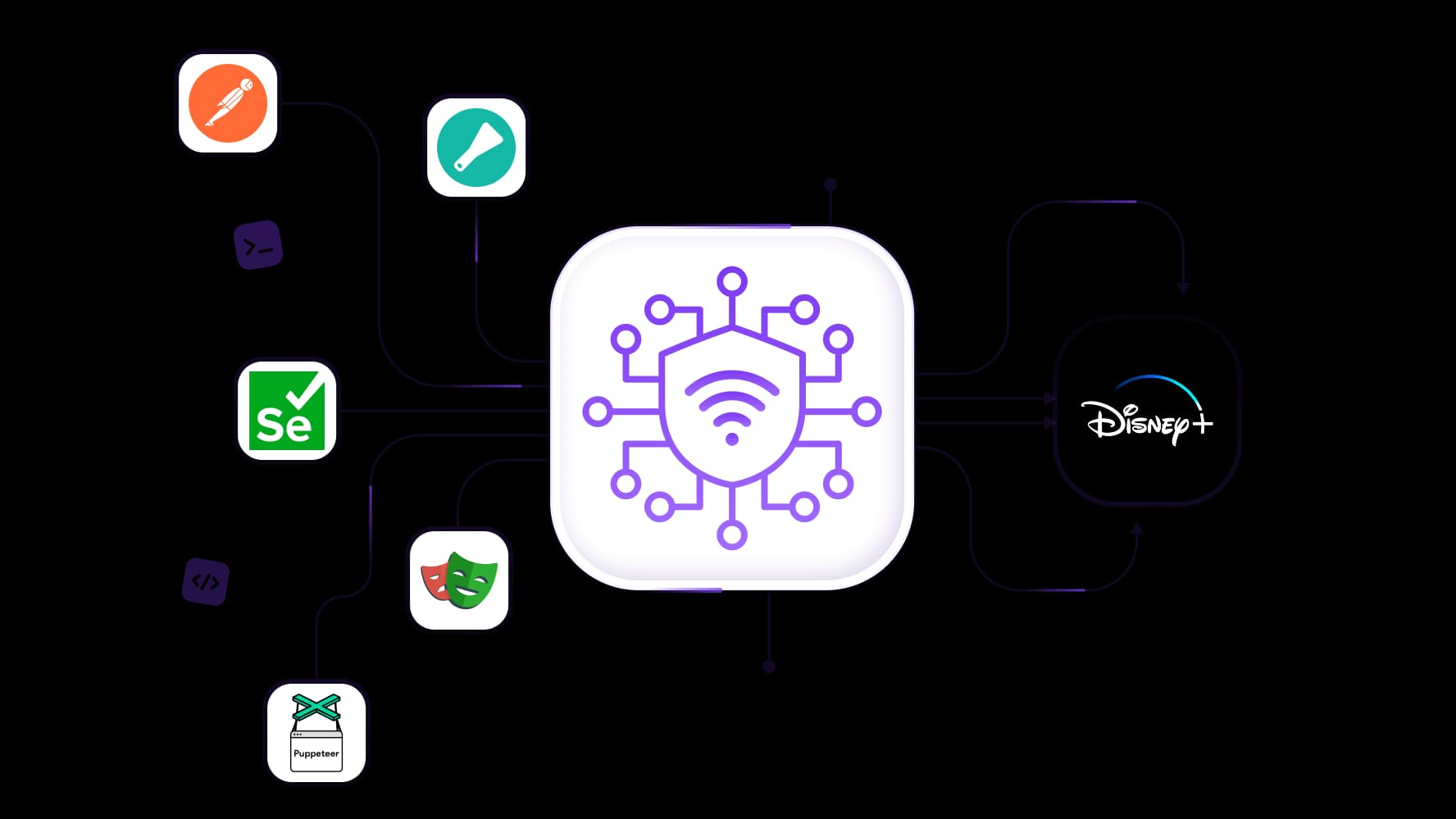
Test Disney+ episode links with your automation tools
A Disney+ link can return “200 OK” and still send readers to the series homepage. Use a Disney Plus proxy server with Scrapy, Postman, Playwright, Puppeteer, and Selenium to check links before publication.
Compare dubs and subtitles across episodes from the same IP
Use the same proxy IP and Disney+ profile, then open the audio and subtitles menu in each episode’s player.
Give each market its own browser profile and proxy
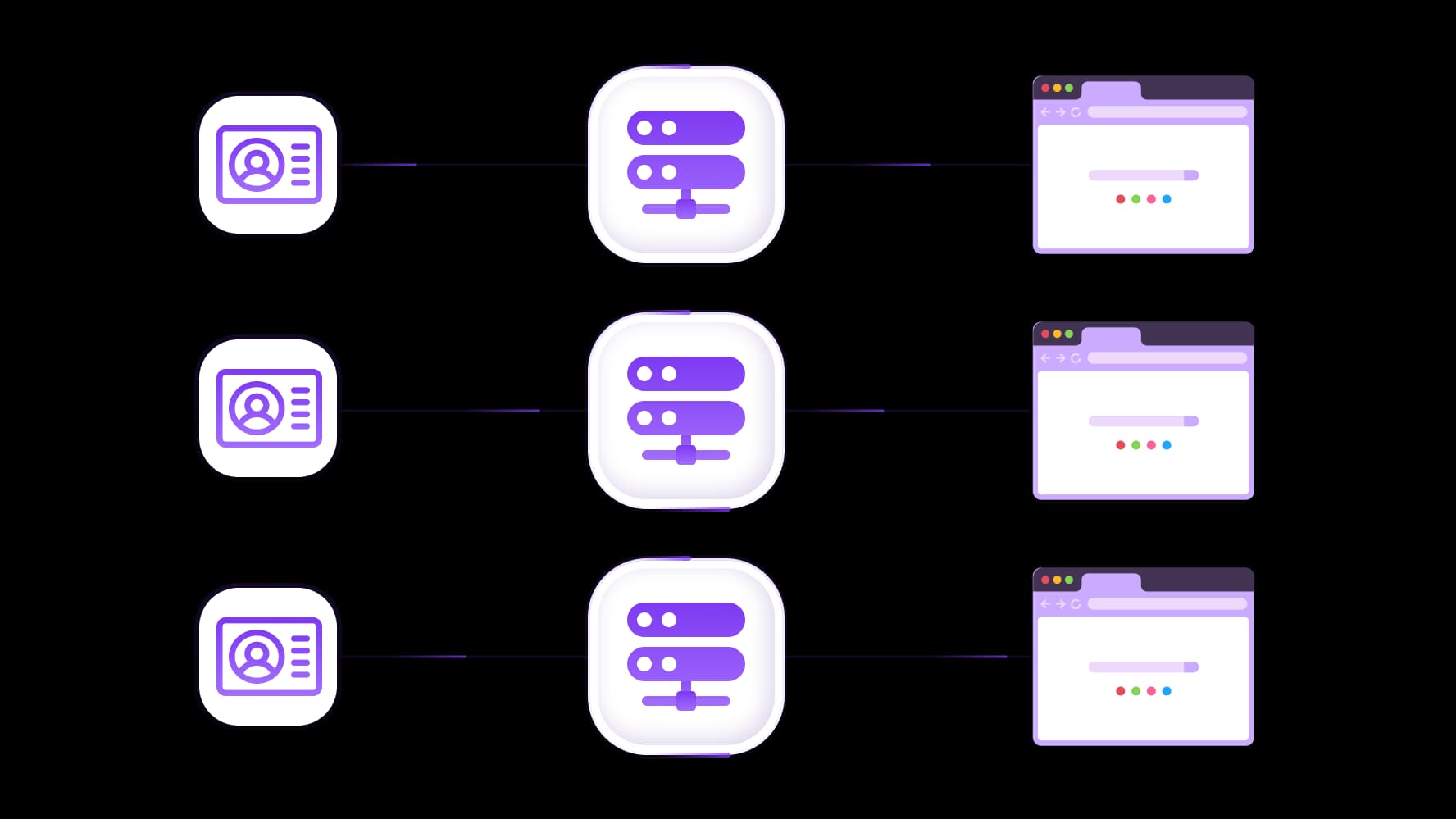
Name each browser profile for the market it covers. Use per-profile proxy settings to assign a connection in that country, then verify the exit IP inside the profile.
Specially for you
Best proxies by countries

Disney Plus - dedicated mobile unlimited
Dedicated 5G Router
SOCKS5/VPN with dedicated DNS
Manual IP Changing
Change p0f fingerprint (Windows, MacOS, Android)
High Trust Rate
Very High Speed + Low Ping
All network params 1:1 as provider's
Disney Plus - shared mobile
- Shared 5G Router
- Supports SOCKS5 with UDP
- Up to 5 users per port
- Socks5/HTTP
- IP Rotation: every 30 min
- Windows p0f fingerprint
- High Trust Rate
- Very High Speed + Low Ping
- All network params 1:1 as provider's
Disney Plus - rotating residential
- 24 hours Availability
- Real ISP
- Speed up to 10 mbps
- Full API Access
- HTTP Protocol
- 100M+ IPs in 100+ Countries
- Mass Credentials Generator
- Long session up to 6 hours
Disney Plus - private residential
- Unlimited Bandwith
- Real ISP
- Speed up to 150 mbps
- Low Ping
- Supports SOCKS5 with UDP
- 24 hours Availability
- 1 Dedicated IP
Disney Plus - dedicated datacenter
- Unlimited bandwidth
- Exclusive IP ownership
- High-speed connectivity
- 99.9 % uptime
- HTTP
Disney Plus - shared datacenter
- Lightning-fast speeds
- Global IP coverage
- 99.9 % uptime
- Cost-efficient plans
- 1 GB bandwidth
- HTTP
Why do they buy from us?
Advantages
Private card payment
It doesn't matter how you topped up your balance, linking the payment to the rental of a specific proxy is impossible.
We do not store data on servers
As a rule, services that rent out proxies retain all data about the traffic passing through their servers.
Dedicated device
We do NOT disguise Shared proxies as individual ones. A modem or router is transferred to ONLY one person.
Online technical support
We are always ready to solve your problems and questions. Even late at night and early in the morning.
Money-back guarantee
We have both returns and exchanges. The priority is quality service and satisfied customers.
API for Business
For business clients, our service is ready to provide a convenient API that allows you to purchase proxies, change IP addresses, and much more.
How to check a Disney+ episode before you publish “streaming now”
You’ve added Friday’s Disney+ premiere to your newsletter. The date matches the announcement, but one last click takes you to the series page. Can readers in the country you cover actually play the new episode?
Start with the exact link in your draft. A Disney Plus proxy can help you test where the link leads from another country. Find the season and episode you named, then confirm that the episode itself starts playing before you change “scheduled for Friday” to “streaming now.”
Find the best offer in the catalog.
What can a Disney Plus proxy tell you on release day?
A Disney Plus proxy lets you check where an episode link leads from a selected country. First, check the country associated with your IP address in the browser you’ll use to open the episode. If Disney+ rejects the connection, playback in that market remains unconfirmed.
Disney’s December 4, 2026 schedule lists new season three episodes of Percy Jackson and the Olympians alongside a new episode of the official podcast. Either link could pass a quick check for the show’s name. Before your newsletter says “watch the new episodes,” open each link in your draft, match the season and episode number to your listing, and confirm that the episode itself starts playing.
When can you call a Disney+ episode “streaming now”?
Use “streaming now” once you’ve confirmed that the episode named in your story starts playing on a test profile in the market you cover. If you’ve only seen the announcement or found the episode in the season list, you can still give readers a precise update.
What you verified | What you can publish |
Disney announced the episode for a specific market and date. | “Scheduled for [date] in [market].” |
The series page opens, but the new episode is missing from the season list. | “The series page is live. The new episode is unconfirmed in [market].” |
The correct season and episode appear in the list. | “Episode listed in [market] as of [time and time zone].” |
The episode itself starts playing on the test profile. | “Playback confirmed in [market] at [time and time zone].” |
Disney+ returns Error 73. | “Location check inconclusive.” Leave regional availability open. |
For a two-episode Percy Jackson release, check each episode before writing “both episodes are streaming now.” If you’ve played the first and only seen the second in the season list, say exactly that. Save both links with the date and time so the next editor knows which episode still needs a playback check.
Get a Netflix proxy with unlimited traffic.
How to check the same Disney+ episode in the US, UK, and Germany
Start with the release announcement for each market. Record the show, season, episode, and announced date. Copy the exact link from your newsletter preview so you test what readers will click. For Percy Jackson and the Olympians, check whether the announcement names the series or its companion podcast. Disney’s US schedule lists both for December 4, 2026. Look for a local announcement before quoting that date in the UK or German edition.
Verify the connection in the browser profile you’ll use. Open an IP checker in that profile and confirm the reported country. The Disney Plus proxy server address you entered during setup is the gateway your browser connects to. The exit IP is the address websites see. Repeat this check when you switch markets. Chrome proxy setup guide
Follow the newsletter link all the way to playback. Save the final Disney+ URL and note whether it opens the series page, the podcast, or the episode. Match the season and episode number, then check whether the episode starts. Keep the Disney+ profile’s content rating consistent because it can affect which titles appear.
Enter each market’s result in the table below. Paste the final Disney+ URL, record the local date, time, and time zone, and name the episode that opened. If playback starts, mark it “Playback confirmed.” If the check stops at sign-in or Disney+ shows an error, record what appeared and mark playback “Unconfirmed.” Keep the table labeled Release-check template until you add the first verified result. Then publish it as Release-check results, with any untested markets marked “Pending.”
Release-check template
Market | Final Disney+ URL | Local date, time, and zone | Episode and playback result |
US | — | — | Pending |
UK | — | — | Pending |
Germany | — | — | Pending |
Why a Disney+ episode, dub, or subtitle can appear to be missing
Start by checking the profile and the episode itself. If the result changes when you switch countries, how IP-based geotargeting works explains why the connection’s location matters.
The show is missing
Check Disney’s announcement for the market you’re covering, then review the content rating on the Disney+ profile you used. A profile’s rating can hide a title from search. If the announcement names a specific season, search for the series first and open that season from its page.
The show is visible, but the new episode is missing
Match the season and episode number to the local announcement. If Disney gave a release time, convert it to local time before reporting a delay. For Percy Jackson, double-check the series name above the episode title. The companion podcast appears on the same release schedule.
The episode plays, but the expected language is missing
Open that episode’s audio and subtitles menu and record the tracks under each heading. If German appears only under subtitles, report German subtitles. Disney says track availability varies by title and region. Changing the app’s display language changes the interface, so check the player itself to confirm a dub.
Which Disney+ episode checks can you automate?
Scrapy, Postman, Puppeteer, Playwright, and Selenium can help you catch a newsletter link that promises a new Percy Jackson episode but opens the series homepage. With Scrapy or Postman, follow any redirects and record the final URL and HTTP status. A 200 OK confirms that the request succeeded. The series homepage can return that status even when the link points readers to the wrong place.
With Playwright, Puppeteer, or Selenium, compare the visible title and episode label with your newsletter listing. For the test to pass, the page must open with the intended episode selected. Its name appearing in the season list is too weak a check. The editor then starts the episode and opens the player’s language menu to confirm playback and the audio or subtitle tracks the newsletter mentions.
Which proxy for Disney Plus fits your release schedule?
If your newsletter covers the same market every Friday, start with a static ISP proxy. You can return to last week’s episode and check the new one from the same IP throughout the rental period. For a monthly roundup covering several countries, a rotating residential plan lets you choose a country for each edition’s links.
What you need to repeat | Proxy plan | Why it fits |
Check weekly releases in one market | A fixed IP keeps the connection consistent, and unlimited traffic covers repeat playback checks. | |
Compare episode pages across markets | Country selection and sticky sessions up to 24 hours let you finish each market’s checks before switching. Traffic is billed per GB. | |
Investigate playback on a mobile network | A carrier IP and unlimited traffic let you replay a scene while checking a reader’s report. |
For example, if readers can open an episode on home Wi-Fi but report trouble on cellular data, look for a mobile plan on the affected carrier. Choose the country your next edition covers, then test one episode link before adding more markets.
Top up your balance in any convenient way!
Bank cards


Cryptocurrency


