

Несколько аккаунтов OnlyFans
Запускайте неограниченное количество аккаунтов OnlyFans, каждый с отдельным IP-адресом. Используйте функции верификации CyberYozh, чтобы предотвратить их блокировку. Назначьте каждому аккаунту локальный номер телефона и оплачивайте услуги местными банковскими картами. Проверяйте качество каждого инструмента перед использованием.
Подключитесь к OnlyFans и создайте несколько аккаунтов
Используйте высококачественные резидентские ISP и мобильные LTE/5G прокси, чтобы назначить каждому аккаунту OnlyFans уникальный IP. Комбинируйте с виртуальными номерами телефонов и инструментами проверки качества, чтобы минимизировать риски.
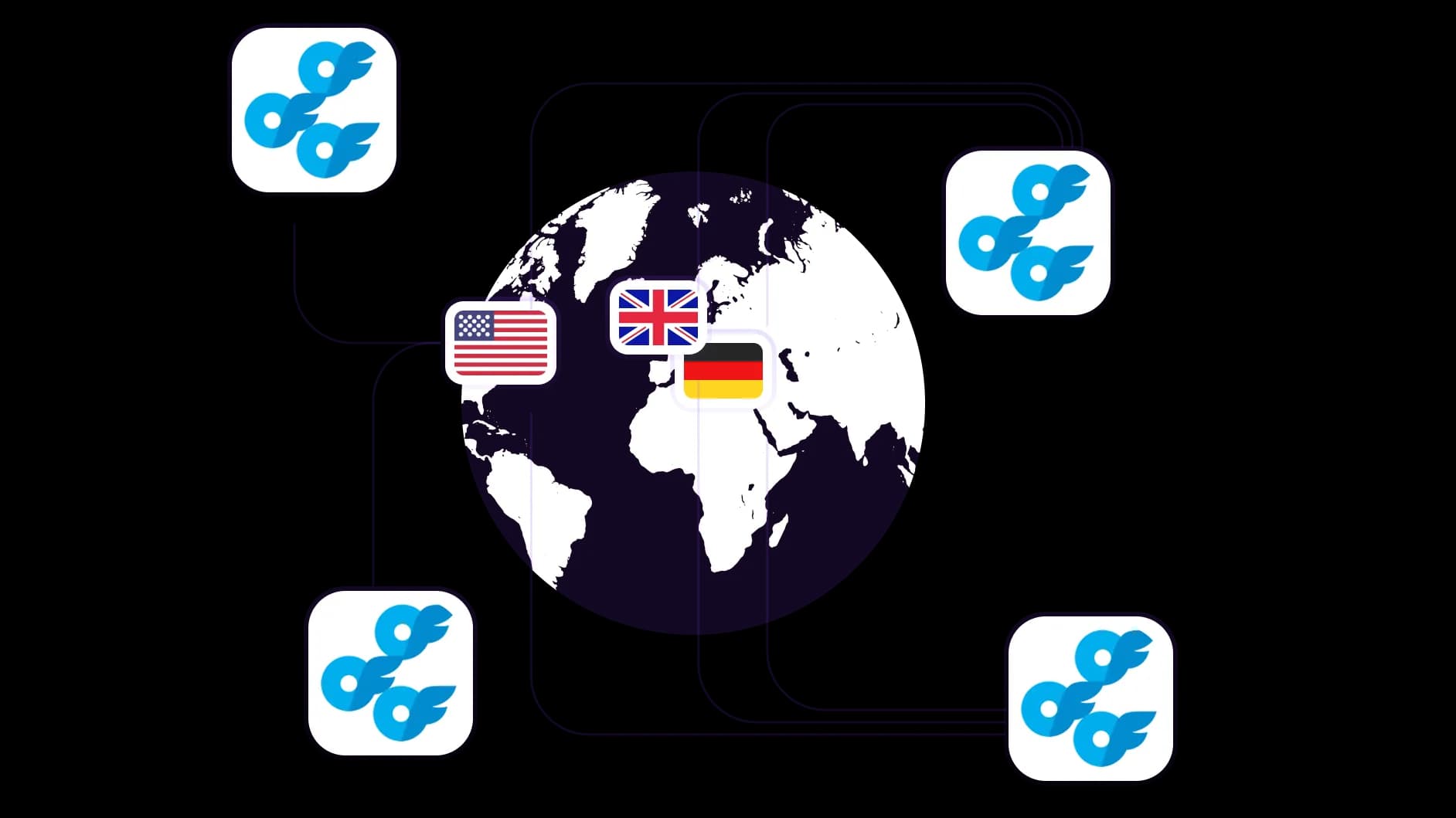
Управляйте несколькими аккаунтами OnlyFans из любой точки мира
Используйте прокси из более чем 100 стран с точностью до города и почтового индекса. Управляйте аккаунтами OnlyFans для различных международных аудиторий, не выходя из дома.
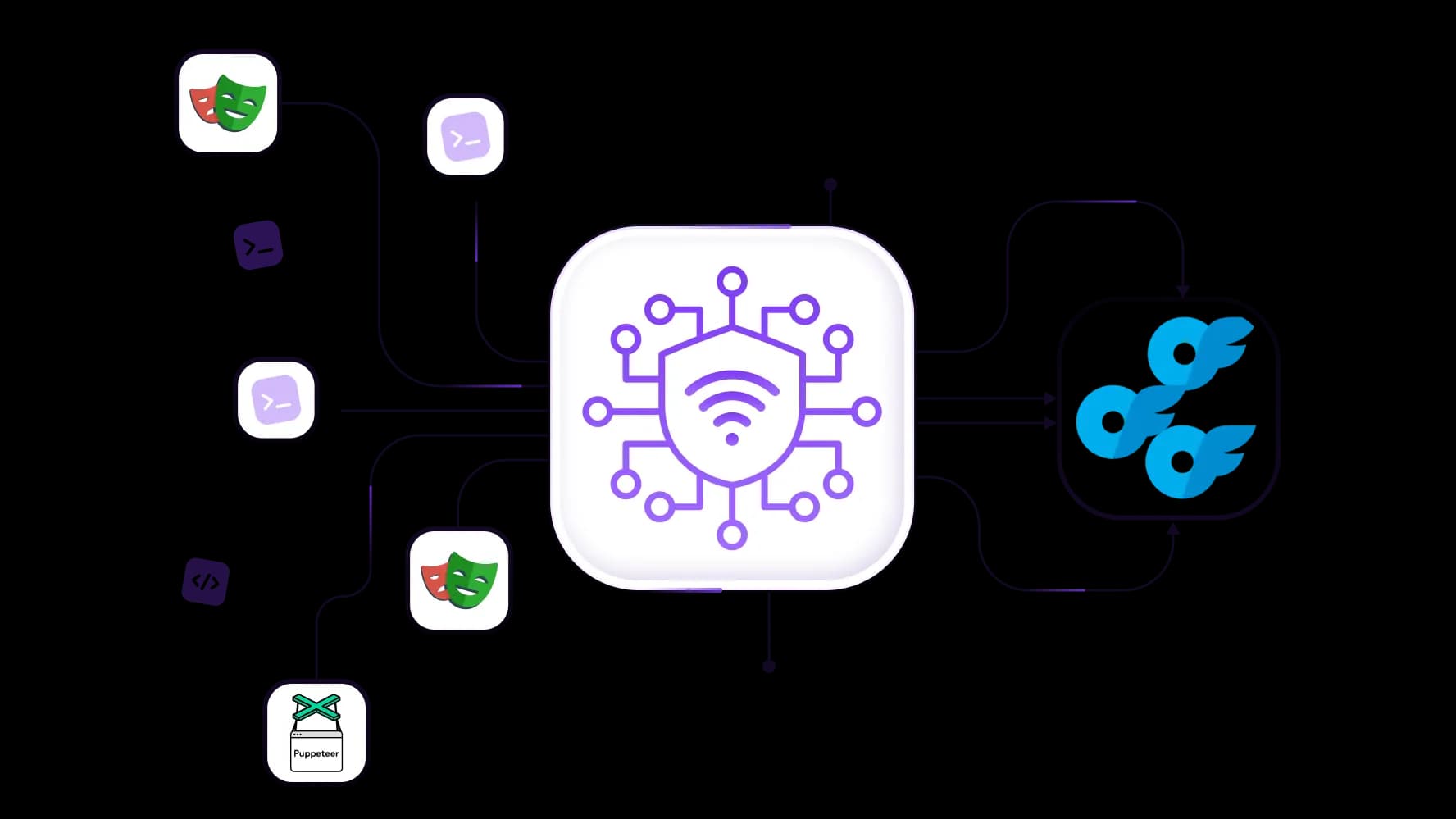
Автоматизируйте операции OnlyFans и создание аккаунтов
Интегрируйте пул из 50M+ IP-адресов с такими инструментами, как Selenium, Puppeteer, Playwright, Scrapy для эффективной веб-автоматизации. Используйте Postman для автоматизации действий в OnlyFans через API.
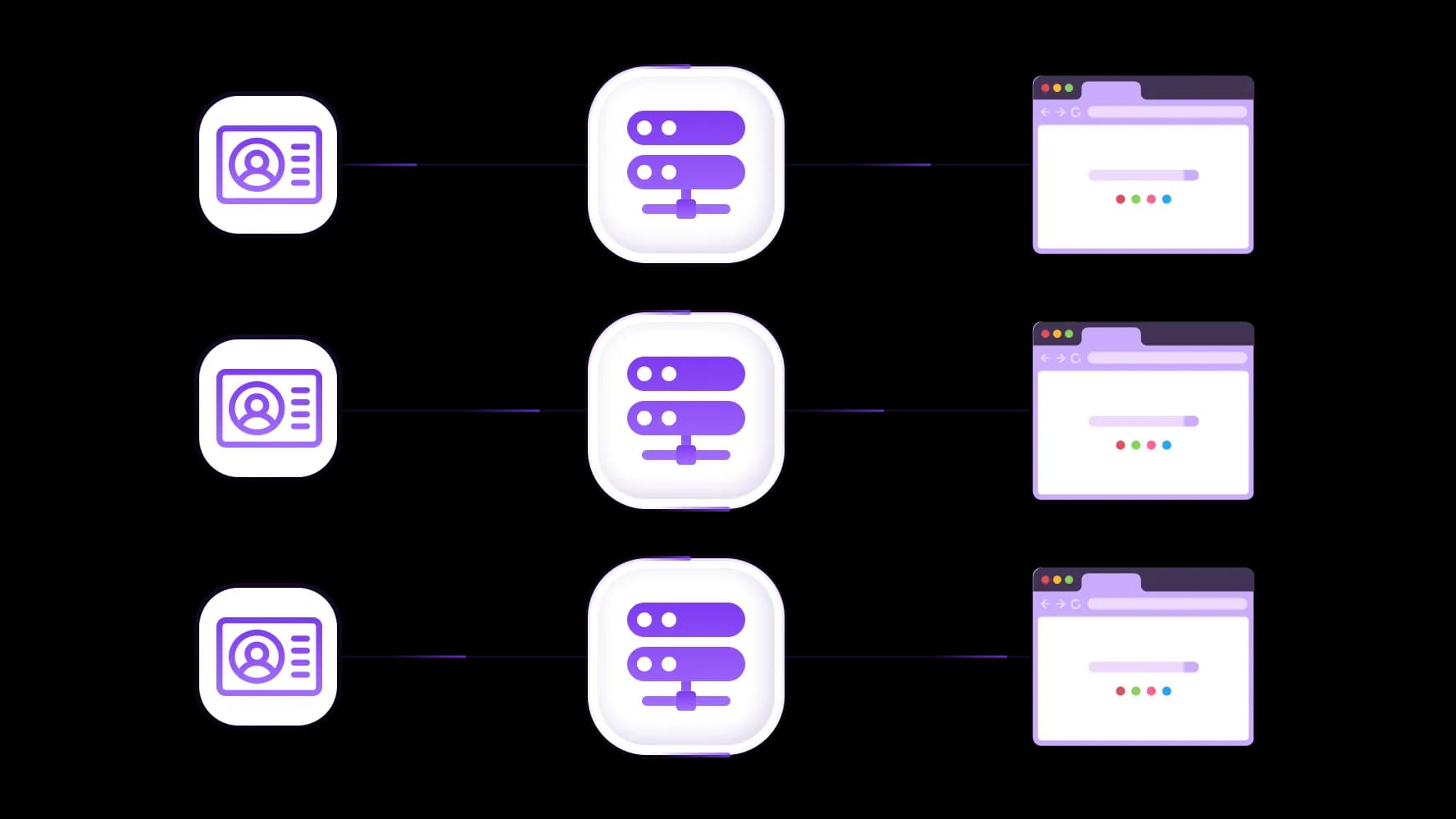
Разделяйте аккаунты OnlyFans с уникальными IP-адресами
Назначьте уникальные IP-адреса для каждого аккаунта OnlyFans с показателем успешности 99,95% и низкой задержкой по всему миру. Обеспечьте бесперебойную работу каждого аккаунта.
Запуск аккаунтов OnlyFans из антидетект-инструментов
Используйте функцию управления цифровыми отпечатками сети CyberYozh и комбинируйте прокси CyberYozh с антидетект-браузерами и облачными телефонами для полной изоляции идентичности.
Специально для вас
Лучшие прокси по странам

Multiple OnlyFans accounts - выделенный мобильный безлимит
-
Выделенный 5G-роутер
-
Socks5/VPN с выделенным DNS
-
Ручная смена IP
-
Смена p0f-отпечатка (Windows, macOS, Android)
-
Высокий уровень доверия
-
Очень высокая скорость + низкий пинг
-
Все сетевые параметры 1:1 как у провайдера
Multiple OnlyFans accounts - общий мобильный
-
Общий 5G-роутер
-
Поддержка SOCKS5 с UDP
-
До 5 пользователей на порт
-
Socks5 / HTTP
-
Ротация IP: каждые 30 минут
-
p0f-отпечаток Windows
-
Высокий уровень доверия
-
Очень высокая скорость + низкий пинг
-
Все сетевые параметры 1:1 как у провайдера
Multiple OnlyFans accounts - ротационные резидентские
-
Доступность 24 часа
-
Реальный ISP
-
Скорость до 10 Мбит/с
-
Полный доступ к API
-
Протокол HTTP
-
Более 100 млн IP в более чем 100 странах
-
Генератор нескольких учётных данных
-
Длинная сессия до 6 часов
Multiple OnlyFans accounts - приватные резидентские
-
Безлимитный трафик
- Реальный ISP
-
Скорость до 150 Мбит/с
-
Низкий пинг
-
Поддержка SOCKS5 с UDP
- Доступность 24 часа
-
1 выделенный IP
Multiple OnlyFans accounts - датацентр прокси
-
Безлимитный трафик
-
Эксклюзивное владение IP
-
Высокоскоростное соединение
-
Аптайм 99.9 %
-
HTTP
Multiple OnlyFans accounts - датацентр общие статичные
-
Очень высокая скорость
-
Глобальное покрытие IP
-
Аптайм 99.9 %
-
Выгодное предложение
-
1 ГБ трафика
-
HTTP
Почему покупают у нас?
Преимущества
Приватная оплата картой
Не важно каким способом вы пополнили баланс, связать платеж с арендой определенного прокси — невозможно.
Мы не храним данные на серверах
Как правило, сервисы, предоставляющие прокси в аренду, сохраняют все данные о трафике, проходящем через их серверы.
Выделенное устройство
Мы НЕ маскируем общие прокси под видом индивидуальных. Модем или роутер передается ТОЛЬКО в одни руки.
Онлайн техподдержка
Мы всегда готовы решить ваши проблемы и вопросы. Даже глубокой ночью и ранним утром.
Гарантия возврата
У нас есть и возврат, и замена. Приоритет - качественный сервис и удовлетворенные клиенты.
API для бизнеса
Для бизнес-клиентов наш сервис готов предоставить удобное API, позволяющее покупать прокси, менять IP-адрес и многое другое.
Как CyberYozh помогает с мультиаккаунтингом OnlyFans
Можно ли вести несколько аккаунтов OnlyFans?
Теоретически да, поскольку нет жёстких технических барьеров. На практике, если вы зарегистрируете несколько аккаунтов с одного IP-адреса и устройства, их, скорее всего, забанят в течение нескольких часов. Давайте посмотрим, как сделать это реально возможным, используя прокси для OnlyFans и инфраструктуру верификации от CyberYozh.
Читайте подробнее о конкретных сценариях использования прокси CyberYozh
Иногда OnlyFans полностью блокирует низкокачественные IP-адреса, и вам нужен хороший прокси-сервер для доступа к платформе. Узнайте больше в специализированной статье CyberYozh о разблокировке OnlyFans.
Ведите несколько аккаунтов OnlyFans с отдельными IP-адресами
Задача: Агентствам и менеджерам аккаунтов OnlyFans необходимо, чтобы каждый управляемый профиль выглядел как полностью независимый пользователь. Когда несколько аккаунтов используют один IP или подсеть, система обнаружения мошенничества OnlyFans выявляет паттерн и банит всё портфолио цепочкой.
Решение: Назначьте выделенный резидентский IP-адрес CyberYozh каждому аккаунту OnlyFans. Каждый IP исходит от реального интернет-провайдера и отдельного сетевого блока, поэтому платформа видит изолированных, не связанных между собой пользователей, независимо от того, сколько аккаунтов вы ведёте. Заранее проверяйте историю мошенничества каждого IP с помощью IP Checker , чтобы убедиться, что ни один ранее помеченный адрес не попадёт в ваши аккаунты.
Изучите лучшие прокси для OnlyFans и посмотрите, как CyberYozh выделяется высокой скоростью и уникальными функциями верификации.
Автоматизируйте рабочие процессы OnlyFans с помощью прокси с «липкими» сессиями
Задача: Управление множеством аккаунтов OnlyFans в масштабе — переписка с фанатами, управление подписками, планирование контента — требует автоматизации. Но автоматизированные скрипты, меняющие IP в середине сессии, выглядят идентично попытке захвата аккаунта, вызывая немедленные проверки безопасности.
Решение: Используйте API CyberYozh для программного запроса прокси с «липкими» сессиями, которые сохраняют один и тот же IP на протяжении всей сессии создателя. Интегрируйте ротацию прокси между сессиями через REST API вызовы в пайплайнах Selenium, Puppeteer или Playwright. Перед каждой новой сессией запускайте автоматическую проверку качества IP, чтобы подтвердить, что назначенный адрес чист, прежде чем он коснётся любого аккаунта.
Читайте документацию API CyberYozh, чтобы узнать, как запускать мультиаккаунтные рабочие процессы на практике
Используйте инструменты верификации CyberYozh для создания множества аккаунтов
Задача: Создание множества аккаунтов OnlyFans в масштабе требует уникальной верификации телефона для каждого профиля. Использование одного и того же реального номера для регистраций или повторное использование номеров с плохой историей вызывает мгновенную пометку и провал регистрации.
Решение: Используйте сервис виртуальных номеров CyberYozh, чтобы генерировать чистые, уникальные номера для каждой регистрации на OnlyFans. Перед использованием проверяйте каждый номер , чтобы отсеять те, которые ранее были помечены. Это даёт каждому новому аккаунту доверенную верификационную идентичность в масштабе, без необходимости управления физическими SIM-картами.
Читайте подробнее об использовании прокси-инфраструктуры в SMM и о том, как избежать банов.
Защитите свои платежи с помощью виртуальных карт CyberYozh
Задача: Управление несколькими аккаунтами OnlyFans означает обработку платежей и выводов средств по нескольким профилям. Использование одной и той же карты для разных аккаунтов связывает их на уровне платёжного слоя, что является отдельным сигналом связывания аккаунтов, независимым от IP.
Решение: Выпустите отдельную виртуальную карту CyberYozh для транзакций каждого аккаунта, с локализованными региональными настройками для обеспечения корректной обработки на платформе. Перед использованием карты проверьте её через проверку скоринга мошенничества карт , чтобы убедиться, что платежи не будут заблокированы системами предотвращения мошенничества в момент использования.
Читайте подробнее о топовых сервисах виртуальных карт и узнайте, чем выделяется CyberYozh.
Типы прокси для управления несколькими аккаунтами OnlyFans
Для мультиаккаунтинга на OnlyFans вам нужны резидентские и мобильные прокси. Используйте резидентские для большинства ежедневных операций, назначая 1 резидентский IP на аккаунт. Резервируйте мобильные прокси для критических задач, где доверие платформы находится на самой высокой ставке, таких как верификация аккаунта и первоначальная регистрация.
Прокси датацентра никогда не должны использоваться для мультиаккаунтинга на OnlyFans. У них низкие показатели доверия, и они неизбежно приведут к ограничениям, от увеличенных запросов на верификацию до банов аккаунтов.
Лучше отдавать предпочтение SOCKS5 перед протоколом HTTP в рабочих процессах аккаунтов OnlyFans.
Резидентские прокси: Общее управление аккаунтами
Резидентские прокси получены от реальных провайдеров интернет-услуг, что делает их IP-адреса неотличимыми от адресов обычных домашних пользователей интернета. Они быстрые (~150 Мбит/с), доступные по цене, имеют солидные показатели доверия IP и являются правильным выбором для большинства операций управления аккаунтами OnlyFans: входы в систему, управление сессиями, взаимодействие с контентом и межаккаунтные рабочие процессы.
Ротационные резидентские прокси предоставляют доступ к пулу из более чем 100 млн резидентских ISP-адресов с автоматической ротацией, поддерживая «липкие» сессии до 6 часов. Это правильный инструмент для создания больших партий новых аккаунтов OnlyFans одновременно и запуска конвейеров автоматизации мультиаккаунтов без повторения паттернов подсетей.
Мобильные прокси: Верификация и другие критические задачи
Мобильные прокси направляют трафик через реальные 4G/5G/LTE IP-адреса от мобильных операторов по всему миру. Поскольку IP-адреса мобильных операторов используются тысячами реальных пользователей через NAT операторского уровня, платформы почти никогда их не блокируют, что делает их показатель доверия самым высоким среди типов прокси. Используйте их специально для регистрации аккаунтов, верификации телефона и любых рабочих процессов, где контроль платформы наиболее строг.
Всегда поддерживайте географическую согласованность местоположений мобильных прокси с резидентскими IP, назначенными тем же аккаунтам. Аккаунт, верифицированный с помощью британского мобильного IP , также должен управляться с британского резидентского IP. Несоответствие местоположения на протяжении жизненного цикла сессии — это основной триггер для проверок безопасности.
Изучите различия между мобильными и резидентскими прокси , чтобы понять, когда выбирать тот или иной тип.
Настройка прокси CyberYozh для мультиаккаунтинга OnlyFans
Развертывание прокси CyberYozh для управления несколькими аккаунтами OnlyFans из любого местоположения занимает всего несколько минут. Для базового доступа используйте расширение для браузера. Для полной изоляции аккаунтов между множеством профилей используйте антидетект-браузер. Для автоматизации в масштабе интегрируйтесь с ротационными резидентскими прокси через API.
Создайте аккаунт CyberYozh и пополните баланс с помощью банковской карты или криптовалюты.
Выберите тип прокси:
статичные резидентские для постоянных аккаунтов
ротационные резидентские для массового создания
мобильные для процессов верификации.
Выберите целевую страну и город , чтобы соответствовать географической истории каждого аккаунта.
Скопируйте учетные данные прокси (хост, порт, имя пользователя, пароль) из панели управления CyberYozh.
Настройте ваш клиент:
Расширение для браузера: вставьте учетные данные напрямую в расширение CyberYozh для Chrome
Антидетект-браузеры: следуйте гайду по настройке антидетект-браузера
Proxifier/системный уровень: используйте гайд по настройке Proxifier или изучите гайды для других прокси-клиентов
Мобильные настройки: настройте клиент, такой как v2rayNG, в качестве системного прокси, следуя гайдам для Android или iOS .
Автоматизированные рабочие процессы: интегрируйте программную ротацию прокси напрямую с помощью API CyberYozh.
Проверьте свой IP с помощью IP Checker перед подключением любого прокси к аккаунту OnlyFans. Это подтвердит, что адрес чистый и не имеет истории мошенничества от предыдущих пользователей.
Изучите каталог прокси CyberYozh и выберите резидентские и мобильные прокси в более чем 100 странах для ваших операций.
Пополняйте баланс любым удобным способом!
Банковские карты


Криптовалюта


