
10 Best AI Tools for Social Media in 2026

TL;DR
Hootsuite's own 2026 research found 79% of social media managers now use AI daily, up sharply from a couple of years ago.
HubSpot's 2026 State of Marketing data shows roughly a third of marketing teams save 10–14 hours a week with AI, and another third save more than 15 hours a week.
Most teams still run 4–6 separate subscriptions to cover writing, design, video, and scheduling; that's real overlap and real cost.
Posting to multiple accounts from one shared IP is one of the fastest ways to get an account flagged, no matter how good the tools are.
The strongest stack: one all-in-one platform, one specialist tool for your weak spot, and a proxy layer so every account looks and behaves like a separate, real user.
You're not short on tools; you're short on infrastructure
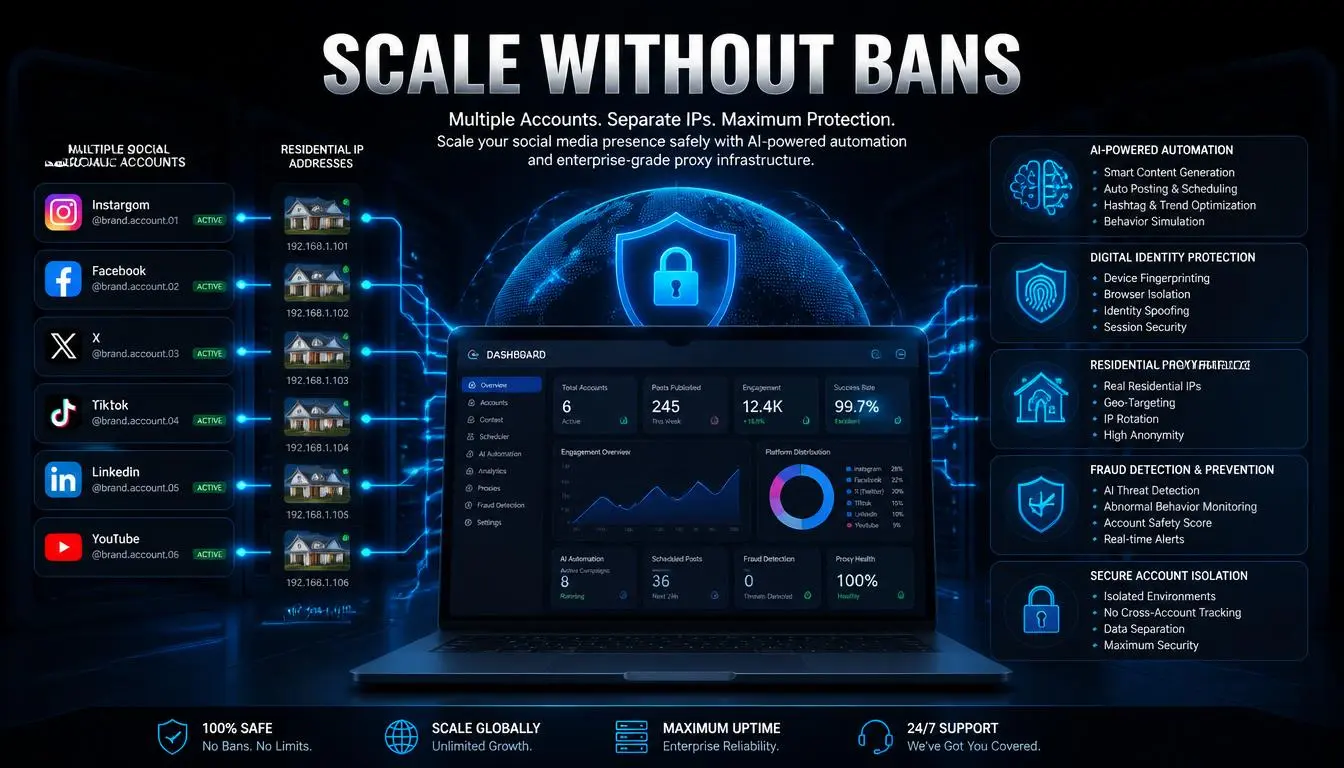
Seventeen tabs open. Five subscriptions renewing on five different dates. And an account still got flagged last week for "suspicious activity," even though every post on it was legitimate.
If that sounds familiar, the problem usually isn't your content; it's a piece most "best AI tools" roundups skip entirely.
Quick answer: The best AI tools for social media in 2026 are Simplified, Hootsuite, Buffer, Canva, ChatGPT, Jasper, Opus Clip, CapCut, SocialBee, and Sprout Social. Which ones you actually need depends on team size and content mix, but every combination performs better and is safer when each account runs on its own stable IP rather than a shared connection.
Why AI social media marketing now runs on automation
AI in social media has moved from experiment to default fast. According to Hootsuite's 2026 Social Trends research, 79% of social media managers now use AI daily, and platforms themselves are leaning further into AI-driven personalization to serve content.
The time savings back that up. HubSpot's 2026 State of Marketing report found that about a third of marketing teams recover 10–14 hours a week using AI tools, and another third recover more than 15 hours, time that used to go into manual formatting, resizing, and repetitive drafting.
Pro tip: Don't measure an AI tool by novelty. Measure it by the number of manual steps it removes from your actual weekly workflow.
The hidden cost of stacking AI tools for social media marketing
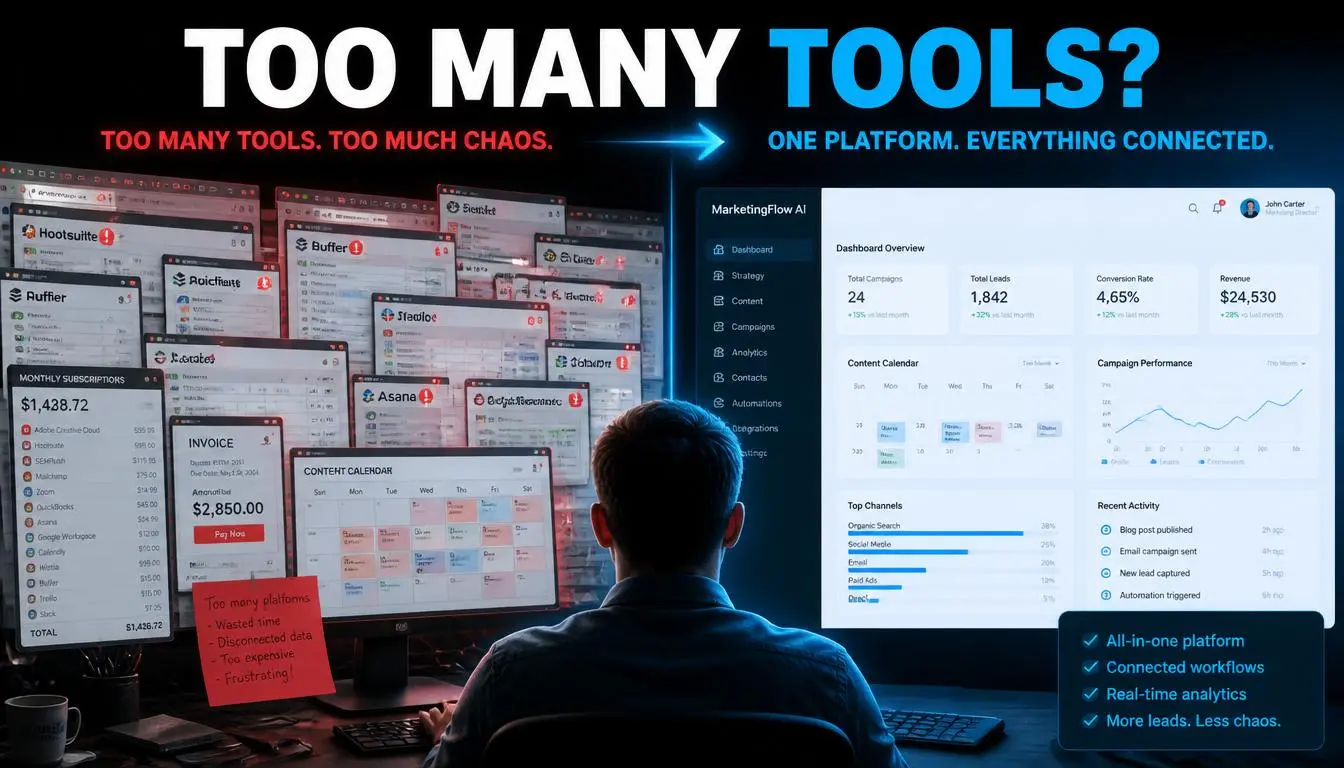
Here's what most roundups leave out: the tools themselves aren't the whole cost.
Tool sprawl: A typical setup looks like this: Canva for design, Jasper for copy, Buffer for scheduling, and Opus Clip for video, four logins, four renewal dates, and manual handoffs between them. Individually, each tool is reasonably priced; together they add up fast, and half the value gets lost in switching costs.
Account risk: This is the part that actually costs teams accounts, not just money. When several social profiles get managed from the same device and IP address, platforms read that overlapping footprint as suspicious, regardless of how good the content is. It's a pattern-detection problem, not a content-quality problem, which is exactly why better captions don't fix it.
If you're managing more than one or two accounts professionally, this is worth solving before you add another content tool. CyberYozh's residential and mobile proxies give each account its own IP address, which is the standard fix agencies and in-house teams use to keep multi-account setups stable. More on that below.
Explore the cyberyozh IP fraud score checker before accessing each of your accounts.
Common mistake: Managing five client accounts from one browser and one IP is one of the most common causes of unexpected suspensions, not bad content, just a bad footprint.
Ranked the best AI social media management tools for 2026

Some of the most used AI social media tools in 2026 :
1. Simplified: Best all-in-one platform
Best for: teams and solo creators who want writing, design, video, and scheduling in one place.
Key features:
AI captions and ad copy
built-in AI image generation
video editing
multi-platform scheduler
workflow automation.
Pricing: Free plan available; paid plans start around $20/month. Simplified's real value is consolidation; it can genuinely replace two or three point solutions, which is worth running the subscription math on before adding anything else.
2. Hootsuite: Best for agencies and Larger Teams
Best for: managing multiple brands or clients from one dashboard.
Key features:
AI best-time-to-post predictions,
Ow.lyWriter AI captions
Social listening,
Team approval workflows,
Advanced analytics.
Pricing: Free trial; plans start around $199/month. The strength here is coordination at scale, but scale is also where the same-IP, many-accounts problem becomes most visible, so pair it with proper IP separation if you're running client accounts.
3. Buffer: Best for solopreneurs
Best for: freelancers and small businesses who want simple, reliable scheduling.
Key features:
Queue-based publishing
Multi-platform posting,
AI caption assistance
Optimal-time suggestions.
Pricing: Free plan available; paid plans start around $6/month. Buffer doesn't try to do everything, which is exactly why it's a good starting point.
4. Canva: Best for design
Best for: non-designers who need professional-looking graphics fast.
Key features:
Drag-and-drop templates
AI image generation
Magic Write for captions
One-click background removal.
Pricing: Free plan available; Canva Pro starts around $15/month. If design has always been the bottleneck, Canva removes it without a learning curve.
5. ChatGPT: Best for ideation
Best for: brainstorming, drafting, and repurposing content across formats.
Key features:
Flexible caption generation
Content planning
Custom GPTs for brand voice.
Pricing: Free basic plan; around $20/month for advanced features. ChatGPT is the most flexible tool on this list, but unedited output still tends to read exactly like what it is; plan on a human pass before publishing.
6. Jasper: Best for brand voice
Best for: marketing teams scaling content without losing consistency.
Key features:
Tone guardrails,
Specialized AI agents,
Brand voice profiles,
Campaign workflows.
Pricing: plans start around $49/month. Jasper earns its price tag when brand consistency across a team is the actual problem, not just content volume.
7. Opus Clip: Best for video repurposing
Best for: turning long-form video into short, platform-ready clips.
Key features:
AI moment detection
Auto-captions
virality scoring
Direct publishing.
Pricing: Free tier; paid plans start around $29/month. For teams already sitting on long recordings, this is often the highest-leverage tool on the list.
8. CapCut: Best free video editor
Best for: TikTok, Reels, and Shorts creators editing on the go.
Key features:
Auto-synced captions,
One-tap background removal
AI voice effects
Native TikTok export.
Pricing: Free. There's little reason to pay for basic short-form editing when CapCut covers it at no cost.
9. SocialBee: Best AI planning
Best for: managers who want a structured content calendar, not just a scheduler.
Key features:
AI Copilot strategy building,
Category-based scheduling,
Unified inbox.
Pricing: plans start around $29/month. Copilot functions less like a scheduling tool and more like a junior strategist that asks the right questions upfront.
10. Sprout Social: Best for analytics
Best for: brands treating social media as a customer intelligence channel.
Key features:
AI social listening,
sentiment analysis,
competitive intelligence.
Pricing: enterprise-tier pricing. For larger brands, the insight layer often matters more than the caption-writing layer.
Quick comparison table
Tool | Best For | Starting Price | Free Plan | AI Writing | AI Design | Video |
Simplified | All-in-one | $20/mo | ✓ | ✓ | ✓ | ✓ |
Hootsuite | Agencies | $199/mo | — | ✓ | Limited | Limited |
Buffer | Solopreneurs | $6/mo | ✓ | ✓ | — | — |
Canva | Design | $15/mo | ✓ | Limited | ✓ | Limited |
ChatGPT | Ideation | $20/mo | ✓ | ✓ | — | — |
Jasper | Brand voice | $49/mo | — | ✓ | — | — |
Opus Clip | Video repurposing | $29/mo | ✓ | — | — | ✓ |
CapCut | Video editing | Free | ✓ | — | — | ✓ |
SocialBee | AI planning | $29/mo | — | ✓ | Limited | — |
Sprout Social | Analytics | Premium | — | ✓ | Limited | — |
What makes AI-powered social media management tools safe to scale
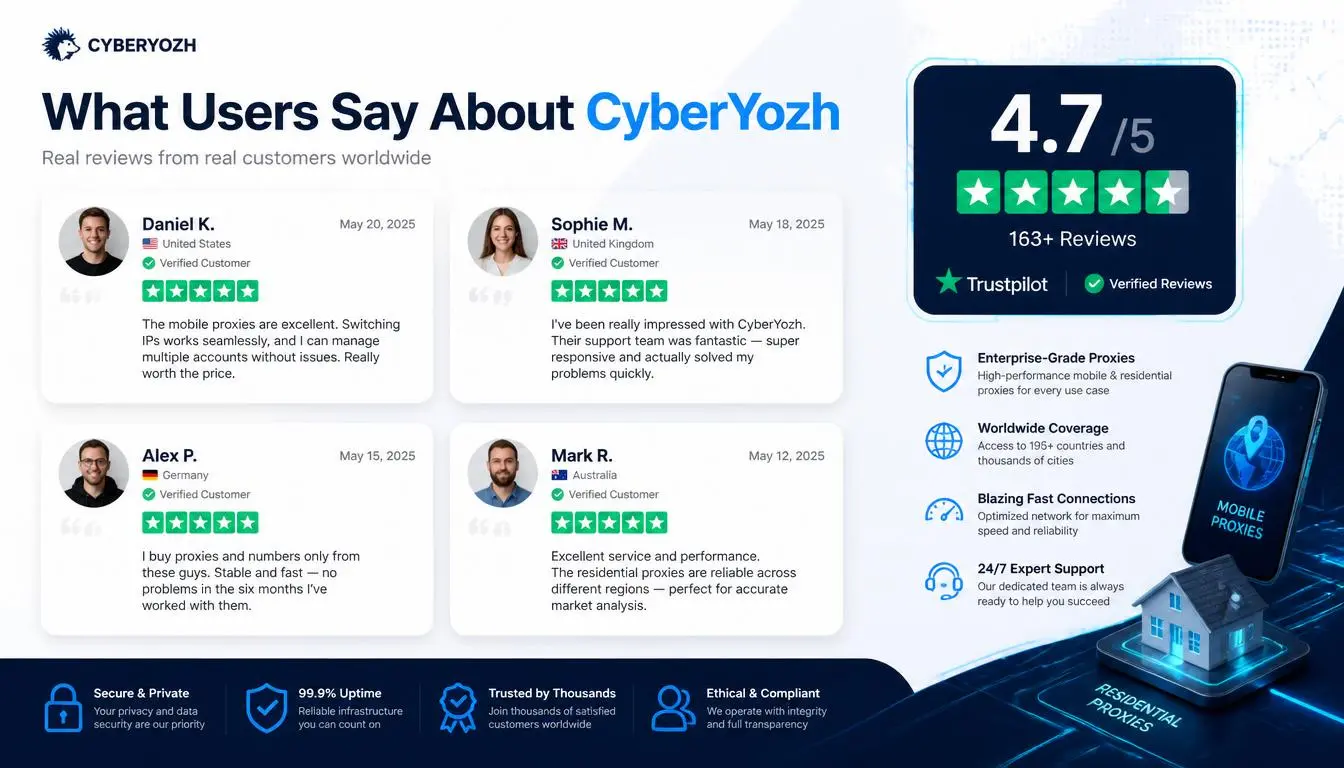
Every tool above solves a content problem. None of them solve an infrastructure problem, and infrastructure usually determines whether an account survives, not content quality.
When you manage several accounts, client work, multi-brand campaigns, and regional pages, from one device and IP address, platforms read the overlap as a risk, regardless of how good the posts are.
CyberYozh provides the proxy layer for social media that keeps each account behaving like a separate, genuine user:
Residential and mobile proxies that mimic real user behavior instead of flagging as datacenter traffic
Datacenter proxies for social media web scraping workflows.
5G/LTE mobile proxies, well suited to TikTok, Instagram, and Reddit specifically
Sticky and rotating sessions to keep a given account's connection stable over time
Integration with Selenium, Puppeteer, Playwright, Postman, Scrapy, and custom scripts.
A large 100M+ IP pool across 100+ countries
API access to automate proxy assignment alongside your existing AI workflow
Antidetect browser compatibility, including Adspower, Dolphin{anty} and similar tools with inbuilt fingerprinting options.
Residential rotating proxy plans start around $0.9/GB, typically a fraction of what a single flagged or banned account costs a team in lost time and rework.
On Trustpilot and G2, the recurring theme in CyberYozh reviews isn't flashy features; it's stability: connections holding up over long sessions without needing constant babysitting, which is exactly what multi-account management needs.
None of this replaces the tools above. It's the layer underneath them that makes the rest of this list safe to run at scale.
See CyberYozh proxy plans and SMS verification →