
Best Proxy for Telegram: 8 Providers for Calls, Media and Multiple Accounts

Telegram stops loading photos. Voice messages hang. Calls drop after a few seconds. Or you run three channels for clients, and every new login from a different place triggers another security check.
A Telegram proxy fixes most of this, but only the right kind. Most “best proxy” lists rank providers by pool size, which tells you nothing about whether your calls will connect or your media will load. This guide compares the best Telegram proxies of 2026 on what matters inside Telegram: protocol support, IP trust, session stability, and real monthly cost.
Quick answer
The best proxy for Telegram is a SOCKS5 proxy on a static residential (ISP) or mobile IP. SOCKS5 works in every Telegram app, and residential or mobile IPs are much harder for networks to block than datacenter IPs. CyberYozh is the best Telegram proxy for value, with static residential IPs from $5.29 a month and unlimited-traffic LTE/5G mobile proxies from $1.70 a day.
Get Telegram working today: see CyberYozh Telegram proxies with SOCKS5 support, 195+ countries and support from real people.
TL;DR
SOCKS5 is the protocol to buy. It works on Android, iPhone, Desktop and Mac
Telegram proxies on home or mobile IPs survive network blocking far better than datacenter IPs
Calls need UDP. If texts work but calls fail, your proxy probably doesn’t support it
Free MTProto proxies work, but they can show you a sponsored channel and disappear without warning
One stable proxy per account is enough for most people. You don’t need a rotating pool
Pick your setup in 10 seconds:
Telegram in a country that restricts it, or heavy media and calls → CyberYozh LTE/5G mobile proxies, from $1.70/day shared or $3.50/day dedicated, unlimited traffic.
Business accounts, channel admins and support teams → CyberYozh static residential proxies, from $5.29/month per IP, unlimited traffic.
Best proxy type for each Telegram use
Different jobs need different IPs. Start here:
What you use Telegram for | Best proxy type | Why |
One personal account in a restricted country | Mobile or static residential | Hard to block, stable all day |
Several business accounts or channels | Static residential, one per account | Each account keeps its own consistent IP |
Voice and video calls | SOCKS5 with UDP support | Calls send voice data over UDP |
Bots running on a server | Static datacenter | Fast and cheap; bots don’t need a home IP |
Heavy media (videos, large files) | Unlimited-traffic mobile or static residential | Per-GB plans get expensive fast |
Common mistake: buying a rotating proxy for Telegram. Rotation changes your IP every few minutes, so Telegram keeps reconnecting and may ask you to verify logins. Telegram proxies should stay the same for days, not minutes.
SOCKS5 proxy for Telegram: what to check before you buy
Telegram supports three proxy types: SOCKS5, MTProto and HTTP. Here’s what that means when you buy a SOCKS5 proxy for Telegram:
SOCKS5 is what commercial providers sell. It works in every Telegram app, carries media reliably and can carry calls if the provider supports UDP
MTProto is Telegram’s own proxy protocol. Hardly any commercial provider sells it. MTProto proxies are almost always free or self-hosted
HTTP only works in Telegram Desktop and isn’t built for calls, so skip it
So when you’re choosing the best SOCKS5 proxy for Telegram, check four things:
UDP support, if you need calls
IP type: mobile or residential, not datacenter, if your network filters Telegram
Sticky or static IP, so the connection doesn’t keep dropping
Traffic pricing: unlimited traffic beats per-GB billing for media-heavy use
For more on the protocol itself, read our guide to SOCKS5 vs HTTPS proxies. Already bought one? Here’s how to set up a Telegram proxy on every device.
How we compared the providers
We judged every provider only on what affects Telegram:
SOCKS5 support, and whether calls can work
IP type: mobile, residential or datacenter
Session stability: how long one IP stays the same
Real cost for one account and for a five-person team
One honest drawback, for every provider.
Prices come from each provider’s public pages and recent pricing reviews, checked in November 2026. Connection-rate figures come from Proxyway’s Proxy Market Research 2026.
Best proxy services for Telegram compared
Provider | Best for | Cheapest stable IP | Mobile | Telegram strength |
CyberYozh | Best overall value | $5.29/month static residential | 1.7–3.50/day, unlimited | Unlimited traffic, SOCKS5, 195+ countries |
Decodo | US accounts | 3 static IPs for $9.99 | $3.75/GB (promo) | Large US residential pool |
IPRoyal | Long, steady sessions | From $1.80/IP static | About $10.11/day dedicated | Sticky sessions up to 7 days |
Bright Data | Precise locations | From $1.30/IP static | $8.40/GB | City-level targeting, SOCKS5 supported |
Oxylabs | Enterprise teams | $2.25/IP dedicated datacenter | $9/GB | 99.93% connection rate |
SOAX | Region-specific accounts | Not covered here | 3–5/GB | Targeting by internet provider |
Webshare | Cheapest start | 100 datacenter proxies for $2.99/month | Not offered | 10 free proxies to test |
Proxy-Cheap | Occasional use | Not covered here | Limited | Pay-as-you-go residential, about $1.99/GB |
1. CyberYozh: best proxy for Telegram overall
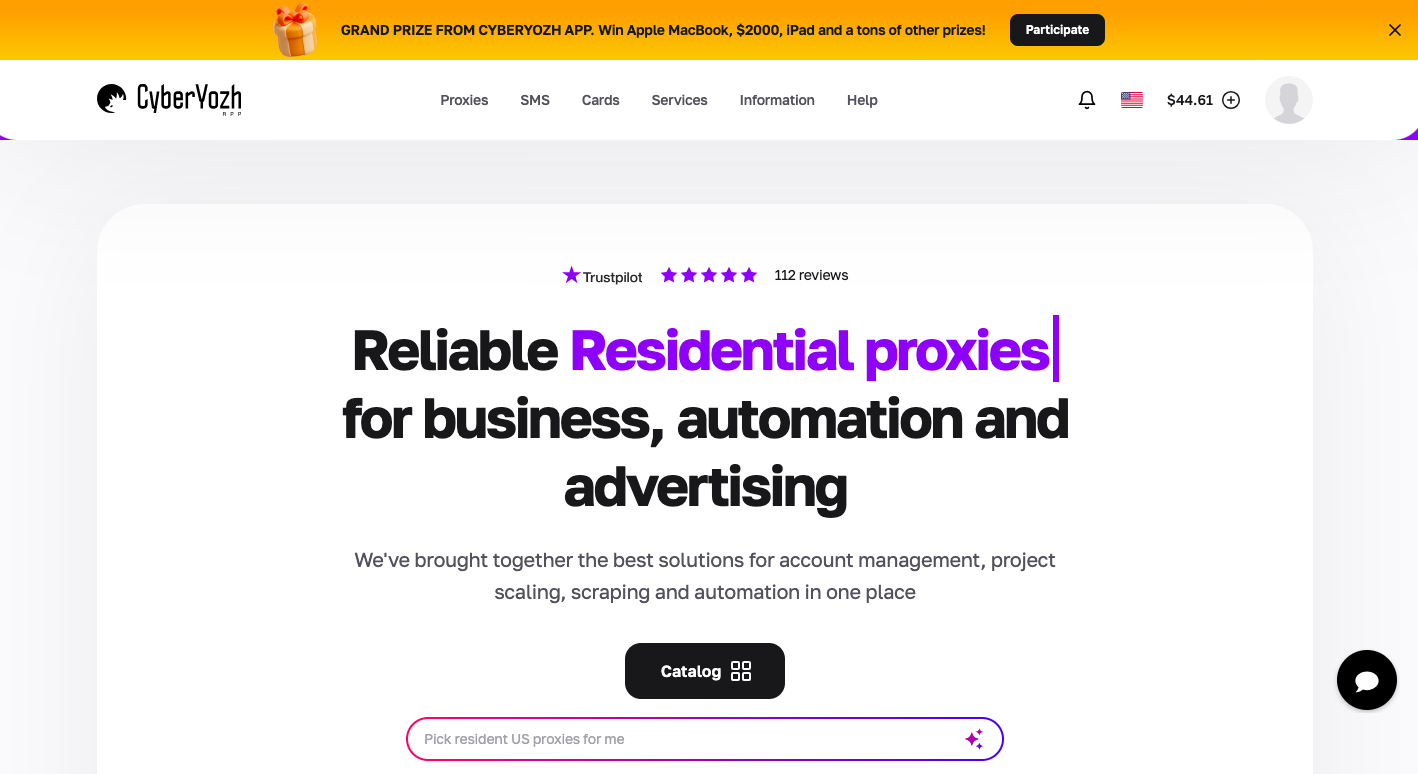
CyberYozh is built for exactly what Telegram needs: stable, hard-to-block IPs and pricing that doesn’t punish video, voice messages and large files.
LTE/5G mobile proxies with unlimited traffic, from $1.70 a day shared or $3.50 a day dedicated. Carrier IPs are the hardest for networks to block
Static residential proxies from $5.29 a month, one private home IP per account, ideal for business accounts and channel admins
SOCKS5 with UDP support on shared mobile and static residential plans, so the same proxy works for messages and calls on Android, iPhone and Desktop
Sticky sessions up to 24 hours, plus manual IP changes when you need them
100M+ IP pool in 195+ countries, so your account can always connect from the right place
Crypto payments accepted, handy where cards don’t work
Real support from 08:00 to 22:00 GMT, rated 4.7+ “Excellent” on Trustpilot
Before you connect: run any new IP through the free CyberYozh IP checker. A clean fraud score means fewer login checks on day one.
2. Decodo

Decodo (formerly Smartproxy) has one of the deepest US residential pools, useful if your Telegram audience or team is American.
Static residential: 3 dedicated IPs for $9.99
Residential: from about $3.75/GB; mobile: $3.75/GB on a current promotion
Drawback: mobile and rotating traffic are billed per GB, so a busy account that sends lots of videos costs more each month than an unlimited plan.
Compare the details in CyberYozh vs Decodo.
3. IPRoyal
IPRoyal had the lowest share of flagged IPs in Proxyway’s third-party checks, and its sticky residential sessions last up to 7 days, so Telegram sees the same IP all week.
Static residential from $1.80 per IP with unlimited bandwidth
Dedicated mobile from about $10.11 a day
Drawback: IPRoyal vets customers before granting full access, and its connection rate dipped to 96.11% in Proxyway’s 2026 test.
See the head-to-head in CyberYozh vs IPRoyal.
4. Bright Data
Bright Data supports SOCKS5 and lets you target down to the city level, useful if an account must appear in one specific city.
Static residential from $1.30 per IP, with a 100 GB monthly fair-use allowance per IP
Mobile from $8.40/GB
Drawback: the company requires verification for full access, and its mobile pricing is among the highest here.
Read the full CyberYozh vs Bright Data comparison.
5. Oxylabs
Oxylabs had the best global connection rate (99.93%) in Proxyway’s 2026 research, so connections rarely drop mid-session.
Dedicated datacenter from $2.25 per IP, good for Telegram bots on servers
Mobile from $9/GB
Drawback: premium pricing built for large companies. Small teams usually pay for more than they need.
See the head-to-head in CyberYozh vs Oxylabs.
6. SOAX
SOAX lets you choose IPs by country, city and internet provider, so an account can connect through the same local network its audience uses.
Residential and mobile at the same price: $5/GB pay as you go, or $3/GB on its $200/month plan
Drawback: mobile sticky sessions last up to 60 minutes, so Telegram sees a new IP every hour on longer sessions.
7. Webshare
Webshare gives you 10 free proxies to try, and paid plans start at $2.99/month for 100 datacenter proxies. It’s an easy way to test whether a proxy fixes your connection.
Drawback: these are datacenter IPs, the easiest type for networks to block. In countries that filter Telegram, they often stop working first. There are no mobile proxies.
See the head-to-head in CyberYozh vs Webshare.
8. Proxy-Cheap
Proxy-Cheap offers pay-as-you-go residential traffic from about $1.99/GB with no subscription.
Drawback: its pools are shared, so another customer’s activity can affect your IP, and per-GB billing adds up if you watch a lot of video.
What it really costs per month
Setup | Monthly cost | Traffic |
1 account on a CyberYozh static residential IP | About $5.29 | Unlimited |
1 account on CyberYozh shared mobile | About $51 | Unlimited |
5 team accounts on CyberYozh static residential IPs | About $26 | Unlimited |
5 team accounts on CyberYozh dedicated mobile | About $525 | Unlimited |
1 account on per-GB residential ($3.75/GB, about 30 GB of media) | About $113 | Pay for every GB |
For most people, a single static residential IP is the cheapest way to make Telegram stable. Choose mobile when your network blocks Telegram aggressively, or you need the highest trust.
Lowest-risk start: one static residential IP for $5.29 a month. Use it for a week. If Telegram loads faster and stops disconnecting, add one for each account.
Which proxies still work for Telegram in Russia
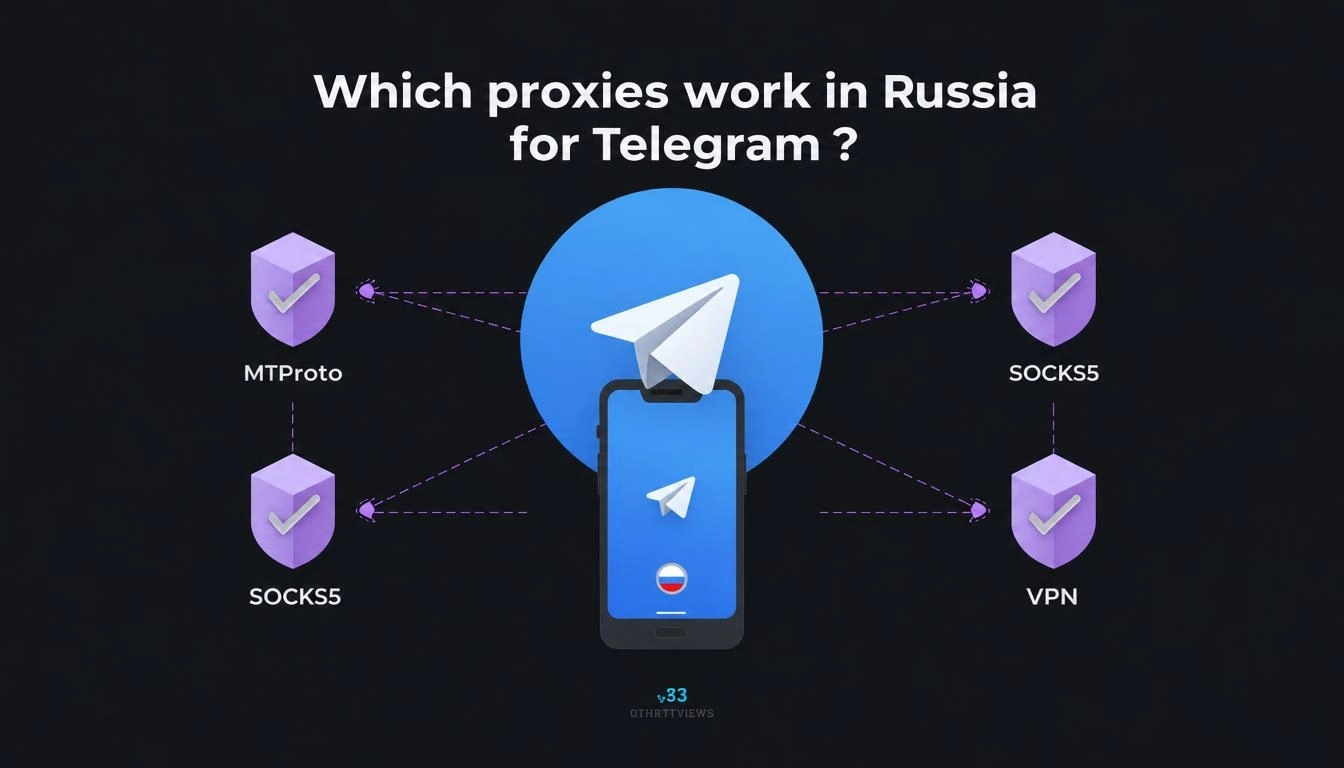
Russia is where Telegram proxies get tested hardest. In 2026, Russia’s regulator Roskomnadzor began slowing Telegram nationwide on February 10, according to Meduza. Users reported slow photos, slow videos and delayed messages. In March, Telegram was almost completely blocked over a weekend before access returned, Novaya Gazeta Europe reported. Restrictions have continued since, so check the latest news before you rely on any setup.
What tends to keep working:
Mobile and residential IPs outside Russia. They look like ordinary users, so they’re harder to block in bulk than datacenter ranges
MTProto proxies with TLS emulation, which Telegram itself recommends enabling so proxy traffic looks like normal web traffic
A proxy you control. Public proxy lists get found and blocked within days
What tends to fail first: free public lists and cheap datacenter proxies.
Russian-speaking readers: CyberYozh’s Telegram guides are also available in Russian.
Free MTProto proxies: the hidden catch
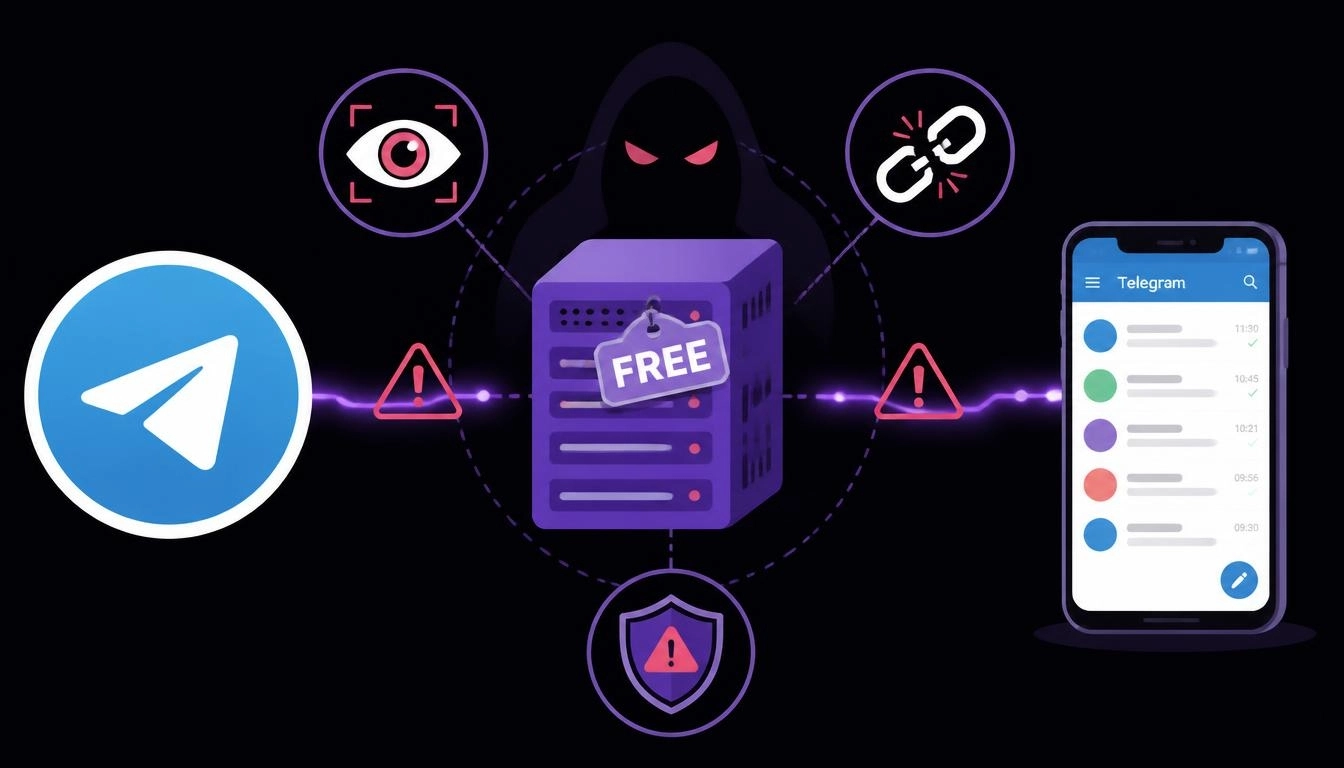
Free MTProto proxies are everywhere, especially in Telegram channels. They work, but most lists never mention the trade-offs.
Telegram’s own MTProxy documentation explains that proxy operators can “display a promoted channel in the chat list of users that choose to go through your proxy.” That’s why a channel you never joined can suddenly appear at the top of your chats. It’s how free proxy owners pay for their servers.
Other trade-offs:
They vanish without warning when the owner stops paying or the IP gets blocked
Dozens of strangers share them, so speed drops at busy times
You can’t choose the location, which matters if you manage business accounts
Free MTProto proxies are fine for a quick personal fix. For anything you rely on, a dedicated SOCKS5 proxy is the more stable choice.
How to connect your proxy in 60 seconds
Copy your proxy details: server, port, username and password
Open Telegram Settings, then Data and Storage, then Proxy, then Add Proxy, and choose SOCKS5
Paste your details, save, and check that the status shows “Connected”
For screenshots on every device, follow our step-by-step Telegram proxy guide. Using the browser version? See our guide to Telegram Web.
Running several accounts for clients? Give each one its own proxy and its own browser profile. Our comparison of the best antidetect browsers for multiple accounts shows how.
Play by Telegram’s rules: Telegram allows multiple accounts for genuine use, but bans spam and mass unsolicited messaging. A proxy keeps legitimate accounts stable. It won’t protect accounts that break the rules.
Quick wrap
The best Telegram proxy isn’t the one with the biggest pool. It’s the one that keeps your messages, media and calls flowing every day. For most people, that’s a SOCKS5 proxy on a static residential or mobile IP, one per account, with unlimited traffic. Skip rotating and datacenter proxies for daily use, and treat free MTProto proxies as a temporary fix.
Ready for a Telegram connection that just works? Browse every plan in the CyberYozh catalog: static residential IPs from $5.29/month and unlimited LTE/5G mobile proxies from $1.70/day.