
Xbox IP Puller: що він розкриває і як себе захистити
Хтось у вашому лобі каже, що «дізнався ваш IP». Чи варто хвилюватися? Зазвичай менше, ніж вони хочуть вас налякати. Цей гайд пояснює, що насправді може побачити той, хто дізнався ваш IP в Xbox, як за дві хвилини перевірити, наскільки ви вразливі, і що робити, якщо загроза перетвориться на атаку.
Коротко: що таке визначення IP в Xbox
Визначення IP в Xbox — це будь-який інструмент або спосіб отримати публічну IP-адресу іншого гравця, зазвичай через пряме ігрове з'єднання, базу даних або відстежувальне посилання. IP-адреса показує приблизне місто та інтернет-провайдера, але не домашню адресу. Справжній ризик — це DDoS-атака, яка вибиває вас з мережі і є незаконною. Ви можете знизити цей ризик за допомогою кількох налаштувань і звичок.
Наш підхід: Цей гайд не покаже, як дізнатися чужий IP. Він пояснює, як це працює, щоб ви могли захистити себе.
Коротко
IP показує приблизне місцезнаходження та провайдера, але не точну адресу
У 2020 році Xbox переніс груповий чат на сервери Microsoft, що приховує ваш IP від учасників групи
Деякі ігри та відстежувальні посилання все ще можуть його розкрити
Новий IP від провайдера зазвичай припиняє загрозу DDoS
Повідомляйте про загрози в Xbox, а у разі атаки — до правоохоронних органів
Як працює визначення IP в Xbox
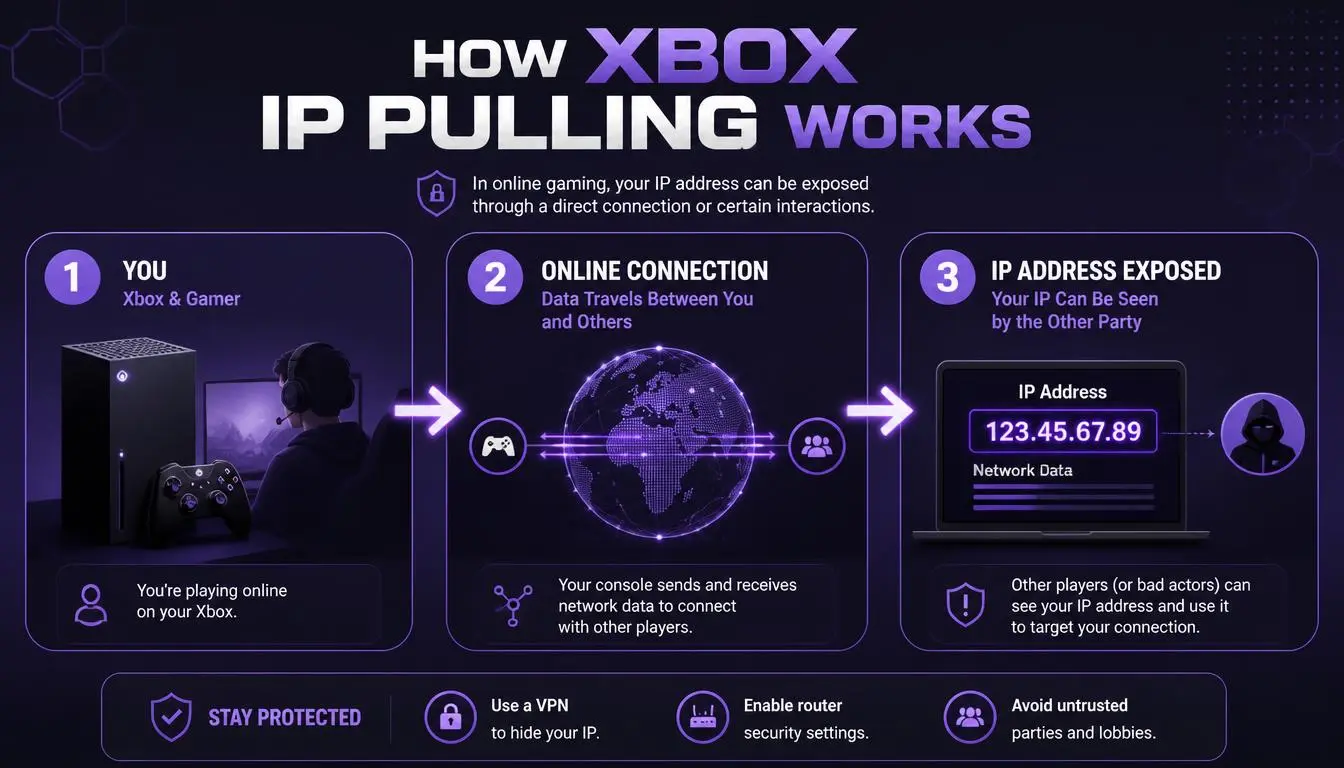
Ваша публічна IP-адреса — це адреса, яку бачать сайти та ігри, коли ваша консоль підключається до інтернету. Вона належить вашому роутеру, а не консолі. Більшість способів дізнатися IP базуються на одному з трьох шляхів:
Прямі з'єднання. Деякі ігри з'єднують гравців напряму, тому мережа кожного гравця може бачити IP решти.
Бази даних. Так звані сайти-«резолвери» зберігають IP, отримані раніше з прямих сесій, і зіставляють їх з геймертегами. Вони працюють тільки в тому випадку, якщо ваш IP було розкрито раніше.
Відстежувальні посилання. Посилання, надіслане в повідомленні або в Discord, може зафіксувати ваш IP у момент, коли ви його відкриєте, на будь-якому пристрої.
Microsoft відкрито говорить про перший ризик. У документації для розробників компанія попереджає:
«Обмін IP-адресами між ігровими клієнтами становить загрозу безпеці. Обмін IP-адресами може дозволити зловмисникам виявити IP-адресу і використовувати її для шкідливих атак на інших гравців за межами ігор». — Microsoft Learn, документація PlayFab
Хороші новини: у 2020 році інженери Xbox оголосили, що груповий чат переноситься на серверні з'єднання, щоб інші учасники не могли бачити ваш IP. Внутрішньоігровий голосовий чат і підбір гравців як і раніше залежать від дизайну кожної гри, тому вразливість не зникла повністю.
Що може і чого не може розкрити визначення IP в Xbox
IP-адреса розкриває менше інформації, ніж внушає більшість загроз. Ось що реально може дізнатися той, у кого є ваш IP:
Той, у кого є ваш IP, може побачити | Той, у кого є ваш IP, не може побачити |
Вашу країну та приблизне місто або регіон | Вашу точну адресу або дім |
Вашого інтернет-провайдера | Ваше ім'я або дані акаунта |
Чи схожий IP на домашнє широкосмугове підключення | Ваші файли, повідомлення або паролі |
Компанії з безпеки кажуть те ж саме. Kaspersky зазначає, що пошук по IP дає «приблизне місцезнаходження», а для зіставлення IP з фізичною адресою «зазвичай потрібен ордер на обшук». Тільки ваш провайдер зберігає цей зв'язок, і він не ділиться ним на запит. Наш гайд про те, що може бачити ваш інтернет-провайдер, пояснює, як працюють ці відносини.
Справжній ризик — це порушення роботи, а не розкриття інформації. Маючи ваш IP, атакуючий може затопити ваше з'єднання трафіком (DDoS-атака, яку часто називають «бутингом») і примусово відключити вас від мережі на час атаки.
Перевірка реальності: «У мене є твоя IP-адреса» — поширена тактика залякування. Сама по собі IP-адреса не може зламати вашу Xbox або розкрити, де ви живете.
Як дізнатися свою IP-адресу Xbox
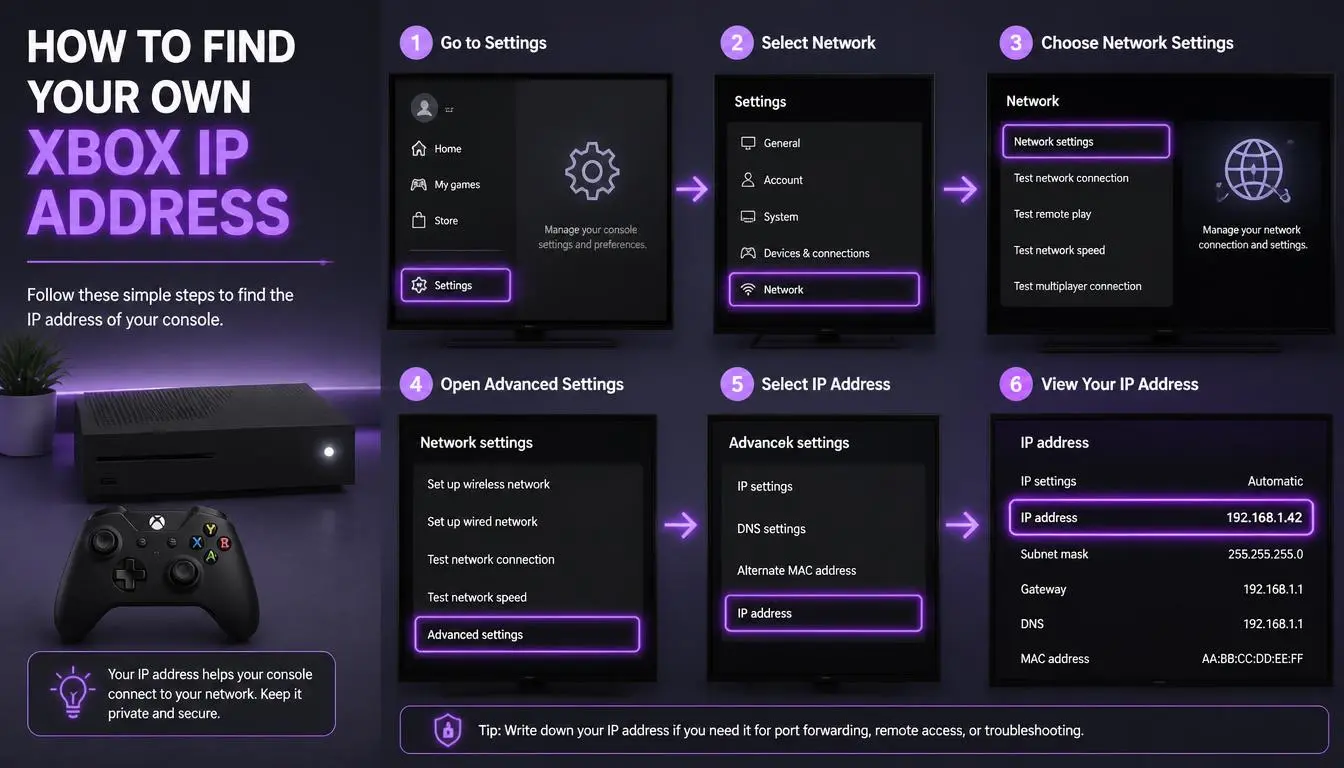
Перевірка власної IP-адреси — перший крок до розуміння вашої вразливості. На Xbox Series X|S:
Натисніть кнопку Xbox, щоб відкрити меню.
Перейдіть до Профіль і система → Налаштування.
Виберіть Загальні → Параметри мережі → Додаткові параметри.
Є одна особливість, яку пропускають більшість гайдів. Адреса, показана тут, — це приватна IP-адреса вашої консолі (часто починається з 192.168), яка існує лише всередині вашої домашньої мережі. Ігри та інші гравці бачать публічну IP-адресувашого роутера, яку консоль не відображає.
Щоб побачити свою публічну IP-адресу, відкрийте браузер на будь-якому пристрої, підключеному до тієї ж мережі, і перевірте її там.
Дізнайтеся, що саме розкриває ваша IP-адреса. Чекер IP CyberYozh показує місцезнаходження, провайдера та рейтинг шахрайства, пов'язані з вашою публічною IP-адресою, а також наявність адреси в чорних списках. Кожна перевірка коштує $0,15.
Як захистити IP-адресу Xbox
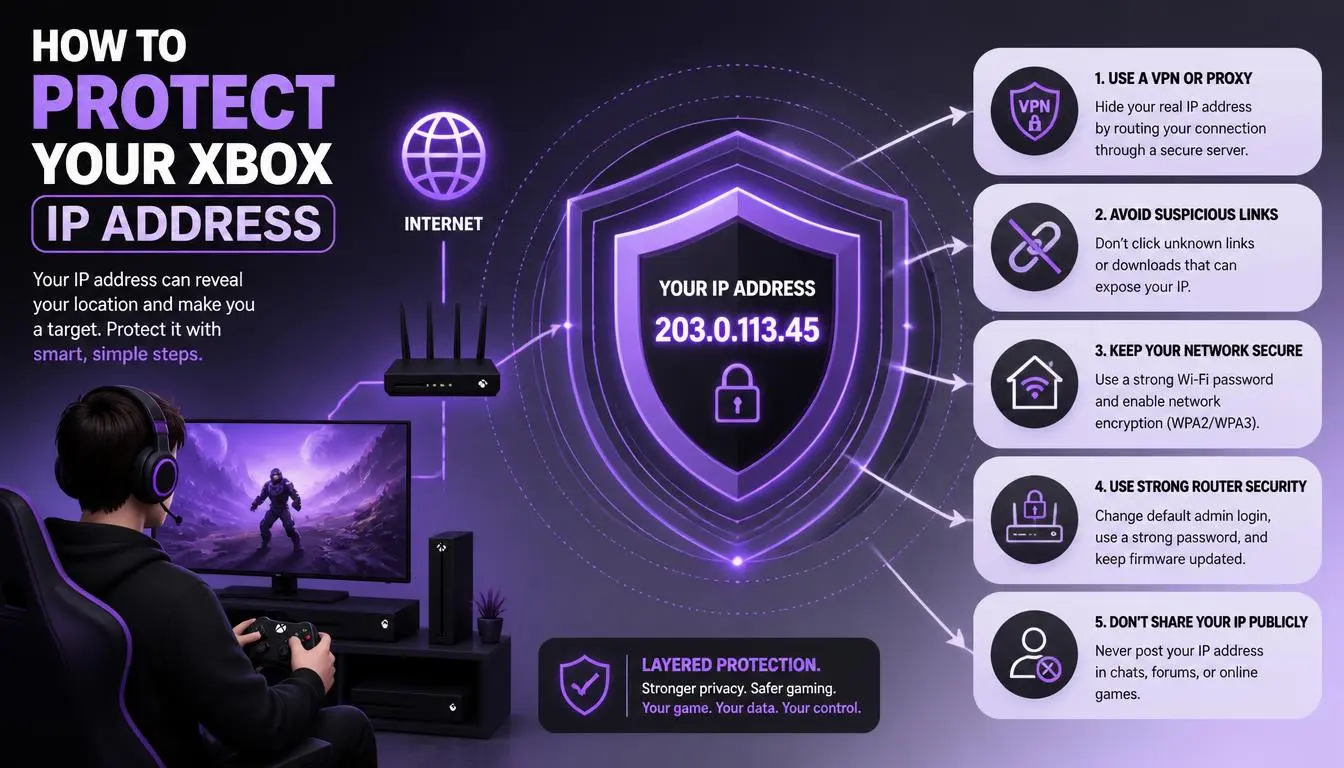
Ви не можете зробити IP-адресу Xbox невидимою, але можете значно ускладнити її перехоплення та зробити набагато менш корисною після перехоплення.
Ведіть розмови в груповому чаті
Груповий чат тепер працює через сервери Microsoft, тому це безпечніше місце для голосового спілкування з незнайомцями. Уникайте приєднання до груп або приватних лобі від гравців, яких ви не знаєте.
Не відкривайте посилання від незнайомців
Відстежувальні посилання працюють на будь-якому пристрої. Якщо гравець, з яким ви щойно познайомилися, надсилає посилання в повідомленнях Xbox або Discord, не відкривайте його. Ця одна звичка блокує найпростіший спосіб перехоплення IP-адреси.
Посильте налаштування конфіденційності
У налаштуваннях конфіденційності Xbox обмежте, хто може надсилати вам повідомлення, запрошувати вас до груп і бачити ваш онлайн-статус. Менше контактів із незнайомцями означає менше шансів перехопити вашу IP-адресу.
Використовуйте VPN або проксі там, де це дійсно допомагає
Консолі Xbox не підтримують додатки VPN і налаштування проксі. Щоб захистити трафік консолі, VPN потрібно налаштувати на роутері, що може збільшити затримку. Для браузингу, Discord і ігор на ПК проксі або VPN приховують вашу домашню IP-адресу за іншою адресою. Наш гайд для новачків щодо приховування IP-адреси пояснює, як це зробити, а наш гайд з вибору між проксі та VPN допоможе вам обрати підходящий варіант.
Порада професіонала: Неправильно налаштовані проксі або VPN все ще можуть розкрити вашу справжню IP через WebRTC або DNS. Наш гайд про ризики безпеки проксі показує, як перевірити наявність витоків.
Де CyberYozh підходить, а де — ні
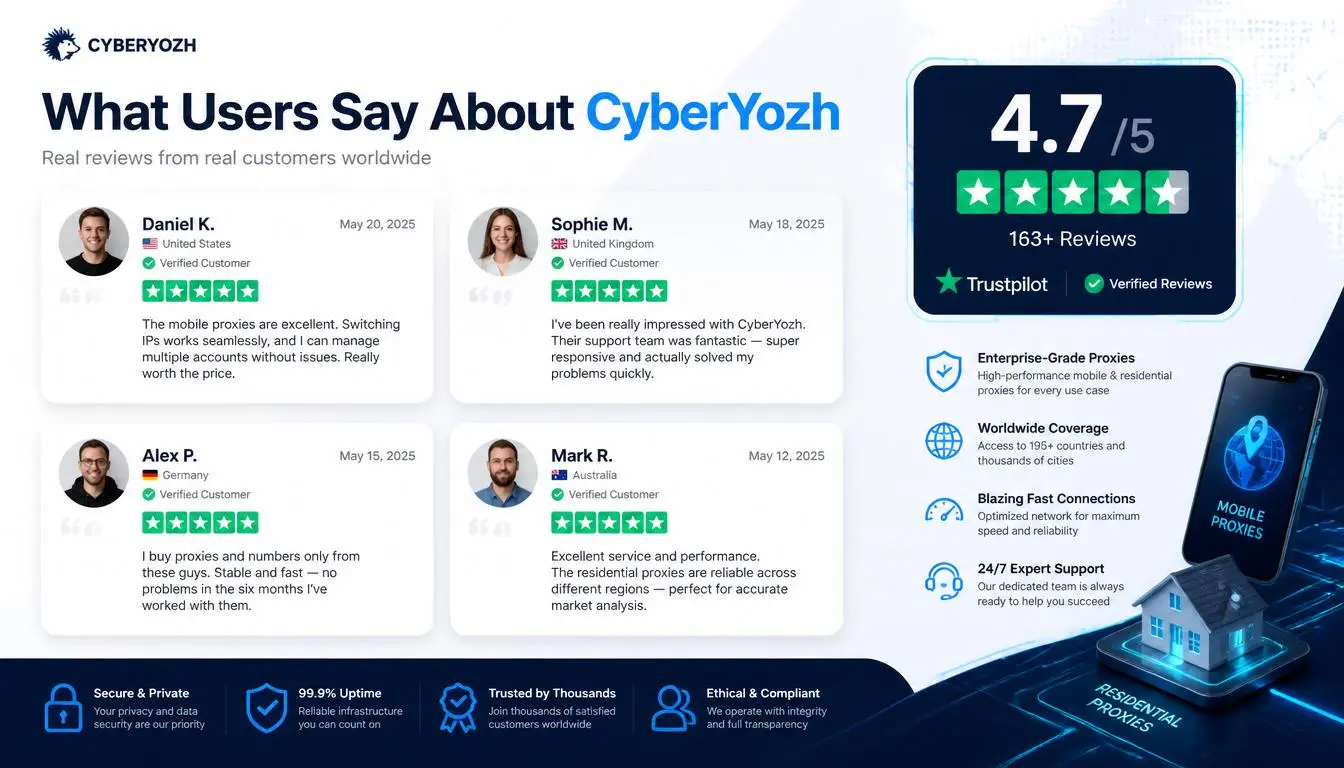
Давайте внесемо ясність: налаштувати проксі-сервіс безпосередньо на консолі Xbox неможливо. CyberYozh корисний для всього, що пов'язано з вашою консоллю, — саме там найчастіше і відбувається розкриття IP.
Завдання | Рішення CyberYozh | Початкова ціна |
Перевірити, що розкриває ваша публічна IP | Чекер IP (посилання вище) | $0,15 за перевірку |
Проксі з низьким пінгом для ігор на ПК | Ігрові проксі з SOCKS5 | Дивіться актуальні тарифи |
Стабільна, фіксована IP для браузингу та акаунтів | $5,29/місяць | |
Пул ротаційних IP | Від $2/ГБ |
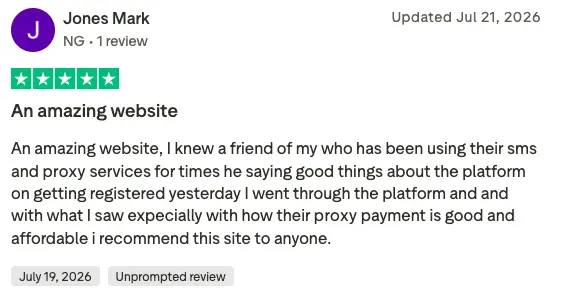
Каталог CyberYozh включає понад 100 мільйонів резидентських IP-адрес у 195+ країнах. Користувачі оцінюють сервіс на 4,6 з 5 («Відмінно») на основі 216 відгуків на Trustpilot.
«Швидкість підключення стабільно висока, а якість IP-адрес на висоті». Роберт, підтверджений рецензент Trustpilot, вересень 2026 р.
Вам загрожують розкриттям IP: що робити далі
Більшість загроз ні до чого не призводять. Якщо загроза переростає в атаку, дійте в такому порядку:
Не вступайте в діалог. Суперечки дають іншому гравцеві ще більше причин довести справу до кінця.
Зафіксуйте докази. Зробіть скріншоти повідомлень і запишіть геймертег, дату та гру.
Заблокуйте і поскаржтеся. У Стандартах спільноти Xbox сказано: «Ми не потерпимо поведінки або контенту, які ставлять під загрозу конфіденційність або безпеку іншого гравця». Поскаржтеся на гравця через його профіль.
Отримайте нову IP-адресу, якщо вас атакували. Перезавантаження роутера іноді призначає нову IP-адресу. Якщо цього не сталося, попросіть провайдера змінити її — це припинить атаку, спрямовану на стару адресу.
Повідомляйте про серйозні атаки. У США подайте скаргу до Центру прийому скарг на інтернет-злочини ФБР на сайті ic3.gov. Зверніться до місцевої поліції, якщо загроза містить згадку про фізичну шкоду.
«Участь у DDoS-атаках і використання DDoS-сервісів незаконні». — ФБР
Підсумок
Програми для отримання IP на Xbox звучать страшніше, ніж є насправді. Ваша IP-адреса не може розкрити адресу вашого будинку чи зламати консоль, а серверний чат Xbox від Microsoft усунув найпоширеніший спосіб її розкриття. Залишайтеся в груповому чаті, ігноруйте посилання від незнайомців і знайте, як отримати нову IP-адресу, якщо загроза стане реальною.
Почніть із того, що можете побачити. Перевірте свою IP-адресу через чекер IP CyberYozh, щоб дізнатися, що можуть з'ясувати інші, а потім порівняйте варіанти проксі CyberYozh для перегляду сайтів і PC-ігор, які ви хочете зберегти приватними.