
Snapchat Device Ban: What SS06 Means & How to Fix It Fast
You opened Snapchat and saw it. "SS06: Device Banned." Not your account. Your actual phone.
So you deleted the app and reinstalled it. Still banned. You created a new account. Banned in seconds. You switched to mobile data. Still banned. That moment when you realise it's not the account, it's the hardware, is genuinely horrible, especially if you use Snapchat for work or rely on it to stay in touch.
A Snapchat device ban is one of the most aggressive enforcement actions the platform takes. This guide explains exactly what SS06 means, what triggers it, how Snapchat's detection actually works under the hood, and what your realistic options are for getting back on the platform.
TLDR: Snapchat device ban
An SS06 device ban is permanent and targets your phone's hardware fingerprint, IMEI, sensors, and MAC address, not just your account, so new accounts on the same device get banned instantly.
Factory resets rarely work on iPhones and only sometimes on Android, because hardware identifiers survive a full reset.
VPNs make things worse; they use data centre IPs that Snapchat already flags; residential or mobile proxies are the correct tool for multi-account management.
The most common triggers are third-party Snapchat apps, running multiple accounts on one device without IP isolation, and inheriting a ban from a second-handphone.
Your only realistic recovery options are a successful appeal, switching to a different device, or, for professional multi-account use, setting up dedicated proxies from day one.
What is a Snapchat device ban & what does SS06 mean
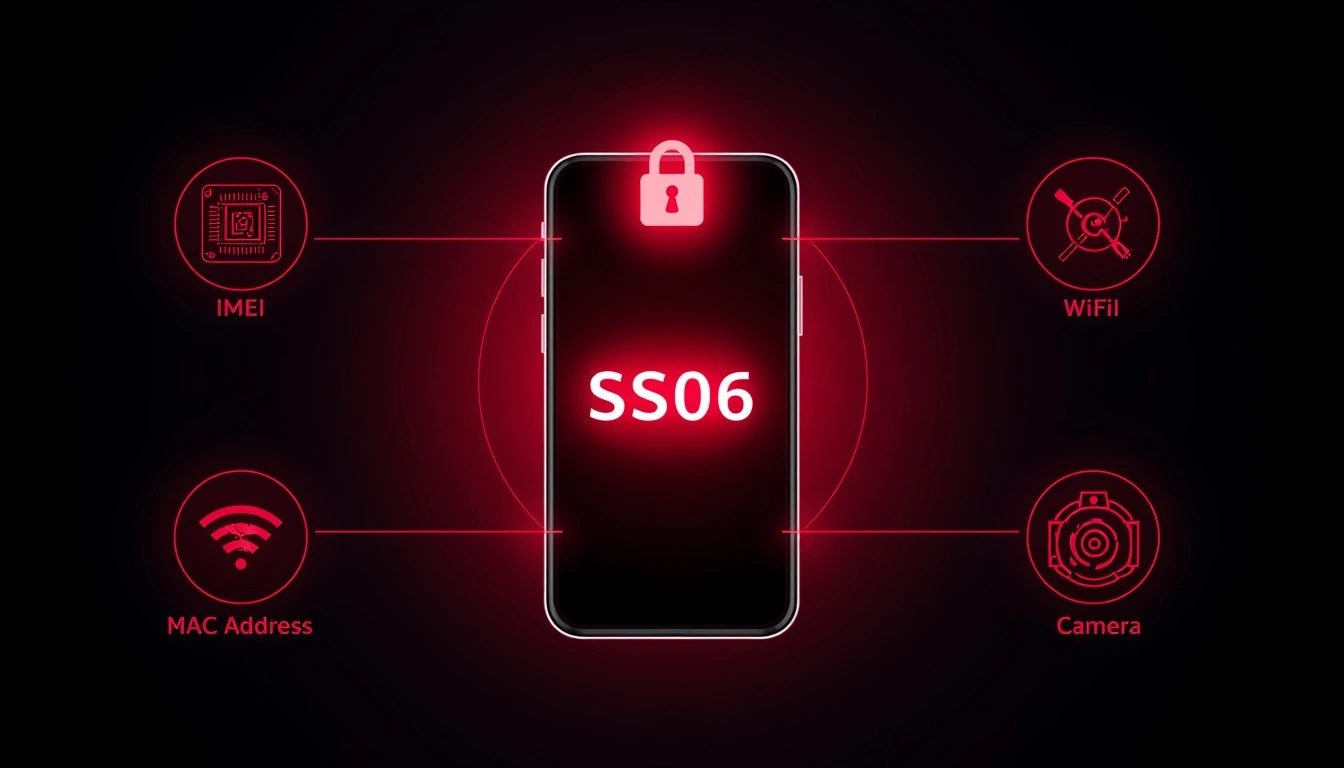
A Snapchat device ban means Snapchat has blocked the physical hardware of your phone or tablet from accessing the app entirely. The error code SS06 is the specific message Snapchat displays when it flags your device for abuse or repeated violations of its Community Guidelines.
Any account you try to create on that device, whether it's a new email, new phone number, or new username, gets blocked immediately.
Think of it this way: it's not that one version of you got banned. It's that your face is now on a list at the door, and no disguise gets you past it.
Snapchat has over 432 million daily active users, and it runs one of the most aggressive ban systems of any major social platform. Its ephemeral content format makes it a frequent target for spammers and abuse, which is exactly why its enforcement system is tuned so aggressively.
SS06 vs SS07 vs SS18: They're not the same thing
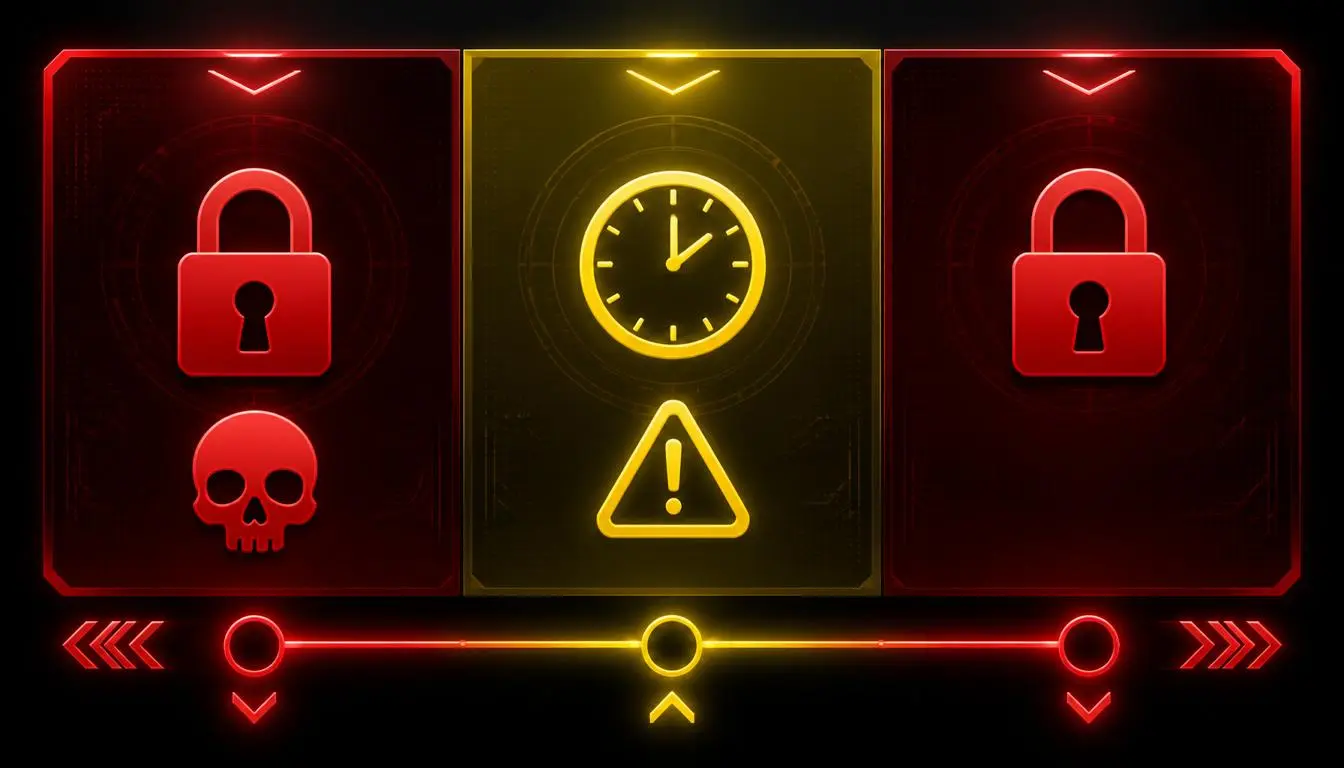
SS06 means your device has been banned due to abuse or a serious violation of Snapchat's Community Guidelines. This is the most severe device-level ban. It's permanent by default and doesn't expire on its own.
SS07 means too many accounts have been associated with your device. This is specifically triggered by running multiple accounts from the same hardware without proper separation. It's a softer signal, and it's sometimes reversible through an appeal.
SS18 works similarly to SS06 and also indicates a device-level ban. Some users report it appearing for less severe violations than SS06, but practically speaking, both result in the same outcome. All accounts on that device are blocked.
If you're seeing SS07, your chances of a successful appeal are meaningfully better. If you're seeing SS06 or SS18, you're dealing with something more serious. Don't waste time trying account-level fixes; the ban is on the hardware itself.
How Snapchat's device fingerprinting actually works
Snapchat doesn't just track your IP address or your account username. It builds a detailed device fingerprint, a unique digital ID made up of dozens of data points collected from your phone. According to technical research and Snapchat's own enforcement documentation, this fingerprint includes:
Your IMEI number (the unique identifier assigned to every mobile device by its manufacturer; this can't be changed by reinstalling apps or factory resets on most phones)
Your device model, manufacturer, and screen resolution
Hardware sensors including the accelerometer, gyroscope, and camera
Your Wi-Fi MAC address and carrier information
Your battery status and OS version
When Snapchat bans a device, it records the full fingerprint, not just the IMEI. So even if you factory reset the phone, many of these identifiers remain unchanged. Snapchat sees the same hardware it already flagged.
This is why reinstalling the app does nothing. It's why switching accounts does nothing. The ban is tied to what your phone fundamentally is, not to the account it's logged into.
["Snapchat's official Community Guidelines enforcement policy"]
Does factory resetting remove a Snapchat device ban
Sometimes, but rarely, and it depends heavily on the device. A factory reset clears software-level identifiers like cached tokens and app data. But hardware identifiers like IMEI numbers, MAC addresses, and sensor signatures are completely preserved after a factory reset.
On Android phones, a factory reset has a slightly better chance of clearing enough identifiers to get past the ban, particularly on older devices with less aggressive hardware-level fingerprinting. On iPhones, it rarely works. Apple's hardware ID system is tightly locked, and Snapchat's detection picks it back up almost immediately.
What triggers a Snapchat device ban
A device ban doesn't happen from one small mistake. It's almost always the result of a pattern of behaviour that Snapchat's system identifies as abusive.
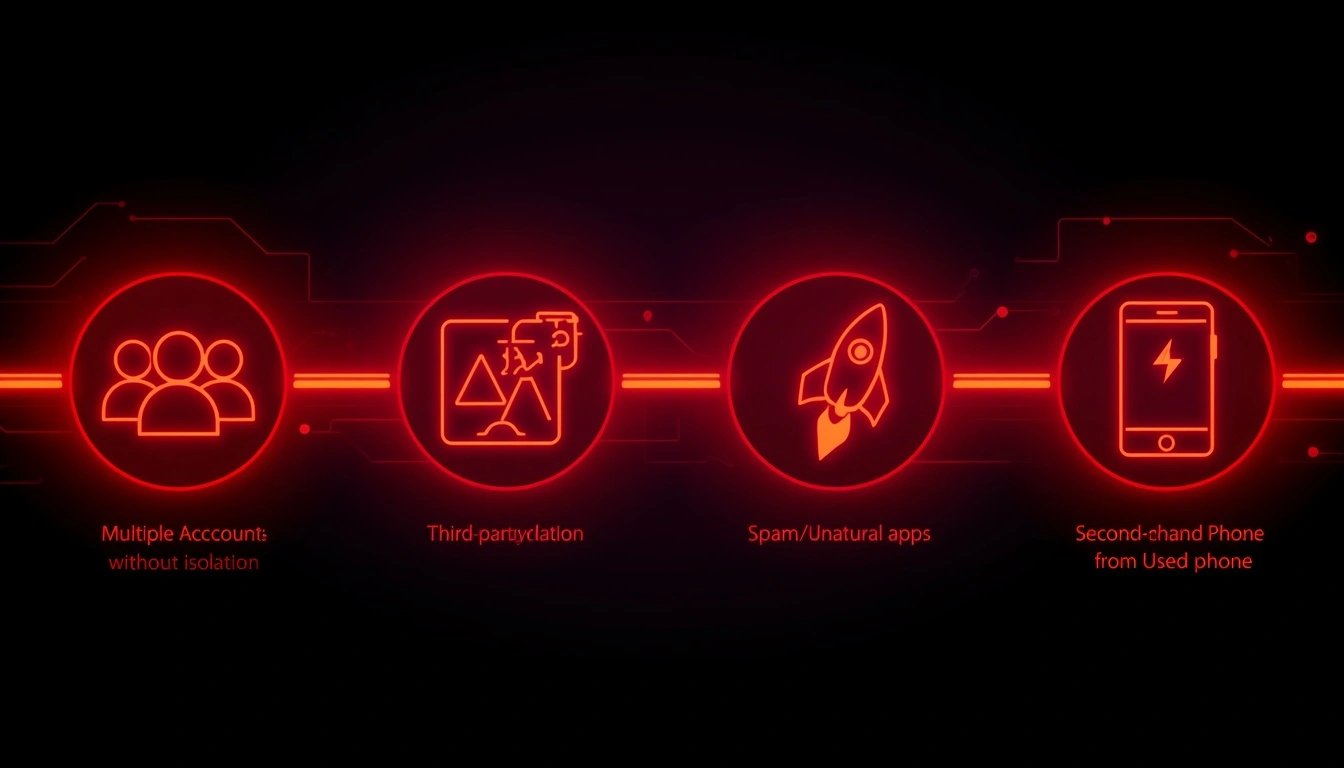
Running multiple accounts without isolation. This is the most common cause for marketers and social media managers. Snapchat is designed for one account per person. When multiple accounts, especially previously flagged ones, all log in from the same hardware, Snapchat connects the dots. It's not that multiple accounts are inherently banned; it's that sharing a device fingerprint across accounts creates a link Snapchat treats as suspicious.
Third-party or modified apps. Any unofficial version of Snapchat- Snapchat++, GhostCodes, plugins, automation scripts- triggers detection almost immediately. Snapchat actively scans for non-native app behaviour. When it finds it, the device behind it gets flagged.
Spam and unnatural activity. Mass-adding strangers, sending bulk messages, following people at inhuman speeds, or rapidly sending the same message to dozens of accounts all pattern-match bot behaviour in Snapchat's system.
Inherited bans from used phones. This catches a lot of people completely off-guard. If you bought a refurbished or second-hand phone, the device's hardware identifiers may already be on Snapchat's banned list due to the previous owner's actions. You didn't do anything wrong, but the phone carries the history of its past owner's behaviour.
One community on XDA Forums documented several cases in which users discovered their "new" second-hand device was already banned before they even created an account. The advice there is consistent: always create a test Snapchat account before completing a used phone purchase.
Can using a VPN get your device banned on Snapchat
Using a VPN won't directly cause a device ban, but it can definitely accelerate one or cause a network block that gets misread as a device ban. Here's why: most consumer VPNs route your traffic through data centre IP addresses. Snapchat knows these IP ranges well, and it treats logins from data centre IPs as suspicious, especially when multiple accounts appear from the same IP block.
Snapchat's own support documentation explicitly states that "using a VPN (virtual private network)" is one reason a network may be blocked. The fix isn't to hide your IP with a VPN; it's to make your IP appear to be a genuine home or mobile connection. That means residential or mobile proxies, not VPNs.
[ "Read about the difference between VPNs vs proxies"]
How long does a Snapchat device ban last
An SS06 Snapchat device ban is permanent. It doesn't have a timer. It doesn't expire after 30 days. It doesn't lift when you reinstall the app or restart your phone.
Snapchat's official support page states clearly: "In most other cases, we don't unban a device, even if you just bought the phone or it's a refurbished/used device."
That's a direct quote from Snapchat itself. They're not leaving wiggle room.
The only exception: if you can prove through an appeal that the ban was a mistake, for example, an inherited ban from a second-hand device, or a false positive on an account that never actually violated any guidelines. Even then, success rates are low.
Temporary Snapchat bans work differently; they're account-level restrictions that last anywhere from 24 hours to 30 days for minor violations. If you can still access your account but certain features are limited, that's a temporary restriction rather than a device ban.
How to get unbanned on Snapchat: Realistic options
Here's the honest version, not the "10 magic tips" list you find everywhere else.
Option 1: Submit an appeal first:
Open Snapchat, try to log in, and look for an "Appeal Decision" option on the screen.
If it's there, use it. Write a clear, honest explanation, especially if you believe the ban was a mistake or if you bought the phone second-hand.
Keep it factual. Emotional appeals don't move automated review systems.
If there's no appeal option visible in the app, go to “Snapchat Help” and file a support request directly. This is slower but sometimes surfaces options the in-app flow doesn't.
Option 2: Switch devices:
This is the most reliable path.
The ban is tied to your hardware; a completely different phone resolves it immediately.
If you can borrow a device, test it with a fresh account before spending money on a new one.
Option 3: Samsung dual messenger workaround
One method that some Android users, particularly on Samsung devices, have reported success with is using the built-in "Dual Messenger" or "Dual Apps" feature.
This creates a second, isolated instance of the Snapchat app with slightly different app-level identifiers.
It doesn't work for everyone, and it's not guaranteed, but it costs nothing to try before buying a new phone.
Option 4: Residential or mobile proxies for multi-account users:
If the reason you got banned was running multiple accounts and you need to keep running them for your work, the solution isn't a different device.
It's proper network isolation.
Each account needs to come from a different, real-looking IP address.
"Explore mobile proxies for Snapchat multi-account management" → mobile proxies product page
Why proxies are the practical fix for Snapchat multi-account bans
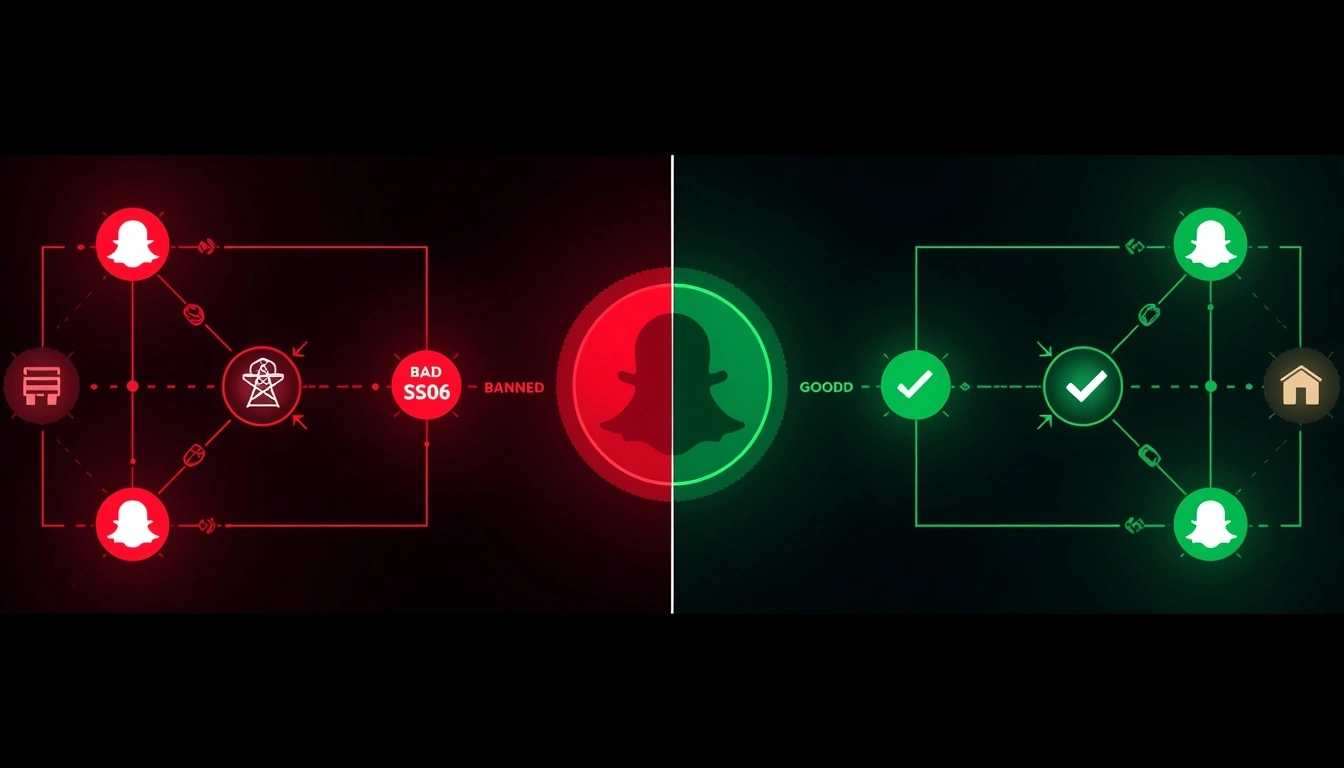
Here's the situation most social media managers and digital marketers find themselves in: they're running Snapchat accounts for multiple clients, or managing a network of brand accounts, and Snapchat starts linking them, then banning them, because they all share the same network fingerprint.
The problem isn't the accounts. It's the shared IP.
Every account that comes from the same IP address appears to be connected to Snapchat. And once one of those accounts trips a ban, the others follow. The only real solution is genuine network-level isolation, one clean, real-looking IP per account.
That's exactly where CyberYozh's mobile and residential proxies come in. Specifically for Snapchat:
Real LTE/5G Mobile proxies through real carrier IPs look identical to a normal Snapchat user browsing on their phone. These are the hardest connection type for Snapchat to flag, because they genuinely match what the majority of Snapchat's user base looks like from a network perspective.
Residential proxies route each account session through a real home internet address, the kind assigned to actual households by ISPs. Snapchat's detection system reads these the same way it reads any genuine user connection.
What you won't get with CyberYozh's proxies:
Recycled IPs from pools that Snapchat already has blocked
Data centre addresses that Snapchat immediately flags
Shared pool connections where someone else's bad behaviour infects your session
Trustpilot Reviews
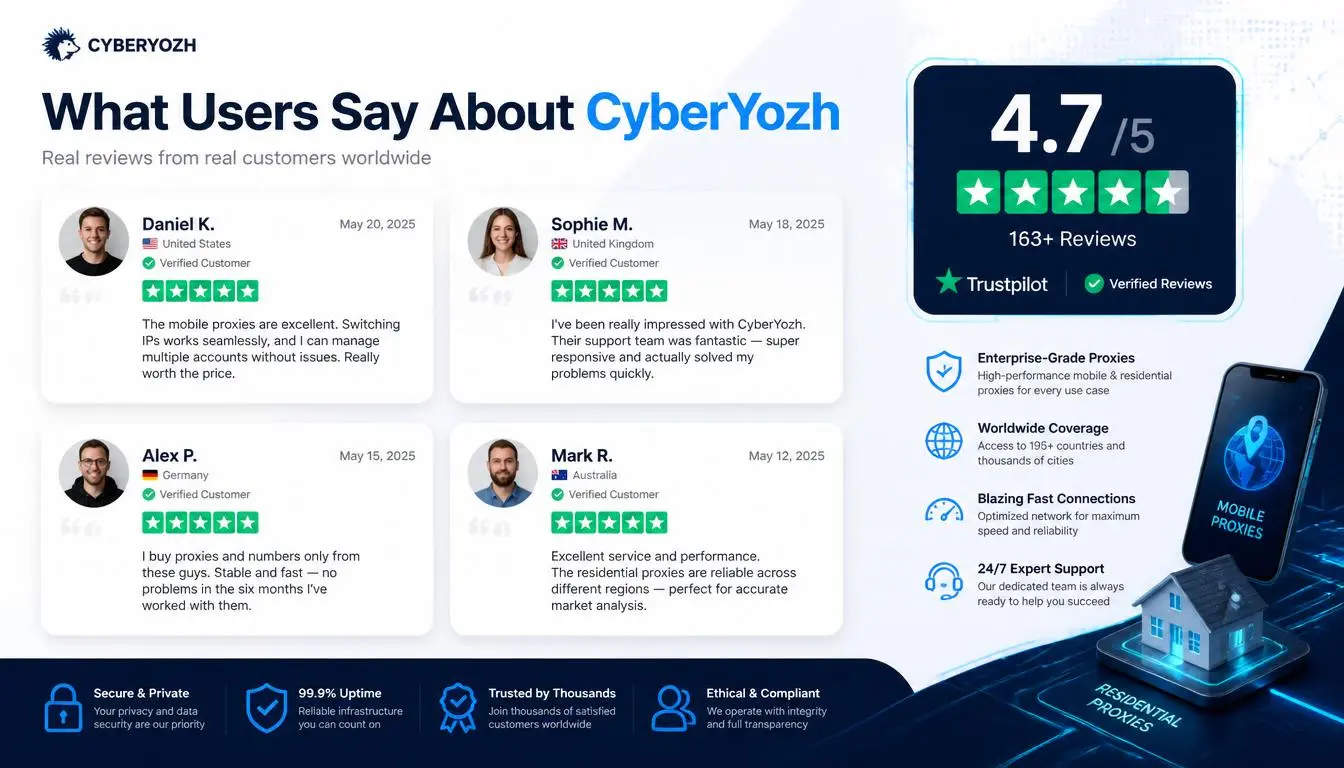
★★★★★ Verified Customer — "I bought a mobile proxy. The speeds are fast, connections stay stable, and the IP rotation works perfectly for my needs. Setup was simple, and their support team responded quickly when I had a small question. The IP resolution is quite clean, and proactively rotates the proxy. It is for experience..”
★★★★★ Verified Customer — "I have been using their mobile proxy service, especially Verizon mobile proxies, and I am very happy with the experience. The proxies provide excellent stability and very high speed... their Verizon mobile proxies are a great choice for anyone who needs stable, fast, and reliable mobile proxies."
CyberYozh's mobile and residential proxy plans start at competitive pricing with no long-term commitment needed.
Explore CyberYozh proxy pricing and plans → pricing page.
Check if your IP address is authentic with CyberYozh's fraud score feature → IP address
How to prevent a Snapchat device ban before it happens
The single best thing you can do is understand what Snapchat's system is watching for, and make sure you don't pattern-match to it.
Isolate every account at the network level. If you manage more than one Snapchat account, each one needs its own IP address. Not a shared VPN, a dedicated residential or mobile proxy per account. This is the non-negotiable foundation of professional multi-account management.
Never use third-party Snapchat apps. The "extra features" aren't worth the ban. Stick to the official app on the App Store or Google Play, always updated to the latest version.
Test second-hand phones before buying. Create a fresh Snapchat account on the device before completing the purchase. If it is flagged immediately or shows an SS06 error, the device has a ban history associated with its hardware. Walk away.
Warm up new accounts slowly, especially on devices that have had any prior enforcement activity. Don't immediately start adding large numbers of people or posting heavily. Give new accounts 72 hours of light, natural-looking activity before scaling up.
Keep action rates human. Sending 100 friend requests in 10 minutes looks like automation to Snapchat's system, because it is. Space out your actions the way a real person would.
["Snapchat Terms of Service on third-party apps and automation"]
Key takeaways
SS06 is a permanent hardware ban. It targets your phone's device fingerprint, including IMEI and sensor data, not just your account. New accounts on the same device get banned immediately.
VPNs don't fix device bans and can make network bans worse. Residential or mobile proxies are the right tool for multi-account Snapchat management.
Prevention is far cheaper than recovery. Test used phones before buying, isolate accounts with clean IPs, and keep your activity patterns within human-looking limits from day one.
If you're managing Snapchat professionally, the right infrastructure from the start costs less, in time and money, than dealing with cascading device bans later.
"Set up CyberYozh proxies for social media management"