
8 Best proxy web browsers for privacy, multi-accounting, and scraping in 2026
A proxy web browser routes your traffic through an intermediary server, masking your IP and unlocking geo-restricted content. Some are built for everyday browsing without revealing your real IP, while others are designed for professional multi-accounting and scraping.
Whether you need a free proxy browser for personal use, or the best proxy browser for managing multiple accounts, choosing wisely matters.
In this guide, you will find the 8 best proxy web browsers for 2026, including free and paid options, how to choose residential and mobile proxies for personal and professional use, and how to set up a proxy in any browser for daily browsing, account management, and scraping.
TL;DR
The best web proxy browser depends on the task: Firefox for everyday use, Dolphin Anty for multi-accounting and teamwork, and Octo Browser for automation and scraping. Proxy extensions suit quick checks from another country.
The proxy matters more than the browser. Platforms check the IP first, so pick the proxy type for the task first, then the browser.
For multi-accounting and teams, antidetect browsers give every profile its own proxy, cookies and fingerprint.
Before you log in: check the IP and location, run DNS and WebRTC leak tests, match the profile’s timezone and language to the proxy, and check the IP’s reputation.
What is a proxy web browser
A proxy browser is a browser that sends your traffic through a proxy server, so websites see the proxy’s IP address instead of yours. Some also isolate cookies and browser fingerprints, so each session looks like a separate user.
The term “proxy web browser” covers three types:
Standard browsers with native proxy support: Firefox offers independent proxy settings, isolating proxy usage to that browser alone. Chrome, Edge, and Safari rely on system-wide proxy settings, so the proxy applies to other apps too.
Antidetect browsers: These isolate cookies, fingerprints, and proxy settings per profile, making each session appear as a distinct real device. They are built for multi-account management, affiliate work, and scraping at scale.
Browsers plus proxy extensions: Extensions like FoxyProxy or ZeroOmega let you switch proxy profiles quickly per tab or URL pattern. They are convenient for lightweight routing and suit testers, marketers and anyone who changes proxies often.
How is a proxy web browser different from a VPN? A proxy typically covers only the traffic of the browser or app it is set up in and doesn’t encrypt it by default. A VPN routes and encrypts traffic for the whole device.
Learn more about unblocked browser types and safe setup tips.
For professional tasks, the browser matters less than the proxy. A good antidetect browser keeps your profiles separate, but every platform still sees the IP first.
Mobile LTE/5G proxies by CyberYozh App start at $3.5/day with unlimited traffic, a dedicated channel, and manual or API IP change.
8 Best proxy web browsers for 2026
Below, we prepared a list of proxy web browsers for every task, from everyday privacy and light geo checks to scalable multi-accounting and automation. All browsers fall into three groups: standard browsers with built-in proxy settings, antidetect browsers, and proxy extensions.
Browser | Price | Best for | Proxy support | Automation / API |
|---|---|---|---|---|
Firefox | Free | Everyday browsing and geo checks | HTTP, HTTPS, SOCKS4/5 | None built in |
Chrome | Free | General browsing and business use | OS-level proxy settings | None built in |
GoLogin | Free (3 profiles); from $9/month | Multi-accounting on a budget | HTTP, HTTPS, SOCKS5 | Cloud profiles; API and SDK; Puppeteer, Playwright, Selenium |
Dolphin Anty | Free (3 profiles); from $10/month | Social media, affiliate marketing and teams | HTTP, HTTPS, SOCKS4/5 | Automation, team sharing, multi-profile actions |
Octo Browser | From €10/month; API plans from €79/month | API-driven multi-account automation | HTTP, SOCKS5 | API, bulk profiles, Playwright, Puppeteer, Selenium and CDP automation |
FoxyProxy | Free; proxy service sold separately | Frequent proxy switching and URL-based rules | HTTP, HTTPS, SOCKS4/5 | None; URL-based rules switch proxies automatically |
ZeroOmega | Free, open-source | Custom proxy rules and switching | HTTP, HTTPS, SOCKS5 | None; rule-based auto-switching |
CyberYozh App Extension | Free; proxies charged according to CyberYozh App plans | Managing CyberYozh App proxies | CyberYozh App proxies | One-click mobile IP change; bulk credential generation |
Standard browsers with built-in proxy settings
Firefox: own proxy settings
Firefox is one of the top proxy web browsers for everyday use. It has its own proxy settings you can enter manually, or use the system settings. Ticking “Proxy DNS when using SOCKS v5” sends DNS requests through the proxy.
Useful for: accessing region-locked sites or separating work browsing from personal browsing; testing SOCKS5 with proxy-side DNS.
Trade-offs: no multiple profiles available – you need to manually change proxy settings.
Chrome: OS-level proxy settings
Chrome and Edge have no proxy settings of their own—clicking "proxy settings" just opens your computer's system proxy panel. Whatever you set there applies to the browser and every other app on your machine.
Useful for: Unblocking a site that's blocked on their office or school network; default in offices where IT manages everything. Suitable for quick tests – a single command-line flag can launch Chrome through a proxy.
Trade-offs: Everything on your computer goes through the proxy IP. For regular users, the system proxy panel can be confusing.
See our guide to best unblocked web browsers to restore access to blocked websites.
Blocked on a social media platform? Read our guides to unblock Onlyfans and get unbanned from Snapchat.
Antidetect browsers for managing multiple profiles and scraping
GoLogin: universal, budget-friendly solution
GoLogin is a popular antidetect browser that covers the basics well. It has solid fingerprint masking, a simple interface, and Android cloud phones for mobile-first workflows. You can use its own residential, mobile, and datacenter proxies or connect a third-party provider. Its free plan includes 3 profiles, while paid plans add more profiles and API access.
Useful for: Freelancers and agencies running up to 100 accounts, such as client ad accounts or several Instagram and TikTok profiles, who want a low-cost start.
Tradeoffs: Profiles sync through GoLogin's cloud, and its custom browser build can fall behind the latest Chrome version—something strict sites may notice.
Proxy support: Any HTTP/HTTPS or SOCKS5 proxy.
See how to unblock a proxy if it stopped working.
Dolphin Anty: for social media and affiliate workflows
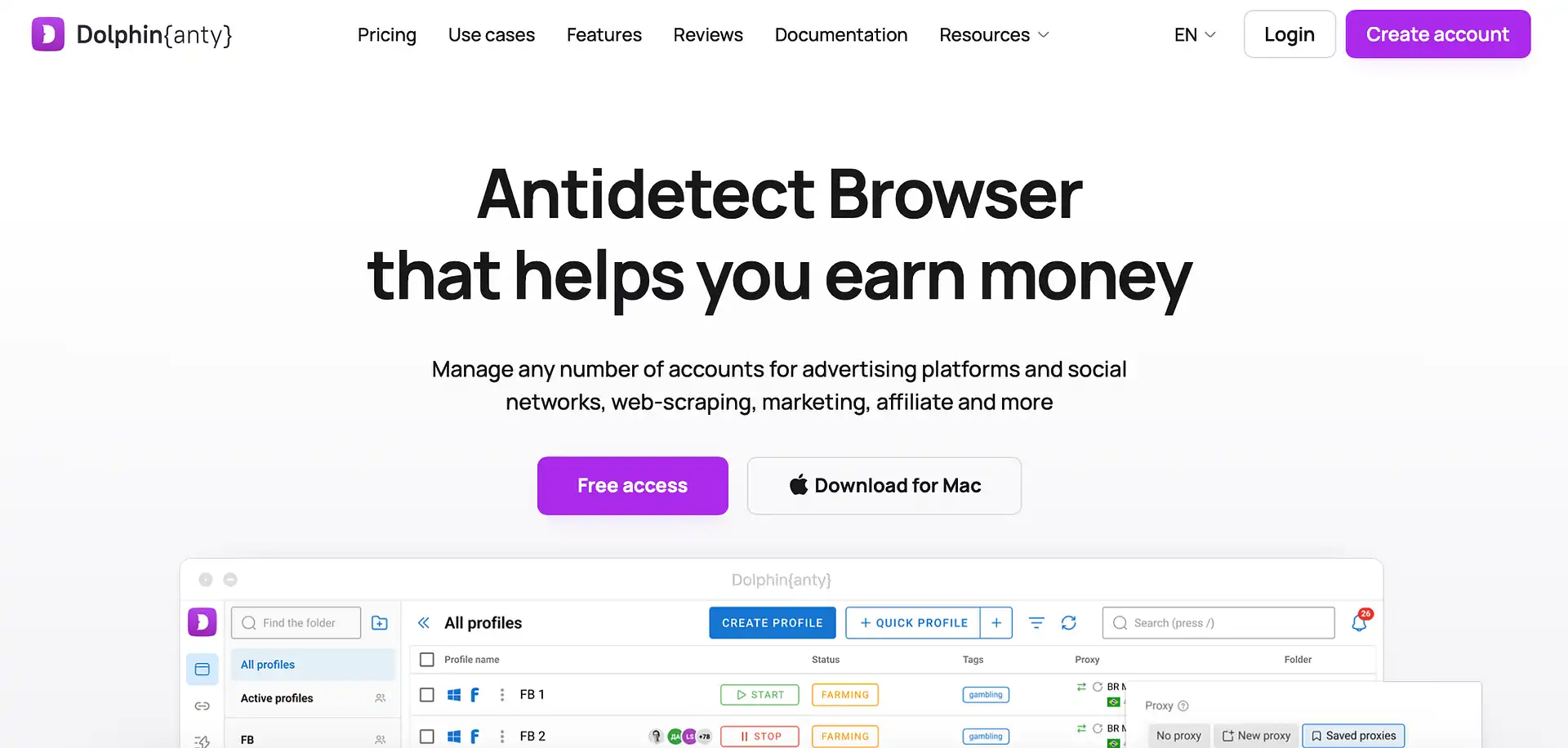
Dolphin Anty is a multi-account browser that leans into teamwork: shared profiles, recorded action scenarios, and scripts that run across many profiles at once. It's popular among affiliate and social media managers.
Useful for: Small teams and affiliate marketers juggling many social media accounts; the free plan with 3 profiles is enough to judge whether the workflow fits.
Tradeoffs: Web automation requires manual setup, and the scenario builder won't cover complex custom tasks — expect to script the hard parts yourself.
Proxy support: HTTP, HTTPS, SOCKS5, and SOCKS4, with quick per-profile proxy switching.
Octo Browser: for API-driven automation
Octo Browser offers granular fingerprint control and direct Puppeteer/Playwright support. The Proxy Manager lets you save connections and assign them to profiles without entering credentials repeatedly.
Useful for: Developers who build scrapers, and operators who run large numbers of accounts, such as a farm of marketplace or social profiles.
Tradeoffs: Steeper learning curve, no free plan, and thin team features — it's built for individuals, not collaboration.
Proxy support: HTTP, HTTPS, SOCKS5, SSH, and IPv6, with a saved proxy list for one-click assignment.
Proxy extensions for Chrome and Firefox
FoxyProxy: free switcher with website rules
FoxyProxy is a free, open-source proxy web browser extension for Chrome and Firefox. It can switch your connection automatically by website, tab or container (in Firefox). It needs no paid account, and you set up your own proxies.
Useful for: SEO specialists checking search results in several countries; travel booking; ad managers testing campaigns.
Tradeoffs: Your browser fingerprint looks the same on every site – not suitable for running multiple accounts; no built-in proxies.
Proxy support: HTTP, HTTPS, SOCKS4 and SOCKS5 proxies.
ZeroOmega: free switcher with custom rules
ZeroOmega (also called Proxy SwitchyOmega 3) is an open-source extension that lets you create several proxy profiles and set URL-based rules for switching between them. Chosen websites automatically go through the proxy you pick.
Useful for: market researchers and e-commerce sellers who open the same few sites through the same proxies every day.
Tradeoffs: setup takes longer than a one-click switcher. Install it only from the official store page.
Proxy support: HTTP, HTTPS, SOCKS4 and SOCKS5 proxies, with login.
CyberYozh App Extension: manage your CyberYozh App proxies
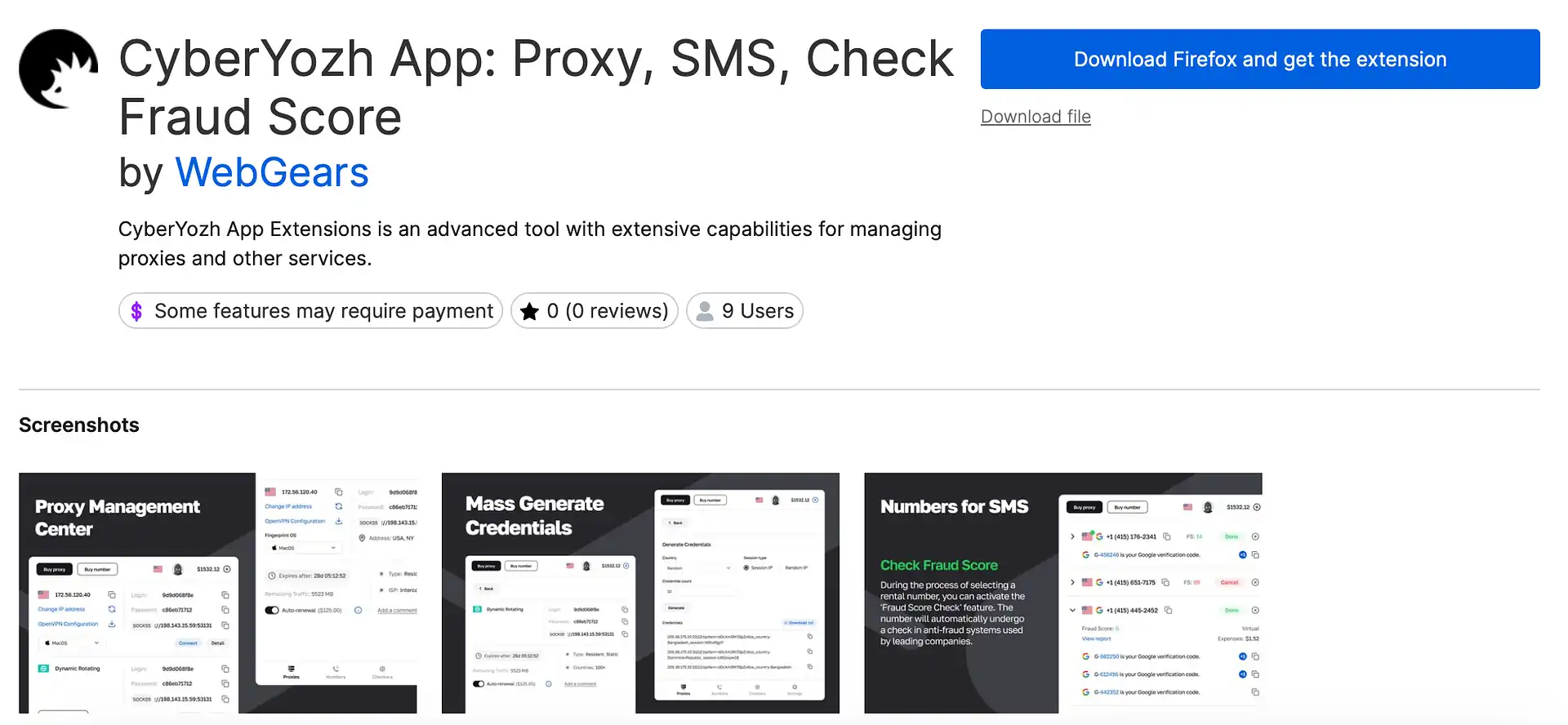
The CyberYozh App Extension for Chrome and Firefox puts your CyberYozh App purchases in the browser toolbar. You can manage proxies, change a mobile IP in one click and check IPs, phone numbers, emails and payment data for Fraud Score.
Useful for: social media managers, ad buyers and freelancers who handle several proxies, or need a fresh mobile IP between accounts. It can generate hundreds of logins for antidetect browser profiles.
Tradeoffs: works with CyberYozh App proxies.
Proxy support: CyberYozh App mobile (4G/LTE and 5G) and residential proxies, static and rotating.
Learn how to set up a proxy in the CyberYozh App extension step by step.
How to choose the right proxy browser
Start with the job, then pick the tool and the proxy type that goes with it.
If you need | Pick | Pair it with |
|---|---|---|
Everyday privacy and geo checks | Firefox | A single residential proxy |
Seeing a site as if you were in another country (prices, booking, region-locked content) | FoxyProxy; ZeroOmega | Residential proxy from the country you need |
Multi-accounting on a budget | GoLogin | ISP static for accounts, mobile LTE/5G for strict platforms |
Team workflows | Dolphin Anty | ISP static, one fixed IP per shared profile |
Automation and scraping | Octo Browser | Rotating residential, or mobile proxies for Google |
Why the proxy matters more than the browser
A regular browser or antidetect browser controls what a site sees about your device. The proxy controls what it sees about your connection, and the IP is the first thing a platform checks. A clean profile on a flagged datacenter IP still looks like a flagged datacenter IP. So choose the proxy by task first, then the browser:
Mobile LTE/5G: accounts on platforms that are strict about trust, such as Instagram, TikTok, Facebook and Meta ad accounts, X, and ticketing or sneaker sites. Many sites treat mobile carrier IPs as high-trust.
Static ISP: accounts you keep for months: client ad accounts, Amazon or Etsy seller accounts, and dashboards you log into every day. Each profile keeps one fixed IP.
Rotating residential: work that doesn’t need a login: price monitoring on Amazon or Walmart, SERP tracking, ad verification, and checking geo-restricted content in many countries.
Datacenter: speed-critical tasks on low-protection targets, like public directories and bulk checks. Skip it for social and ad accounts – many platforms flag server IPs.
Pick the right proxy for your task in the CyberYozh App catalog
Run IP Fraud Score check before running traffic
Need scraping, not manual browsing? Yozh Scraper is a free, open-source scraping tool from CyberYozh App. It has ready-made presets for Amazon, eBay, Walmart and Google, returns structured JSON and works with AI agents through MCP.
Why use CyberYozh App proxies with your browser
A browser keeps your profiles apart, but the IP decides how each platform treats them. CyberYozh App gives you the proxy types these workflows need, a 100M+ IP pool across 195+ countries, and tools to check an IP before you use it:
100M+ IPs across 195+ countries, with city- and ZIP-level targeting for local results.
Mobile LTE/5G proxies with unlimited traffic from $1.7/day.
Android cloud phones for multi-account operations with one proxy for account.
Sticky sessions up to 24 hours and flexible IP rotation.
API access and integrations with Playwright, Puppeteer, Scrapy, Postman, and Selenium.
HTTP, HTTPS,SOCKS5, and UDP support.
Fraud Score checks to assess IP reputation before use.
24/7 support in 7 languages via Telegram and email.
Need proxies from a specific country? See US proxies, Australia proxies, Europe proxies, Germany proxies, and 195+ more locations.
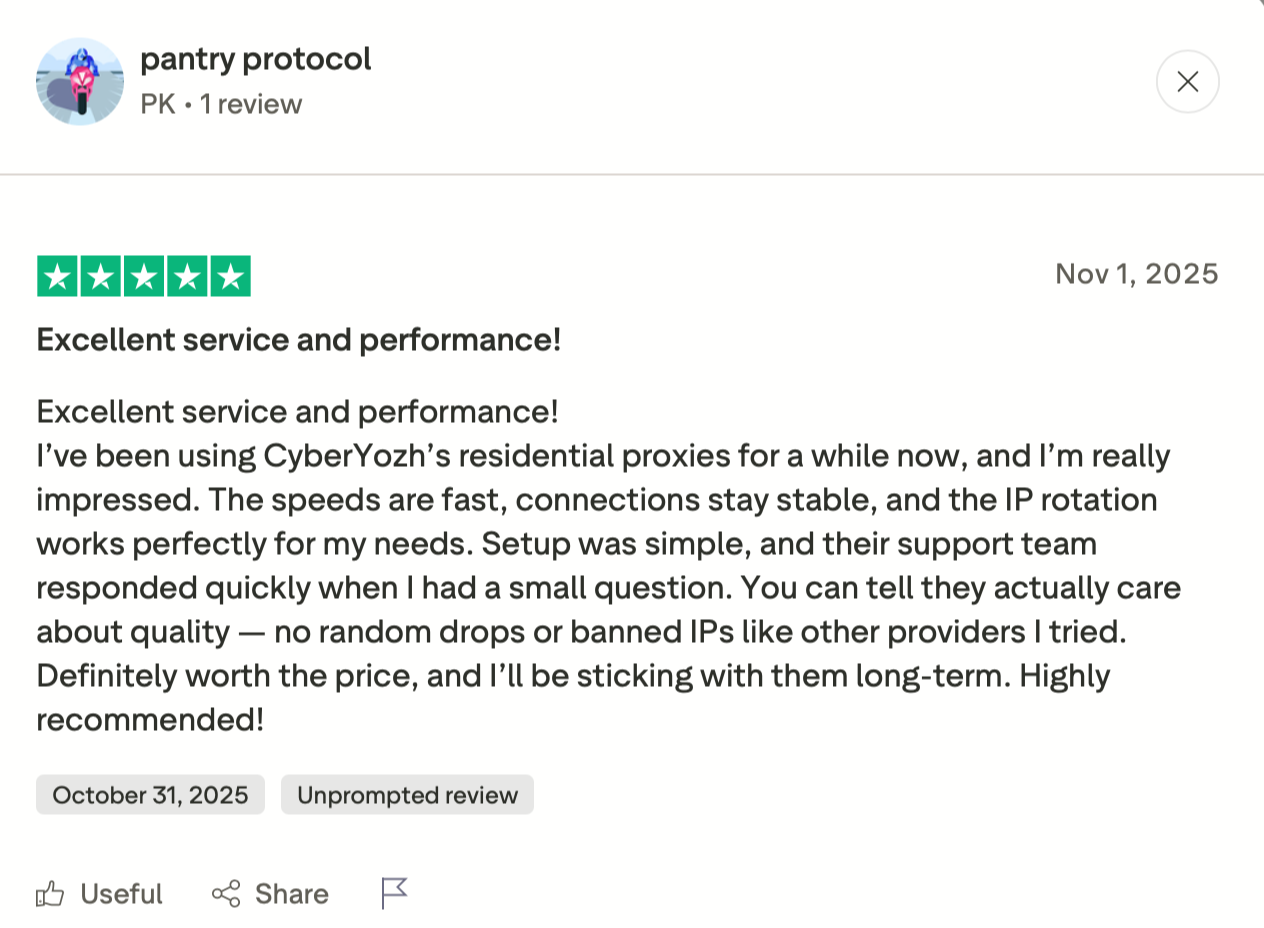
What clients say about us on Trustpilot
Get residential proxies for accounts from $5.29/month
How to set up a proxy in your browser
For CyberYozh App proxies, purchase a proxy to get a host, port, username and password. Then:
Firefox. Open Settings → General → Network Settings and choose Manual proxy configuration. Enter the host and port, and tick “Proxy DNS when using SOCKS v5”.
Chrome. Chrome uses your operating system’s proxy settings, so set the proxy there. To apply it to one browser instance only, launch Chrome with the --proxy-server flag. If your proxy needs a username and password, use its HTTP version.
Antidetect browser. Create a profile, choose the proxy type, enter the host, port and login in the profile’s proxy field, and save. Each profile gets its own proxy. Read how to set up a proxy in every antidetect browser.
Test before you log in anywhere:
IP and location: ipinfo.io should show the proxy’s IP and country.
DNS and WebRTC leaks: run ipleak.net. Your real IP shouldn’t appear anywhere.
Timezone and language: both should match the IP’s location.
IP reputation: run a Fraud Score check on the IP.